
The best project portfolio management software in 2026

Key Takeaways
PPM software answers different questions than a project management tool: It shows whether you're running the right projects and whether you have the capacity to deliver them.
Teams on Jira have two native options on this list: Structure PPM builds portfolio views from live Jira data. Every other tool relies on a sync with Jira.
Pricing transparency varies across these tools: Planview and Workfront require a sales call before you see a number. Structure PPM publishes per-user rates on the Atlassian Marketplace.
Running multiple projects without dedicated PPM software turns every status meeting into a reconstruction exercise. Jira holds the execution data. Your budget model lives in spreadsheets, and a slide deck captures the portfolio as of the last time you compiled it.
That reconstruction has a price. An enterprise with $880M in strategic spend loses $260 million a year to misaligned work, according to the 2026 State of SPM (where we surveyed 667 planning and PMO leaders across 43 countries). At portfolio-mature companies, 81% of projects deliver measurable ROI or strategic value. At companies still running the reconstruction exercise, that share falls to 45%.
Dedicated PPM software exists to make that reconstruction unnecessary. What it does, and how well, depends on where your organization works and how your portfolio is structured.
What is project portfolio management software?
Project portfolio management (PPM) software consolidates your active portfolio into one live view. It shows you whether the portfolio as a whole is aligned to strategy and whether your resources are allocated to the right work.
A project management tool tracks one initiative. PPM software tracks the whole portfolio and answers the questions individual tools can't: whether you're running the right projects and whether you have the capacity to deliver them.
PPM software typically covers five functions:
# | Stage | Description |
1 | Intake and inventory | Capture all proposed and active projects against strategic objectives. |
2 | Prioritization | Score and rank projects by strategic value, resource cost, and expected return. |
3 | Resource allocation | Assign capacity across the portfolio based on priority order. |
4 | Monitoring | Track performance and surface risks at the portfolio level – not just within each project. |
5 | Review and adjustment | Rebalance the portfolio as priorities shift or business conditions change. |
Those five functions map directly to the capabilities that separate strong PPM tools from the rest.
What to look for in a PPM tool
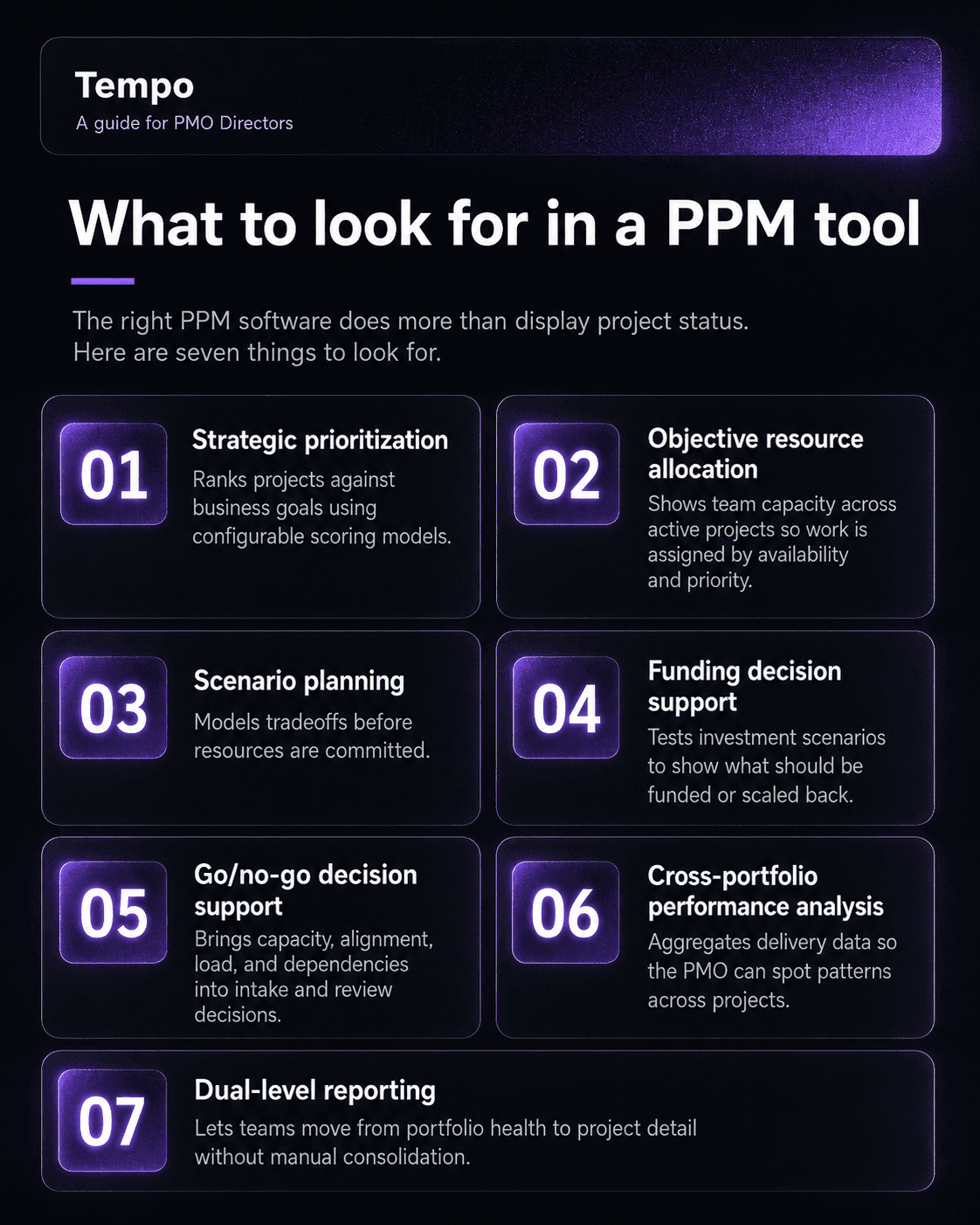
The right PPM software does more than display project status. Here are seven things to look out for:
1. Strategic prioritization
A PPM tool should score and rank projects against business objectives rather than default to whatever team made the strongest case last quarter. Look for configurable scoring models that connect project selection to the metrics your business tracks: Revenue, risk reduction, or regulatory compliance.
2. Objective resource allocation
PPM software should show capacity against all active projects simultaneously, so allocation decisions reflect actual availability and portfolio priority rather than informal negotiation. When a new initiative lands, the tool should show immediately what it would displace.
3. Scenario planning
Priorities change, and the tool needs to handle that without requiring a manual rebuild. A scenario planning capability lets portfolio managers model "what happens if we accelerate Project A while pausing Project B" before committing resources. Then you present those tradeoffs to leadership with data.
4. Funding decision support
Beyond day-to-day allocation, the tool should help answer the larger question: Which projects should receive additional investment, and which should be scaled back. The ability to model funding scenarios before a budget cycle is what separates PPM software from project management software. It’s also where most entry-level tools fail.
5. Go/no-go decision support
At intake and at review gates, a PPM tool should provide the portfolio context needed to make a go/no-go call: Available capacity, strategic alignment score, current portfolio load, and active dependencies. With that context, intake meetings move you closer to a decision.
6. Cross-portfolio performance analysis
The tool should aggregate performance data across all active projects so patterns emerge: Which project types consistently exceed budget, and which strategic priorities are delivering ahead of schedule. That aggregate view moves you from reactive problem-solving to proactive portfolio steering.
7. Dual-level reporting
The tool should report status at both the individual project and portfolio levels without manual consolidation. A portfolio manager should also move from a portfolio health view into a specific project's timeline in a single workflow. If producing a portfolio status report takes more time than necessary, the reporting model is adding friction it should be removing.
Here are the tools you should consider.
Top 8 project portfolio management software
To select these tools, we combed through verified ratings from G2 and Capterra as of May 2026.
We included tools listed in the PPM category on both platforms with portfolio-level features across resource management and cross-project reporting. The top PPM tools at a glance are:
Tool | Best for | Key differentiator | Starting price | G2 | Free trial |
Jira-native enterprise portfolios | The only PPM tool built directly inside Jira | 30-day trial | |||
Cross-functional portfolios | Works across any mix of project tools your teams already use | Free plan | |||
Spreadsheet-style portfolios | Familiar grid interface for teams moving off Excel | Free trial | |||
Enterprise PMO governance | Scenario modeling and financial tracking at large portfolio scale | On request | |||
Flexible team portfolios | Highly configurable visual interface with no PPM module lock-in | Free plan | |||
All-in-one mid-market portfolios | Broad feature set at competitive pricing for teams without a PPM budget | Free plan | |||
Marketing and creative portfolios | Native Creative Cloud integration for design-heavy organizations | On request | |||
Small and mid-market portfolios | Most accessible entry point for teams already on the Zoho platform | Free plan |
1. Tempo Structure PPM – best for Jira-native portfolio management

Tempo Structure PPM builds portfolio management directly inside Jira rather than alongside it. If your team has adopted Jira as the execution layer, you can add capacity planning and cross-project status reporting without migrating data to a separate system.
While Jira Plans recently increased its capacity to 10,000 issues, Tempo Structure PPM handles up to 100,000 Jira issues simultaneously on the Data Center. That difference matters when your portfolios grow beyond a few dozen active initiatives.
Tempo also has Timesheets for time tracking and Capacity Planner for forward-looking resource planning, which gives portfolio managers the execution data and capacity data in the same environment.
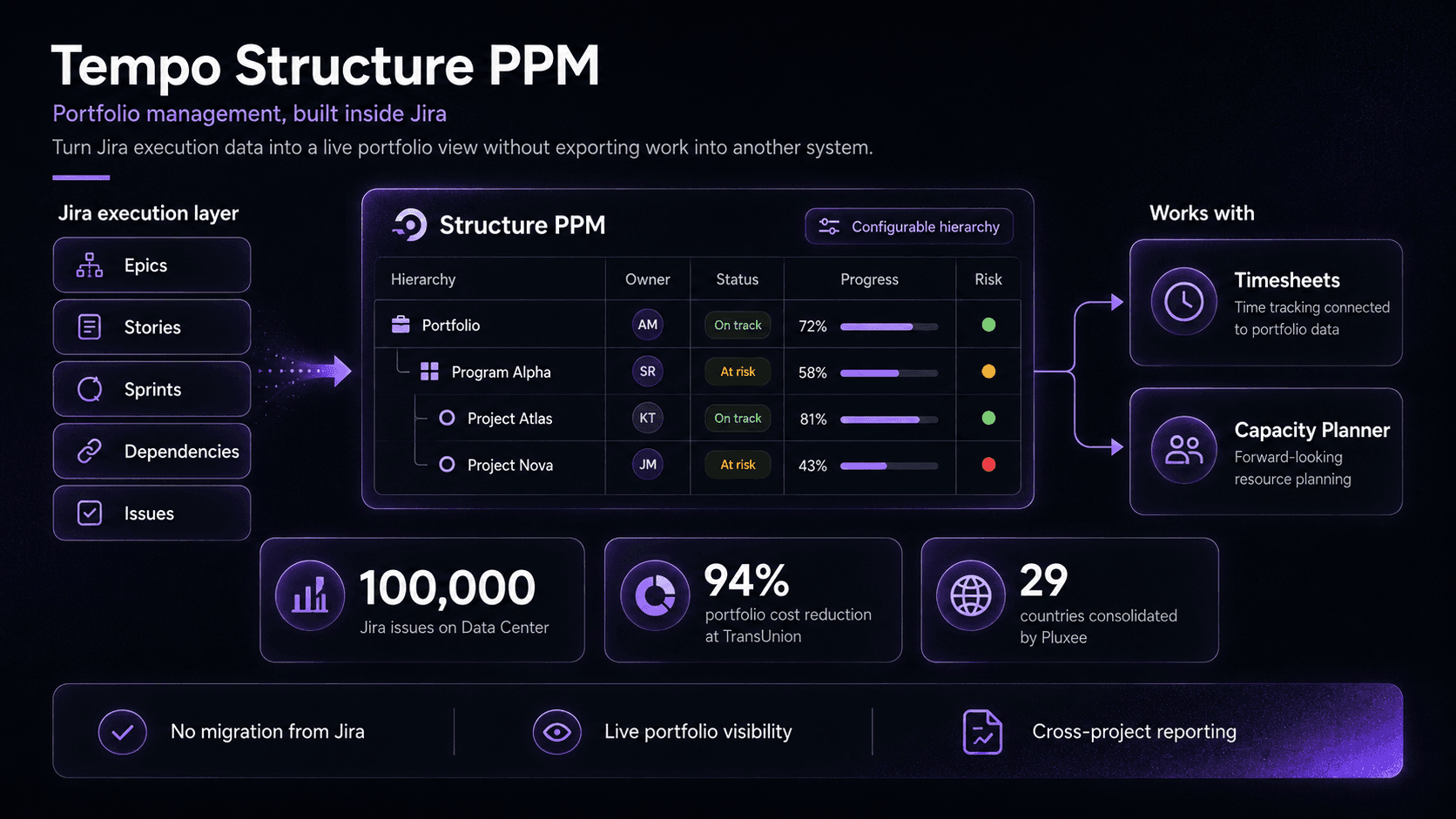
For mid-market and enterprise teams already on Atlassian, Structure PPM adds portfolio management on top of the execution layer you already have. TransUnion's experience shows what migrating to Tempo Timesheets looks like in practice. They cut portfolio management costs by 94% (from $1 million to $62,000 annually) and collapsed their approval workflow from 17 levels to four.
"For the first time ever, because everything's in this central system, I've got 95% of the company managing all their work in Jira," says John Rager, VP of Enterprise Transformation at TransUnion.
Pluxee also consolidated portfolio visibility across 29 countries using Structure and Timesheets together. "With cooperation between Structure and Timesheets, we have a complete overview of projects and can identify risks early," said Martin Ševčík, SIAM Processes and Tools Manager.
Key features of Tempo Structure PPM
Jira-native portfolio views with configurable project, program, and portfolio hierarchies
Resource planning and capacity forecasting inside Jira via Capacity Planner with direct integration to Structure data
Time tracking via Timesheets with direct integration to Structure data
Cross-project dependency mapping and proactive risk surfacing
Portfolio status reporting without data exports or manual consolidation
Pricing
Structure PPM charges per user tier, sized to match your Jira license. You pay for the full Jira user count, including users who don’t actively use Structure. Key Cloud tiers:
Users | Standard (per user/month) | Advanced (per user/month) |
1–10 | $1.00 (flat fee) | $2.00 |
11–100 | $3.52/user | $4.73/user |
101–250 | $2.37/user | $3.23/user |
251–1,000 | $2.26/user | $2.73/user |
A 100-user organization would pay $352/month (Standard) or $473/month (Advanced). Rates decrease at higher user counts.
If your team is on Jira Standard ($7.91/user/month), adding Tempo Timesheets costs $5.21/user/month. The combined total ($13.12/user) is less than a Jira Premium license alone ($14.54/user/month), with specialized time-tracking and resource reporting included.
Try Tempo Structure PPM free for 30 days. See how portfolio management works inside your existing Jira instance.
Pros
No context-switching for teams already working in Jira
Handles portfolio scale that Jira Plans cannot
Time tracking and capacity data available in the same environment
Configurable hierarchy that matches how your organization plans, not Jira's default structure
Portfolio status pulls from live Jira data, so the view is always current
Executive dashboards shareable as HTML, no Jira license required
Adoption follows existing Jira behavior, no separate tool to onboard
Cons
Only relevant for organizations on Jira; not viable as a standalone PPM tool
Initial configuration investment required to set up custom hierarchies
Adds cost on top of existing Jira licensing
2. Wrike
Wrike provides portfolio oversight and project tracking regardless of the tools your team already uses. It suits cross-functional portfolios where different teams work in different tools and need a single management layer above them.
Portfolio managers can track status, capacity, and budget across projects in a shared workspace, with dashboards configurable by role. Leadership gets a high-level view of the full portfolio; anyone who needs the detail can click into a specific project from there.
Wrike's AI capabilities, including risk detection and automated status updates, are available at higher tiers ($25/user/month) and can help cut time spent on manual portfolio reporting.
Key features
Portfolio dashboards with configurable views: Gantt, list, board, and calendar
Resource management across teams and departments
Budget tracking at the project and portfolio levels
AI-assisted risk detection on active projects
400+ integrations including Salesforce and Microsoft Teams
Pricing
Free plan available.
Team: $10/user/month (2–15 users).
Business: $25/user/month (5–200 users).
Pinnacle and Apex: custom pricing.
Pros
Flexible enough for non-technical teams alongside delivery teams
Strong reporting and dashboard customization
Wide integration library for mixed-tool environments
AI risk detection reduces manual oversight on active projects
Cons
Not Jira-native; portfolio data and execution data rely on a sync, not a live feed; Atlassian-centric teams will face sync friction
Onboarding complexity increases significantly on advanced workflows
Pricing escalates quickly for large teams at Business tier and above
AI features are gated behind higher tiers
3. Smartsheet
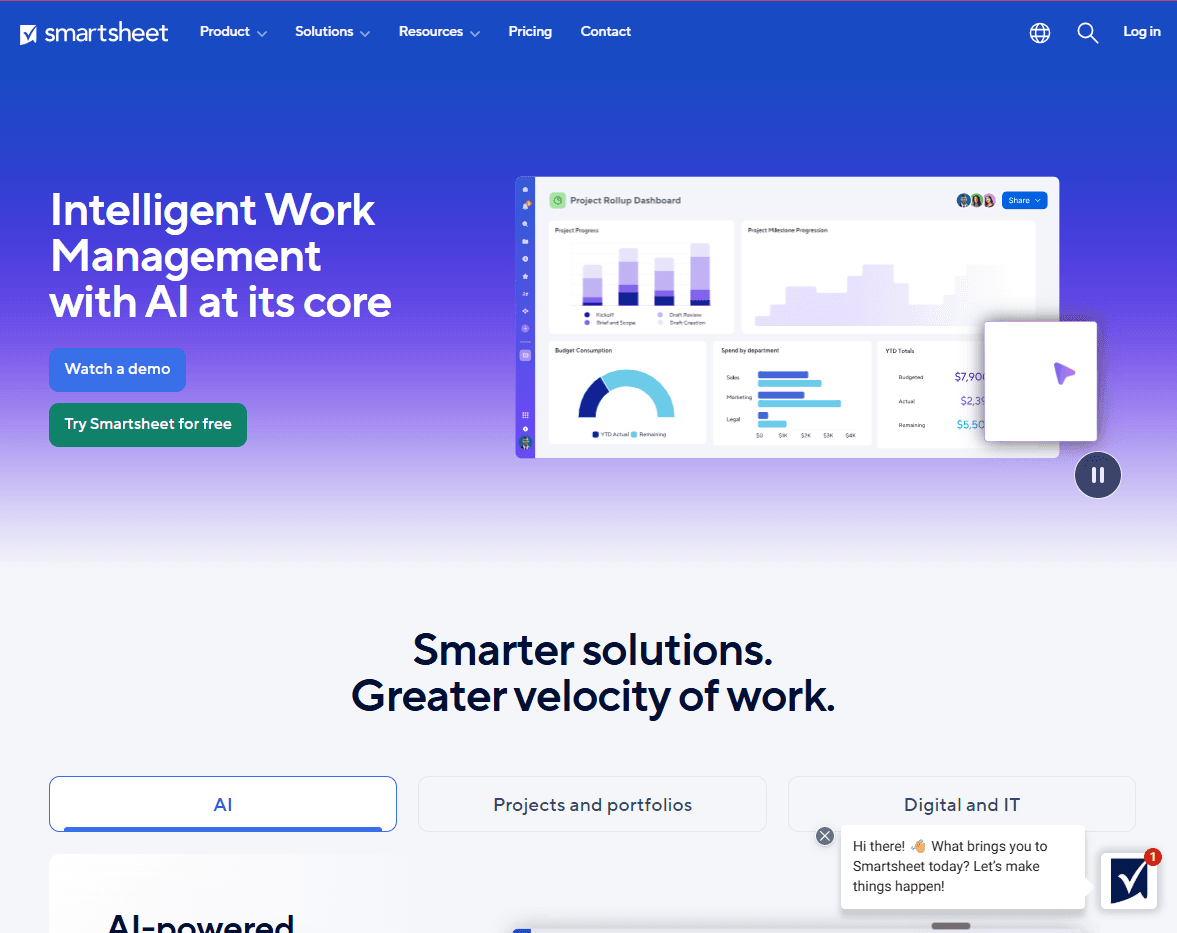
Smartsheet delivers portfolio management in a spreadsheet-based interface. This ability makes Smartsheet accessible for teams that manage work in Excel today but want to move to a dedicated tool without changing how they think about data.
Smartsheet handles project tracking, resource management, and portfolio rollup reporting while keeping the grid layout.
The platform is a natural stepping stone for organizations moving off spreadsheet-based portfolio management. The interface is familiar. The automation and cross-sheet rollup capabilities go further than any spreadsheet can. That combination makes adoption faster than most other tools in this list.
Key features
Grid, Gantt, and card views with portfolio-level rollup sheets
Resource management and capacity tracking across projects
Live dashboards with configurable portfolio status reporting
Automated workflows for status updates and escalation routing
Integration with Jira, Salesforce, and Microsoft Teams
Pros
Spreadsheet interface reduces adoption friction for Excel-native teams
Strong automation for recurring status and escalation workflows
Competitive pricing at Pro and Business tiers
Cons
Grid interface limits the depth of visualization for complex, interdependent portfolios
Advanced PPM features (scenario modeling, portfolio financials) require Business tier or above
Less suited to software delivery teams than to operations-heavy portfolios
Pricing
Pro: $12/member/month (billed monthly, 1–10 members).
Business: $24/member/month (billed monthly, 3+ members).
Enterprise and Advanced Work Management: custom pricing.
4. Planview AdaptiveWork
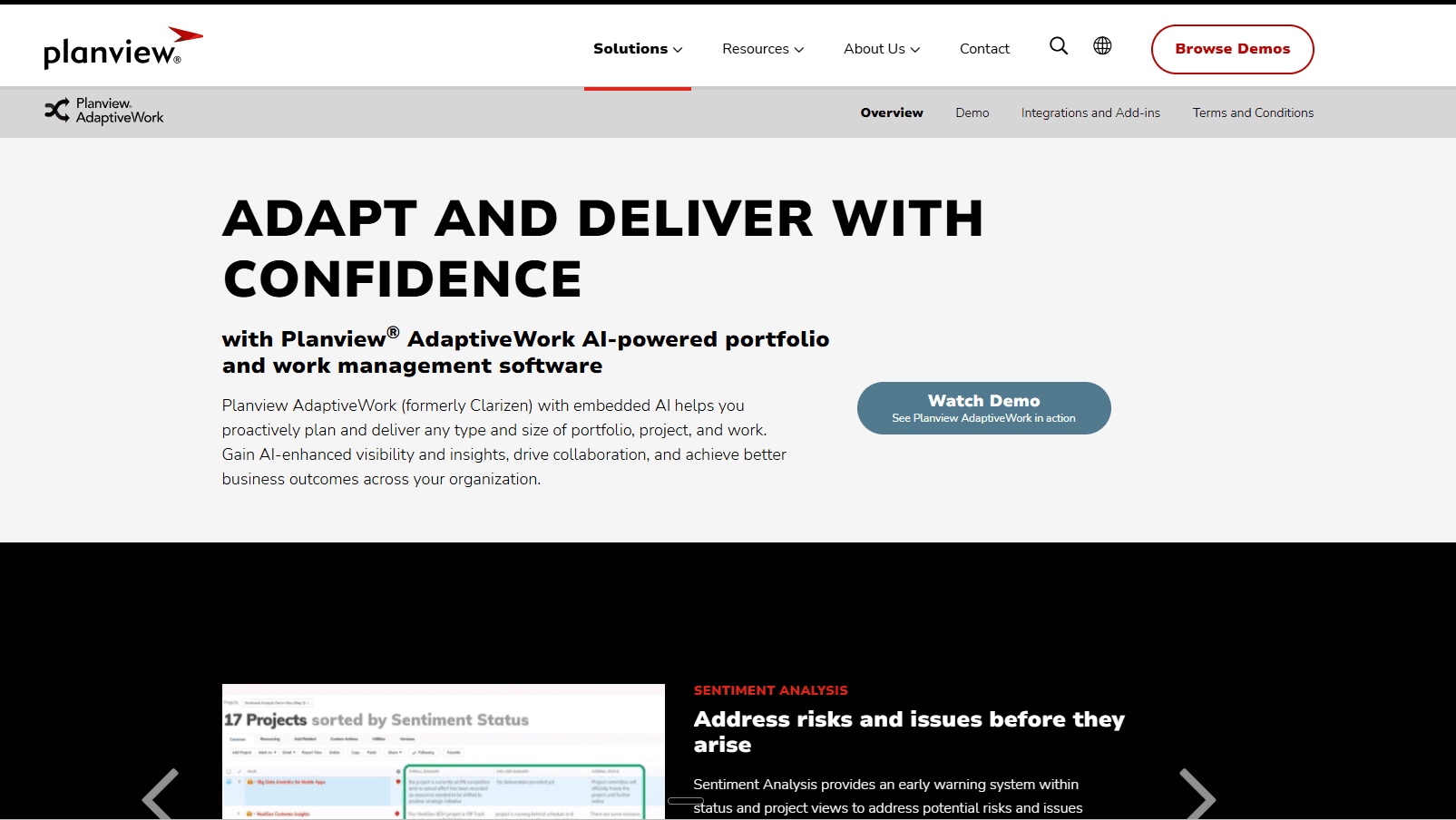
Planview AdaptiveWork (formerly Clarizen) targets enterprise PMOs managing large, complex portfolios with formal governance requirements. It provides scenario modeling and workflow automation at a scale that mid-market tools are not designed for.
AdaptiveWork is best suited for PMOs with dedicated staff running structured PPM processes. If you need to model funding scenarios across 50 or 100 concurrent initiatives and track portfolio financials against corporate strategy, AdaptiveWork handles that scale.
Key features
Scenario modeling across funding and resource options
Financial planning and portfolio ROI tracking against strategic goals
Workflow automation for approval chains and stage gates
Integration with ERP and financial systems
Configurable governance frameworks for enterprise PMOs
Pros
Purpose-built for large enterprise PMO environments
Strong financial tracking and scenario modeling capabilities
Established position in the enterprise PPM category
Cons
No transparent pricing; a sales process is required before evaluation
Requires significant configuration investment – typically with a dedicated rollout
Heavier than necessary for organizations without formal PMO governance structures
Pricing
Enterprise pricing only. Available on request through Planview's sales team.
5. Monday.com
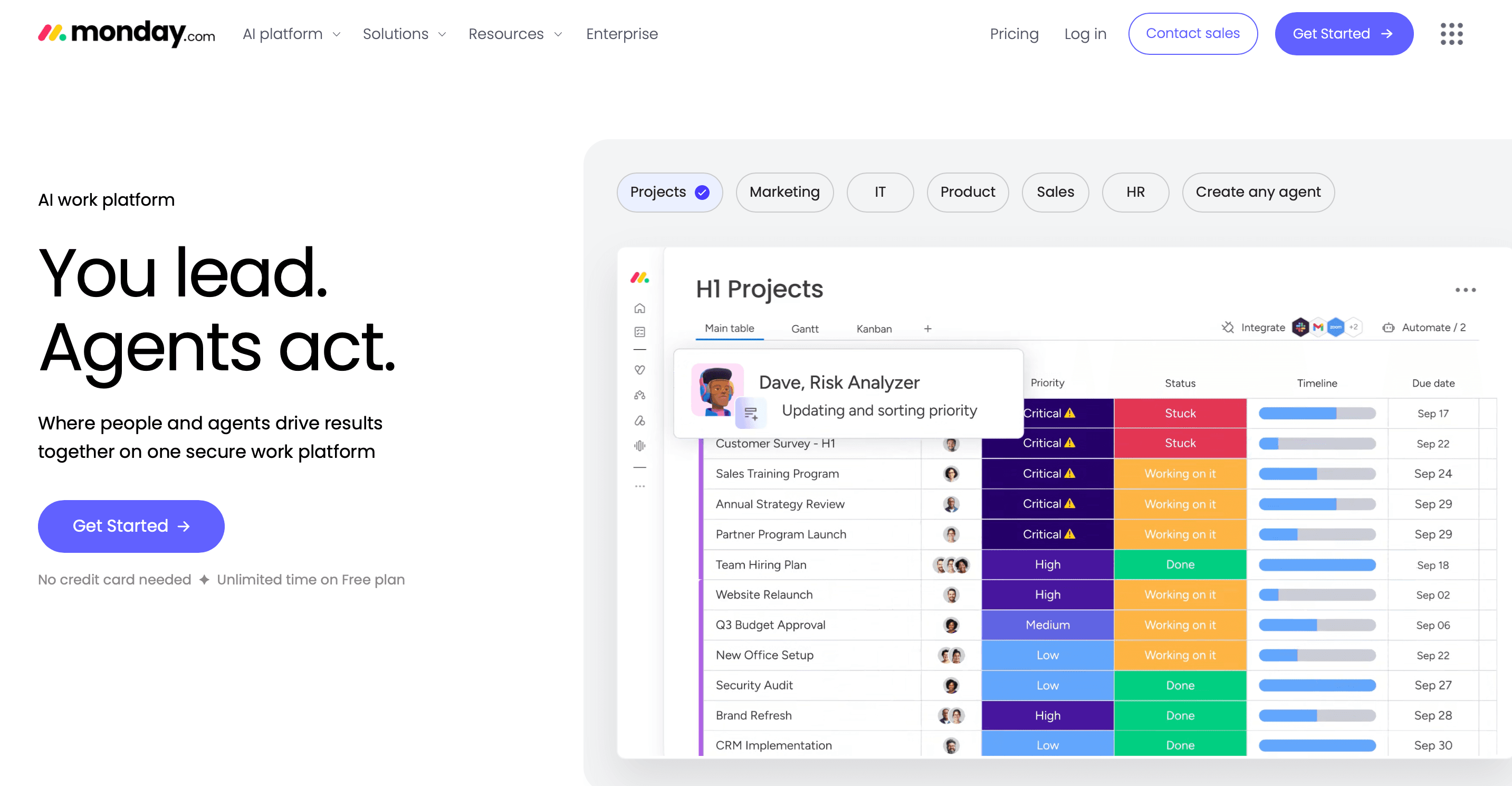
Monday.com offers flexible portfolio tracking built on a configurable work operating system. Monday.com distributes its PPM capabilities across customizable dashboards and workviews, rather than packaging them as a dedicated PPM module. That gives it flexibility for varied workflows but requires configuration to match a purpose-built tool.
If you need a visual, accessible portfolio view and are willing to invest in the setup time, Monday.com delivers. Teams looking for out-of-the-box PPM governance or formal stage-gate processes will find purpose-built alternatives faster to deploy and maintain.
Key features
Portfolio dashboards aggregating status across multiple boards
Resource management and workload views across teams
Budget and cost tracking columns
Automation workflows for status updates and approvals
200+ integrations with common business tools
Pros
Highly configurable for non-technical team workflows
Strong visual interface with broad automation options
Large template library for PPM-adjacent use cases
Cons
PPM functionality requires manual configuration; not purpose-built
Cost escalates significantly at Pro and Enterprise for larger teams
Resource management is less mature than dedicated PPM tools
Pricing
Free plan available (up to two seats).
Basic: $12/seat/month.
Standard: $14/seat/month.
Pro: $24/seat/month.
Enterprise: custom pricing.
6. ClickUp
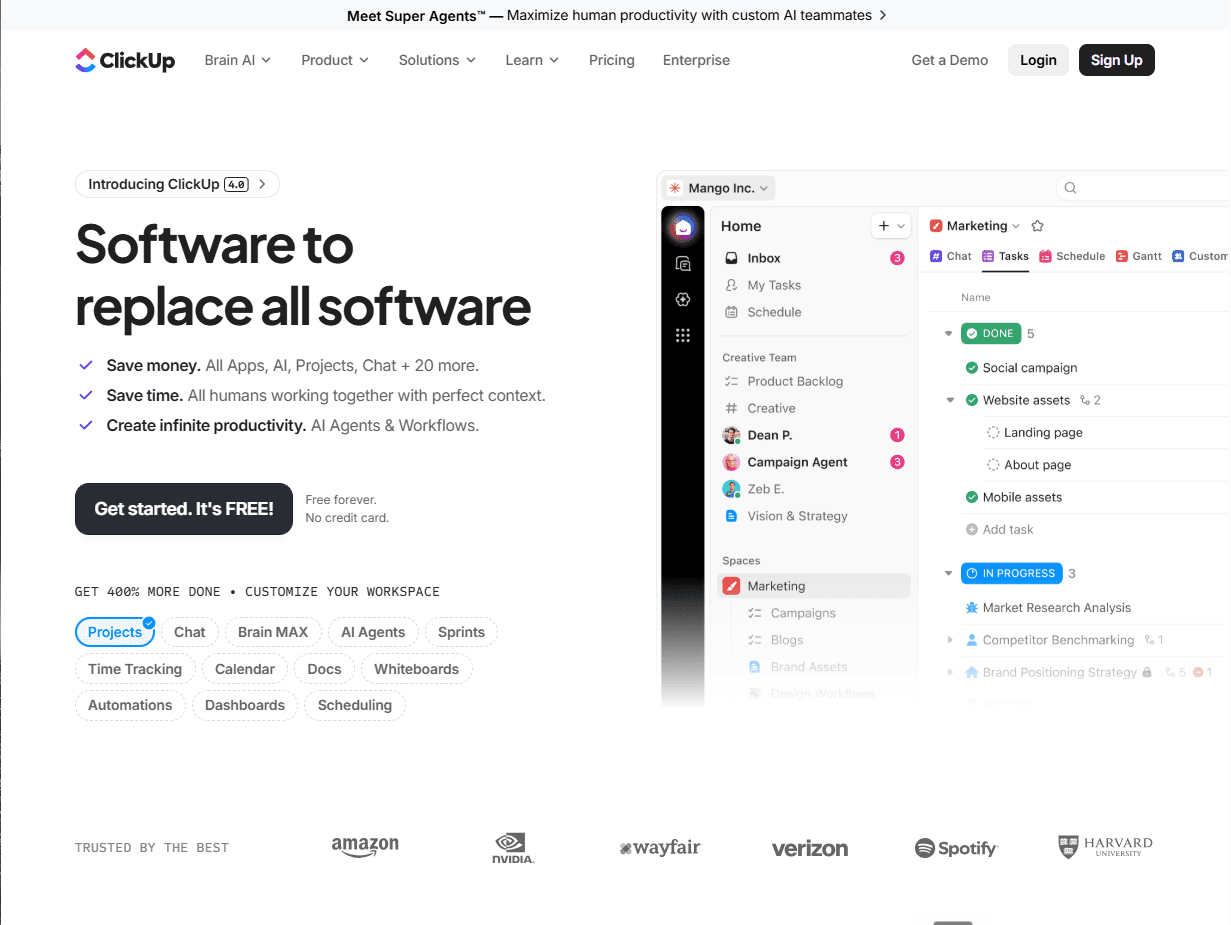
ClickUp offers portfolio management as part of a broad all-in-one work management platform. It handles project tracking, resource management, and status reporting across multiple hierarchy levels (Workspace, Space, Folder, List), which makes it viable for mid-size organizations managing diverse portfolios without a dedicated PPM budget.
Like Monday.com, ClickUp’s PPM functionality requires configuration to build out. It is a general-purpose work management platform. If you're willing to invest in that setup, you can build a capable portfolio view. But if you need structured PPM governance out of the box, you'll move faster with a purpose-built tool.
Key features
Portfolio views with configurable nested hierarchies
Gantt charts, workload views, and resource capacity reporting
Custom dashboards with cross-project data aggregation
Time tracking and workload management
1,000+ integrations
Pros
Strong value at Unlimited and Business tiers
Broad feature set across task management and cross-project reporting
Highly customizable hierarchy for varied team structures
Cons
Feature volume creates a steep learning curve on initial setup
PPM requires manual hierarchy configuration; not purpose-built for portfolio governance
Performance can degrade on large workspaces with extensive automation
Pricing
Free plan available.
Unlimited: $10/user/month (billed monthly).
Business: $19/user/month (billed monthly).
Enterprise: custom pricing.
7. Adobe Workfront
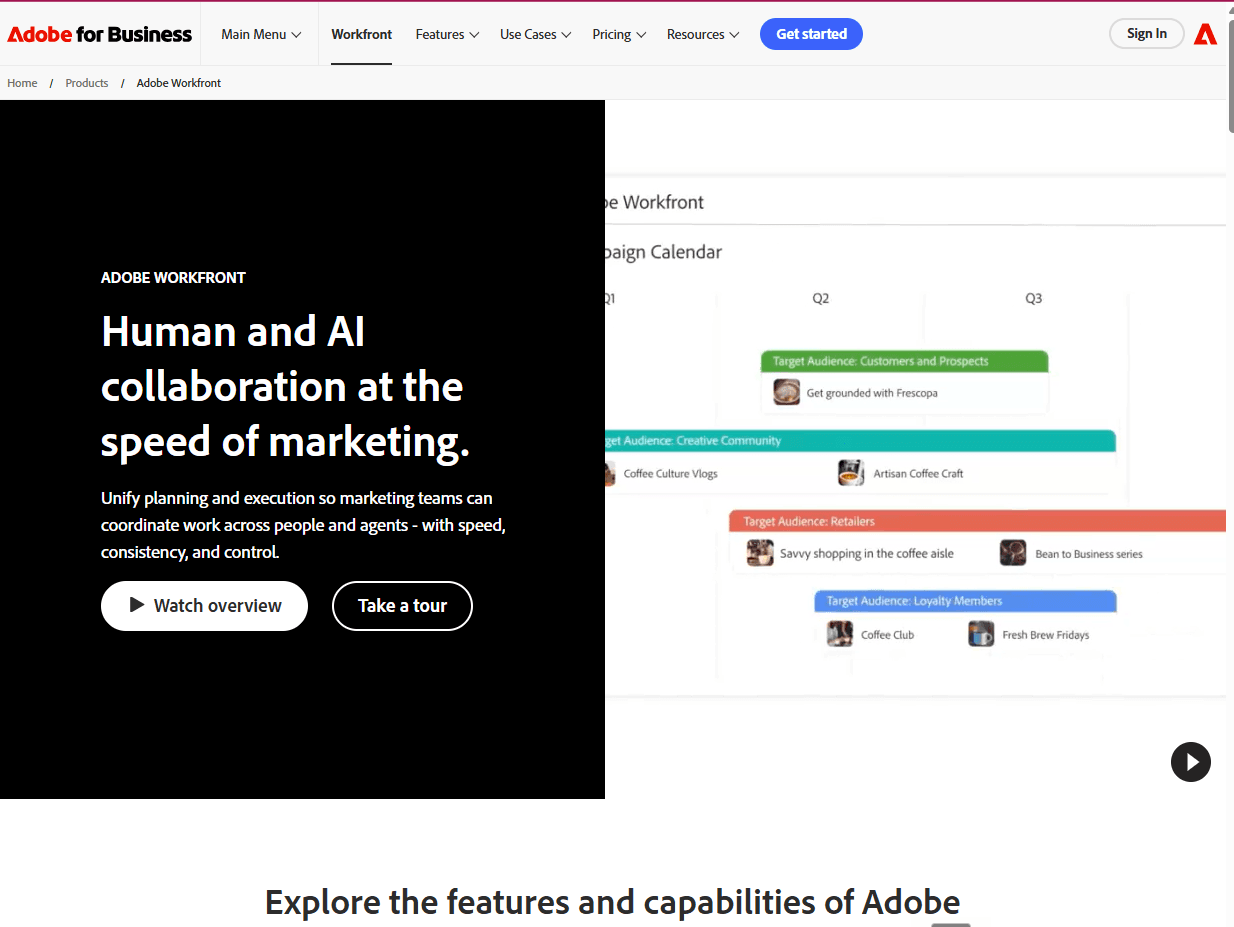
Adobe Workfront manages marketing and creative portfolios at scale, integrating directly with Adobe Creative Cloud. If you're running high volumes of marketing campaigns and creative production work, Workfront provides portfolio management built specifically for that context.
Workfront handles tasks like
Project intake
Resource management
Review cycles
Portfolio reporting within a single platform.
The Creative Cloud integration also means your creative team can stay in Illustrator or Premiere Pro while their project data feeds the portfolio view.
Adobe Workfront, however, is less suited to technology and software delivery portfolios, where Jira-native tools or engineering-focused platforms serve the execution layer better.
Key features
Portfolio and program management across marketing and creative work
Direct integration with Adobe Creative Cloud (Illustrator, Premiere Pro, InDesign)
Resource management and workload balancing across creative teams
Custom approval workflows and review cycles with version tracking
Executive dashboards and portfolio reporting
Pros
Native integration with Adobe Creative Cloud is a genuine differentiator
Strong for marketing campaign and creative portfolio management at scale
Mature enterprise product with deep feature coverage
Cons
Expensive at enterprise tier; implementation typically requires a partner
Configuration complexity is high relative to other tools in this list
Not suited to software delivery or engineering portfolio management
Pricing
Adobe Workfront is available in three enterprise tiers, all with custom pricing based on user count and required capabilities:
Select: Work management, demand management, resource management, review and approval workflows, and reporting
Prime: Everything in Select, plus strategic portfolio planning and enhanced security and compliance controls
Ultimate: Everything in Prime, plus Workfront Fusion automation and enterprise-grade data management.
8. Zoho Projects
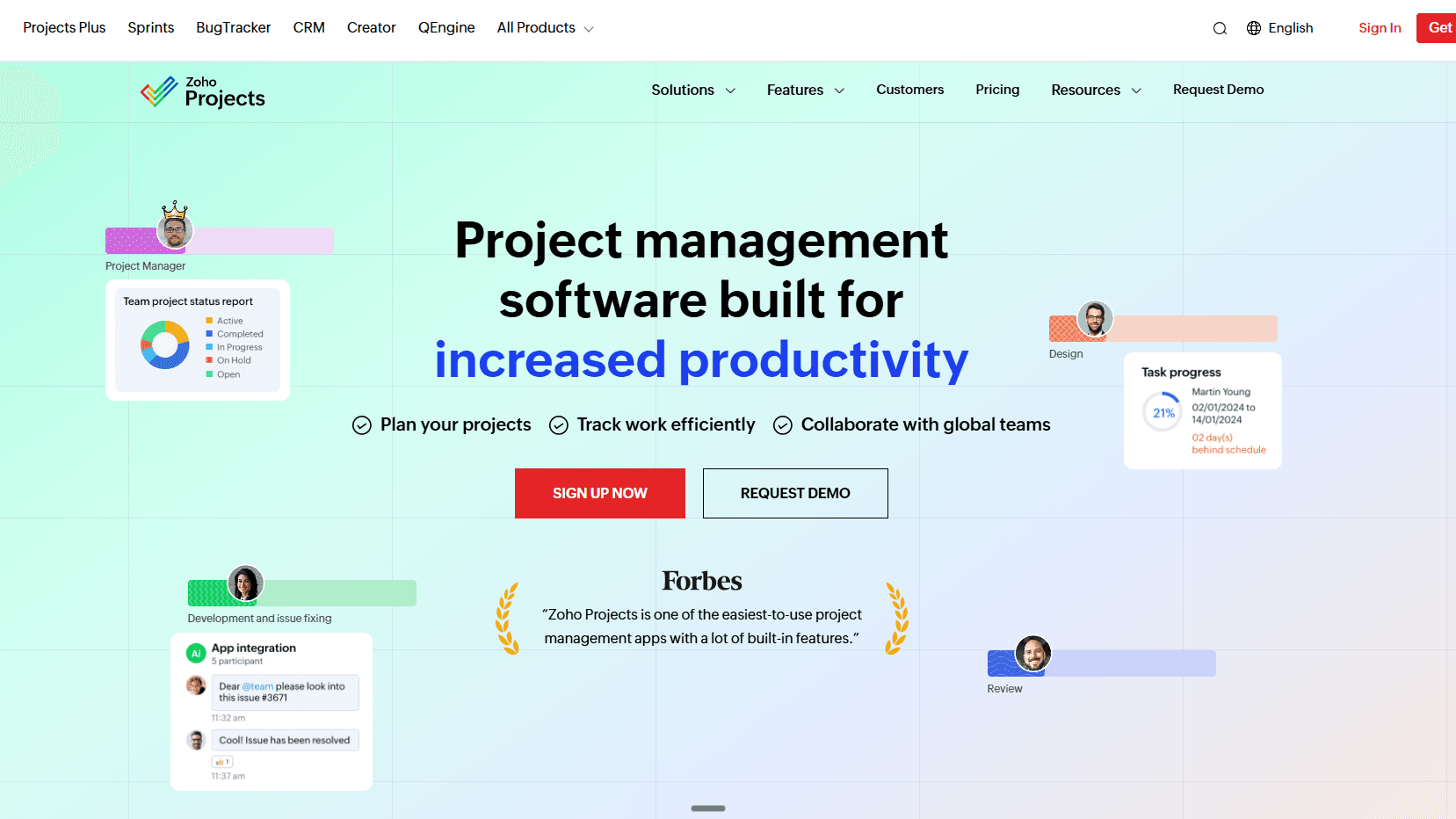
Zoho Projects provides project and portfolio management at a price point accessible to small and mid-size organizations. It integrates with the broader Zoho suite, including CRM, Finance, and People, which makes it a practical choice for teams already running business operations on Zoho.
Its portfolio management features are lighter than the dedicated tools in this list, but its pricing and Zoho ecosystem integration make it a functional starting point for smaller portfolios that don't yet justify a purpose-built PPM investment.
Key features
Portfolio views across multiple active projects
Gantt charts and milestone tracking
Resource utilization reporting
Time tracking and client billing
Integration with Zoho CRM, Zoho Books, and third-party tools via Zapier
Pros
Competitive pricing, including a usable free tier
Natural fit for teams already on the Zoho platform
Simple interface with low setup requirements
Cons
Portfolio management features are lighter than every other tool in this list
Limited scenario modeling and advanced reporting capabilities
Not suited to large or complex enterprise portfolios
Pricing
Free plan available.
Premium: $5/user/month (billed monthly) or $4/user/month (billed annually).
Enterprise: $10/user/month (billed monthly) or $9/user/month (billed annually).
Ultimate: $15/user/month (billed monthly) or $14/user/month (billed annually).
Your portfolio deserves more than a status slide
The right PPM tool puts data behind every portfolio decision. If your organization uses Jira, most of the data you need is already there.
Tempo Structure PPM adds the portfolio layer without a tool migration. It's how Pluxee aligned 29 countries on the same portfolio view without leaving Atlassian.
If you're managing more projects than a spreadsheet can hold and your team already works in Jira, try Tempo Structure PPM free for 30 days.