

Track key metrics in real time with a KPI dashboard. Learn how to build one, explore examples, and improve visibility using Tempo’s Jira-native tools.
Explore the best KPI software for tracking performance and aligning goals. Compare top tools and see how Tempo surfaces real-time KPIs directly in Jira.

Every team has goals, but even the best strategy can lose momentum without visibility into progress. That’s where KPI software comes in. It gives organizations a clear, real-time view of their performance across projects, departments, and strategic priorities.
In this guide, we define what KPI software is, review some of the top tools available, and explain how Tempo helps teams surface meaningful metrics directly from Jira. Whether you’re focused on project delivery, financial results, or operational performance, using the right platform turns data into thoughtful decisions.
KPI software is a digital solution designed to help businesses track, visualize, and analyze key performance indicators (KPIs) across projects and departments. It centralizes data in an easily digestible format like a dashboard to provide real-time insights into an organization's performance. This enables companies to align their goals, track progress, and improve decision-making.
Some platforms are all-in-one solutions with built-in data connectors. Others, like Tempo, work directly within your tools to surface insights and metrics where the work happens.
Here are some of the most popular and reliable performance management software options. These tools support everything from data visualization to real-time dashboards and reporting.
Tempo dashboards help organizations surface KPI data directly from Jira. This enables businesses to track performance against goals, which helps gain operational alignment and support smarter decision-making. These insights are ideal for Jira users who want to visualize key metrics related to time tracking, resource planning, and project dashboard views.
Best for: Teams that want KPI dashboard software embedded in Jira workflows.
Microsoft Power BI is a business intelligence tool that allows users to create interactive dashboards and reports from various data sources. This tool is highly versatile and suitable for businesses of all sizes that require robust data visualization and analytical capabilities. You can also integrate tools like Power BI dashboard templates for more customized reporting.
Best for: Enterprises with large data sets and complex reporting needs.
Tableau is a leading analytics platform known for its powerful data visualization features. It enables users to connect to various data sources and create interactive dashboards for in-depth KPI analysis. Tableau is great for organizations that need advanced data exploration paired with storytelling capabilities, or teams that work in more visual mediums.
Best for: Teams that need visual, flexible KPI reporting software.
HubSpot's reporting tools include features for tracking marketing, sales, and customer service KPIs. It's an integrated platform ideal for small to mid-sized businesses looking to manage customer relationships and track performance within a unified system.
Best for: Marketing and sales teams who need ready-made dashboards.
Plecto’s real-time dashboard software helps companies visualize their KPIs from many different data sources. It's known for its engaging and customizable dashboards, which are often used to motivate team members and promote healthy competition through gamification.
Best for: Teams that want instant visibility into progress to improve accountability, all while having a little fun.
QuickBooks Advanced offers enhanced reporting and analytics features, allowing businesses to track financial and operational KPIs directly within their accounting software. It’s ideal for growing businesses that rely on QuickBooks for their financial management and need deeper insights into their performance.
Best for: Finance teams and business leaders managing budget health and profitability.
ClickUp, a comprehensive work management platform, includes features for setting and tracking goals, which can be used for KPI tracking. It allows teams to customize dashboards and visualize progress across projects and tasks. ClickUp is an option for teams that want a simple platform for project management and KPI monitoring.
Best for: Teams that need both project tracking and key performance indicator software in the same workspace.
Monday.com is a work operating system that provides customizable dashboards and reporting tools to measure various KPIs. Its visual interface and collaborative features allow teams across different departments who won’t always share a common lingo to communicate easily. Monday.com is great for organizations seeking a flexible, easy-to-learn platform to manage work and track performance.
Best for: Teams that want to tie project updates and status reports directly to measurable outcomes.
Lattice is for companies that want to integrate their HR processes with KPI monitoring. It’s a people management platform with features for goal setting and performance tracking. It can be leveraged for HR-related KPIs and helps connect individual performance to organizational objectives.
Best for: Companies focused on employee development, engagement, and performance transparency.
Profit.co is an objective and key result (OKR) and KPI management software that provides a comprehensive suite of tools for goal setting, tracking, and performance reviews. It offers robust reporting and analytics on customizable objectives, allowing users to decide what goal is most important, and rank it against others. Profit.co is a strong option for businesses looking for dedicated software to manage both OKRs and KPIs.
Best for: Organizations that want structured alignment and accountability across multiple business units.
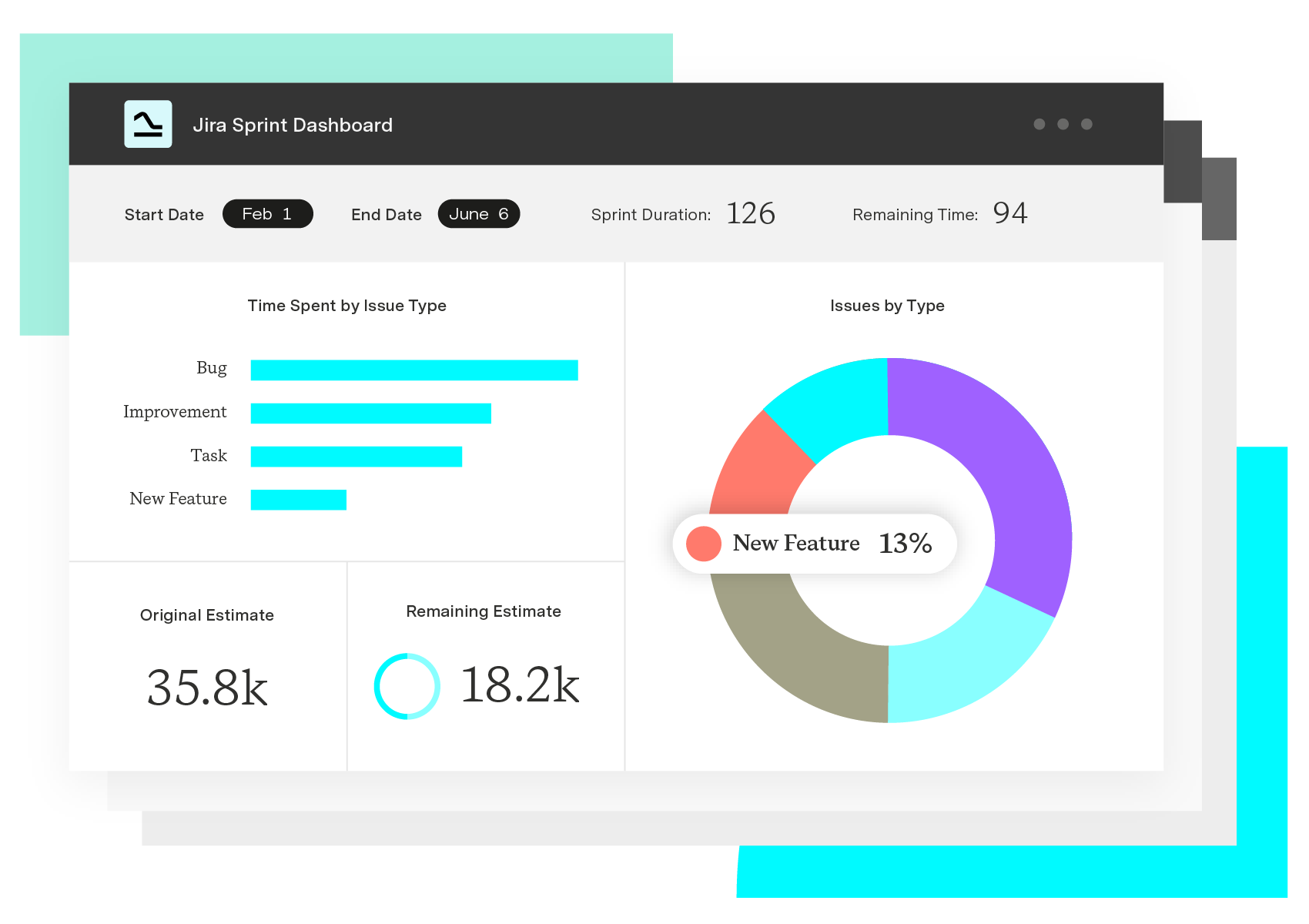
KPI tracking is about understanding how daily work contributes to the goals that move your business forward. Tempo dashboards make it easy to visualize your KPIs in Jira, in real-time. Whether you're recording logged hours, scaling practices like agile PI planning, or monitoring project health, dashboards keep everyone aligned and informed. You choose the metrics that matter, and the dashboard updates as the work progresses.
Tempo Timesheets adds a time-based view of performance. Teams can track time by issue, employee, or initiative and compare actuals to estimates. These insights help managers rebalance workloads, manage capacity, and confidently plan projects.
With Tempo’s modular, integrated platform, teams can stay focused on the metrics that matter.
Custom Charts for Jira
Build charts and dashboards to evaluate delivery, capacity, and speed for all teams with Jira's most flexible custom reporting app
Start a Free TrialCouldn't find what you need?Go to our documentation
Managing Key Performance Indicators effectively is crucial for aligning your team's efforts with strategic goals. Several tools cater to different needs, from real-time dashboards to comprehensive performance management systems.
Top KPI management tools
Databox excels at real-time KPI tracking with customizable dashboards. It offers over 300 pre-built dashboards, integrations with various data sources, and mobile access. A free plan provides essential features.
SimpleKPI serves small to medium-sized businesses seeking straightforward KPI tracking. Features include customizable dashboards, a KPI generator tool, and industry-specific templates. A free tier is available with premium features at additional cost.
Geckoboard provides teams needing clear, visual KPI dashboards. It offers real-time data updates, 90-plus integrations, and customizable layouts. A free trial is available with paid plans for advanced features.
Cascade focuses on aligning KPIs with strategic goals and objectives. Features include strategy mapping, goal setting, and performance tracking. It offers a free plan with basic functionalities.
Power BI from Microsoft suits organizations already using Microsoft products. It provides advanced data analytics, customizable reports, and integration with Microsoft tools. A free version is available with a Pro version offering additional features.
Tips for effective KPI management
Define clear KPIs that align with your strategic objectives and are measurable. Ensure each KPI directly supports your goals.
Use dashboards for regular monitoring to track performance in real-time and make data-driven decisions. Consistent monitoring keeps you informed.
Review and adjust KPIs periodically to ensure they remain relevant. Adjust as necessary to stay aligned with changing business needs.
Engage stakeholders by sharing KPI insights with your team. This fosters accountability and alignment across the organization.
Choosing the right tool
These tools offer a range of functionalities to suit various organizational needs, from simple tracking to comprehensive performance management.
Your specific requirements will determine which tool works best for your business context. Consider your team size, technical capabilities, and integration needs when selecting a KPI management tool.
KPI dashboard tools provide visual interfaces for monitoring and analyzing Key Performance Indicators in real time.
Leading KPI dashboard tools
- SimpleKPI serves small to medium-sized businesses seeking straightforward KPI tracking. It offers customizable dashboards, a KPI generator tool, and industry-specific templates. The platform provides a free tier with premium features available.
- Tableau suits organizations requiring advanced data visualization and analytics. It delivers interactive dashboards, an extensive visualization library, and robust data analytics capabilities. Various pricing tiers accommodate different feature needs.
- Geckoboard focuses on teams needing clear, visual KPI dashboards. Features include real-time data updates, 90-plus integrations, and customizable layouts. A free trial lets you test the platform before committing to paid plans.
- Databox excels at real-time KPI tracking with customizable dashboards. It provides over 300 pre-built dashboards, integrations with various data sources, and mobile access. A free plan includes essential features.
- Klipfolio delivers real-time data dashboards across multiple devices. It offers customizable dashboards, mobile and TV compatibility, and extensive data source integrations. Pricing tiers vary based on features and user needs.
Selecting the right dashboard tool
For small teams needing straightforward tracking, SimpleKPI provides accessible features without overwhelming complexity.
For organizations requiring sophisticated visualization and analytics, Tableau delivers enterprise-grade capabilities with extensive customization options.
For teams prioritizing visual clarity and quick setup, Geckoboard offers an intuitive interface with strong integration support.
For real-time monitoring across devices with mobile access, Databox or Klipfolio provide flexibility and accessibility.
Consider your team's technical expertise, budget constraints, and integration requirements when choosing a KPI dashboard tool. The right platform aligns with your specific monitoring needs and organizational workflows.
A KPI application is a software tool designed to help organizations define, monitor, and analyze their Key Performance Indicators. These are quantifiable metrics that gauge progress toward strategic objectives.
The applications centralize performance data, enabling teams to make informed decisions and align efforts with business goals.
What KPI applications do
KPI applications consolidate data from various sources into interactive dashboards. They present real-time insights on metrics such as revenue growth, customer satisfaction, or operational efficiency.
These tools are essential for tracking performance, identifying trends, and making data-driven decisions.
How to use KPI applications
Define strategic goals that align with your organization's mission. Set clear objectives first.
Identify relevant KPIs by choosing metrics that directly measure progress toward these goals. The metrics should be quantifiable and actionable.
Integrate data sources by connecting the application to various data streams like CRM, ERP, and marketing platforms. This gathers comprehensive data in one location.
Monitor performance using dashboards to track KPIs in real time. Quick identification of issues or opportunities becomes possible.
Analyze trends using analytical tools within the application to identify patterns and make forecasts. This supports better planning.
Make informed decisions by leveraging insights to adjust strategies, allocate resources effectively, and drive continuous improvement.
Popular KPI applications
- Databox works well for real-time performance tracking. Key features include customizable dashboards and mobile access.
- Tableau excels at advanced data visualization with interactive charts and extensive integration options.
- Geckoboard provides visual KPI reporting through a simple interface with real-time updates.
- Klipfolio offers customizable dashboards with extensive data source integrations.
- Zoho Analytics delivers business intelligence reporting with AI-powered insights and collaboration tools.
Benefits of using a KPI application
- Centralized data aggregates information from multiple sources for a unified view. Everything lives in one place.
- Real-time monitoring enables immediate detection of performance issues. You can respond quickly to changes.
- Data-driven decisions support strategic planning with factual insights rather than assumptions. Better information leads to better outcomes.
- Goal alignment ensures all team members focus on the same objectives. Everyone works toward common goals.
- Continuous improvement facilitates ongoing assessment and refinement of strategies. You can optimize over time.
A KPI application is a vital tool for organizations aiming to track and enhance their performance. By providing real-time insights and analytical capabilities, it empowers teams to make informed decisions and achieve their strategic goals.
KPI software helps organizations monitor performance, visualize trends, and ensure that team activity supports business strategy. It replaces manual reporting with clear, shareable insights.
Most performance management software includes KPI tracking as part of a larger system for reviews, goal setting, and feedback. This creates a clear line between individual contributions and team-level success.
Dashboards are designed for daily monitoring. KPI reporting software offers deeper analysis, historical comparisons, and scheduled reports for leadership and planning.
Tempo integrates directly with Jira to track time, resource usage, and progress. With KPI dashboard software like Tempo Dashboards and Timesheets, you can view and act on KPIs without leaving Jira.
Common KPIs include revenue growth, time to resolution, task completion rates, utilization percentages, and budget variance. The best tools let you define KPIs that reflect your goals and workflows.
Track key metrics in real time with a KPI dashboard. Learn how to build one, explore examples, and improve visibility using Tempo’s Jira-native tools.

Learn what KPI reporting is, explore key metrics and examples, and discover how Tempo helps teams track performance directly in Jira.

Explore the best OKR software for goal alignment and progress tracking. Compare top tools and learn how Tempo enhances OKR visibility in Jira.

Compare the best time tracking tools for Jira, with pricing, features, and integrations to help you pick the right option for your team.

B2B CRM software streamlines sales, enhances collaboration, and improves forecasting. Explore top options, and find the right one for your business.

To see if you’re meeting objectives, you need to track some key metrics. Knowing when to use an OKR versus KPI can help your company map its successes

Depending on the department and requirements, Structure can be 'unfolded' to track KPIs in Jira, in real time.

Discover how strategy execution management bridges the gap between planning and doing. Learn tips to ensure your organization achieves its goals.

Jira started purely as an issue tracking software targeting software developers, and quickly evolved into one of today’s biggest productivity tools.

















