Roadmap or Gantt chart? Learn the differences, then compare Jira’s Advanced Roadmaps versus Structure from Tempo to discover which tool works for you.
Let’s dive into five methods that are dynamic and effective without draining time and effort.

Think back to when people used paper maps to navigate – unfolding them, measuring distances, and hoping not to miss a turn. Fortunately, navigation has evolved, yet many companies still rely on static tools like Excel for roadmapping.
Just as digital navigation is easier and faster, visual roadmaps streamline planning and connect senior leaders, managers, and teams. Here’s how to make roadmaps a powerful, time-saving tool for your organization.
Let’s dive into five methods that are dynamic and effective without draining time and effort.
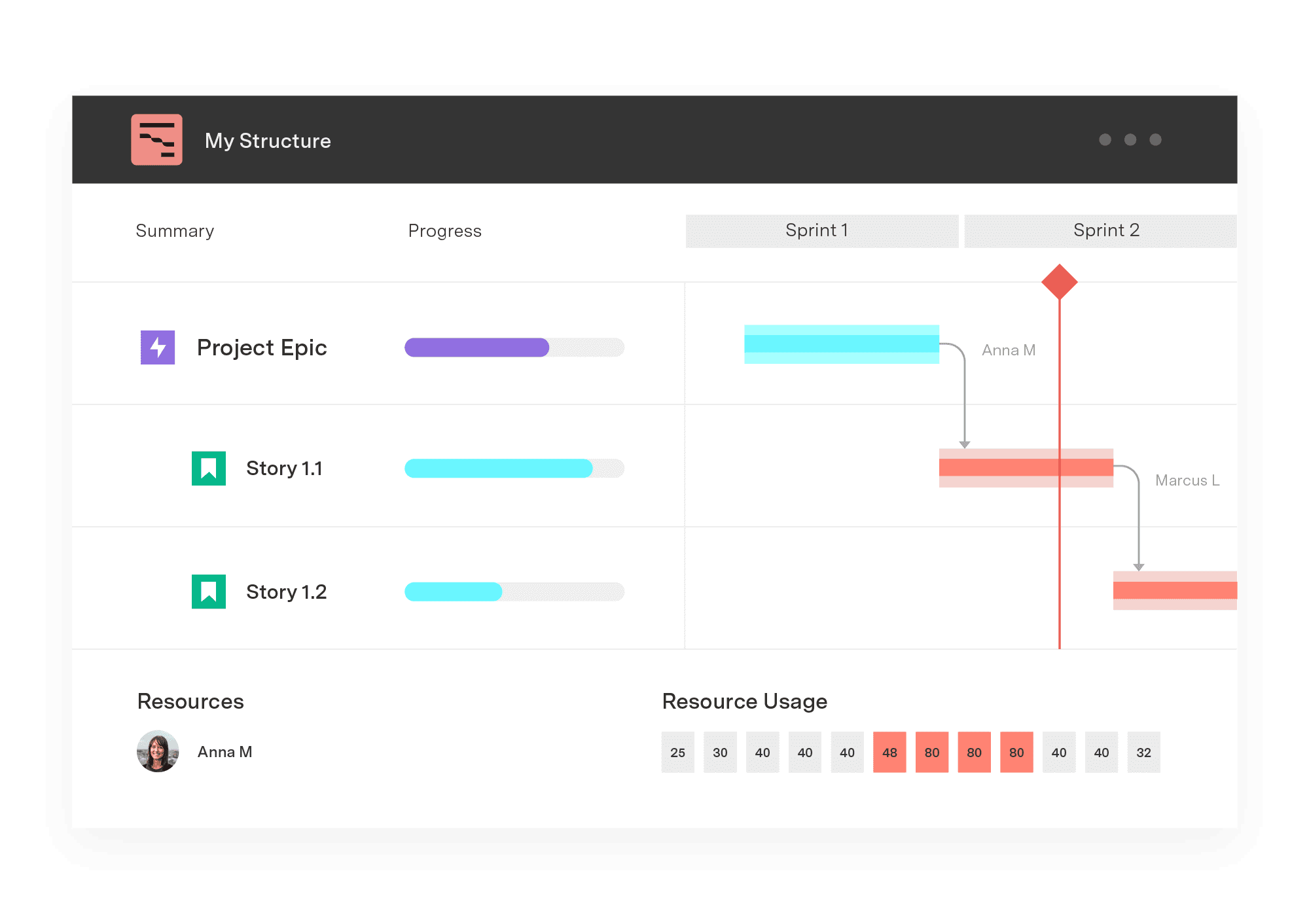
Overview: Dynamic Gantt charts offer a flexible, visual timeline for projects and milestones. Unlike static Gantt charts, they update automatically with changes, providing real-time insights.
Benefits:
Clear visibility of timelines, dependencies, and deadlines
Easier adaptation to changes
Improved collaboration with real-time updates
Implementation: Select a roadmap tool with dynamic Gantt capabilities, configure it for team access, and train users on adding and adjusting tasks directly in the platform.
Examples: Software development timelines, product launch planning, multi-departmental project timelines.
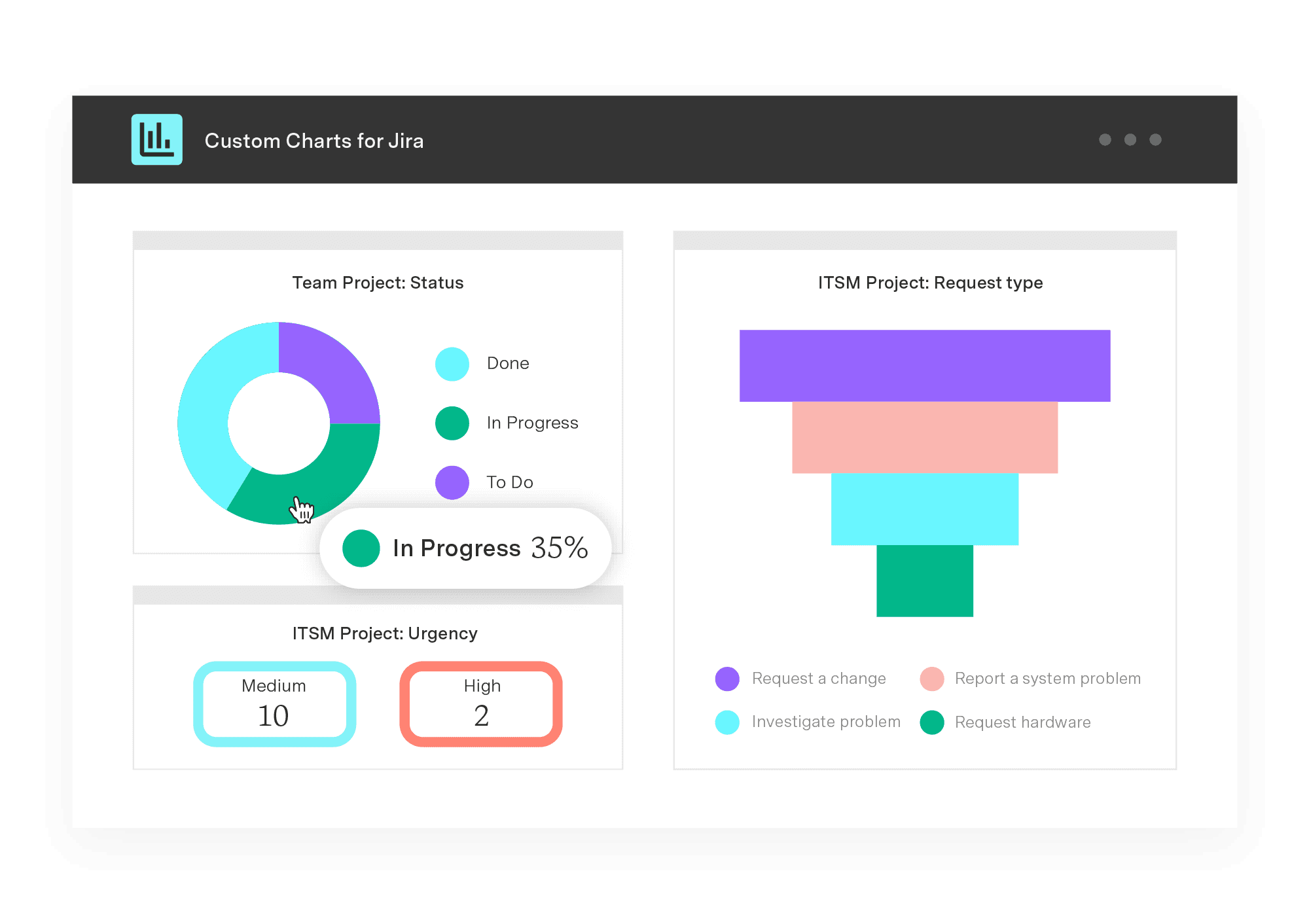
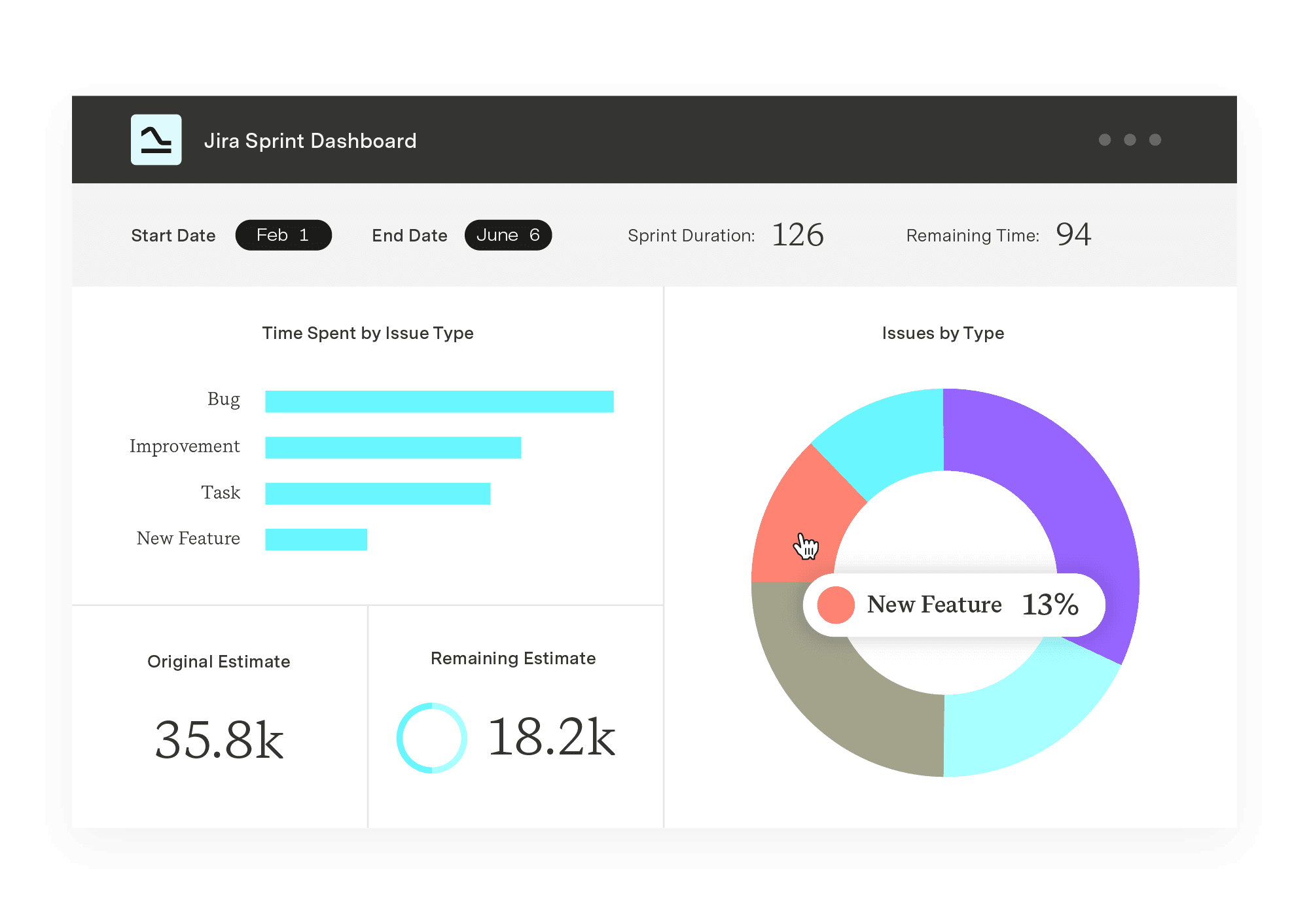
Overview: Interactive dashboards aggregate data from multiple sources, offering a comprehensive, high-level view of project health and progress.
Benefits:
One-stop access to key metrics for leadership
Enhanced visibility into performance and resource allocation
Customizable insights for different stakeholders
Implementation: Use a tool like Tableau or Power BI, set up data integrations, and create tailored views that align with leadership’s priorities.
Examples: Quarterly progress dashboards, KPI monitoring for ongoing initiatives, executive summaries.
Overview: Kanban boards visually map out tasks across different stages, making it easy to track progress and manage workflows.
Benefits:
Streamlined task management and prioritization
Clear view of project bottlenecks
Increased transparency and accountability across teams
Implementation: Leverage Kanban functionality in tools like Jira or Trello, set up columns for task stages, and define processes for moving tasks through stages.
Examples: Product feature development, agile project management, process improvement workflows.

Overview: Dedicated roadmap software provides end-to-end functionality for building, managing, and sharing roadmaps with customizable layouts and advanced features.
Benefits:
Specialized templates and tools for roadmap creation
Easy sharing and updates for cross-functional teams
Enhanced alignment with strategic goals
Implementation: Choose a roadmap tool, configure templates based on your organization’s needs, and set permissions for collaborative editing.
Examples: Product development roadmaps, strategic planning for cross-functional projects, multi-year growth planning.

Overview: Automated reporting tools reduce manual data entry, enabling regular updates on project progress without the time drain.
Benefits:
Significant time savings from eliminating manual reporting
Consistent, up-to-date insights for decision-makers
Reduced errors in reporting
Implementation: Set up automation in your chosen tool, configure triggers for periodic reporting, and ensure data accuracy through regular audits.
Examples: Weekly project progress reports, monthly resource allocation summaries, automated team performance updates.
Bringing clarity to your roadmap: how Tempo's PPM solutions drive strategic alignment
Visualizing roadmaps is essential to bridge the gap between planning and action, especially when it comes to making data-driven decisions in a fast-paced environment. Tempo's PPM solutions – including the new Structure PPM and Strategic Roadmaps integration – are designed to do just that, transforming your roadmap from static information into a dynamic, decision-ready tool.
With this integration, you can seamlessly pull structured data directly from Jira, creating boardroom-ready roadmaps that highlight progress, dependencies, and strategic alignment – all in a format that’s easy to understand and act upon.
Ready to see it in action? Learn more on our integration page or join us for an upcoming webinar to explore how Tempo's solutions can empower your team to visualize, adapt, and deliver with confidence.
Sign up for a demo
Request demo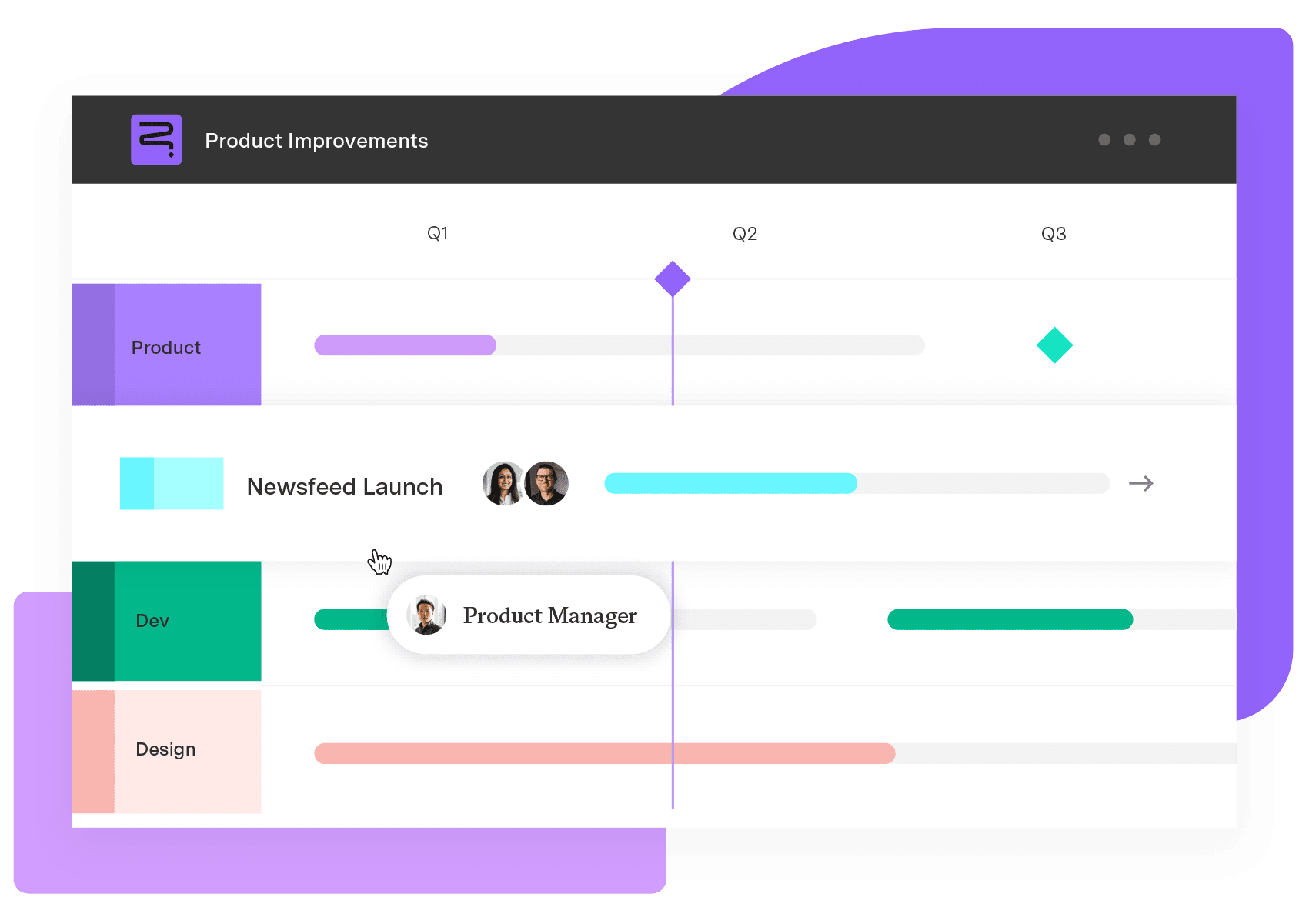
Strategic Roadmaps
Build your portfolio vision with Strategic Roadmaps. With powerful visualization capabilities, you can communicate strategy to the entire organization and gain alignment around strategic objectives, product goals, and milestones.
Start a Free TrialRoadmap or Gantt chart? Learn the differences, then compare Jira’s Advanced Roadmaps versus Structure from Tempo to discover which tool works for you.

Learn how to create compelling visual project timeline roadmaps that outline milestones, track dependencies, and keep your team aligned.

Connect your high-level strategy with day-to-day planning by syncing your data seamlessly between Strategic Roadmaps and Jira.

Discover how strategy execution management bridges the gap between planning and doing. Learn tips to ensure your organization achieves its goals.

Develop integrations that sync your data seamlessly between Strategic Roadmaps and your product stack.

Learn how lead time vs cycle time reveals where work slows down, and why tracking both is essential for reliable delivery and strategic forecasting.

Create and present boardroom-ready roadmaps – Align your whole organization with crystal-clear product roadmaps.

Learn vital insights and tips to create a roadmap that effectively communicates project plans. Discover how roadmaps advance corporate objectives.

The Planner team has been bridging the gap between individual and team planning, and helping leaders manage their resources, people, and projects.