

Compare the 6 best resource scheduling tools for engineering teams, ranked by Jira integration depth and cross-project visibility.
Find the tool that keeps your resource plan connected to your Jira data.

Key Takeaways
Tempo Capacity Planner is the only resource management tool on the Atlassian Marketplace that assigns multiple resources to a single Jira issue
Standalone tools like Float and Resource Guru give you a scheduling interface, but Jira changes don't update them
Without actuals, the resource plan is a projection. Capacity Planner reads Timesheets, so planned hours and logged hours sit in the same view
Jira shows you who's assigned to what. It doesn't show whether those engineers have the hours to deliver it. For an engineering or PMO lead, that blind spot shows up in four recurring ways. Each one traces back to the same root: the plan and the work live in different places.
1. Sprint commitments outpace available capacity. Engineers take on work they can't finish because nobody could see the total committed hours before the planning meeting
2. Spreadsheet planning stops reflecting reality mid-sprint. The spreadsheet holds at sprint start. It doesn't survive the first reprioritization
3. Standalone scheduling tools fall out of sync with Jira. They pull tickets in, but the schedule you build doesn’t write back. When sprint priorities shift, the plan ages until the next sync
4. Finance wants to know where each engineer spends their time: What share of engineering time is on strategic work versus maintenance? Answering it means pulling from more than one system because they don’t talk to themselves
The solution is to use a resource plan that stays close to your live Jira data. Capacity Planner is the only Atlassian-native tool that keeps that plan bidirectionally synced with Jira in real time.
This guide compares six tools on that one variable. It ranks them by how deep the Jira integration is and whether changes sync both ways.
Resource management software tracks who is assigned to which work, when they're available, and whether the workload matches actual capacity. This means your tool of choice should be able to look beyond who's assigned to a ticket, but whether that engineer has the hours to deliver it.
For engineering teams on Jira, the key distinction is whether the tool reads live Jira data or requires a separate sync. That determines whether your resource plan reflects today's sprint or last week's snapshot.
For teams on Jira, four things separate a resource tool that earns its place from one that adds work.
A tool that runs inside Jira reads your work data in real time. One that syncs with Jira gives you data from the last sync cycle, which may be 24 hours old. For engineering teams where sprint priorities change mid-week, that difference determines whether the capacity view is useful or decorative.
Calendar availability and engineering capacity are different numbers. A tool might show an engineer as available while ignoring on-call rotations and last sprint's carryover. So it tells you how much time exists on paper, not how much the team can absorb. The tools that get this right pull from actual Jira sprint data, not from manually entered time blocks.
Does a change in the resource plan update the relevant Jira issues? Does a sprint change in Jira update the resource plan automatically? One-way pulls leave you maintaining two separate systems. Every sprint change becomes a manual reconciliation.
A resource plan with no actuals layer tells you what you intended, not whether it held. The tools that close this loop connect planned allocation to logged hours. So at sprint review, you see where estimates held and where they didn't.
The table below maps each tool by Jira integration type and use case. Use this as an overview before digging into our top six picks for resource management, depending on your use case.
Tool | Best for | Key strength | Key limitation | Starting price |
Capacity Planner | Engineering and PMO teams on Jira Cloud or Data Center | Native bidirectional sync; only Marketplace tool with multi-resource per issue | Priced per Jira seat | $3.99/user/mo (monthly; 11–100 tier) |
Float | Creative and agency teams that use Jira as a secondary tool | Visual scheduling interface with time-off and utilization reporting | One-way Jira sync; no write-back | $7/scheduled person/mo (Starter) |
Resource Guru | Agencies managing resources across multiple concurrent client projects | Imports Jira tickets into its own scheduler with capacity heatmaps | One-way import; no write-back to Jira | $4.16/person/mo (Grasshopper, billed annually) |
Runn | Agencies and consulting firms needing resource planning with financial forecasting | Built-in financial forecasting alongside the schedule | One-way, 24-hour batch sync; 20-seat minimum | From $7/resource/mo (Lite) |
Wrike | Teams that already manage project work inside Wrike | Native workload view within Wrike | Two-way Jira sync is a paid add-on; resource layer runs on Wrike data | $10/user/mo (Team, billed annually) |
monday.com | Teams not running on Jira, or organizations consolidating onto one platform | Flexible boards accessible to non-technical stakeholders | No Jira integration for resource management | $12/user/mo (Basic, billed monthly) |
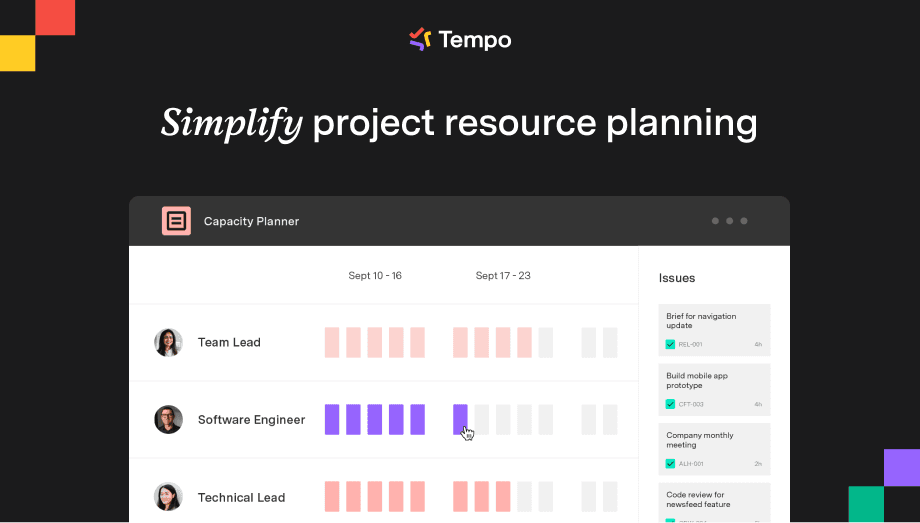
Capacity Planner is a capacity and resource management tool built directly into Jira. It gives you real-time visibility into team availability. You can see who is free and who is overbooked, then reassign work before overbooked engineers burn out.
Capacity Planner also lets you plan more than one resource against a single Jira issue, which Jira's default single-assignee model can't do. That removes a recurring workaround for engineering teams: Duplicating an issue just to show a second person's planned time on shared work.
Best for: Engineering and PMO teams on Jira Cloud or Data Center that need real-time capacity planning and multi-resource assignment.
Pricing: From $3.99 per user per month (11–100 user tier), billed monthly. Annual billing is offered at a lower rate.
Jira integration: Native, bidirectional.
Atlassian Marketplace: Yes, with 10,500+ installs.

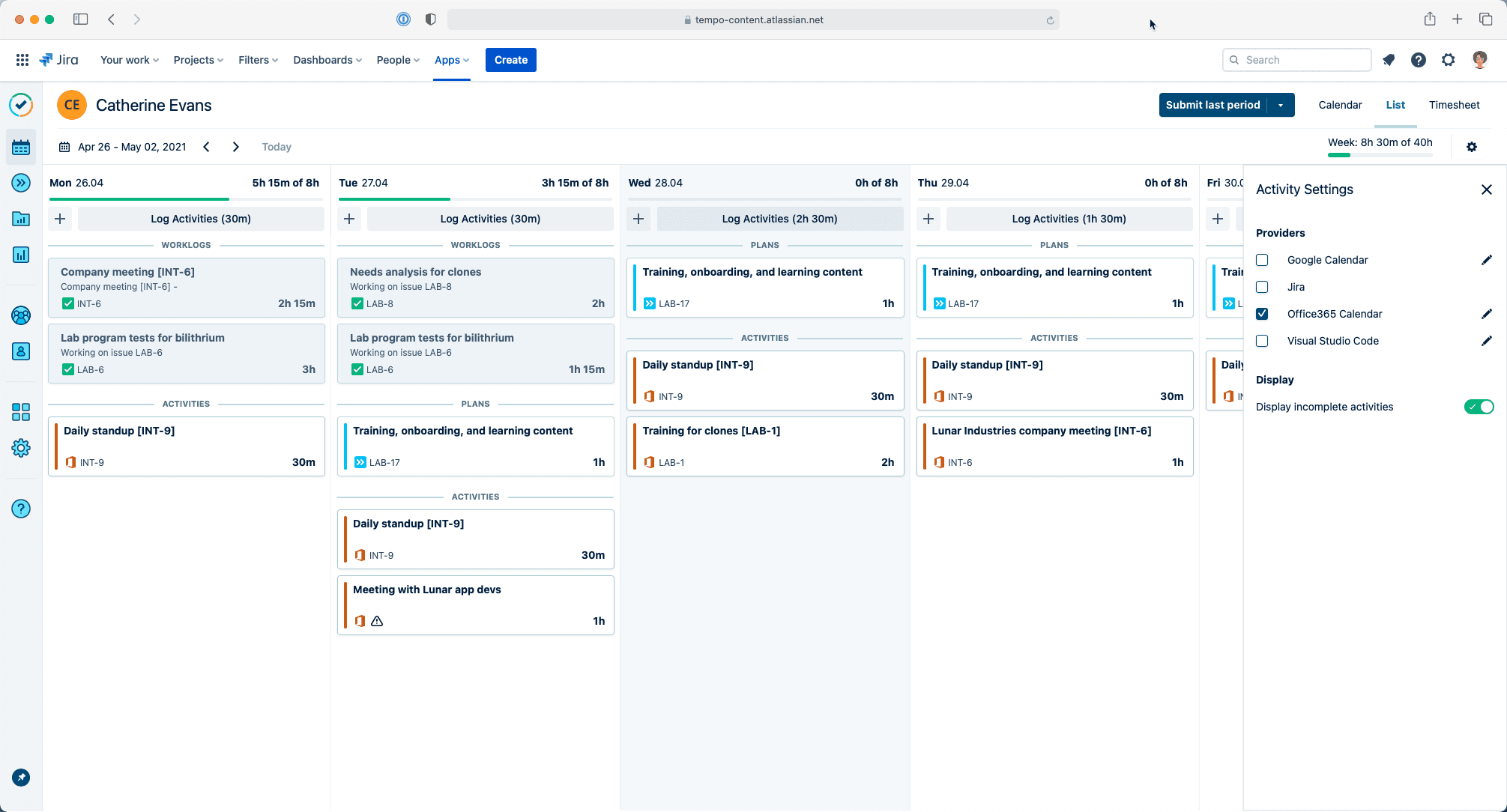
Capacity Planner lives inside Jira. It reads sprint data directly from your Jira configuration and pulls time entries from Tempo Timesheets. When an engineer logs hours against a ticket, the capacity view updates immediately, with no need for a separate entry. And when a sprint lead reassigns an issue or shifts a deadline, the resource plan updates to match.
That bidirectional relationship keeps Capacity Planner's data current. What you see reflects the current Jira state, not a snapshot from yesterday's sync.
Capacity Planner tracks availability at the individual engineer level. Before committing to a deliverable, you can see which engineers have open capacity next sprint. And that view sits inside the Jira interface your team already uses.
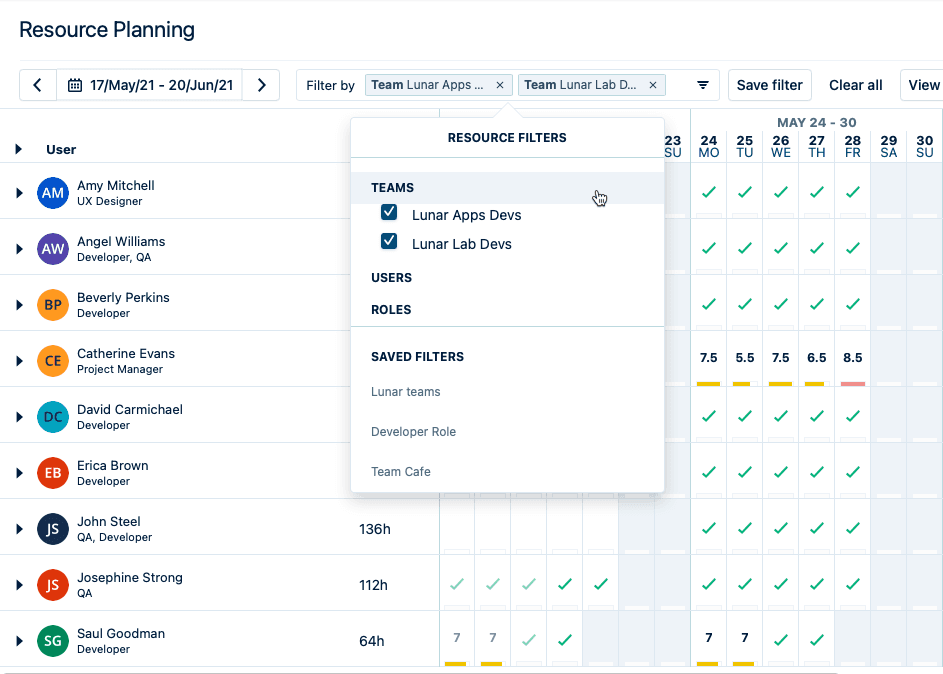
Skills-based filtering extends that view further. Tag engineers by specialty, then filter availability by role. For leads managing teams across multiple domains, the filter surfaces who has free hours and the right skills.
The Tempo Timesheets connection means logged hours feed utilization reports automatically. Historical utilization and forward capacity live in the same system. You don't reconcile two data sources at the end of the month.
Arizona State University's Atlassian Systems Administrator Edwin Amador described the practical result of having Tempo in their Jira stack.
He said: "We can (now) pinpoint who needs help, we can pinpoint who needs resourcing, we can pinpoint where a project is failing, and where a project is succeeding, and that's all from Capacity Planner's features."
Generic resources let you assign a role or skill set to future work before a hire is confirmed. When the person starts, you assign that work to them by name. Holiday schemes are configured per geography and employee type, which matters for distributed engineering teams across time zones.
Capacity Planner is available on Jira Cloud and Data Center only; Jira Server teams cannot use it
Pricing follows the Jira seat model, so every Jira user is a billable seat, even if only a subset actively uses Capacity Planner
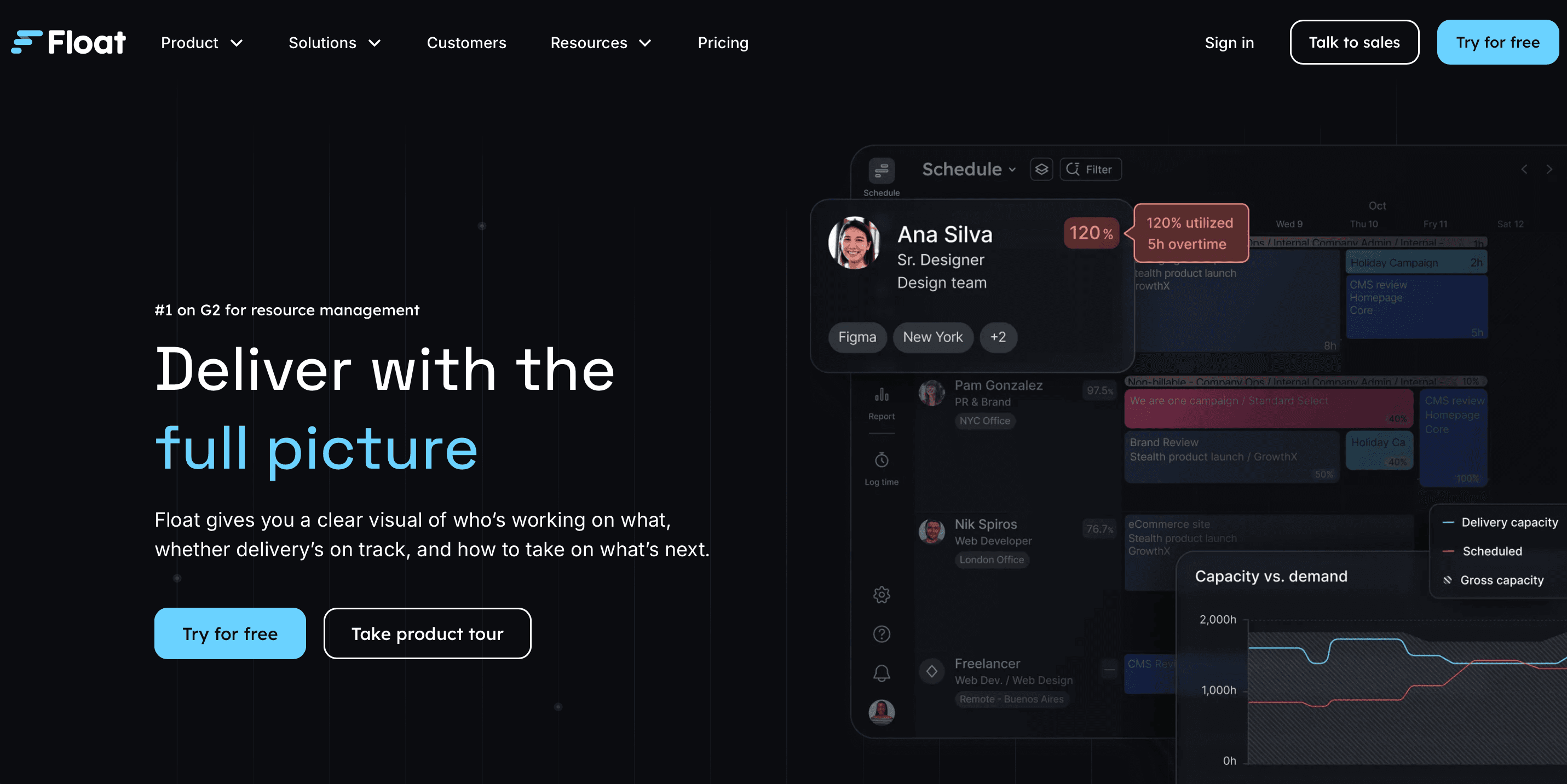
Float gives teams a visual timeline for scheduling and availability. Its Atlassian Marketplace app imports tasks from Jira, so the schedule populates from your existing project data. Changes made in Float, however, don't write back to Jira. When sprint priorities change in Jira, the Float schedule doesn't update automatically.
For: Creative agencies and design teams that use Jira as a secondary tool and run primary scheduling in Float.
Pricing: $7 per scheduled person per month (Starter); $12 (Pro). Enterprise pricing is custom.
Jira integration: One-way pull via an Atlassian Marketplace app. Tasks import from Jira, but Float changes don't update Jira.
Atlassian Marketplace: Yes (Float Resource Management).
The Float Marketplace app creates a one-way connection. Jira tasks import into Float, where you schedule them against team availability. Any update made in Float (reassigning a task, shifting a date) stays in Float. The corresponding Jira issue is unchanged.
For teams where Jira is the system of record and priorities shift often, that means running two systems in parallel. Every sprint change requires a manual update in Float to keep the schedule current.
The scheduling interface is Float's strength. Drag-and-drop assignment and time-off tracking are built in. Utilization reports also show allocation across projects and individuals. Budget tracking and all integrations (including Jira) are available on every paid plan, starting with Starter. The Pro plan adds features like:
Project estimates
Actuals tracking
A project finance dashboard
A people operations dashboard
Estimate-vs-actual reporting comparisons, and SSO
For creative agencies and design teams using Jira incidentally, to track a dev team's requests, the one-way pull is sufficient. The scheduling happens in Float, and Jira is just a source of tasks. The scheduler never needs to stay synced with it.
No bidirectional sync and no support for assigning multiple resources to a single Jira issue
If your work lives in Jira and priorities shift often, you'll keep updating Float after every planning change
Resource Guru's Jira integration imports issues from Jira into Resource Guru's scheduler. As you add tickets in Jira, they sync into a panel inside Resource Guru.
You drag them onto team schedules against a capacity heatmap. If you use time estimates in Jira, you can compare how much time you've scheduled against each ticket.
For: Agencies managing many concurrent client projects, with scheduling in Resource Guru and Jira as the ticket source.
Pricing (per annum): From $4.16 per person per month (Grasshopper); $6.65 (Blackbelt); $10 (Master).
Jira integration: A built-in integration imports Jira issues into Resource Guru's scheduler, one-way. You set it up inside Resource Guru.
Atlassian Marketplace: No. You set up the Jira connection inside Resource Guru, not as a Jira app.
The sync is one-way: Jira to Resource Guru.
New and updated Jira tickets flow into Resource Guru's issue panel automatically. The schedule you build in Resource Guru, however, does not write back to Jira.
That makes Resource Guru a scheduling layer fed by Jira, not a two-way link between plan and backlog. For teams where Jira is the system of record, scheduling decisions live in a separate system that Jira never sees.
Resource Guru's core product is a drag-and-drop scheduler with clash detection and a waiting list for overbooked resources. Leave management and capacity heatmaps are included, and so is availability reporting.
Resource Guru charges per person, not per Jira seat. For large Jira footprints where only some users need resource management, that can be cheaper.
The Jira sync only runs one way, so your schedule never updates the Jira issue
And to compare what you planned against what people actually worked, you need logged hours, which only come from Resource Guru's Timesheets, a feature that starts on the Blackbelt plan
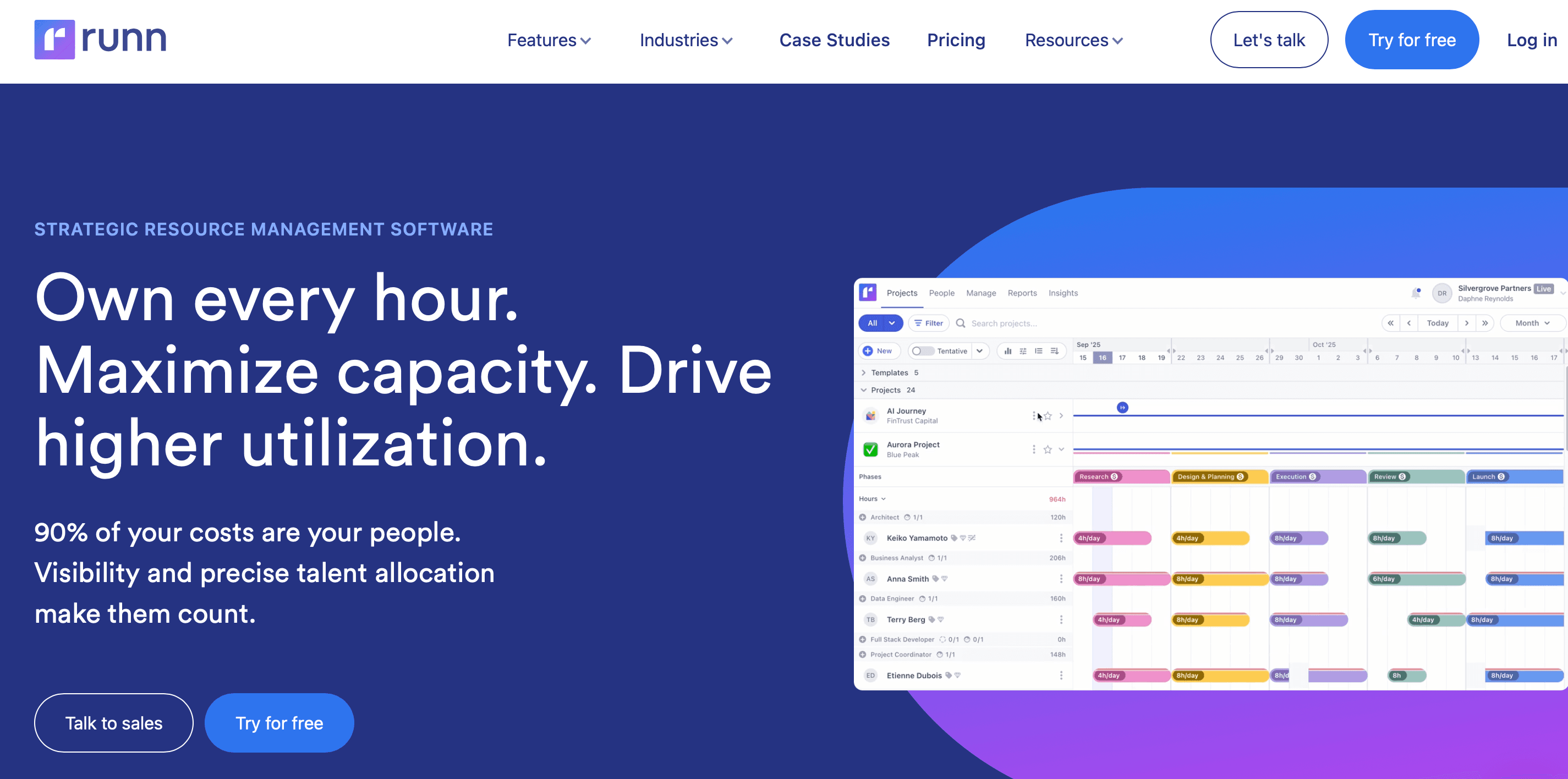
Runn combines resource planning with built-in financial forecasting. Projected revenue and labor costs sit alongside the schedule in one interface, rather than requiring a separate tool. For agencies tracking billable utilization and margin targets, that combination reduces the number of systems involved.
For: Agencies and consulting firms that want resource planning plus financial forecasting.
Pricing for 50 seats (billed annually): From $7 per resource seat per month (Lite); $11 (Standard); “Advanced” is custom.
Jira integration:One-way (Jira to Runn), syncing at least hourly, with no write-back to Jira.
Atlassian Marketplace: No.
The integration runs one way, from Jira into Runn. It imports your Jira projects and the people assigned to issues, and resyncs at least every hour, with a manual "Sync Now" option that refreshes within about 15 minutes.
What it doesn't do is write back. Changes you make in Runn never reach Jira, and time logged against Jira issues isn't pulled into Runn. So Runn reads from Jira to build the schedule, but the two systems aren't kept in lockstep.
The financial layer is where Runn is different. Budget tracking and revenue forecasting are built in, with cost against schedule visible in the same view. For consulting firms billing by project and tracking margin at the resource level, having those numbers beside the schedule shortens the reporting cycle.
The connection only runs one way, so your Runn schedule never updates the Jira issue, and Jira time logs don't flow back into Runn
Actuals against Jira work have to come from somewhere else. The 20-seat minimum also raises the effective per-person cost for smaller teams. A team of 10 still pays for 20 seats, so your real cost per person roughly doubles
Wrike's workload view shows team capacity and allocation across active Wrike projects. For teams that already manage work inside Wrike, this is native. No additional tool needed. But for Jira-first teams, the resource layer is built on Wrike's own task structure, so the Jira sync problem remains.
For: Teams that already run project management in Wrike and want resource management in the same platform.
Pricing (billed annually): Team is $10 per user per month and Business is $25. Advanced resource and capacity planning sits in the Pinnacle tier with custom pricing.
Jira integration: Two-way task sync comes as a paid add-on (Wrike Sync), included natively only on the top-tier Apex plan and sold as a custom-priced add-on otherwise.
Atlassian Marketplace: No first-party app. Third-party two-way connectors (Getint, Unito) are available.
Wrike offers a two-way Jira task sync, but it ships as a paid add-on (Wrike Two-Way Sync). And it syncs tasks rather than making Wrike the resource layer for a Jira-native workflow. The allocation views in Wrike operate on Wrike tasks, not on Jira sprint data directly. Running both means the resource plan and the backlog remain in separate systems.
Teams already running project management in Wrike get a built-in workload view at no additional cost. The interface is accessible to non-technical users, and the platform handles a broad range of use cases beyond resource allocation.
Wrike's deeper resource and capacity planning lives in the “Pinnacle” tier (custom pricing), above “Business”
Paid plans are billed annually, so you commit to a full year up front. That limits what you can try before signing an annual contract
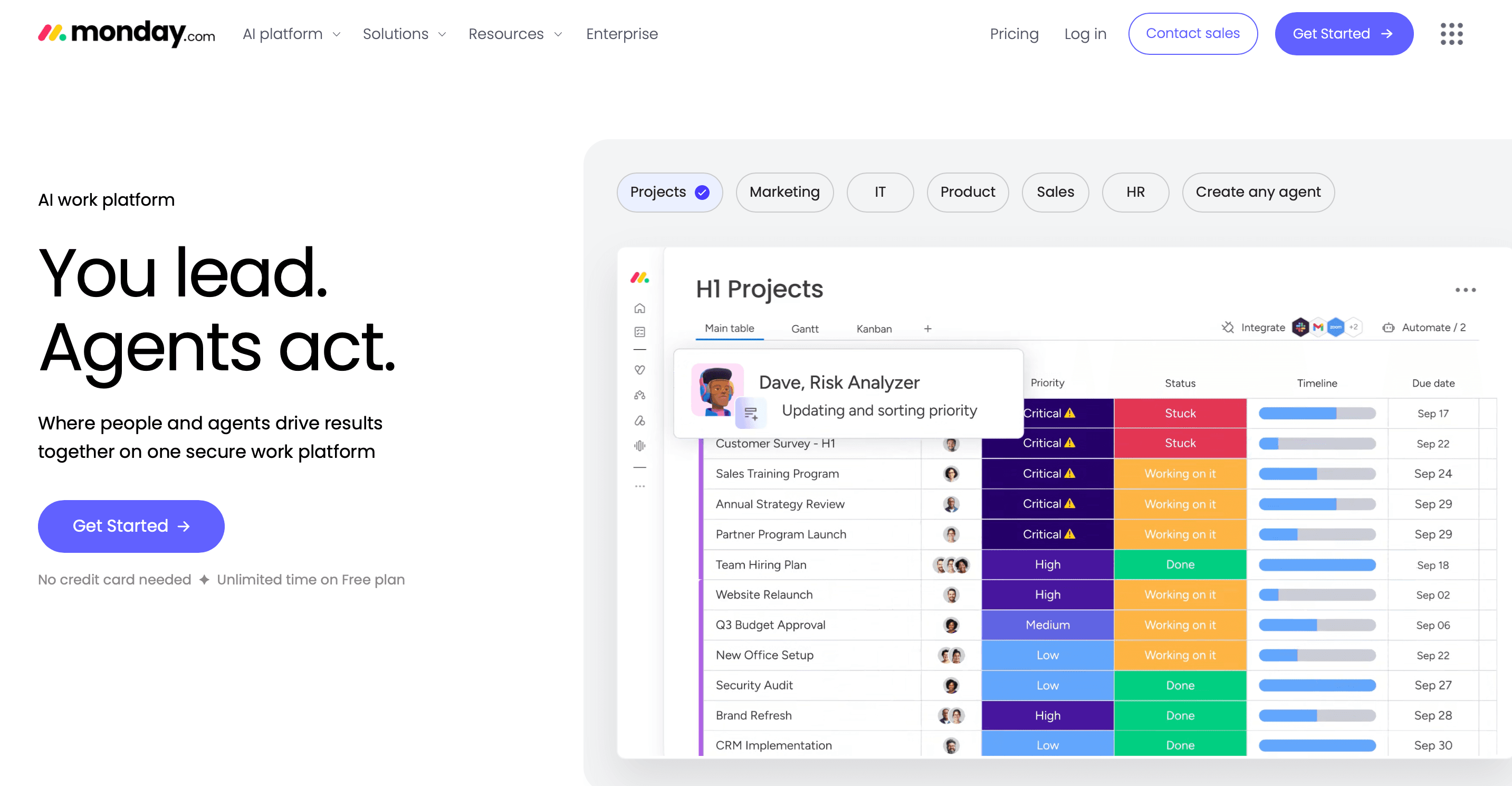
monday.com's workload view and resource allocation features are built around its board structure. The platform is flexible. You can configure boards to match your process, and the visual interface suits non-technical stakeholders.
For: Cross-functional teams that need to balance team capacity alongside active task tracking.
Pricing: Basic is $12 per user per month, “Standard” $14, and “Pro” $24, billed monthly. Annual billing is lower, at $9, $12, and $19. All paid plans require a minimum of three seats.
Jira integration: None for resource management.
Atlassian Marketplace: No.
monday.com has a Jira integration for task syncing, but it doesn't extend to resource management. The allocation views operate on monday.com tasks. For Jira-first organizations, the resource plan lives in monday.com while work lives in Jira. So that's two systems to keep synced by hand.
monday.com competes on flexibility and breadth. The board structure adapts to a range of processes, and the visual interface reduces the learning curve for non-engineering stakeholders. For organizations consolidating off multiple tools, the range of what monday.com covers can justify the migration.
No Jira integration for resource management means monday.com doesn't address the core problem for Jira-first teams
Full resource functionality requires the “Pro” plan
Every tool in this comparison except Capacity Planner requires you to maintain a resource plan outside Jira. That means manual work whenever Jira changes. The plan is always some version out of date.
Capacity Planner removes that friction. The plan lives inside Jira and updates when Jira updates. Resourcing decisions stay where the work already happens – no separate tool to maintain, no plan that drifts out of sync the moment a sprint shifts.
Start a free trial of Capacity Planner on the Atlassian Marketplace.
Capacity Planner
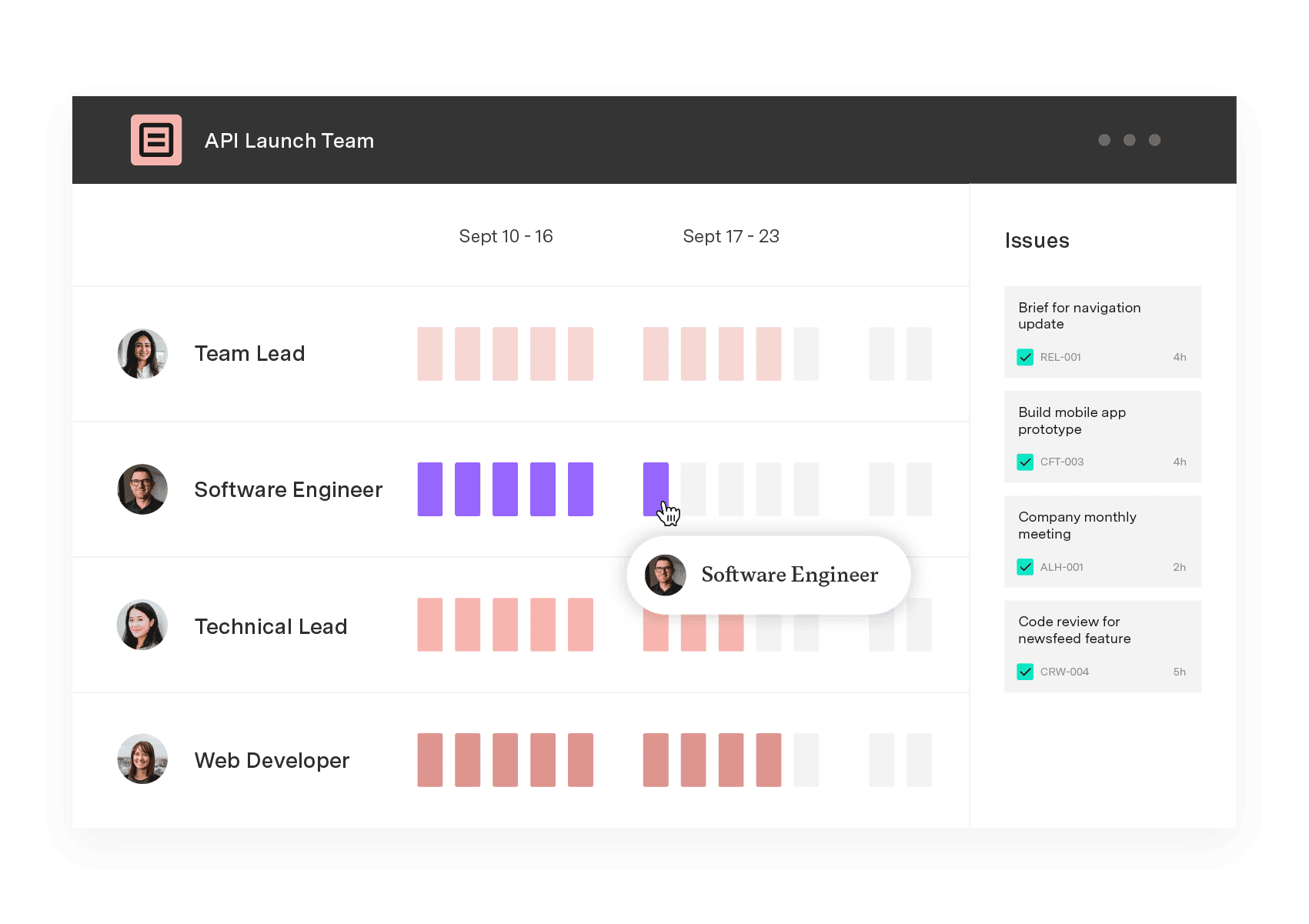
Capacity Planner is the only tool in the Atlassian Marketplace that allows planning for multiple resources on one issue. Users can customize the UI to include their existing Jira issues and projects.
Start a Free TrialCouldn't find what you need?Go to our documentation
Resource management tracks who is assigned to what work and when, and through resource scheduling, ensures that assignment actually fits within their available hours. Capacity planning looks ahead. It models whether available hours match the committed workload, so you catch overallocation before it affects the delivery phase.
No, not at team scale. Jira assigns work and tracks progress natively. But it can't show team-wide capacity or assign multiple resources to one issue. Tempo Capacity Planner is the Atlassian-native tool that extends Jira for resource visibility and planning. It's on the Atlassian Marketplace.
No tool in this guide offers a permanent free tier for team use. Float, Resource Guru, Runn, Wrike, Forecast, and monday.com each offer free trials. Tempo Capacity Planner is available for trial via the Atlassian Marketplace, with pricing from $3.99 per user per month (100 users).
Compare the 6 best resource scheduling tools for engineering teams, ranked by Jira integration depth and cross-project visibility.

Compare the best capacity planning software for engineering teams on Jira. See how six tools handle two-way sync, utilization, and plan vs. actual.

Project tracking and portfolio governance aren't the same problem. We review eight tools for PMOs governing portfolios in Jira.

Compare the 8 best project portfolio management tools for 2026, with verified pricing and honest pros and cons.

monday.com caps dashboards at 50 boards and has no CapEx/OpEx tracking. Five alternatives compared for enterprise PMO teams on Jira.

Compare eight AI project management tools for enterprise portfolios and choose the right solution for real-time tracking in 2026.

Compare the best time tracking tools for Jira, with pricing, features, and integrations to help you pick the right option for your team.

Plan, balance, and forecast portfolio capacity with Tempo's Capacity Planner and Structure PPM – built for enterprise PMOs.

Capacity management is a project management and resource allocation technique. By using capacity management skillfully, organizations dramatically...


















