

Move your company from red to black by learning how to measure profitability using the insights they generate into your business’s health.

Goal-setting helps you choose achievable yet lofty finish lines for your team. But you can’t simply define these lines and then let participants run free, hoping they cross them. That’s where operational metrics come in. These data points clearly define success — so your team understands how to achieve it. They also provide valuable insights into company and team performance, helping you make adjustments that increase the likelihood of success.
Choosing the right metrics isn’t easy — but it is important, as monitoring the wrong ones wastes team time and means you might miss issues that require resolution.
Read on to explore operational metrics examples worth monitoring so you can build a KPI reporting strategy that makes sense for your business.
Operational metrics are quantifiable measures used to track and assess the performance of your day-to-day operations. These metrics help you monitor efficiency, productivity, and performance across teams and processes. As such, they’re essential for understanding how well your organization is achieving operational goals and objectives.
These data points range from specific measurements like manufacturing output and distribution times to broader assessments like customer satisfaction and financial health. But no matter what they are, analyzing them helps your team identify areas of strength and pinpoint opportunities for improvement.
Also known as key performance indicators (KPIs), managers often use operational metrics in conjunction with objectives and key results (OKRs) to set goals and track progress toward them. KPIs are the quantifiable operational metrics you choose, and OKRs are the broader goals you set and what you hope to gain by achieving them.
Setting and tracking operational metrics gives managers a more objective basis for measuring performance, taking the guesswork out of decisions like choosing processes to improve or helping struggling employees increase their efficiency.
And if you’re working within an agile project management framework, monitoring operational efficiency metrics is especially important. Agile teams break project work into program increments (PIs). This approach prioritizes setting and tracking PI metrics at the end of each increment, helping agile leaders fine-tune processes and pivot quickly to minimize waste and maximize productivity.
While both strategic and operational metrics guide efficient and effective operational plans, the former tend to be more high-level and broad than the latter. If you want to better understand how manufacturing productivity was last month compared to this one, you’ll set and track operational metrics that help you do so. And if you require yearly market share insights, you’ll track strategic metrics.
Both measurements have their place, being essential to thoroughly understanding a company’s overall past performance and future opportunities as well as current operational improvement areas and goals.
While the success measurements you choose depend on your team and company-wide goals, common metrics typically fall into one of these categories:
Manufacturing metrics assess the efficiency and productivity of your manufacturing process. You might choose KPIs like production rates, defect rates, and equipment downtime.
Staff productivity metrics help you track staff productivity over time. Common KPIs include turnover rate, absenteeism, and productivity per employee.
Distribution efficiency metrics evaluate the efficiency of your distribution and logistics processes. Consider tracking uptime, downtime, and inventory turnover.
Marketing efficiency metrics help you understand if your brand-building efforts are making an impact — and at what cost. You might use KPIs such as conversion rate, cost per lead, and return on ad spend (ROAS).
Financial metrics provide insights into a team or company’s financial health. Common KPIs include operating margin, cash flow, and cost of goods sold (COGS).
Operational metrics aren’t one-size-fits-all. Some, like cash flow and operating margin, transcend industries, but others are specific to certain verticals.
While it’s important to paint a holistic view of operational performance, be wary of data overload and choose valuable measurements that are clearly relevant to short and long-term goals.
Here are a few standard and effective metrics worth tracking.
Tracking year-over-year revenue growth helps you determine whether your company’s sales are growing. It’s a baseline measurement of the company’s financial health, showing your overall scaling trajectory. To calculate revenue growth, subtract this year’s sales from last year’s. Then, divide by last year’s sales and multiply by 100.
This is one of the most commonly used operational metrics, helping you understand how much revenue you retain after considering all direct costs associated with producing your product or service. Gross profit margin calculations involve taking your yearly revenue and subtracting the cost of goods sold, then dividing by revenue and multiplying that figure by 100.
To calculate CAC, first determine your total sales and marketing expenses. Then divide that figure by the number of new customers you acquired. So if you spent $10,000 on sales and marketing last month and acquired 1,000 new customers, your CAC is $10.
The lower your costs, the more effective your marketing team is at bringing in new clients.
CLV helps you understand the total gross profit a single customer will generate for your company, from their first purchase to their last.
Calculate this metric by multiplying your average revenue per account by your gross margin and dividing that figure by revenue churn.
You can calculate your churn rate by dividing the number of churned customers by the total number of customers you had at the beginning of the assessed period and then multiplying by 100. This reveals the percentage of customers you lose during a given time frame.
Calculate ARR by multiplying your average monthly revenue per customer by the total number of customers, then multiplying the results by 12. Use ARR to estimate future revenue over the coming year. This estimate assists with budgeting and forecasting while providing a glimpse into your long-term financial health.
Divide your COGS by your inventory’s average value to determine your inventory turnover rate. This metric helps you determine how effectively the business uses its assets. Low inventory turnover indicates excess inventory or weak sales and vice versa.
Burn rate is calculated by subtracting cash collections from your cash payments. This metric showcases whether the business is overspending based on the amount of cash it has on hand.
Tracking these and other operational metrics helps you keep your house in order and create a leaner, more efficient business strategy. But simply tracking these metrics isn’t enough — you need a way to organize the data you gather so you can share it with key stakeholders and easily understand it yourself.
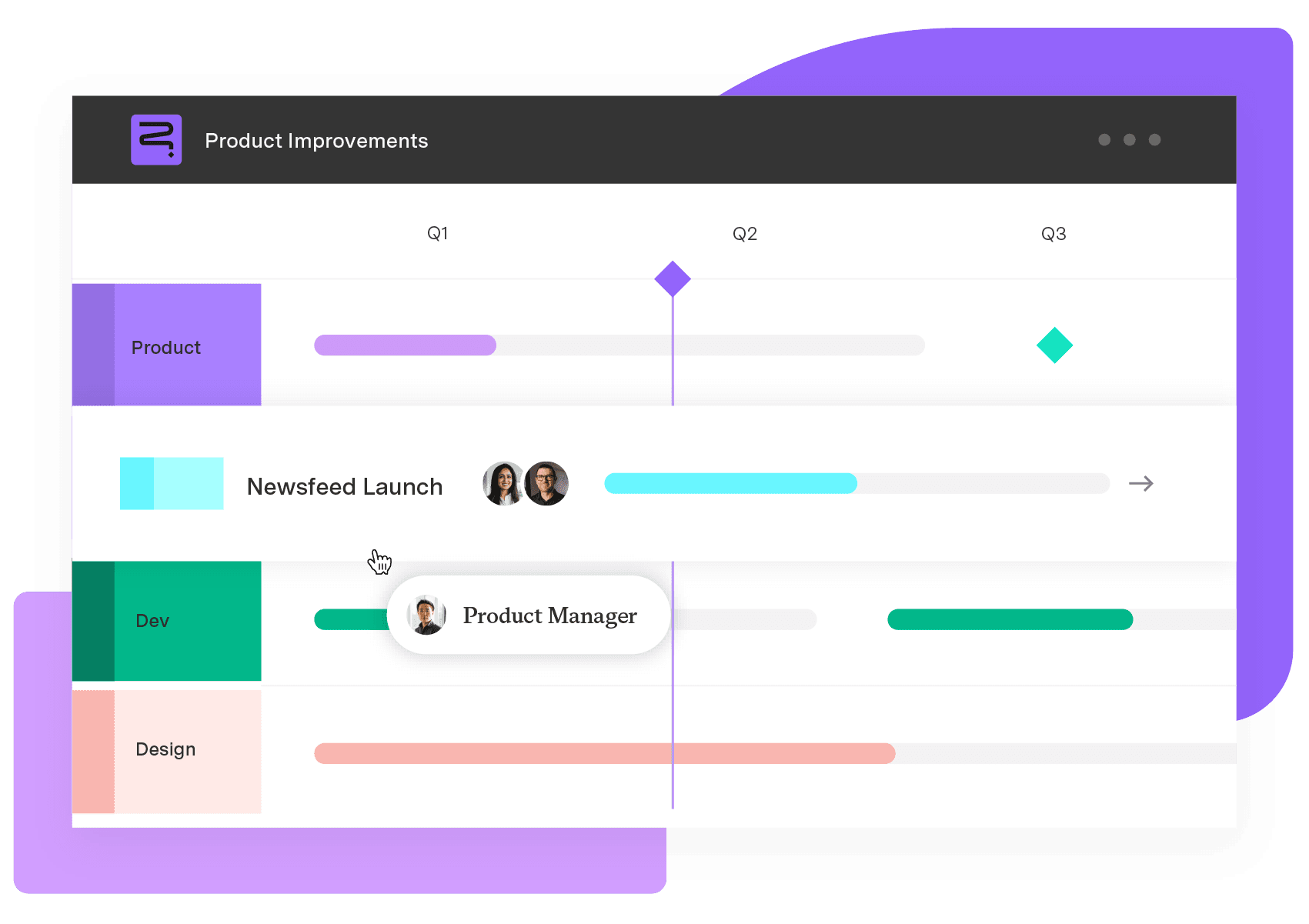
Enter Tempo Strategic Roadmaps, the best Jira resource planning solution. With Startegic Roadmaps, you can create audience-friendly roadmaps that showcase progress toward key metrics and roadblocks you must resolve. Explore Tempo Strategic Roadmaps today and change the way you manage your business.
Strategic Roadmaps
Build your portfolio vision with Strategic Roadmaps. With powerful visualization capabilities, you can communicate strategy to the entire organization and gain alignment around strategic objectives, product goals, and milestones.
Start a Free TrialMove your company from red to black by learning how to measure profitability using the insights they generate into your business’s health.

Project metrics provide invaluable insights into progress. Learn how these benchmarks help your team achieve timely, high-quality deliverables.

Track key metrics in real time with a KPI dashboard. Learn how to build one, explore examples, and improve visibility using Tempo’s Jira-native tools.

Discover the difference between project outcomes and outputs and learn how to leverage the correct metrics to gauge impact on organizational goals.
To see if you’re meeting objectives, you need to track some key metrics. Knowing when to use an OKR versus KPI can help your company map its successes

Discover how operational data, such as sales transactions and system logs, empowers businesses to boost efficiency and effectively manage risk.

Leverage performance measurement and analytics to improve organizational performance and make data-informed decisions about the company’s future.

Discover the importance of operational plans, their distinction from other planning approaches, and how to craft your own.

Discover 10 proven strategies to drive profitability. Learn to control costs, mitigate risks, and drive revenue growth for business success.
















