

Struggling to keep your project on track? A timeline roadmap helps you plan, visualize milestones, and stay aligned. Here’s how to create one.
Learn how to create compelling visual project timeline roadmaps that outline milestones, track dependencies, and keep your team aligned.

A project timeline roadmap aligns your team through every stage of a project by mapping milestones and tracking dependencies. It provides a strategic overview that charts a clear pathway to delivery so teams can spot challenges early and keep task flow logical.
With a well-crafted roadmap, teams cut confusion and coordinate around shared goals. This guide explains how timeline roadmaps improve project management, examines their strategic advantages, and walks through how to build one.
A project timeline roadmap is a visual tool that breaks a project into detailed milestones and tasks across a set period. It shows key phases, deadlines, and dependencies, giving everyone a clear view of what should happen and when. By laying out the project end-to-end, timeline roadmaps make dependent tasks easy to track and let team members coordinate their work.
A timeline roadmap is more than a list of dates or a calendar. It’s a visual summary of the project’s flow. It breaks work into segments and shows milestones and final deadlines at a glance. That view highlights gaps and gives team members a clear sense of the sequence of events. A central reference point lets anyone check what is expected on a given day.
Project managers use timeline roadmaps because they deliver both a high-level overview and granular detail. A roadmap can surface major phases like planning and execution while breaking each phase into specific tasks — for example, “create design mockups” or “conduct user testing” — so the team can see what’s required at every stage.
Reasons project managers rely on timeline roadmaps:
Improving team alignment: In fast-moving projects, a well-structured roadmap helps a project manager stay agile while keeping the team on the same page.
Tracking dependencies: A timeline roadmap shows which tasks depend on others. If one slips, the project manager can quickly assess which later tasks are affected and rearrange work.
Aligning with agile workflows: Agile emphasizes adaptability, which makes fixed timelines tough. Dynamic roadmaps help teams visualize sprint goals, prioritize backlogged tasks, and stay focused on business objectives without giving up flexibility.
Maintaining focus: The roadmap surfaces important deadlines and deliverables so team members don’t lose sight of the project’s goals.
Facilitating stakeholder communication: The timeline is a single view that can be shared with clients, leadership, or other stakeholders. Everyone sees the project’s progress without the noise of every task detail.
Project timeline roadmaps give teams clarity, sharpening planning, execution, and overall efficiency. A well-structured roadmap keeps stakeholders, team members, project managers, and decision-makers informed. It cuts confusion and improves cross-functional collaboration as a shared reference point.
One benefit is adaptability. As conditions change, teams can adjust schedules and shift priorities without losing momentum. That flexibility limits disruption and keeps projects on track when unexpected challenges hit.
More advantages of a timeline roadmap:
Increased visibility: When all tasks and deadlines sit in one view, the whole project becomes easier to understand. The visual layout shows managers and team members the big picture and flags where delays might occur.
Better resource allocation: Project managers can see which resources each task needs across the entire timeline. Mapping the workload prevents overloading some team members while others have spare capacity.
Enhanced deadline management: A timeline roadmap makes deadlines obvious. With clear start and finish dates for each task, the team can follow the schedule and act when a deadline is at risk.
Proactive risk identification: When tasks and dependencies are visible, problems are easier to spot.
Fostering accountability: Team members see their responsibilities — and their peers’ — so expectations are clear.
When project managers and team leads build timeline roadmaps, the whole organization benefits. The process is straightforward.
Roadmapping breaks down into six manageable steps:
Before you build the timeline, clarify the project’s overall vision. Develop a solid understanding of the deliverables, objectives, and — most important — what success looks like. Then break the project into actionable milestones.
Listing milestones splits the project into manageable parts. Instead of high-level, nebulous events like “product launch,” aim for specific milestones such as “product prototype complete” or “user testing phase.”
From there, plug each milestone into your roadmap with enough time to absorb the unexpected.
Assign a start and end date for each milestone and task. Use realistic timeframes based on past projects and team input. Map the schedule and mark expected end dates for each part of the project.
Many visual tools work for building timeline roadmaps. Gantt charts are a strong choice for visualizing task durations and dependencies, since they give a linear view of project timelines.
Project management platforms like Jira support agile workflows so teams can update timelines as tasks evolve. Tempo integrates with Jira to provide real-time tracking with customizable dashboards.
Gather input from team members and stakeholders when planning the timeline. Their insight helps capture necessary tasks and dependencies. Involving everyone from the start improves buy-in and reduces the chance you overlook important details.
Choose tools that are easy to update and share. Whether you use project management software or a spreadsheet with timeline capabilities, it should display tasks and deadlines clearly.
Tempo’s Strategic Roadmaps has visualization capabilities that let teams build actionable visual roadmaps.
A project timeline is a living document. Regular revisions keep the timeline accurate as the project moves. Revisit the roadmap to update deadlines or add tasks, and communicate changes so the team stays in sync.
Tempo offers a suite of tools and templates that strengthen project timeline roadmaps. Teams can build detailed roadmaps using Tempo’s features, which include real-time tracking and customizable dashboards.
Some of Tempo’s features:
Integration with Jira: Tempo’s tools let you create a detailed, Jira-linked timeline. Advanced roadmaps show scheduled tasks and how they relate.
Gantt charts: Built-in Gantt chart features let teams visualize task durations and dependencies, making schedule adjustments easier when delays occur.
Customizable dashboards: Tempo offers dashboards tailored to surface essential information at a glance — deadlines, milestones, and resource assignments.
Real-time tracking: Team members’ changes are reflected immediately, preventing miscommunication about project status.
Dependency mapping: Tempo’s tools let you link dependent tasks, showing the sequence of work and which tasks may affect later stages.
Automated updates: Notifications and updates reduce manual revision. The roadmap adjusts when a task’s status changes or a deadline shifts.
Tempo’s tools keep timeline roadmaps accurate and dynamic while cutting administrative overhead. Let Tempo’s Strategic Roadmaps help align business strategy with execution.
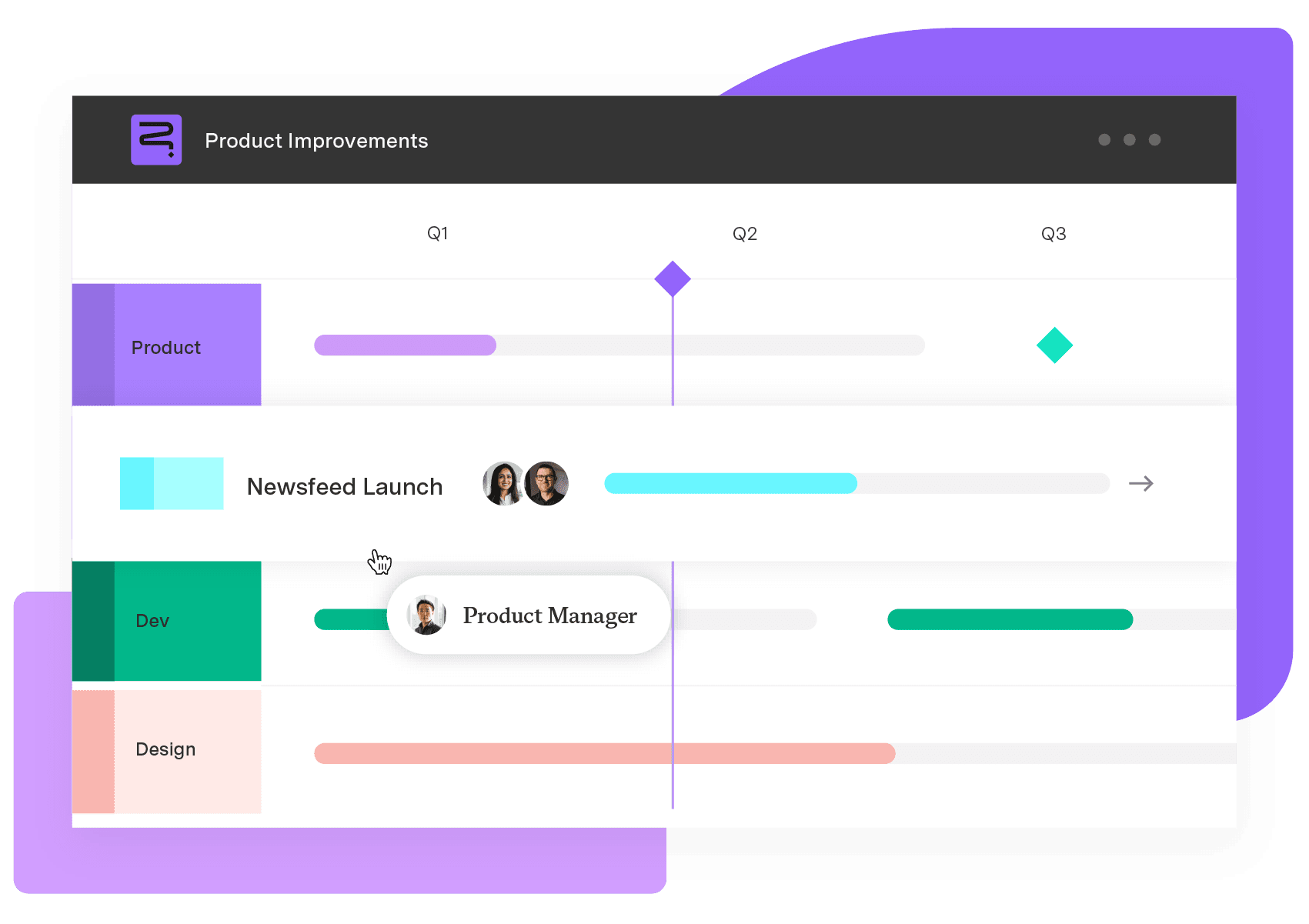
Strategic Roadmaps
Build your portfolio vision with Strategic Roadmaps. With powerful visualization capabilities, you can communicate strategy to the entire organization and gain alignment around strategic objectives, product goals, and milestones.
Start a Free TrialCouldn't find what you need?Go to our documentation
A project timeline roadmap is a visual schedule that chronologically displays project tasks, milestones, and deadlines. It provides a reference for project managers, team members, and stakeholders to see the overall project plan and track dependencies.
Timeline roadmaps present the project schedule in a single view that all team members can access. They allow everyone to see their role, the order of tasks, and the deadlines that must be met.
Advantages include increased visibility of the overall project plan, better resource allocation, improved deadline management, early risk identification, and enhanced accountability among team members.
Projects require constant updates as they evolve. Many tools, such as Tempo and Jira, allow automated updates based on real-time progress. They keep your roadmap up-to-date without manual intervention, even as project schedules shift.
Struggling to keep your project on track? A timeline roadmap helps you plan, visualize milestones, and stay aligned. Here’s how to create one.

Without a project timeline, you risk missed items, delays, and misunderstandings. Learn how to keep your project on track to achieve team goals.

Learn what project milestones are, why they matter, and how to create them to improve planning, visibility, and delivery.
Visualize your project with Confluence Gantt charts. Learn how to create, manage, and optimize them for better collaboration & project tracking
Stay on track and hit every deadline with milestone tracking. Learn how to monitor and optimize project milestones for seamless execution with Tempo.
Learn how enterprise project management drives success by improving resource utilization and risk management Explore strategies for project execution.

Maximize efficiency with six innovative project timeline templates. Learn how to improve team productivity while saving time and resources.

When facing delays or tightening your project timeline, fast tracking sets you up to deliver. Learn more about this schedule compression technique.

Roadmaps are essential to bridge the gap between planning and action. Learn how to transform your roadmap into a dynamic, decision-ready tool.




















