LOOP PLANNING

The plan adjusts continuously as capacity and priorities change.

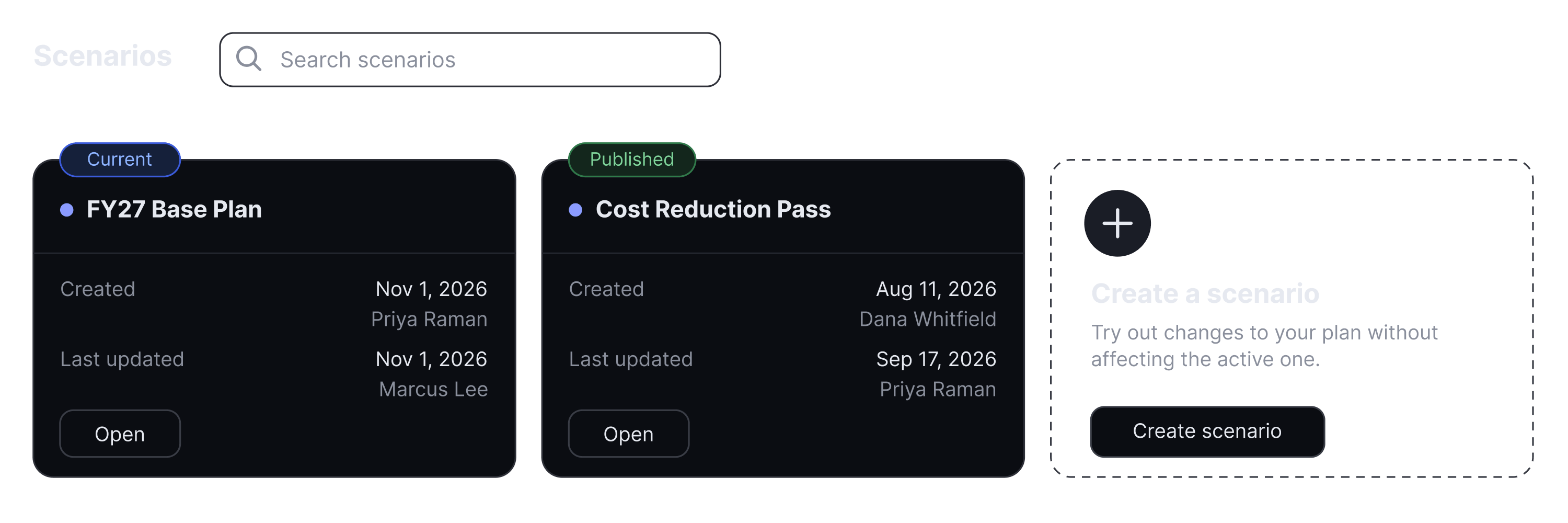
Model a shift before you commit to it, compare scenarios on cost, capacity and risk, and publish only when you're confident.

HOW PLANNING WORKS

Model, compare, publish.

Loop tests every option against your real capacity and actuals before anything changes in the live plan.

WHAT YOU GET

Decide with numbers instead of a guess.

  • Try it in a sandbox

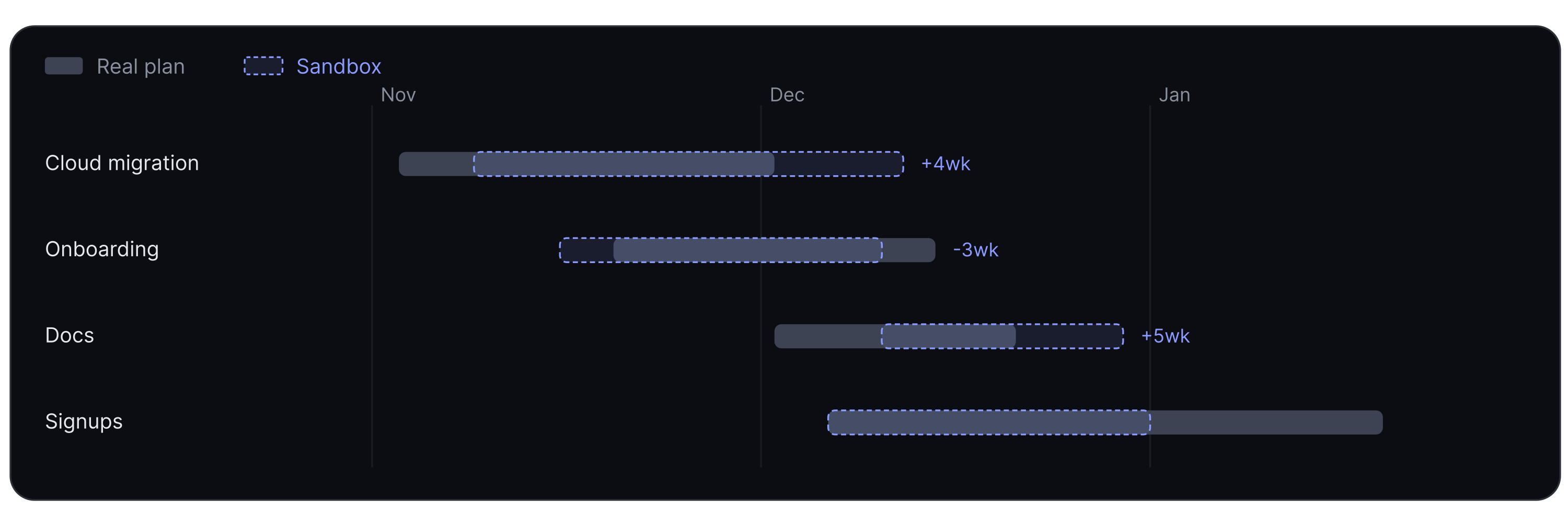
    Adjust capacity, time, and budget against actuals in “sandbox mode” and see what moves – without touching the live plan.

  • Visualize your plan

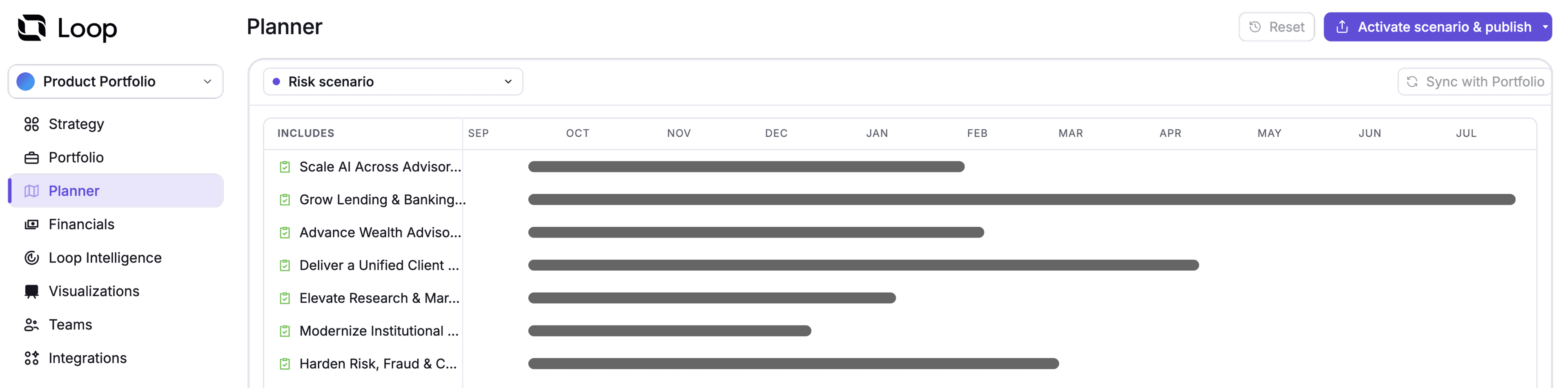
    View each scenario as a table or roadmap and move work on the timeline to adjust the plan.

  • Planning Intelligence

    Start from a balanced, risk-optimized, or custom profile. From there, you can tune priority, flexibility, confidence, and capacity to match how your organization plans.

  • Demand in the same plan

    Customer requests, sales asks, and executive priorities get scored in one place. Loop then compares it against the capacity you have and moves it into the plan once accepted.

  • Replan around the blocker

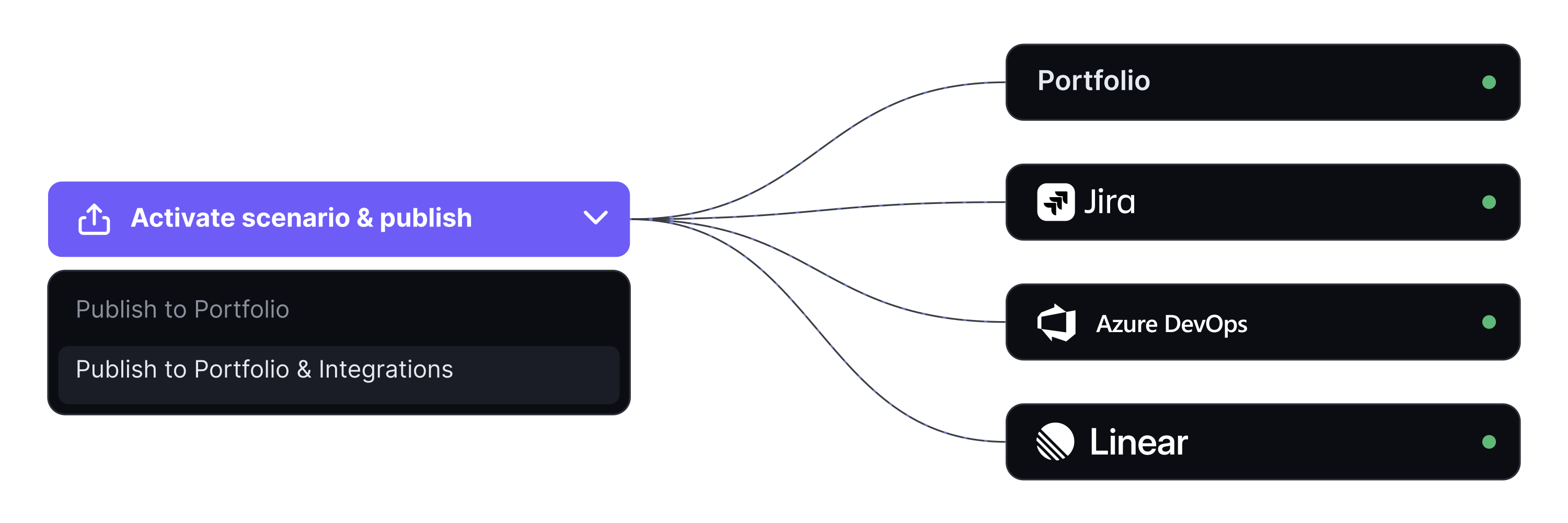
    Loop finds the drifting item, resequences the work around it, and sends the new dates straight back into your tools.

See it run on your portfolio.

Get a real answer to how far your company is from the plan.