

The critical path method is a project management approach that lets you monitor and control project timelines, resources, and budgets with ease.
Leverage critical path project management to keep your team on schedule. With CPM, you’ll effectively schedule crucial tasks for successful delivery.

Every project has must-haves and nice-to-haves. Nice-to-haves polish the experience. Must-haves are what the charter or scope statement obligates the team to deliver — miss them and the project misses its goals.
Telling the two apart is the project manager's job, and gut feel isn't good enough. Critical path project management is the tool that separates the tasks that decide the schedule from the ones that don't.
The critical path is the longest sequence of dependent tasks in a project — the chain that determines the shortest possible delivery date. Critical path analysis (CPM) is the technique project managers use to find it.
CPM starts with a work breakdown structure (WBS): a shared list of every activity needed to hit the outcome. The team sequences those tasks, estimates each one's duration, and lays them out in a network diagram that reads like a flowchart.
CPM then sorts tasks into critical and noncritical. Critical tasks have to finish on time or the whole project slips. Noncritical tasks carry slack, so there's room to move them without moving the deadline.
Mapping the critical path exposes bottlenecks before they bite, points resources at the work that matters, and gives the PM a clearer view of risk.
The critical path does two things for a project manager:
1. Identifies the tasks that dictate the schedule's length 2. Provides a defensible schedule tied to milestones, deadlines, and budget
A correctly mapped critical path also lets a PM:
Surface task dependencies, resource constraints, and roadblocks
Produce credible duration estimates
Prioritize work and allocate resources with intent
Enforce drop-dead dates on the tasks that can't slip
Reallocate people when the plan starts drifting
Apply schedule compression — crashing or fast-tracking — when time runs short
CPM keeps a project inside its spec, but the payoff runs wider than that.
Building the critical path requires input from every function on the team. That cross-functional discussion draws on wider expertise, surfaces disagreements early, and counteracts individual bias.
A network diagram makes the critical path visible. The team can see where the schedule has breathing room, where time and cost pressure sits, and where to focus.
Program evaluation review technique (PERT) is a companion tool that maps tasks and timelines visually. Used with CPM, PERT charts tighten schedule estimates and expose weak points, so the team can build in slack where delay is likely.
Once the critical path is mapped, the project timeline drops cleanly onto a Gantt chart — an intuitive view that team members and stakeholders can read at a glance.
The process is methodical, not complicated. Seven steps get you there.
Bring the team and stakeholders together, walk through requirements and deliverables, and capture every task in a work breakdown structure. If it isn't on the WBS, it won't get scheduled.
Go back through the WBS and mark which tasks can't start until others finish. Dependencies are what make a path a path.
Draw the tasks with arrows showing order. Tasks with no dependencies can run in parallel — useful, because the PM can shift their start and end dates when a bottleneck appears.
Four common ways to estimate task duration:
1. Best guess from prior experience 2. Historical project data 3. Industry benchmarks 4. Extrapolated data
Any single estimate can be wrong — dependencies slip, math misfires, work goes faster than expected. The fix is three estimates per task, averaged:
1. Best case 2. Typical case 3. Worst case
Activity duration = (A + B + C) ÷ 3
Weight the average if one scenario is more likely. If B is the strongest bet:
Activity duration = (A + 2B + C) ÷ 4
Write the final durations next to each task on the network diagram.
The forward pass sets each task's earliest start (ES) and earliest finish (EF). Any task's ES equals the previous task's EF. T is the task duration.
Earliest finish = ES + T
The forward pass lets the PM sequence resources and squeeze idle time out of the plan.
The backward pass sets the latest finish (LF) of the final task on the critical path and works backward to each task's latest start (LS).
Latest start = LF – T
The backward pass produces the launch milestone: The date a task must begin or the whole project slips. Record both passes on the network diagram.
Look at the network diagram and trace the longest path from start to finish through the critical tasks. That path is the critical path, and its length is the minimum time to deliver.
Float is the amount of time a task can slip without moving the finish date. Float is where a PM finds resources — pull people off floating tasks and put them on critical ones that are wobbling.
Tasks on the critical path have zero float. Delay them and the project slips by the same amount.
Some project management tools calculate float automatically. Manually:
1. Identify the second-longest sequence in the network diagram. 2. Subtract its duration from the critical path's duration. That's the total float on that sequence. 3. If a task sits on both sequences, its float is zero — it's on the critical path.
The critical path isn't a set-and-forget artifact. Monitor progress through execution, watch for tasks pushing into their float, and reforecast before a slip becomes a miss.
For a team launching an ecommerce site, the WBS captures every task from vendor selection through soft launch. The critical path threads through the tasks that can't run in parallel: platform decision → design sign-off → build → payment integration → QA → go-live. Anything with float — content population, non-essential integrations — gets scheduled around that spine.
Plotting a critical path takes real work — a lot of information to gather, sequence, and calculate. Tempo project management software handles the heavy lifting.
Portfolio Manager is an all-in-one planning application that supports project and capacity planning, so the team can run critical path scheduling and resource allocation in one place. When roadblocks or bottlenecks show up, Portfolio Manager uses AI to suggest resource-leveling moves like crashing or fast-tracking.
For duration estimates, pull historical data from Tempo Timesheets to sharpen accuracy and set defensible start and finish dates. Timesheets also tracks live effort on current projects, so team members drifting into trouble surface before the delay reaches the timeline.
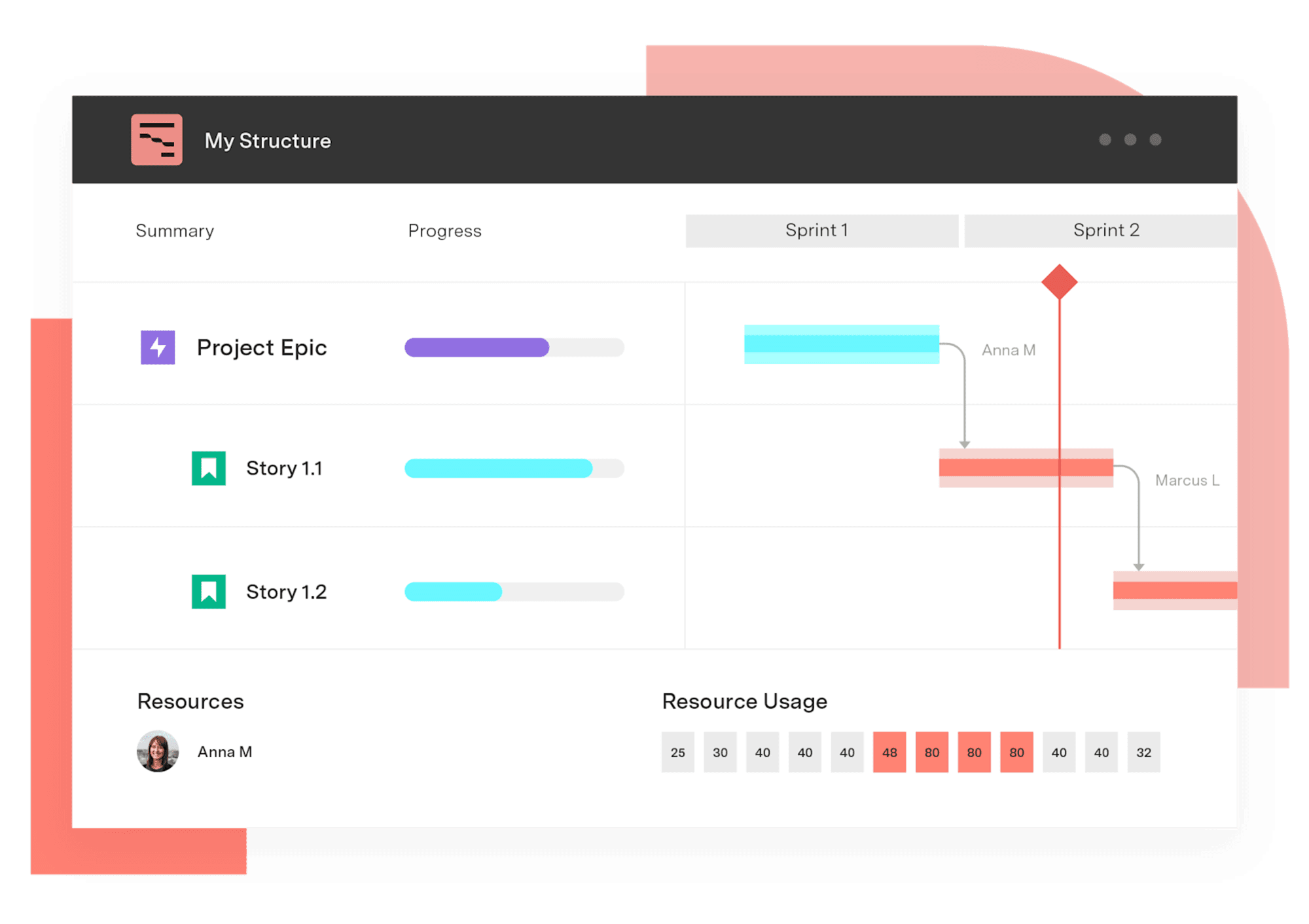
Gantt Charts for Structure PPM
Get visualization options for portfolio scheduling, quarterly planning work, capacity visualization, project retros, complex waterfall infrastructure projects, and more.
Start a Free TrialCouldn't find what you need?Go to our documentation
Translate the information into a flowchart diagram to help team members visualize a project’s critical path. Start with the opening task, then list all subsequent jobs in order of completion with arrows to identify dependencies – activities that can’t begin before the previous work is complete. Highlight the longest chain of tasks to identify the critical path.
You can use an Excel Spreadsheet template to uncover a project’s critical path. Download the prototype, then input and organize each task and its duration. This will help you identify dependencies and visualize potential delays.
The critical path method is a project management approach that lets you monitor and control project timelines, resources, and budgets with ease.
Learn how scheduled floats in project management can increase team efficiency and productivity while ensuring you never miss a client deadline.

Learn how a network diagram in project management helps visualize task dependencies, optimize workflows, and improve project scheduling and execution.

Learn the basics of project scheduling and help your team manage time, establish priorities, and visualize workflows without becoming overwhelmed.

What is traditional project management? Discover the tools of the project management trade and whether they have a place in your current practice.
Check out these six tips for successful project delivery. Let’s examine six fundamental lessons for successful project delivery.

Learn all about critical success factors and how Strategic Roadmaps by Tempo helps you create effective CSFs for all your project management tasks.

Resource leveling is an underappreciated tool in project management. Learn how to incorporate this process into your business practices.

Learn how to use a production schedule to monitor the production process, provide accurate completion predictions for products, and set shipment dates

















