

Learn how to create compelling visual project timeline roadmaps that outline milestones, track dependencies, and keep your team aligned.
Struggling to keep your project on track? A timeline roadmap helps you plan, visualize milestones, and stay aligned. Here’s how to create one.

A timeline roadmap is a visual project plan that maps milestones, deadlines, and dependencies from start to finish. It gives teams a shared view of what happens when, so work stays coordinated as scope shifts and priorities change.
Deadlines move. Dependencies stall. Without a clear plan, teams lose the thread of what comes next. A well-structured timeline roadmap fixes that: It shows progress, surfaces risks early, and keeps people aligned as projects get more complex.
Here's when to use one, when to skip it, and how to build one that holds up.
A timeline roadmap outlines a project's milestones, deadlines, and objectives from start to finish. It shows what needs to happen and when, giving everyone an organized view of the full journey.
It works by breaking tasks into manageable steps and highlighting how they connect. Project managers use it to track progress and adapt as plans evolve.
Whether you're working from a Gantt chart template or a custom roadmap, the goal is the same: Create a structured plan the team can follow. The visualization clarifies priorities and keeps everyone on the same page — useful for complex, cross-functional projects and fast-moving environments that need agile thinking.
A timeline roadmap earns its keep when you're managing multiple tasks and coordinating teams. A few scenarios where it pays off:
Projects with interconnected tasks turn chaotic fast. A timeline roadmap organizes critical dates and deadlines so you can see dependencies. Once you know which tasks must finish before others start, the project runs cleaner.
When marketing, design, and development all work on the same project, alignment gets hard. A timeline roadmap clarifies each team's responsibilities and shows how their work fits the whole, so everyone focuses on the same goal.
Product teams use a timeline roadmap to outline every task leading up to launch — development, marketing, sales. It keeps deadlines visible and steps from slipping through the cracks.
A timeline roadmap fits many projects, but not all. Skip it in these cases:
If you're still defining scope, a strict timeline limits more than it helps. A roadmap without fixed dates gives the team room to adjust as new information emerges.
Some projects start with uncertain deadlines that firm up as work progresses. A timeline creates artificial pressure. A roadmap without one lets you focus on milestones and goals without chasing dates that will shift anyway.
Long-term strategic goals rarely benefit from specific deadlines. A roadmap without a timeline lets you outline objectives and priorities without time constraints, focusing on the "what" and "why" rather than the "when."
Managing many projects at once on a strict timeline is a losing game. A portfolio roadmap provides a high-level view of how projects align with business goals, helping stakeholders prioritize and allocate resources without drowning in detail.
Follow these steps to build a roadmap that keeps the team aligned and focused on project goals.
1. Define your objectives and priorities
Clarify the project's goals. What are you trying to achieve, and what matters most? Clear objectives give the project direction and help you prioritize tasks. Ask:
What's the project's end goal?
What are the key deliverables?
Which milestones indicate progress?
These objectives shape the roadmap structure and decide which tasks come first.
2. Identify key milestones and deadlines
Break objectives into milestones — the checkpoints that show progress. Examples: Finalizing product design, launching a marketing campaign. Then set deadlines for each milestone to create accountability.
3. Map tasks and dependencies on a timeline
Outline the specific tasks each milestone requires — research, design, testing, marketing prep. Identify dependencies: Tasks that must finish before others can start. Mapping these on a Gantt chart shows the project's flow and how everything connects.
4. Use tools like Tempo to organize and maintain your roadmap
Once the roadmap is in place, use project management tools like Tempo to keep it organized and accessible. Tempo tracks deadlines, allocates resources, and adjusts timelines as work progresses, keeping the team aligned with the plan.
A few ways different teams use timeline roadmaps:
A product team building a new mobile app might structure the roadmap by quarter:
Q1: Research, define user needs, and finalize the app concept
Q2: Design and prototype the app
Q3: Develop and conduct alpha testing
Q4: Run beta testing, make adjustments, and launch the app
The phased view aligns developers, designers, and marketers on deadlines and tasks, and the visual timeline keeps the project on track.
A marketing team launching a new product line might structure a campaign roadmap like this:
Month 1: Conduct market research and develop buyer personas
Month 2: Create content and strategy for social media, blogs, and ads
Month 3: Launch the campaign and monitor initial results
Month 4: Analyze data, adjust strategy, and report findings
This structure enforces accountability and reduces the odds of missing a critical step.
A construction team managing a large build might phase the work like this:
Phase 1 (January to February): Prepare site and secure permits
Phase 2 (March to June): Pour foundation and complete structural work
Phase 3 (July to September): Complete interior work, electrical, and plumbing
Phase 4 (October): Conduct final inspections and project handover
The roadmap highlights dependencies — permits before foundation work — so the team plans ahead and avoids delays.
A well-structured roadmap keeps teams organized, on deadline, and adaptable as projects evolve. Tempo's project management tools support the workflow end to end:
Timesheets tracks time spent on tasks, giving you insight into resource utilization and whether milestones are on schedule.
Capacity Planner lets teams model workload scenarios and allocate resources so timelines are realistic.
Custom Charts for Jira offers tailored views of key project metrics, so teams monitor progress and adjust in real time.
Strategic Roadmaps helps teams visualize and plan long-term project timelines while tying them to broader business goals.
Try Tempo today and start building dynamic, actionable roadmaps that guide projects from start to finish.
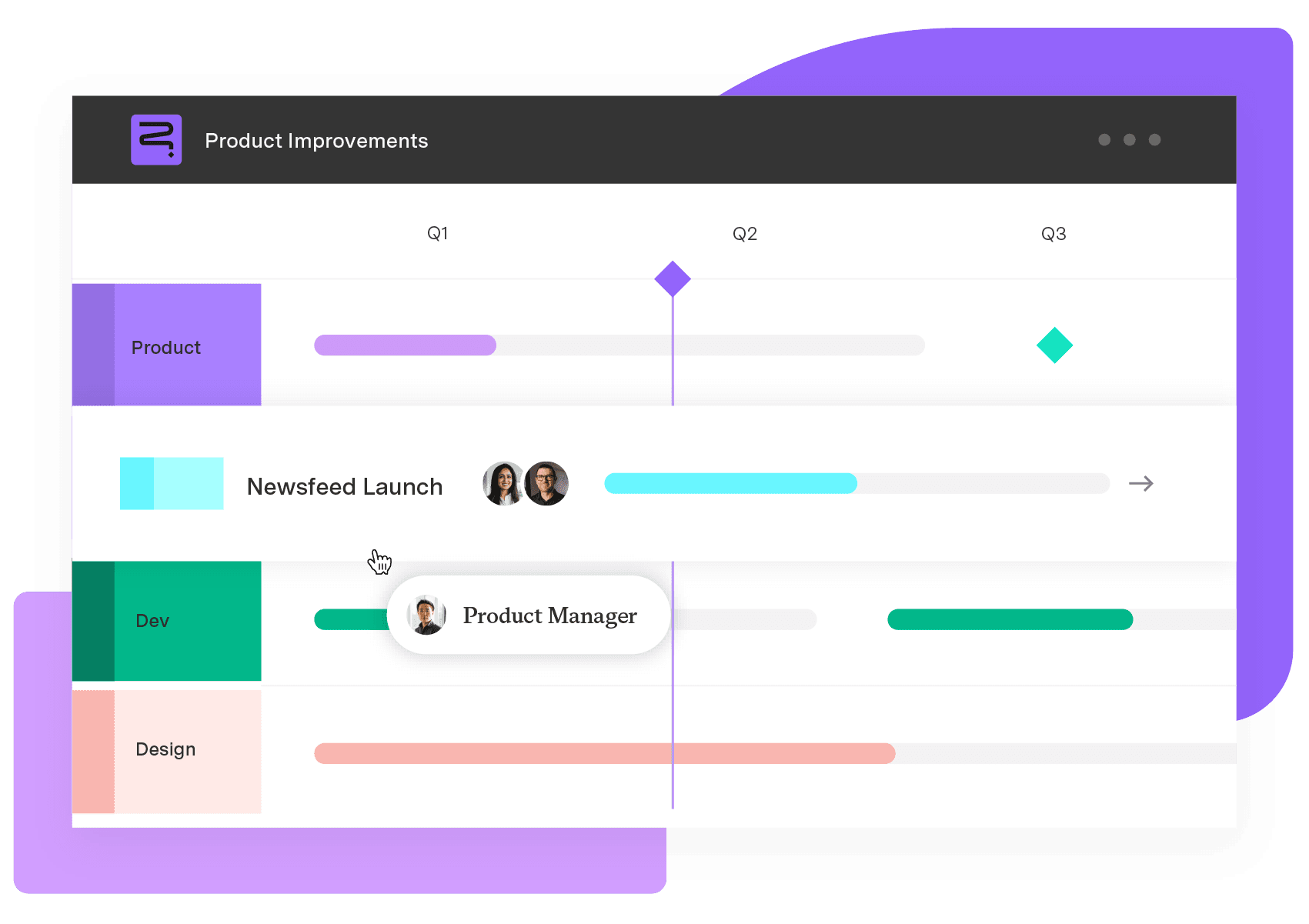
Strategic Roadmaps
Build your portfolio vision with Strategic Roadmaps. With powerful visualization capabilities, you can communicate strategy to the entire organization and gain alignment around strategic objectives, product goals, and milestones.
Start a Free TrialCouldn't find what you need?Go to our documentation
A timeline roadmap lays out the start and end dates for project tasks. It helps the team and stakeholders align on milestones, deadlines, and goals so everyone understands priorities and dependencies.
It depends on the project. Leaders should update the roadmap to reflect any significant changes in priorities, timelines, or goals. Regular check-ins (monthly or quarterly) keep the roadmap relevant.
These valuable tools serve distinct purposes. A roadmap visualizes the big picture – the “what” and “why” behind your goals. A project plan dives into the nitty-gritty, including task lists, deadlines, and responsibilities.
Learn how to create compelling visual project timeline roadmaps that outline milestones, track dependencies, and keep your team aligned.

Learn what a workflow diagram is, explore common types, and discover how to create one that helps your team work smarter and stay aligned.

our content plan is how you connect with your audience and build brand recognition. Here’s how to create a content plan and engage customers.

Establishing a plan for a project can be challenging. Use these project plan templates to create a roadmap of your vision for your team to follow.
Learn how a network diagram in project management helps visualize task dependencies, optimize workflows, and improve project scheduling and execution.

Without a project timeline, you risk missed items, delays, and misunderstandings. Learn how to keep your project on track to achieve team goals.

A product portfolio roadmap aligns product lines to strategy when built on live data. How PMO leaders plan, prioritize, and keep it current

Learn vital insights and tips to create a roadmap that effectively communicates project plans. Discover how roadmaps advance corporate objectives.

Learn what project milestones are, why they matter, and how to create them to improve planning, visibility, and delivery.
















