

A list of the best Jira Service Management charts to include in your ITSM dashboards for powerful and game-changing reporting.
Faster to deploy, less consultant-dependent options for strategic portfolio management

Key Takeaways
Companies leave Planisware because its structured, stage-by-stage governance is expensive to run. Implementation timelines commonly stretch past a year, and consultant dependency is widely reported after go-live.
The alternatives compared here, Tempo Loop, Meisterplan, CAST Highlight, IBM Targetprocess, and Smartsheet, prioritize self-serve configuration, faster time to a first portfolio view, and pricing that doesn't punish variable team size.
Tempo Loop is an AI-native continuous portfolio orchestration platform built to remove the consultant-led configuration cycle, without a lift-and-shift migration.
The deciding factor between these alternatives is how long before your team can run the portfolio view without outside help.
Planisware handles structured, sequential-approval governance, financial modeling, and portfolio scale better than most PPM tools on the market.
What drives teams away is cost of ownership with implementation running 3-18 months, standing consultant dependency, and a learning curve that keeps adoption narrow even after go-live.
This guide compares five alternatives on self-serve configuration, time to a first portfolio view, and pricing that responds to the pain of running Planisware, not just its list price.
Before comparing tools, here are the five requirements that matter most when planning to switch from Plansiware to another portfolio management tool.
Implementation speed and time to first portfolio view: How long before your team sees a defensible cross-project view?
Consultant dependency versus self-serve configuration: Can PMO staff configure the platform after onboarding, or do you need a specialist?
Pricing and contractor seat flexibility: Does the pricing model accommodate variable contractor headcount without charging full seat cost for short-term contributors?
Reporting and BI integration: Does the platform expose data to modern BI tools, or is reporting locked inside a proprietary layer?
Methodology support: Does the platform support phase-gate governance, hybrid delivery, or agile planning, or only one of those?
The right fit here depends less on features and more on which Planisware problem is actually costing you time.
Tool | Category | Implementation speed | Self-serve configuration | Starting price |
Tempo Loop | Intelligent Portfolio Orchestration | No migration required, live within a standard onboarding cycle since it connects to existing delivery tools rather than replacing them | Built for the CPO's PMO team to configure directly, no specialist required after onboarding | |
Meisterplan | Lean portfolio and resource management | Weeks, per vendor-reported implementation timelines | Basic plan supports up to 50 resources; reviewers report a real learning curve during setup | $12 to $21.50/user/month (Basic, Pro, Premium tiers) |
CAST Highlight | Software portfolio and technical risk analysis | Not separately reported | G2 rates ease of setup 9.0/10 | Complete Edition starts at $44,000/year |
IBM Targetprocess | Visual portfolio and roadmap, agile-hybrid | 2 months on average, per G2 | Easy for basic use, reviewers flag a steeper learning curve for full customization | Not publicly listed; custom-quoted |
Smartsheet | Lightweight work management | Days for basic setup; Jira sync requires ongoing configuration | High learning curve for core grid functions | Business at $19/user/month; Enterprise custom-quoted |
Confirm current pricing directly with each vendor before finalizing your shortlist. . Prices and tiers shift often.
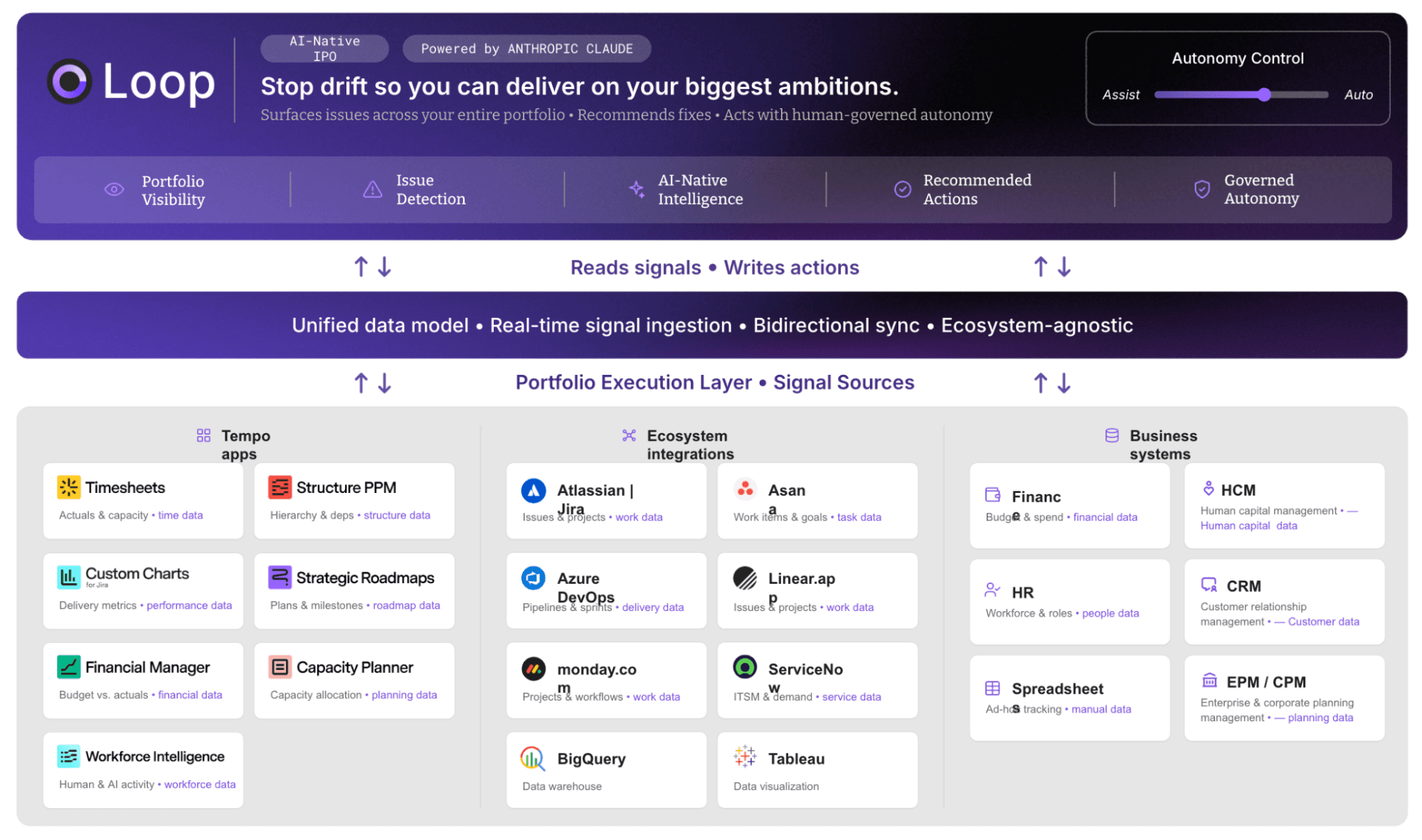
Best for: CPOs replacing a consultant-led configuration cycle with a self-serve, continuously updated portfolio view.
While Planisware requires periodic, specialist-configured planning cycles to keep the portfolio view accurate, Tempo Loop updates it automatically as work happens. That means you’re not dependent on a specialist consultant and your portfolio view is always current.
Key features: Tempo Loop's Intelligent Portfolio Orchestration connects to delivery tools already in place with no lift-and-shift migration. It maps live delivery data to portfolio-level objectives without manual reconciliation, provides PMO-owned configuration of views, thresholds, and enables governance checkpoints.
Pros:
No forced migration off tools teams already use
Configuration owned by the PMO, not routed through a consultant
Built for continuous visibility rather than a point-in-time snapshot
Cons:
Newer to the strategic portfolio management category than Planisware
Best suited to organizations ready to shift from periodic reviews to continuous monitoring, not a like-for-like phase-gate replacement
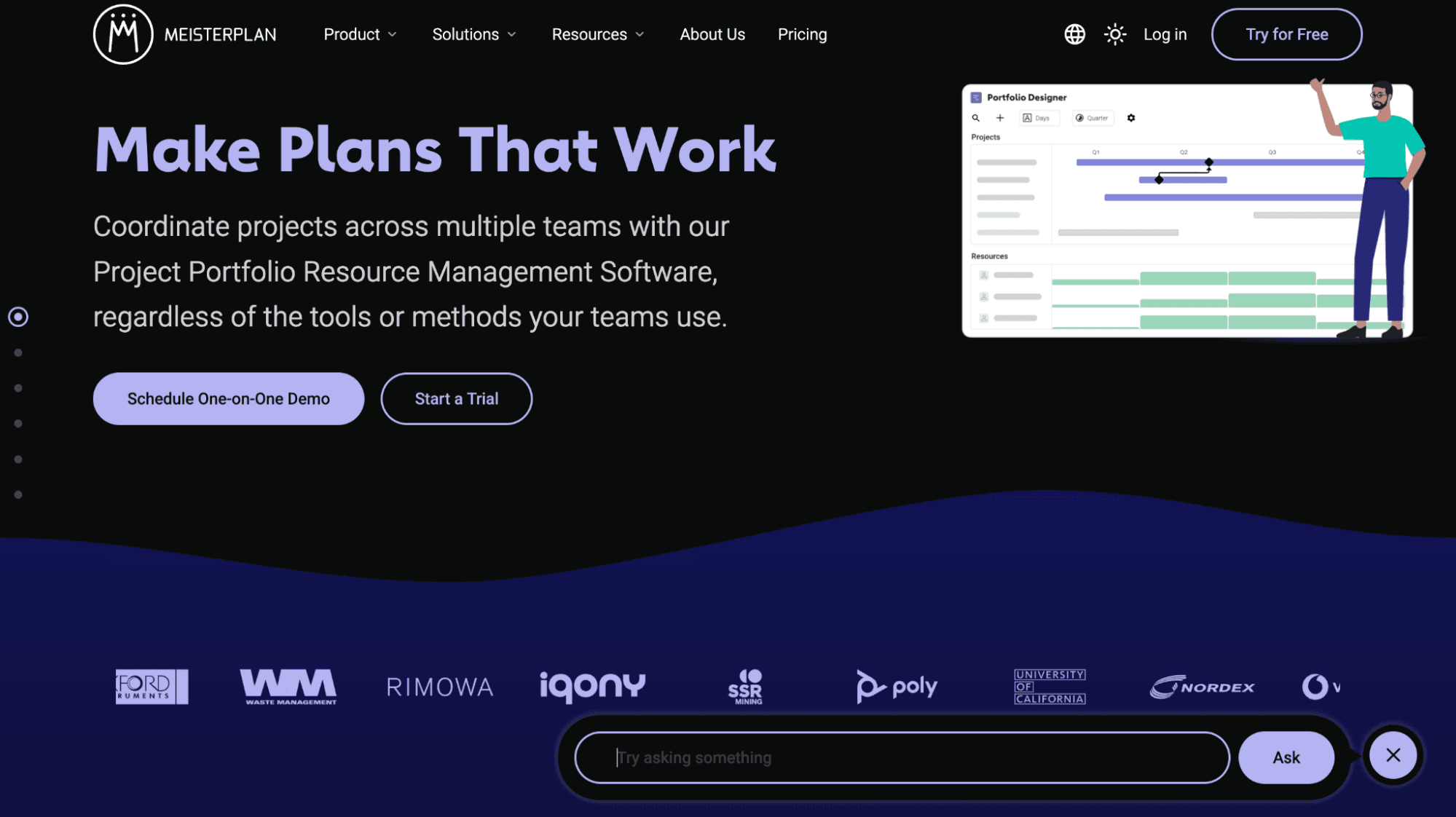
Best for: Teams wanting a lighter PPM footprint who don't need Planisware's full financial governance layer.
Meisterplan positions as a lighter-weight alternative to heavy PPM suites, covering portfolio and resource management with a visual interface. Pricing runs $12 to $21.50 per user per month across its “Basic”, “Pro”, and “Premium” tiers, and implementation typically runs weeks rather than months.
It doesn't carry Planisware's depth on financial modeling or phase-gate governance, and reviewer feedback on Capterra describes setup as time-consuming despite the shorter overall timeline, particularly for teams with mixed experience levels. For CPOs who found Planisware's depth to be the actual problem, Meisterplan is a good option.
Pros:
Visual, resource-first interface with real-time scenario planning
Meaningfully lower implementation timeline than Planisware
Tiered pricing that scales with resource count rather than a flat enterprise license
Cons:
Reviewers report a real learning curve during setup, especially across teams with varied tool experience
Doesn't replace Planisware's financial modeling or phase-gate governance depth
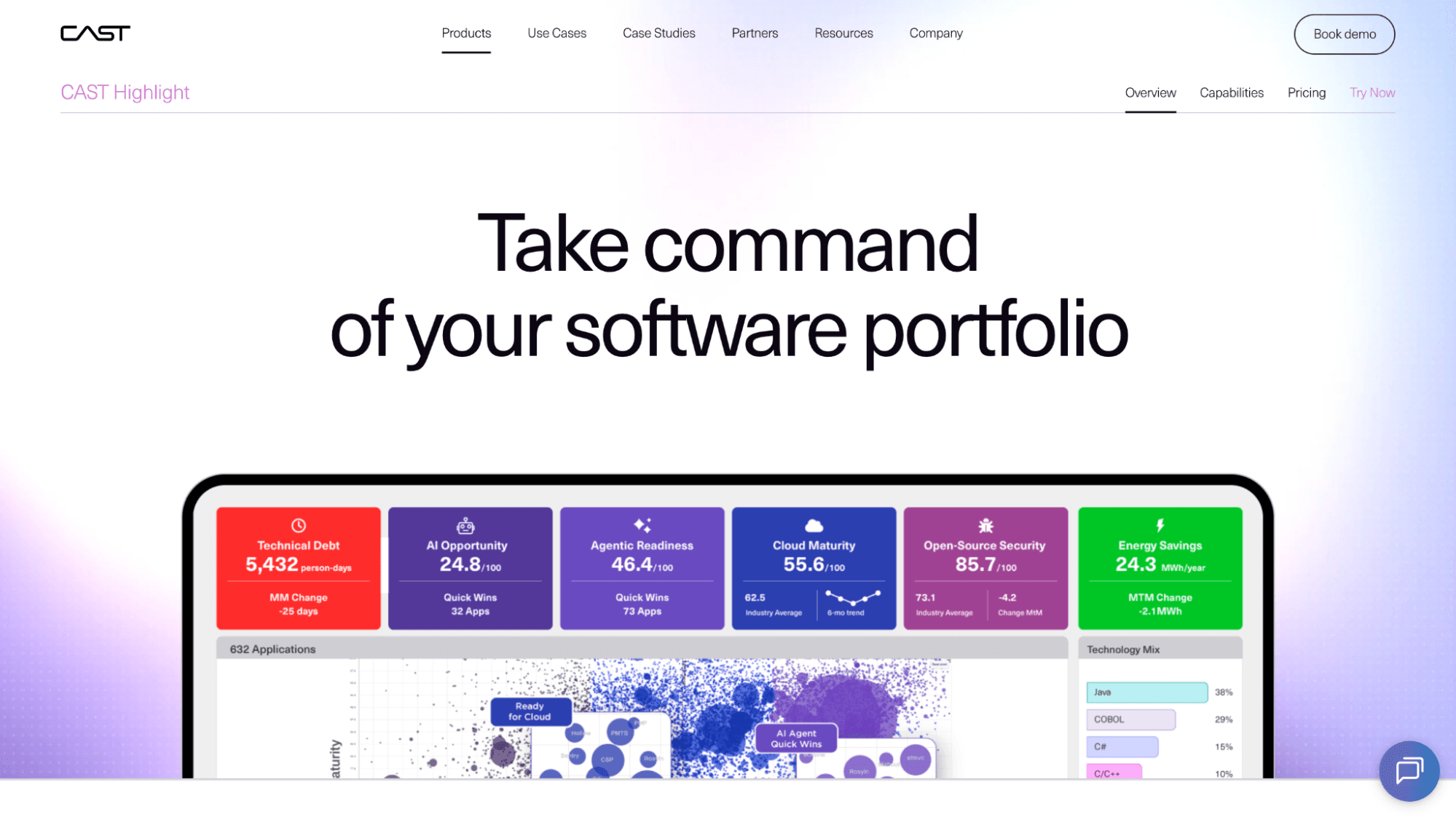
Best for: Engineering-led organizations whose switching reason is software portfolio risk, not financial governance.
CAST Highlight analyzes software portfolios for technical risk, application health, and modernization decisions, a different problem than the financial and resource planning the other four tools here solve.
It doesn't replace Planisware's cross-project financial governance layer. If the switching reason is specifically about software portfolio risk that Planisware's financial-planning focus doesn't cover, CAST Highlight addresses that directly, as a complement to a leaner portfolio tool rather than a full replacement.
Pros:
Strong ease-of-setup scores relative to the rest of this comparison
Purpose-built for software portfolio and technical risk visibility, an area Planisware doesn't cover
Free trial available before committing to Complete Edition pricing
Cons:
Entry pricing starts at $44,000 per year, high relative to the other alternatives here
Doesn't cover financial modeling or cross-project governance the way Planisware does
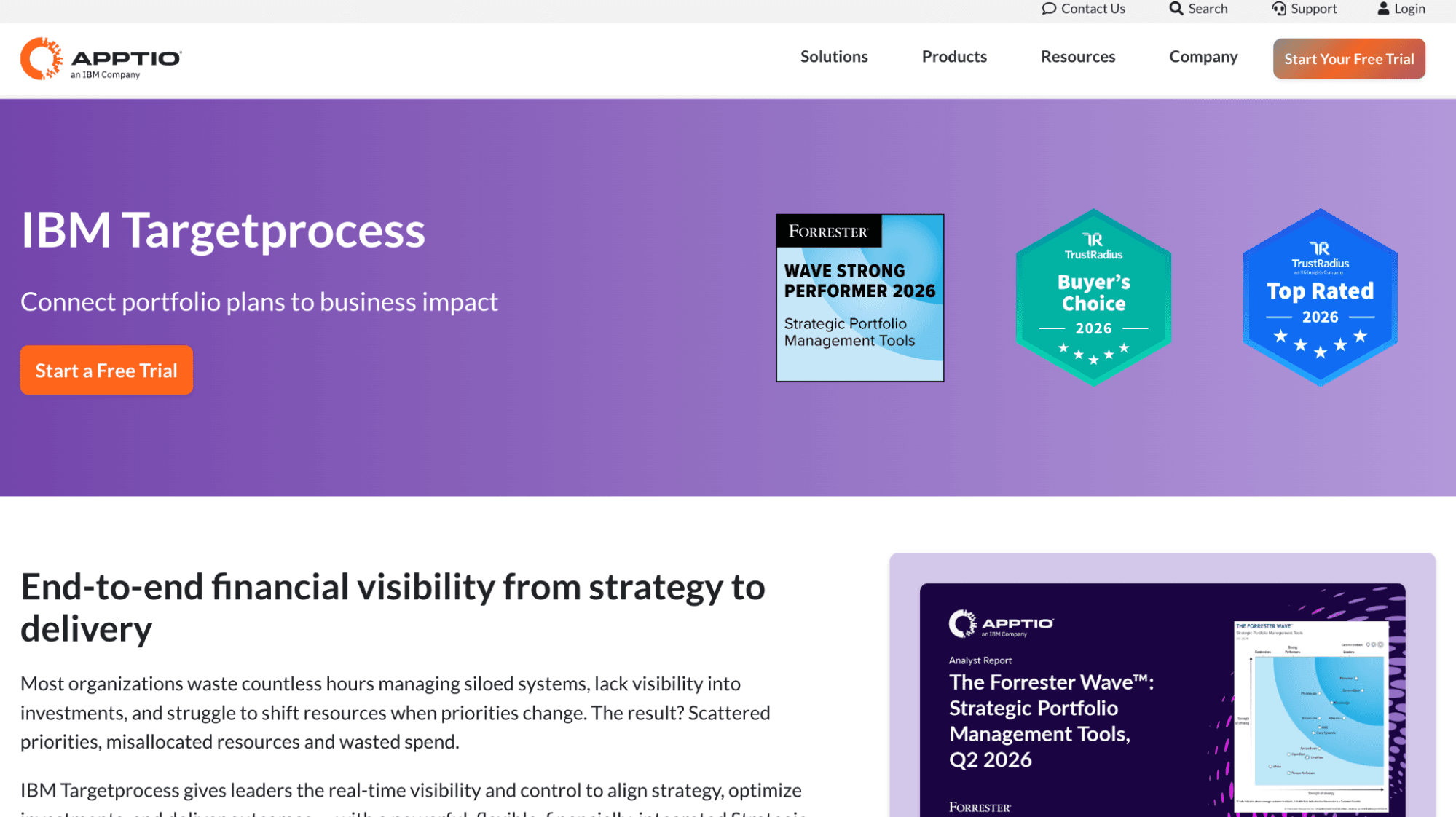
Best for: Teams blending agile and portfolio views who found Planisware too rigid for product-centric delivery.
IBM Targetprocess handles agile, scaled agile, and hybrid delivery models with a visual portfolio and roadmap layer. G2's aggregated pricing insights put average implementation at two months, and reviewer experience splits by use case, several describe getting a team started in minutes for basic operations, while others flag a steeper curve once customization and large datasets enter the picture.
Teams that found Planisware rigid for product-centric or hybrid delivery will find Targetprocess more configurable in that specific dimension. Pricing isn't publicly listed and requires a custom quote.
Pros:
Fast initial setup for basic agile and Kanban use, per multiple G2 reviews
Strong native support for agile, scaled agile, and hybrid delivery models
Flexible customization and API access for teams willing to invest in configuration
Cons:
Reviewers report a steeper curve once customization or large datasets are involved
No public pricing, requires a sales conversation to get a real number
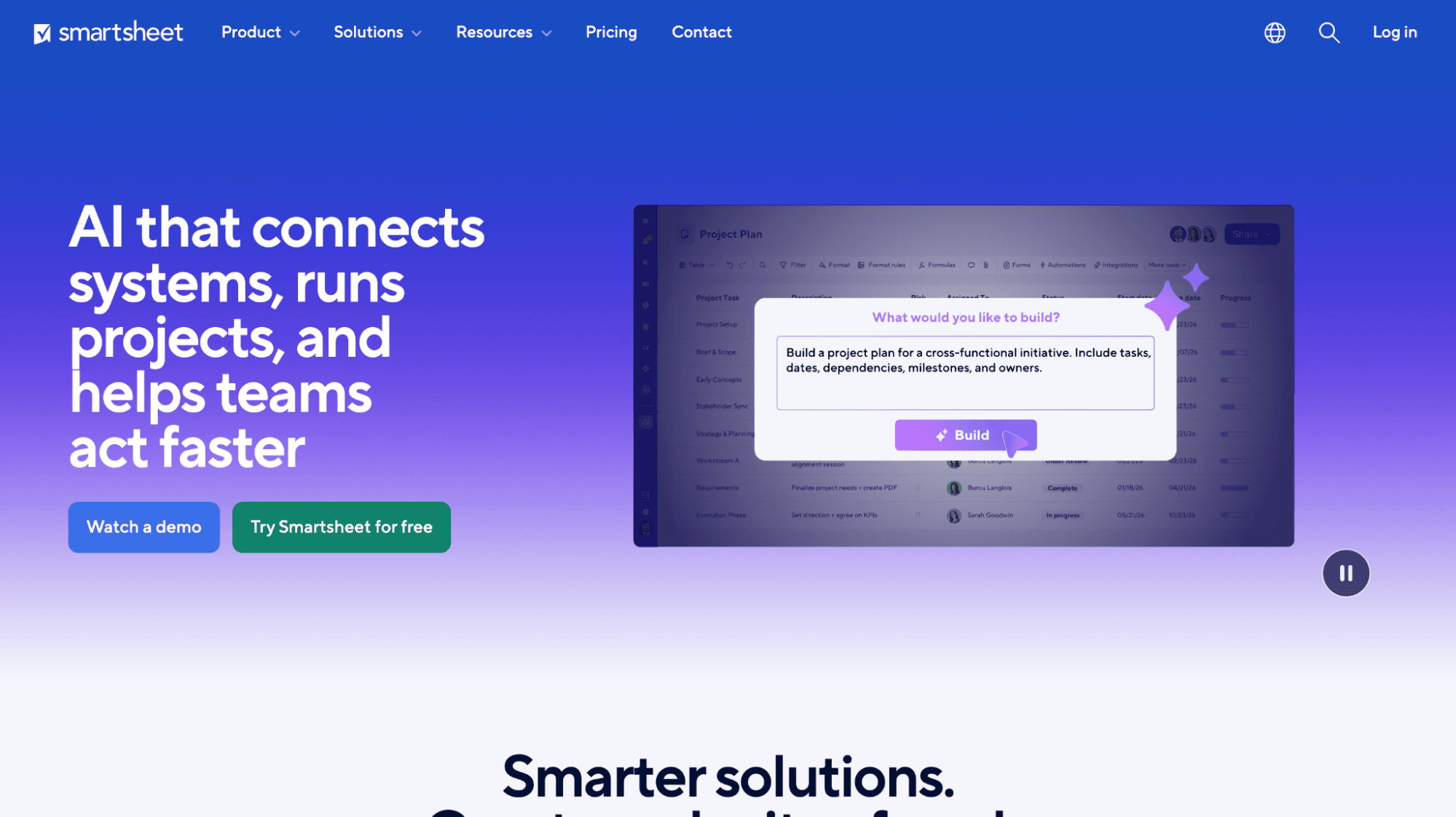
Best for: Teams that don't need full PPM depth and want a familiar starting point before committing to something more integrated.
Smartsheet serves teams that don't need Planisware's full PPM depth. Its grid interface is familiar to any Excel-trained PMO, implementation for basic setup runs in days, and Business-tier pricing starts at $19 per user per month, with Enterprise custom-quoted.
Smartsheet handles project tracking and simple portfolio views well. It doesn't carry the governance depth, financial modeling, or resource management capability that Planisware provides, or that the other four tools in this comparison approach. Its Jira connectors bring delivery data into the same view as the plan, but that sync runs on a schedule rather than live, and needs ongoing upkeep.
Pros:
Familiar grid interface shortens onboarding for Excel-trained teams
Fastest basic implementation timeline of any tool in this comparison
Clear, published per-user pricing
Cons:
No governance depth, financial modeling, or resource management comparable to Planisware
Jira sync runs on a schedule, not live, and requires ongoing configuration
Consultant dependency and configuration lag point to Tempo Loop.
Resource management at more modest depth points to Meisterplan, software portfolio risk to CAST Highlight, agile-hybrid visibility to Targetprocess.
An organization that doesn't need full PPM governance is better served by Smartsheet, which removes the cost and complexity entirely.
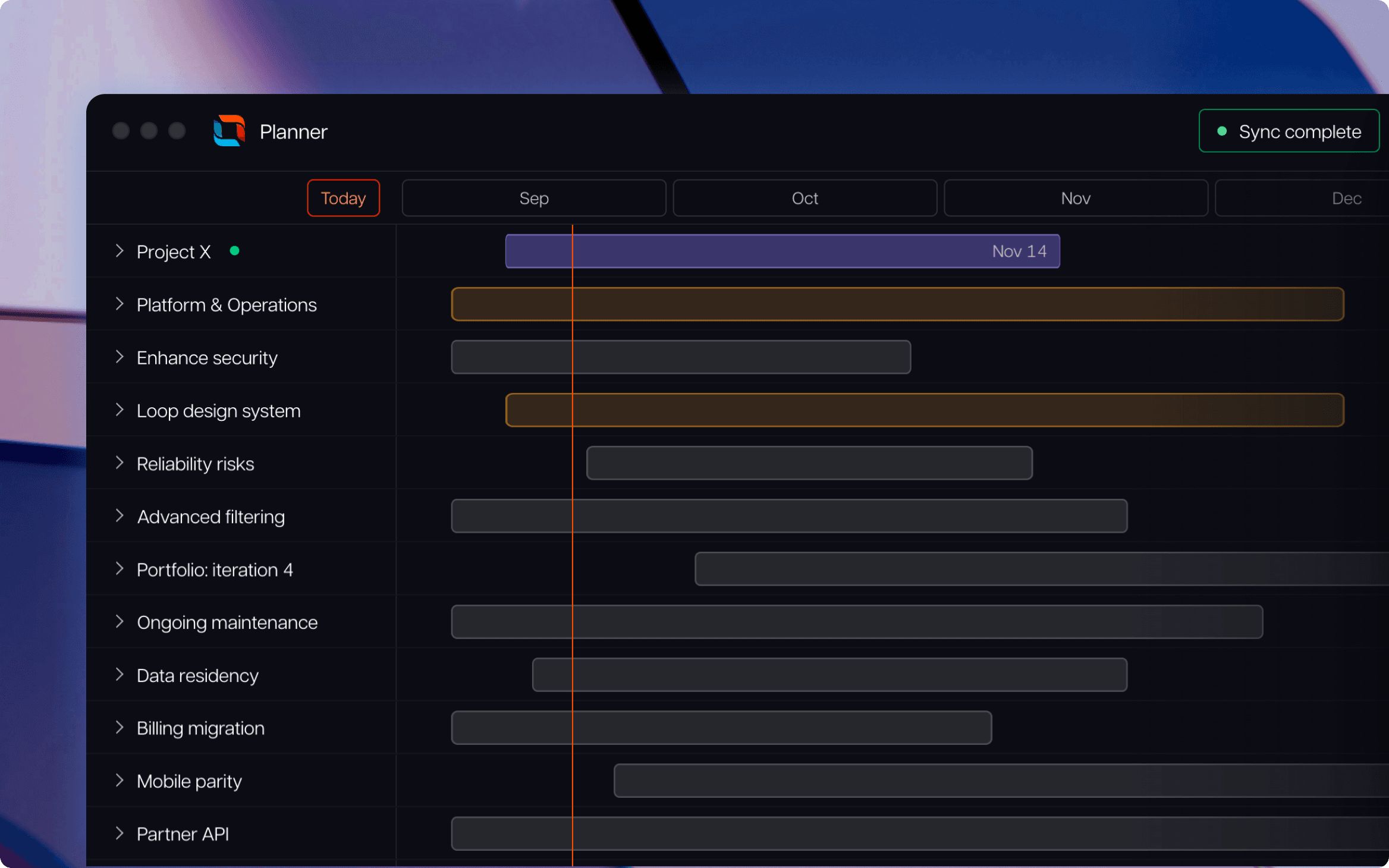
Every alternative here exists because Planisware's depth comes bundled with a bill most organizations no longer want to carry. See how Tempo Loop replaces the consultant-led configuration cycle with a portfolio view your PMO owns and runs on its own.
Tempo Loop
Direct every human, every agent, and every dollar to the work that matters most.
Book a demoCouldn't find what you need?Go to our documentation
Planisware is project portfolio management (PPM) software built for organizations that need structured, phase-gate oversight of large project and R&D portfolios, common in life sciences, automotive, and other R&D-heavy sectors. It handles budgeting, scheduling, resource demand, and portfolio-level reporting in one integrated system. The switching reasons covered above are about cost and speed to value, not about what the software does.
There isn't a single best-overall pick, the right one depends on which Planisware problem is driving the switch. Tempo Loop addresses consultant dependency and configuration lag. Meisterplan, CAST Highlight, IBM Targetprocess, and Smartsheet each solve a narrower, different problem, covered in the comparison above.
Yes. Planisware remains a strong fit for R&D-heavy organizations running formal idea-to-launch pipelines, deep stage-gate models, and institutionalized resource demand management, life sciences and pharmaceutical portfolios in particular. Its depth is the point for that buyer. The switching case in this guide applies to organizations whose portfolio needs have outgrown what that depth is worth to pay for.
Planisware's list pricing isn't published, but reviewers consistently describe total cost of ownership as high relative to the alternatives here, driven less by license fees and more by the specialist implementation and configuration work required to get and keep it running.
Meisterplan and Smartsheet publish per-user pricing well under what a Planisware deployment typically costs to implement; CAST Highlight and IBM Targetprocess are priced for narrower, specific use cases rather than as full replacements.
A list of the best Jira Service Management charts to include in your ITSM dashboards for powerful and game-changing reporting.

To see if you’re meeting objectives, you need to track some key metrics. Knowing when to use an OKR versus KPI can help your company map its successes

Learn about the theory of constraints, a method to identify and overcome bottlenecks, optimize processes, and achieve continuous improvement.

Custom Charts for Jira and Custom Jira Charts for Confluence now have the ability to display multiple calculations in a single chart.

Learn how project budget tracking contributes to financial success by reigning in spending, controlling costs, and ensuring accurate estimations.

Data is powerful but only when it's used correctly. That means visualizing it, the essential final step of data analysis. Find out how.

Explore the ladder of inference and discover how it shapes decisions. Learn to spot assumptions, improve communication, and make smarter choices.
With some organizing and planning, you can greet Monday with open arms, and increase your productivity in the workplace. Here are seven tips for you!

Agile PI planning is an integral part of the SAFe project management framework. Learn about contributors, inputs & outcomes of a productive session



















