

Compare 8 Planview alternatives for portfolio leaders and see which fits when setup and configuration outlast the plan.
Options for leaders whose portfolio has outgrown the grid

Key Takeaways
Portfolio leaders often leave Smartsheet because portfolio views, resource management, and Jira connectivity sit behind higher tiers or paid add-ons
Beyond cost, the six tools compared here are split by what the Smartsheet grid can’t do: Detect drift, deepen financial governance, speed adoption, or publish a predictable price
Tempo Loop is an Intelligent Portfolio Orchestration platform. It connects to the systems a portfolio already runs on, and flags drift in real time while there’s still time to act
The deciding factor to help you shortlist a tool: Does a tool only report status or also recommend what to do next?
Most teams leave Smartsheet over cost. Portfolio views, resource management, and the Jira connector sit in higher tiers or paid add-ons, so a portfolio-ready setup costs far more than the pricing page suggests.
Beyond cost, Smartsheet has not kept pace on strategic drift detection and cross-system portfolio views. A grid shows where each project stands, but fails to show how far current work has veered away from the strategy that funded it.
This guide compares six alternatives, sorted by the leading problem each tool solves.
Start with the requirements that pushed you past Smartsheet. Use these five to test any tool on your shortlist, and to avoid buying the same paywall twice:
Portfolio views without tier gates: Can you see cross-project status without buying a higher plan and separate add-ons?
Drift detection: Does the tool notify you if work stops being strategically aligned, or is it up to someone to notice during quarterly checks?
Jira integration depth: Does delivery data arrive through a maintained connector, or does the platform read it directly?
Financial and resource depth: Can you compare budget against actuals and capacity by role without buying a second product?
Time to a working portfolio view: How long before your PMO runs the view without outside help?
Which tool fits depends on your main requirements.
Tool | Category | Best for | Jira connection | Starting price |
Tempo Loop | Strategic Portfolio Management | Drift detection and recommended fixes across systems | Jira and Azure DevOps are the first integrations at launch | |
Planview | Enterprise strategic portfolio management | Financial governance depth | Bidirectional sync through Planview Hub | Custom-quote |
Wrike | Work management | Complex cross-department workflows | Integration | |
monday.com | Visual work management | Fast adoption across non-technical teams | Integration | |
Asana | Work management | Portfolio views on a published price | Integration | |
Businessmap | Lean and agile portfolio management | OKR alignment at a published per-user rate | Native integration |
Confirm current pricing directly with each vendor before finalizing your shortlist. Prices and tiers shift often.
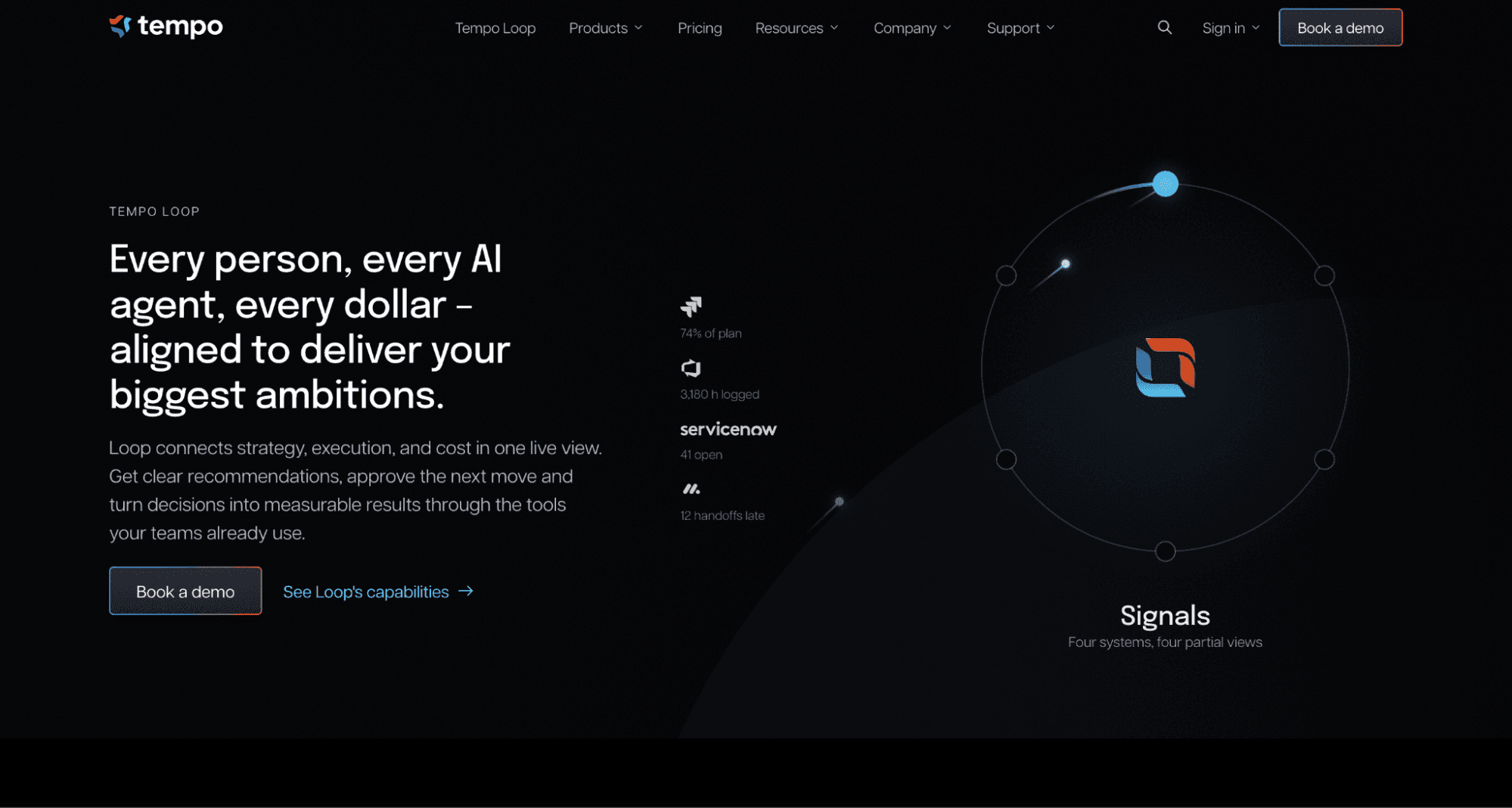
Best for: Portfolio leaders who need to know if work is drifting from strategy in real time and what to do about it.
Tempo Loop takes strategic portfolio management (SPM) to its next stage: Intelligent Portfolio Orchestration. SPM tools report where each project stands. Loop reports status and then recommends a fix.
It connects time, capacity, spend, and financial data into one continuously updated view, and that view shows whether current work still matches the strategy that funded it.
When strategy drifts, Loop flags it and presents options with tradeoffs attached. The PMO then arrives at the review with a recommendation instead of a retrospective.
Key features: Loop reads signals from the systems the portfolio already runs on, so it needs no forced migration. Jira and Azure DevOps are the first integrations at launch. Loop sends a recommended action back to the source system only after a person approves it. Each customer decides how much Loop does on its own.
Loop can surface insights only, recommend actions for a person to approve, or run pre-approved actions inside limits the customer defines. Loop also learns from what happens after each recommendation, so suggestions sharpen inside your own organization over time.
Pros:
Recommends a specific next action to take with tradeoffs next to each one
Connects to existing delivery tools without a lift-and-shift migration
Builds on time, capacity, and spend data that Tempo product customers already generate
Governs human and AI work in the same system
Cons:
Newer to the strategic portfolio management category than Planview or Wrike
Launches with Jira and Azure DevOps only, adding Linear by end of year
Best for: Portfolio leaders who need financial governance depth beyond what Smartsheet provides.
Planview Portfolios combines investment prioritization, scenario planning, financial tracking, and resource capacity planning in one platform.
It connects to Jira through Planview Hub, which syncs strategy and work structures to Jira artifacts. Smartsheet targets flexible work tracking. Planview targets formal investment governance, and that difference decides most shortlists between the two.
Planview does not publish list pricing, so cost and fit both need a sales conversation. One implementation partner estimates 12 to 24 weeks to initial go-live for portfolio-level rollouts. That estimate gives a PMO a realistic expectation before planning the move.
Pros:
Scenario planning and what-if analysis before resources commit
Financial tracking that covers budgeting, forecasting, and cost actuals
Integrations with Jira, Azure DevOps, ServiceNow, SAP, and Workday
Cons:
Multi-month implementation before the first portfolio view
Steeper learning curve than a grid tool
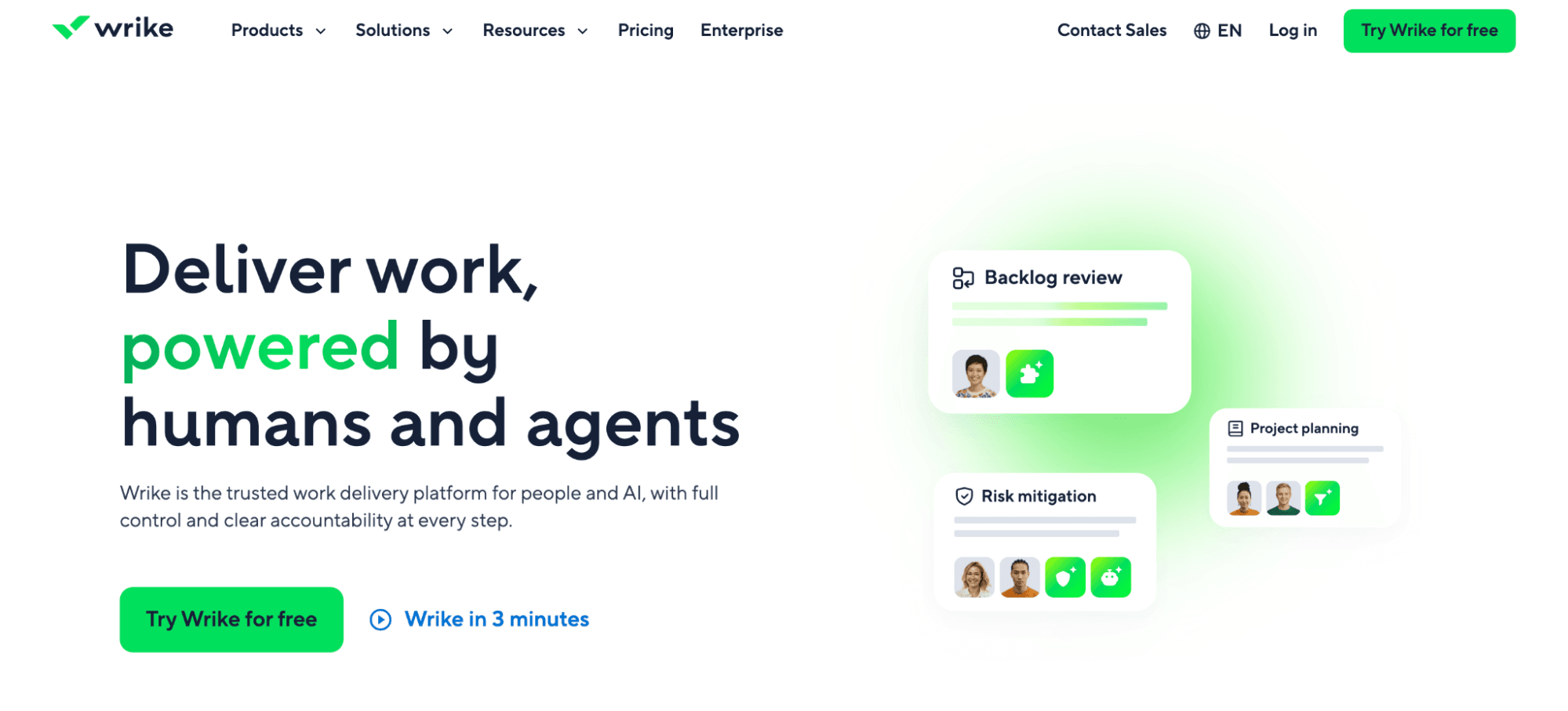
Best for: Organizations that need stronger workflow control than Smartsheet and do not center their stack on Jira.
Wrike is a work management platform that plans and tracks project work. Its “Team” tier includes Gantt charts, dashboards, calendars, and custom workflows, while “Business” adds request forms, time tracking, workload charts, and approvals.
Pinnacle is where Wrike moves toward portfolio work. It adds resource and capacity planning, budgeting, and advanced BI reporting. “Apex”, the top tier, bundles Wrike's two-way sync and integration tools.
“Team” costs $10 per user per month, and “Business” costs $25, both billed annually, with a five-seat minimum on “Business”. “Pinnacle” and “Apex” are quote-only, so the portfolio-level features that most often drive a Smartsheet exit sit above the published-price tiers.
Wrike also sells seats in fixed bands, so a 22-person team pays for 25 seats. Teams that valued Smartsheet's spreadsheet-style accessibility for non-PM stakeholders will notice a steeper learning curve.
Pros:
Interactive Gantt charts and dashboards from the “Team” tier
Resource planning and budgeting available at “Pinnacle”
Broad workflow customization at the “Business” tier
Cons:
Portfolio governance features sit in a quote-only tier
Seats sold in fixed bands, which raises cost at awkward headcounts
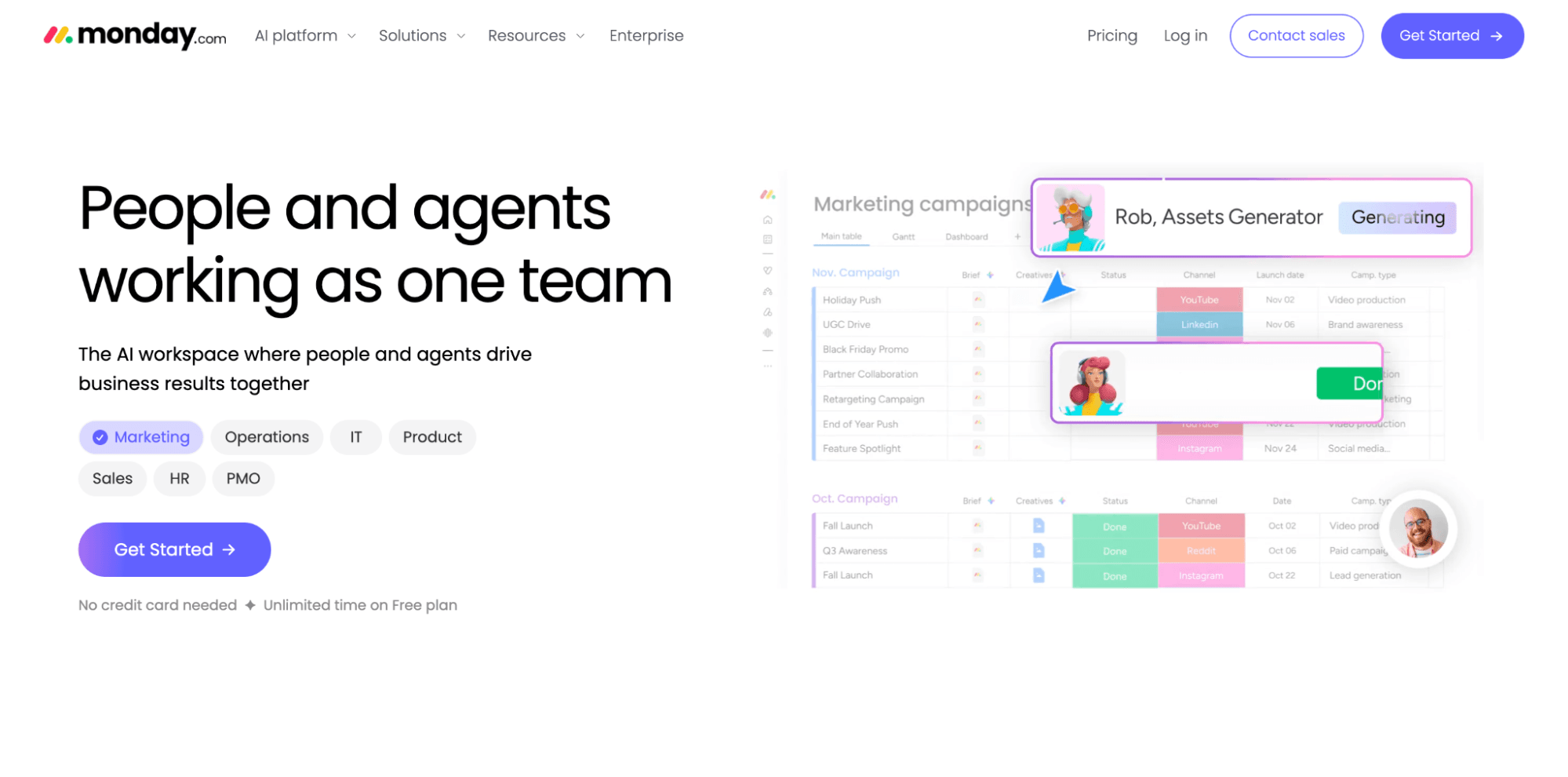
Best for: Portfolio teams that prioritize adoption speed across non-technical stakeholders.
Monday.com organizes work on visual boards, with a status for each item. Non-PM stakeholders pick up the boards and color-coded status views quickly, which is where it beats Smartsheet's grid on adoption. Standard adds Gantt and calendar views along with guest access, and Pro adds time tracking and formula columns.
Prices run from $9 per seat per month on “Basic” to $19 on “Pro”, with “Standard” at $12, all on annual billing. Every paid plan requires at least three seats. Portfolio and resource management sit in the custom-priced “Enterprise” tier.
Its portfolio views suit teams managing work across connected projects. Formal multilevel program governance with formula-based rollups needs a tool built for that job.
Pros:
Boards that stakeholders use without training
Published prices through the “Pro” tier
Automations and dashboards at the “Pro” tier
Cons:
Portfolio and resource management require the “Enterprise” tier and a sales conversation
Limited depth for multilevel program hierarchies
Best for: Organizations that want portfolio views at a published price, without an Enterprise negotiation.
Asana organizes work into projects and tasks, which teams view as lists or boards. Paid plans add timeline views and workflow automation, and “Advanced” adds goals that connect daily tasks to higher-level objectives.
“Advanced” costs $24.99 per user per month billed annually, or $30.49 billed monthly. It includes unlimited portfolios and portfolio workload, so a portfolio leader can buy portfolio management with a credit card.
Full timesheets and project budgets come through a separate add-on at $5.99 per user per month. The landed cost per seat therefore runs higher than the “Advanced” price.
Asana's portfolio views read cleanly for structured, relatively flat portfolios. Complex multilevel hierarchies with formal governance requirements outgrow it.
Pros:
Unlimited portfolios at the “Advanced” tier
Published pricing through “Advanced”
Goals tied directly to tasks
Cons:
Time tracking depth and budgets need a paid add-on
Limited fit for deep hierarchies and formal governance
Best for: Organizations that want OKR alignment and portfolio Kanban at a transparent per-user rate.
Businessmap connects strategy to team-level execution through portfolio workspaces and OKRs, and it integrates natively with Jira. Standard costs €9.20 per user per month billed annually, with a 15-user minimum. The “Enterprise” plan is quote-only.
It suits organizations adopting lean or agile portfolio practices. Teams that need deep financial governance should test its financial capability against their own requirements before committing.
Pros:
Published per-user pricing for the “Standard” plan
Portfolio workspaces with OKR tracking
Native Jira integration
Cons:
Enterprise pricing is not published
Less established than Planview in formal financial governance
Smartsheet remains a good fit for teams that want flexible work tracking and a familiar grid, without portfolio governance depth. Its Jira connector syncs data in either direction and runs automatically, serving teams that only need to see delivery data in the grid.
Before relying on the connector, know that Smartsheet sells it as a paid premium offering, included in “Advanced Work Management”. It’s also dependent on an active admin account in both systems. If that admin loses their rights, the connection stops until someone restores them. A PMO that treats the sync as infrastructure should assign an owner for it.
Portfolio views and resource management sit in higher tiers or add-ons, and so does its control center. A team with a small portfolio and status-focused questions will find that cost and complexity are reasons to stay put. A team running an enterprise portfolio will find that the same cost and complexity are reasons to move.
Smartsheet tracks work well, and each alternative here answers a different limit of the grid. Wrike suits complex enterprise workflows, and monday.com suits teams that need fast adoption.
Asana fits flat portfolios, and Businessmap fits OKR-led lean practice. Planview brings deeper financial governance. Tempo Loop reports status and also flags where work drifts from strategy, then recommends the fix.
Book a demo to see how Tempo Loop flags drift and recommends a fix while there’s still time to act.
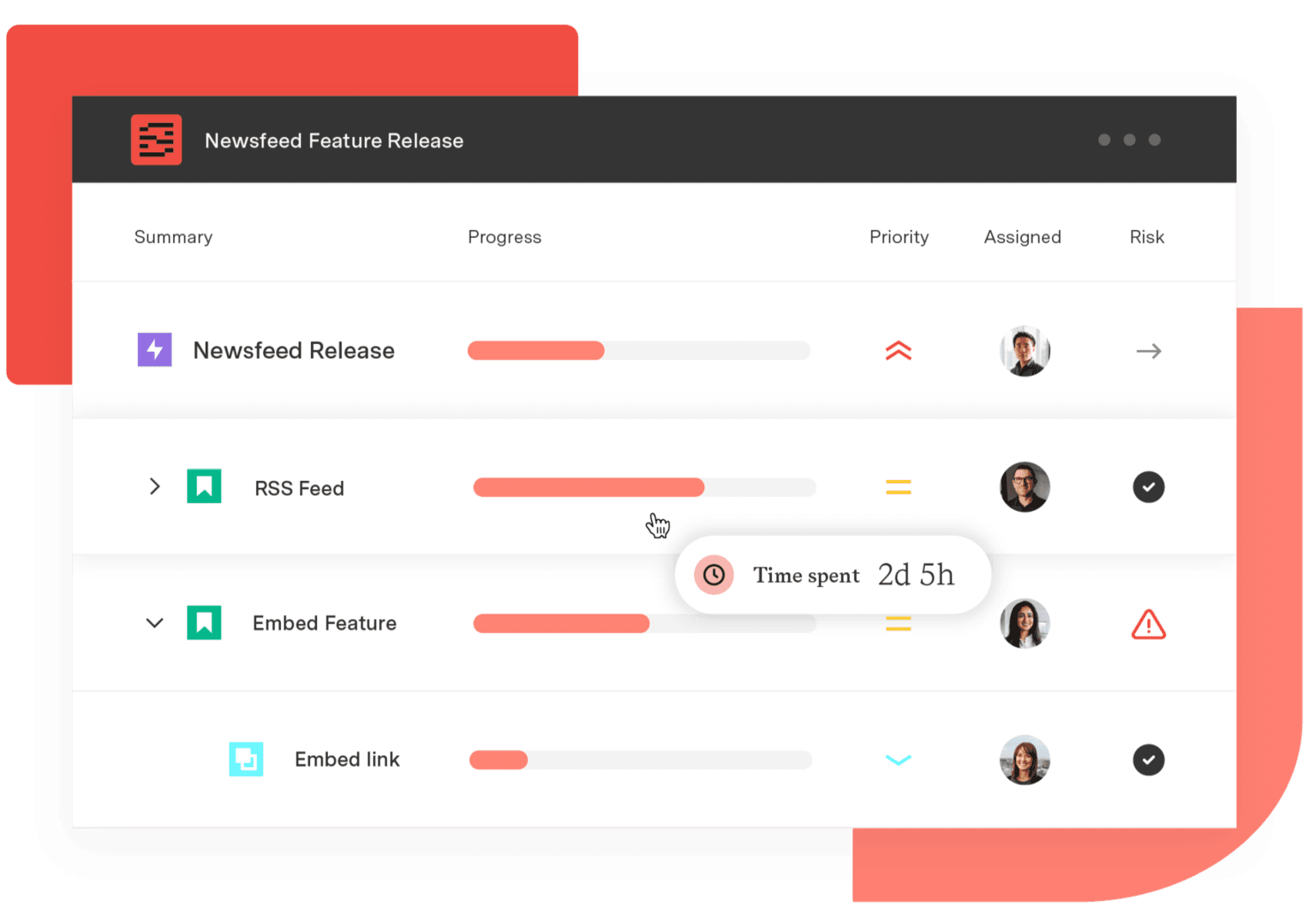
Structure PPM
Manage products, projects, and programs in a single spreadsheet-like view. By providing a clear, real-time view of project progress and resource allocation, Structure helps teams meet deadlines and adapt swiftly to changing priorities.
Start a Free TrialCouldn't find what you need?Go to our documentation
Yes, at higher tiers. Smartsheet's “Enterprise” plan adds portfolio oversight, and “Advanced Work Management” bundles the premium tools built for large portfolios. Premium apps such as “Dynamic View” and “Control Center” carry separate pricing or come bundled at the higher tier.
No single tool wins every case, because the right one depends on the problem behind the switch. Tempo Loop addresses drift and recommended fixes, and Planview addresses financial governance. The remaining tools each solve a narrower need, covered above.
Yes. The Smartsheet Jira connector syncs data between Jira and Smartsheet in one direction or both, and each workflow runs manually or automatically. It is a paid premium offering included in “Advanced Work Management”.
Smartsheet “Business” costs $19 per member per month billed annually, while “Enterprise” and “Advanced Work Management” are custom-quoted. Wrike, monday.com, and Asana publish entry prices. Planview and the enterprise tiers of most tools require a quote.
Yes. Teams that need flexible work tracking and a familiar grid, without portfolio governance depth, get good value from it. The switching case applies once leadership needs drift detection or portfolio views that span systems.
Compare 8 Planview alternatives for portfolio leaders and see which fits when setup and configuration outlast the plan.

monday.com caps dashboards at 50 boards and has no CapEx/OpEx tracking. Five alternatives compared for enterprise PMO teams on Jira.

Compare 5 Planisware alternatives for portfolio leaders. See which one checks all the boxes on your requirements list.

Six Clarity PPM alternatives for Jira teams, compared by integration depth, cost, and implementation time.

Compare seven Dotwork alternatives for enterprise portfolio management. See how they differ in AI, governance, integrations, and portfolio depth.

Jira assigns work but doesn't show team capacity. We compare six resource management tools for their integration with Jira and project visibility.

A guide for Tempo users weighing a switch. See which reasons to leave point to a lighter tracker, and which are better solved by adding to the suite.

Microsoft Project Online is retiring in 2026. Explore the transition timeline, risks of staying, and enterprise-grade migration options for PMOs.

See where shared capacity actually went. Team timesheets roll up Jira worklogs by person, project, and account so managers spot overload fast.


















