

Compare 8 Planview alternatives for portfolio leaders and see which fits when setup and configuration outlast the plan.
How each platform works with the systems your teams already use

Key Takeaways
Your execution systems narrow the shortlist first, before features do
Dotwork alternatives split into two camps: Platforms that build a new model of your company and platforms like Tempo Loop that read signals from the systems you already run
Financial depth and governance maturity separate the enterprise PPM platforms from the lighter, product-focused ones
The best fit connects a portfolio decision back to the actual work, not just a report about it
Trace one initiative from strategic priority through funding, capacity, and delivery before you commit to a platform
If you're evaluating Dotwork, you're probably wondering what other options are available for strategic portfolio management software.
The right alternative depends on where your delivery work lives, how much portfolio governance you need, and how you want AI to shape decisions.
This guide compares seven strategic portfolio management platforms across portfolio depth, execution-system integration, governance, financial management, AI capability, and implementation.
You'll see where each one fits, what it does differently from Dotwork, and what you'll pay.
Dotwork is an AI-native portfolio platform built on a graph model of your company. The model links strategy, goals, work, investments, dependencies, and outcomes, so leaders can weigh a decision in one place.
Its capabilities include strategic planning, roadmap creation, capacity planning, investment planning, flagging dependencies, and risk detection. AI agents surface insights and support portfolio decisions.
That choice matters when you pick an alternative: Do you want to build a new model of your company or work from the systems you already run? Some tools build their own portfolio model. Others work with the systems your teams already use.
Here are five things worth checking before you shortlist anything:
Start with where your teams actually manage work. A tool built for Jira suits a Jira-heavy team differently from one built around ServiceNow or Azure DevOps. Check which integrations are live today. Check what data they exchange. Then check whether an approved decision reaches the system where the work happens.
Check how much portfolio work you need to manage. Some tools focus on product roadmaps and outcomes. Others cover investment planning, resource capacity, budgets, financial controls, and governance. If your portfolio office owns funding calls, financial depth matters as much as roadmap features.
Look at what happens after someone makes a portfolio decision. Can the platform record the decision and its rationale? Can it route approvals? Can an approved change update the underlying work? Can you see who approved it later?
Those answers separate real governance from another report.
AI features vary widely across this category. Check whether the AI reads your portfolio context, recommends actions, models scenarios, or makes approved changes. Then check which of those sit in the plan you would actually buy.
Finally, weigh the work of getting good portfolio data into the tool. A new model of your company gives you rich context. It also leaves you another data structure to maintain. Reading from existing systems cuts that work, though the payoff rests on how good those connections are.
The table below covers what each platform does best and its starting pricing. After, we go deeper on features, pros, cons, and how each one differs from Dotwork.
Platform | Best for | Key differentiator | Starting price |
Tempo Loop | Enterprise teams that want portfolio intelligence across existing systems | AI-native portfolio orchestration across execution, finance, and HR data | Custom |
Planview Portfolios | Enterprise PMOs managing complex portfolios | Deep investment, resource, financial, and hybrid PPM | Custom quote |
Planisware | Large, regulated, and project-intensive organizations | Configurable portfolio, financial, governance, and audit capabilities | Custom quote |
ServiceNow SPM | Enterprises already invested in ServiceNow | Portfolio management connected to the Now Platform | Custom quote |
Jira Align | Enterprises running scaled agile in Atlassian | Enterprise planning across Jira and Azure DevOps | From $77,400/year, above the entry tier |
BigPicture | Jira teams that want portfolio planning inside Jira | SPM capabilities directly connected to Jira work | Custom by Jira user tier |
Dragonboat | Product-led organizations managing roadmaps and outcomes | Product portfolio planning tied to capacity, outcomes, and delivery | Custom |
Best for: Enterprises that want AI-native portfolio insight across the systems they already run.
How it differs from Dotwork: Instead of using a graph to create a structured layer, Loop puts your core operational systems at the center. A graph-centered layer is best if your primary goal is to build a new model of your business data, but if your primary goal is to run and optimize the business model you already have, an operational layer like Loop works best.
Tempo Loop reads signals from the systems you already run and weighs portfolio decisions against them as they change.
Loop pulls portfolio, capacity, time, financial, HR, and delivery data into one view. Loop Intelligence identifies a portfolio issue and recommends actions to address it, routes the call through governance, and writes the approved change back to the source system.
That's what’s known as Intelligent Portfolio Orchestration: The platform keeps watching your systems after the initial decision, instead of stopping once it hands you a report.
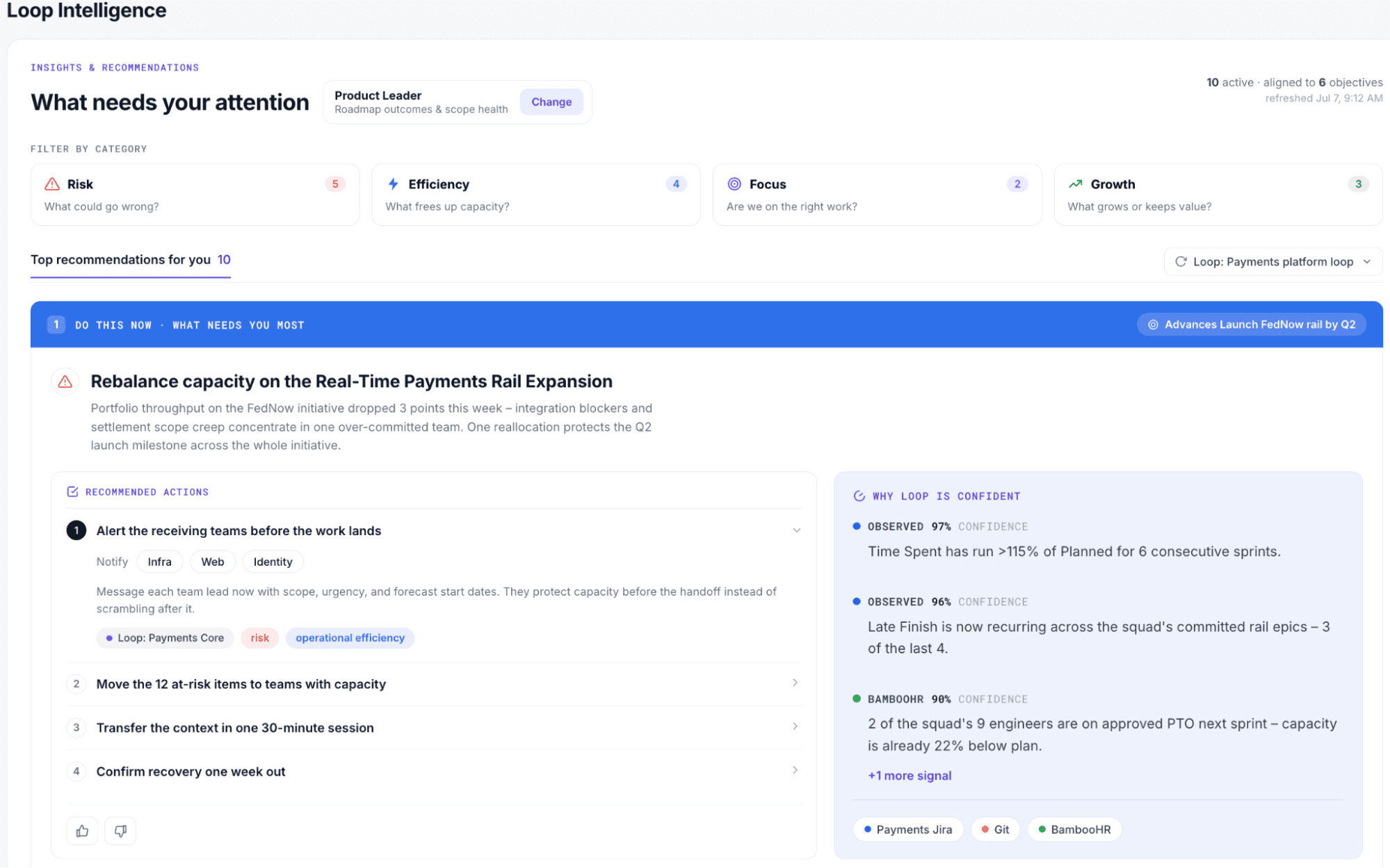
Continuous signals from connected execution and business systems: Loop pulls live data from the tools your teams already use, so your portfolio view updates as work happens instead of waiting for a manual status update
Drift, risk, and opportunity detection: Loop flags when a project is falling behind plan, or a resource conflict is forming, so you catch the problem while there's still time to act on it
Scenario planning against capacity, financial constraints, and strategic priorities: Test a decision against your real constraints before you commit, so you know the trade-offs before you make the call, not after
Governance controls with observe, assist, and delegate modes: Governance controls that keep a person in the decision: Loop surfaces what has drifted and what it would take to fix it, and your team decides whether and how to act. Loop is being designed so organizations can set their own governance over time. Teams will be able to move from recommend-only toward greater autonomy as trust builds
Approved changes written back to source systems: A decision made in Loop updates the actual work in Jira or wherever your team tracks it, so the plan and the work stay in sync without someone copying data by hand
Decision history that feeds later recommendations: Loop learns from past calls and their outcomes, so its recommendations get more relevant to your portfolio over time
Works across multiple execution systems
Connects portfolio decisions to downstream actions
Treats AI as the product rather than an add-on
Builds on enterprise data you already hold
Integration coverage is still expanding
Newer than established PPM platforms
Loop prices on usage rather than seats. Every customer gets the full platform. Credits then get used up as Loop runs analysis and takes action on your behalf, so cost tracks how much work the platform is doing rather than how many people have a login.
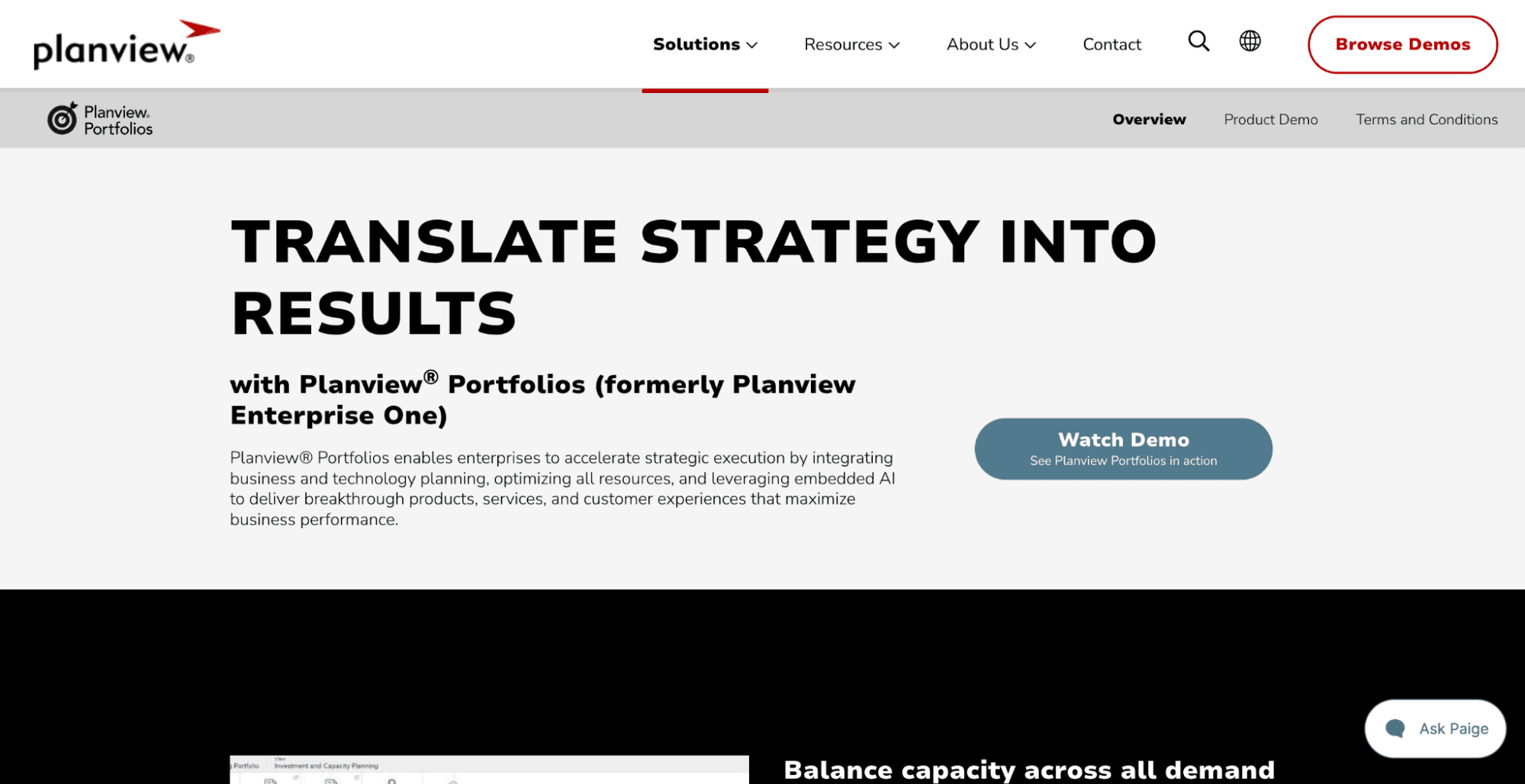
Best for: Large enterprises with set governance, financial planning, and resource management processes.
Where it differs from Dotwork: Planview goes deeper on classic PPM across investment, resource, and financial planning. Dotwork leans on its graph and its AI-native operating model.
Planview Portfolios covers investment planning, resource management, financial tracking, scenario planning, and hybrid delivery. It also integrates with enterprise systems and Jira.
Investment and demand management: Track funding requests and investment decisions in one place, so your portfolio office can see what's been asked for against what's been approved
Scenario and what-if planning: Model a funding or resourcing change before committing to it, so you can compare trade-offs across options instead of committing to the first plan you build
Resource and capacity management: See who's allocated to what across the portfolio, so you can catch overcommitment before it turns into missed deadlines
Portfolio financial tracking: Track spend against budget at the portfolio level, so finance and delivery are working from the same numbers
Support for agile, waterfall, and hybrid approaches: Run different delivery methods side by side, so teams that plan differently can still roll up into one portfolio view
Broad enterprise PPM coverage
Strong financial and resource planning
Supports mixed delivery approaches
Extensive enterprise integration options
Implementation runs longer than a Jira Marketplace app
Integration quality decides how current your data stays
The platform covers more than you need if the product portfolio is your main concern
Planview is the stronger fit when your portfolio office needs detailed financial controls and resource planning more than it needs a new company-wide model.
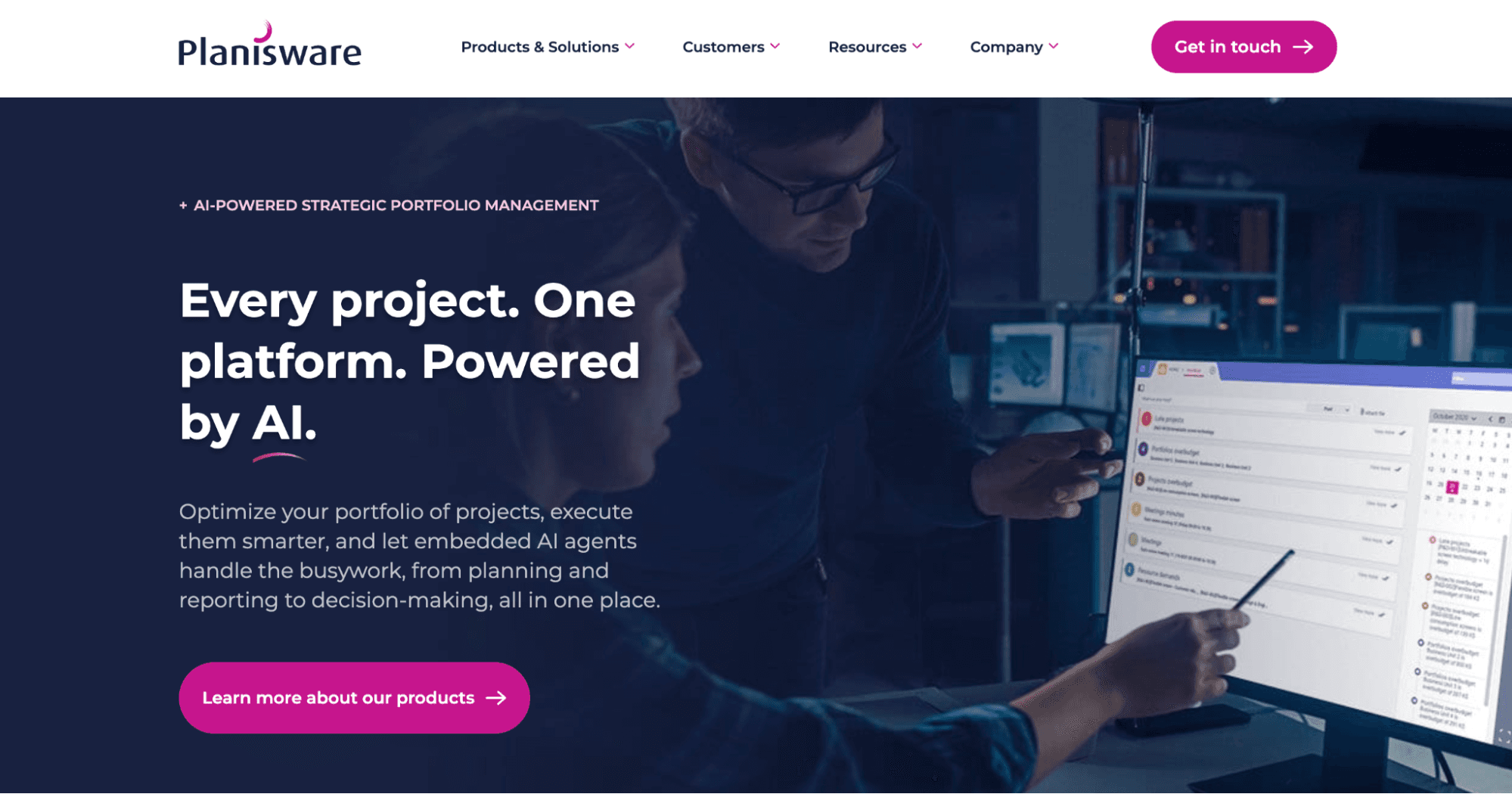
Best for: Large organizations managing complex, regulated, or project-intensive portfolios.
Where it differs from Dotwork: Planisware wins when governance, financial controls, and complex project structures drive the decision. Dotwork leans on AI-native decision intelligence and company context instead.
Planisware combines strategic portfolio management with financial planning, resource management, project controls, and governance. The current platform supports enterprise integrations and runs on single-tenant cloud infrastructure.
Planisware goes deep in pharmaceuticals, aerospace, and defense. Portfolio decisions there need detailed financial and governance records, so the platform keeps decision logs and audit trails.
Portfolio and investment planning: Plan and track investment decisions across the full portfolio, so leadership sees where money is committed and why
Financial planning and controls: Enforce financial rules and approval limits inside the platform, so spending stays within what's been authorized
Resource and capacity management: Manage staffing across regulated, project-intensive work, so capacity planning accounts for the specialized skills these industries depend on
Scenario planning: Test portfolio changes against financial and resource constraints before committing, so decisions get stress-tested before they're final
Governance and decision records: Keep a documented log of who decided what and why, so an audit or compliance review has a paper trail to point to
Strong governance and financial controls
Configurable for complex enterprise processes
Suits regulated and capital-intensive environments
Extensive integration capabilities
Configuration adds implementation work
The depth exceeds what simpler product portfolios need
Pricing requires a sales conversation
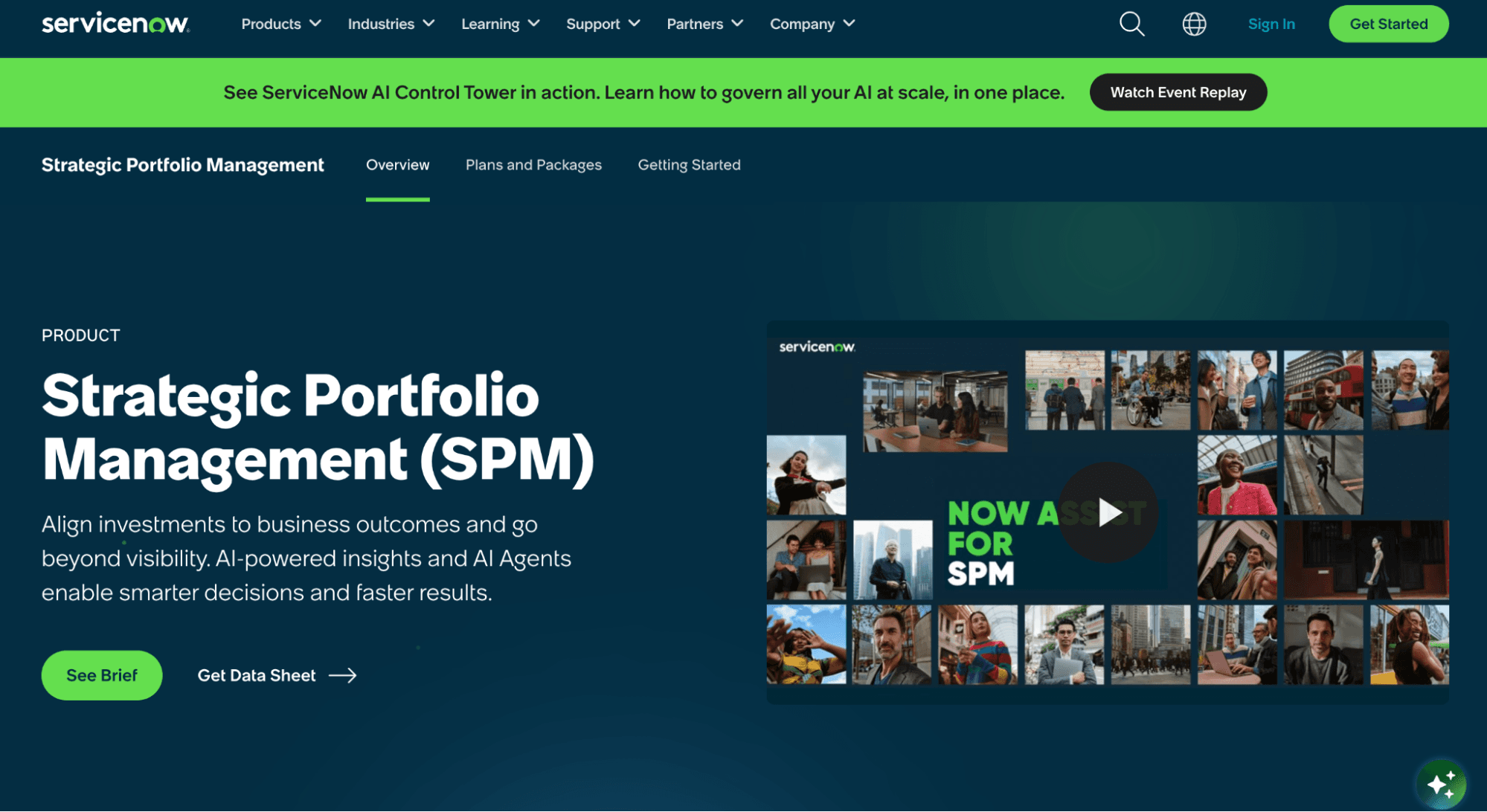
Best for: Organizations that already run substantial business or IT workflows on ServiceNow.
Where it differs from Dotwork: ServiceNow SPM extends a platform you already run. Dotwork starts from an AI-native model of your company instead.
ServiceNow Strategic Portfolio Management runs strategic planning, demand, investment planning, resource management, and delivery workflows inside the Now Platform. It also integrates with Jira, including two-way work-item updates.
Strategic planning: Set and track strategic objectives inside the same platform running your IT and service workflows, so strategy and operations aren't managed in separate tools
Demand management: Capture and prioritize incoming requests across the business, so the portfolio office isn't working from a spreadsheet of asks
Portfolio planning: Plan investments and initiatives alongside the service and IT work ServiceNow already tracks, so the portfolio view reflects what's actually running
Resource management: Allocate people across portfolio and service work in one place, so you can see contention before it becomes a bottleneck
Financial planning: Track portfolio spend inside the Now Platform, so budget conversations use the same data as delivery conversations
Workflow automation: Automate the routing and approval steps that move a decision from request to action, so fewer approvals stall in someone's inbox
Fits organizations already invested in ServiceNow
Connects portfolio workflows with broader ServiceNow processes
Strong enterprise workflow and governance capabilities
Supports Jira integration
The strongest fit sits within the ServiceNow ecosystem
Jira-heavy engineering organizations still need cross-system integration
Pricing depends on the wider ServiceNow investment
If ServiceNow already handles demand and service, stretching that investment may beat buying a separate portfolio tool.
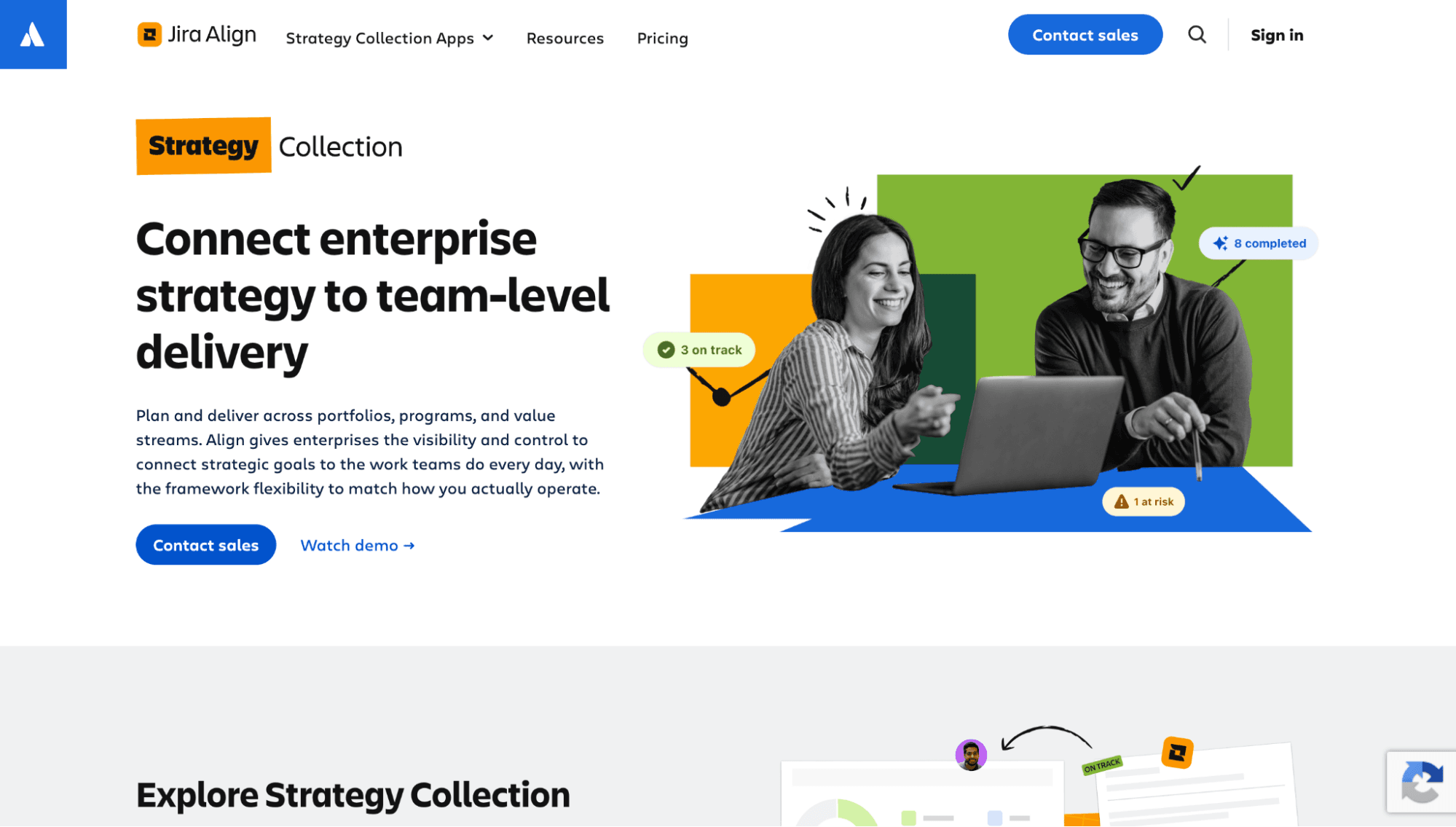
Best for: Enterprises running scaled agile across a large Atlassian environment.
Where it differs from Dotwork: Jira Align stretches Atlassian into enterprise planning. Dotwork builds its model outside that ecosystem instead.
Jira Align connects enterprise strategy, programs, portfolios, and delivery. Atlassian sells it as part of the Strategy Collection and supports planning across Jira and Azure DevOps.
The Strategy Collection includes “Align”, “Focus”, and “Talent”. Atlassian lists the entry tier at $77,400 per year for 1 to 50 users, billed annually, with no free trial. Enterprise-scale deployments are quoted.
Enterprise portfolio planning: Plan investments and priorities across the whole enterprise, so portfolio decisions connect to the teams actually delivering the work
Program and portfolio management: Manage programs and portfolios in the same structure your Jira teams already use, so scaled agile planning doesn't require a separate system
Strategy and outcome alignment: Trace a strategic objective down to the epics and stories delivering it, so leadership can see whether execution is tracking to strategy
Support for scaled agile planning: Plan across multiple agile release trains and teams at once, so large Atlassian environments have one place to coordinate
Strategy Collection integration with Focus and Talent: Bring strategic prioritization and talent data into the same suite, so portfolio planning accounts for both what to fund and who's available to do it
Strong fit for Atlassian-heavy enterprises
Enterprise strategy and portfolio planning
Works across Jira and Azure DevOps
Part of a broader Atlassian strategy suite
The fit narrows for organizations that plan outside Atlassian's model
Coverage thins when the portfolio spans many non-Atlassian systems
No free trial
If most of your work sits in Atlassian, look at Align before you add another tool.
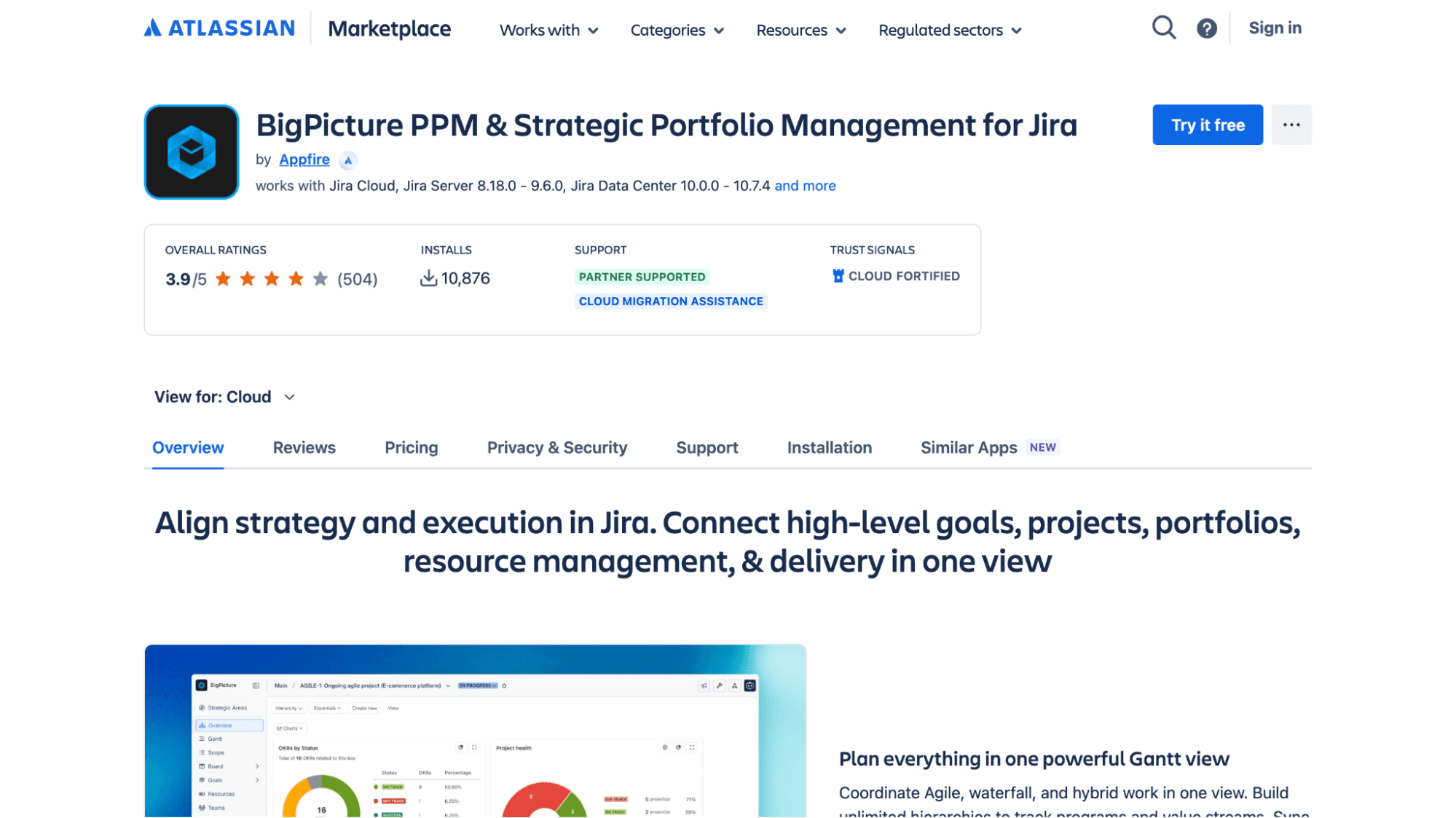
Best for: Jira teams that want strategic portfolio planning without moving their portfolio data out of Jira.
Where it differs from Dotwork: BigPicture stretches Jira into portfolio management. Dotwork starts with a graph model of your company and AI-native decision intelligence instead.
BigPicture now offers “Standard” and “Advanced” editions. Advanced adds strategic goals and OKRs, financial management, strategic prioritization, and advanced reporting to its existing PPM capabilities.
BigPicture works directly with Jira, so teams plan the portfolio next to the work they already track. It supports agile, waterfall, and hybrid approaches.
Portfolio and program planning: Plan at the portfolio and program level without leaving Jira, so teams don't context-switch into a separate planning tool
Gantt and dependency management: See task dependencies and timelines across projects, so schedule risk is visible before a deadline slips
Resource and capacity planning: Check team capacity against planned work directly inside Jira, so overallocation shows up before you commit to a sprint
Strategic goals and OKRs: Connect delivery work to strategic goals and OKRs, so a Jira team can see how a ticket ladders up to a company priority
Financial management: Track budget and capitalization data alongside delivery work, so finance reporting doesn't require a separate export
Advanced reporting: Build portfolio-level reports from the same Jira data your teams generate daily, so reporting doesn't require reconciling two systems
Connects directly to Jira
Covers both PPM and SPM use cases
Supports financial management and capitalization
Lighter implementation for Jira teams
The strongest coverage stays within the Jira ecosystem
Cross-system portfolios need additional integrations
Advanced strategic capabilities sit in the “Advanced” edition
BigPicture is the shorter route when keeping portfolio planning inside Jira is the priority.
Best for: Product-led organizations connecting strategy, roadmaps, outcomes, and capacity.
Where it differs from Dotwork: Dragonboat fits when the product portfolio is the core problem. Dotwork covers a wider operating model across strategy, investments, teams, and work instead.
Dragonboat focuses on product portfolio management. It connects strategy and outcomes to roadmaps, capacity, and delivery data from tools such as Jira and Azure DevOps.
Product portfolio roadmaps: Build and manage roadmaps at the product portfolio level, so product leaders see priorities across the whole line, not just one team's backlog
Outcome and OKR management: Tie roadmap items to the outcomes and OKRs they're meant to drive, so a feature earns its place on the roadmap by the result it's supposed to produce
Capacity planning: Plan roadmap commitments against real team capacity, so the roadmap reflects what teams can actually deliver
Scenario planning: Model different roadmap and resourcing scenarios before committing, so tradeoffs are visible before a quarter is locked in
Portfolio analytics and risk prediction: Surface risk signals across the product portfolio, so a product leader catches a slipping initiative before it's a surprise
Strong product portfolio focus
Connects roadmaps with outcomes and capacity
Works with Jira and Azure DevOps
Supports complex product organizations
Covers the product portfolio more than the enterprise portfolio
Financial governance sits outside its core design
Enterprise configuration runs sales-led
Its pricing page lists “Starter” and “Enterprise” editions, plus free read-only and requestor access for up to 100 users. Paid tiers go through sales.
First, look to your existing systems to narrow the shortlist.
When you need AI-native portfolio orchestration across the systems you already run, choose Tempo Loop. Loop connects portfolio signals, detects drift, recommends actions, and governs approved changes across execution systems.
When your portfolio office owns deep investment planning, financial controls, resource planning, and formal governance, choose Planview or Planisware.
If ServiceNow already holds much of your demand and IT portfolio data, choose ServiceNow SPM.
If your planning already follows the Atlassian model and scaled agile sits at the center of how you work, choose Jira Align.
If you want strategic planning alongside delivery data inside Jira, choose BigPicture.
When product portfolio management, roadmaps, outcomes, and capacity are the main requirements, choose Dragonboat.
Secondly, take two real initiatives and trace each one from strategic priority through funding, capacity, delivery, and outcome. The tool most connected to your systems, delivering the most current information with the least manual rebuilding, deserves a follow-up call.
The right Dotwork alternative depends on the operating model you already have. Test portfolio depth, governance, financial controls, and AI against work your teams run now, not a demo dataset.
Does your portfolio span several systems? Book a Tempo Loop demo and see how Loop reads the signals and recommends what to do next.
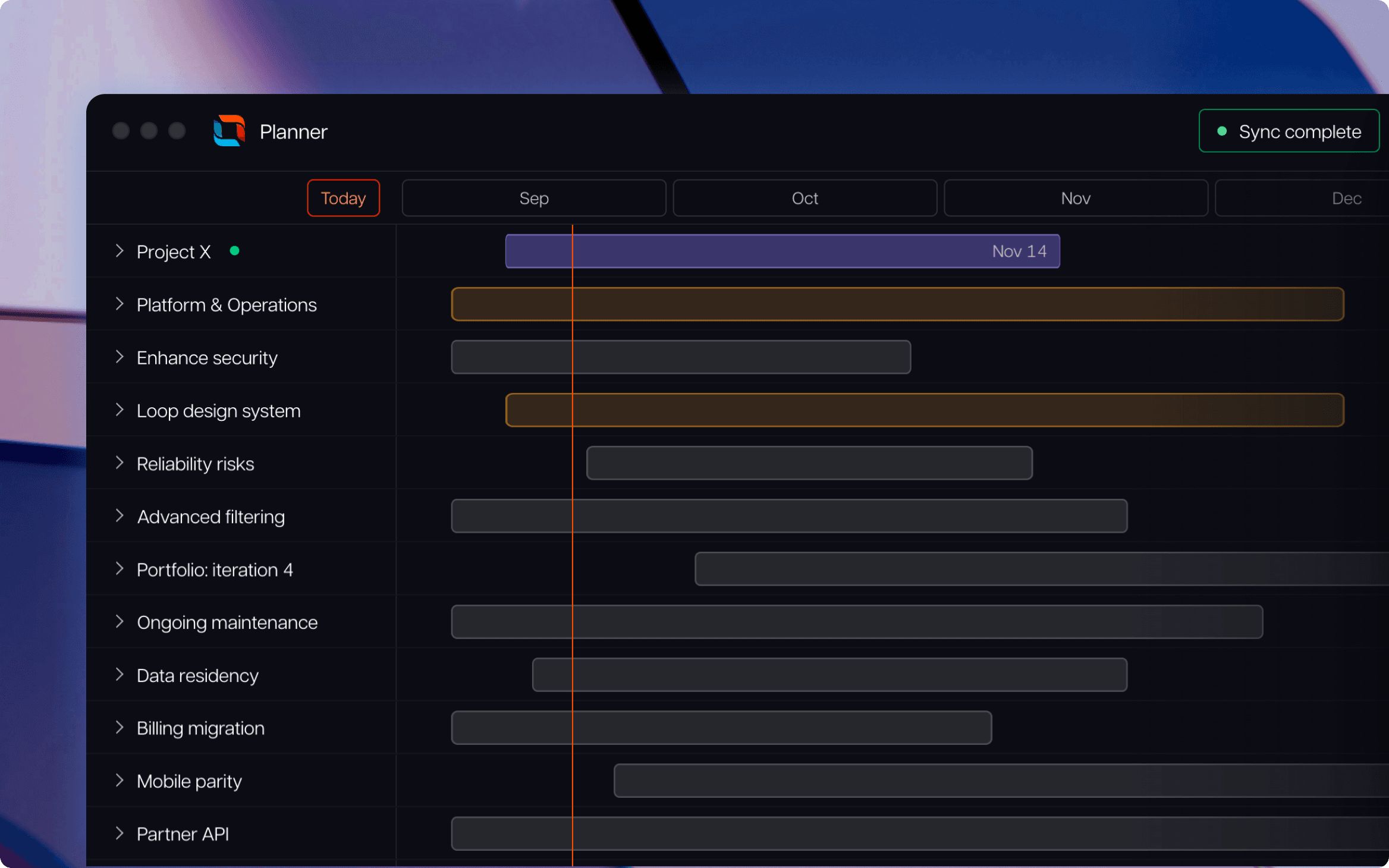
Tempo Loop
Direct every human, every agent, and every dollar to the work that matters most.
Book a demoCouldn't find what you need?Go to our documentation
Dotwork competes in strategic portfolio management, approached from an AI-native starting point. Its graph-based model connects strategy, work, investments, dependencies, and outcomes.
Several do, and they take different approaches. Jira Align, and BigPicture work closely with Jira. Dragonboat integrates with Jira and Azure DevOps. ServiceNow SPM supports Jira integration, and Planview connects Jira through its integration capabilities.
Dragonboat is the most product-focused option in this shortlist. It connects product strategy, outcomes, roadmaps, capacity, and delivery data across tools such as Jira and Azure DevOps.
Planview Portfolios, Planisware, ServiceNow SPM, Jira Align, and BigPicture all include financial or investment-management capabilities. The depth varies, so test the budgeting, forecasting, capitalization, and approval workflows you actually need.
Start with two or three real initiatives. Trace each one from strategic objective through investment, capacity, delivery, and outcome. Then change a priority and watch what the tool does. That shows you whether it reports on the portfolio or helps you decide.
Compare 8 Planview alternatives for portfolio leaders and see which fits when setup and configuration outlast the plan.

Compare 6 Smartsheet alternatives for portfolio leaders and see which fits when the grid stops answering board questions.

Compare 5 Planisware alternatives for portfolio leaders. See which one checks all the boxes on your requirements list.

Six Clarity PPM alternatives for Jira teams, compared by integration depth, cost, and implementation time.

BigPicture can't answer your CFO's CapEx question. Compare Structure PPM, Jira Plans, BigGantt, EazyBI, and Jira native on financial governance.
Planview vs Clarity compared on portfolio planning and financial control, plus how each handles delivery data and when Tempo Loop is the better fit.

Microsoft Project Online is retiring in 2026. Explore the transition timeline, risks of staying, and enterprise-grade migration options for PMOs.

Explore alternatives to a SWOT analysis, including SOAR and NOISE. Determine when to use these methods to get the most from your business analytics.

Create a powerful, unified roadmap that connects to everything. Minimize risk and maximize ROI on your product investments, with Strategic Roadmaps

















