

Compare 6 Smartsheet alternatives for portfolio leaders and see which fits when the grid stops answering board questions.
We reviewed five tools that handle what monday.com doesn't for enterprise Jira teams.

Key Takeaways
monday.com has no native CapEx/OpEx classification and caps dashboard views at 50 boards on Enterprise.
Tempo Structure PPM is the only Jira-native option on this list that covers financial governance and resource forecasting.
Tempo Financial Manager and Tempo Capacity Planner deliver both as part of one integrated suite
Among the standalone alternatives, Asana covers the broadest use case, while Wrike leads on workflow automation depth. Smartsheet suits teams migrating from Excel; ClickUp wins on price
monday.com is work management software. It's widely adopted and designed for team-level task and project tracking. For enterprise PMOs managing strategic portfolios across Jira-first organizations, that specificity is the constraint.
Below is how monday.com falls short for a PMO tracking 30 or more active investments in Jira:
No native CapEx/OpEx classification. monday.com lets you tag items with a dropdown, but someone maintains it manually. That manual tag won't carry the capitalization logic finance needs for sign-off.
Dashboard visibility caps at scale. monday.com dashboards connect a maximum of 20 boards on Pro and 50 on Enterprise. For a PMO tracking hundreds of active projects, the full portfolio can't live in a single view
Jira integration at the item level only. monday.com offers a native Jira Cloud integration on Standard plans and above, but it syncs tasks between two separate platforms.
For PMOs where Jira is the system of record, that means maintaining two systems rather than working in one. Jira Server and Data Center integration also requires the “Enterprise” plan
No forward-looking resource forecasting. monday.com shows current workload but doesn't model whether available capacity matches committed work. PMOs can't model talent capacity across programs or run scenario planning before committing resources
We reviewed five monday.com alternatives against these four criteria. Each addresses a different constraint that monday.com doesn't meet for enterprise Jira PMOs.
Here’s a quick overview of the monday.com alternatives you might want to shortlist for 2026.
Tool | Jira integration | Financial tracking | Capacity planning | Starting price (annual) |
Tempo Structure PPM | Jira-native app | CapEx/OpEx via Financial Manager (add-on) | Yes, Capacity Planner add-on | From ~$3.52/user/mo to $4.73/user/mo |
Asana | Native (Advanced+ for bidirectional) | Paid add-on ($5.99/user/mo) | Basic workload views | From $10.99/user/mo (Starter) to $24.99/user/mo (Advanced) custom pricing for other tiers |
Wrike | Paid add-on (Wrike Sync) | Pinnacle+ only | Pinnacle+ only | From $10/user/mo (Team) to $25/user/mo) (Business); custom pricing for other tiers |
Smartsheet | Native add-on (Business+) | Formula-based only | No | From $9/user/mo (Pro) to $19/user/mo (Business) |
ClickUp | Native, two-way sync | No (custom fields only) | Basic | From $7/user/mo (Unlimited) and scales to $12/user/mo (Business) custom pricing for Enterprise |
Of the five alternatives below, Structure PPM is the only one built specifically for Jira environments. It’s also the only tool that adds financial governance and resource forecasting on top of a Jira-native architecture rather than as an add-on to a general PM platform.

Structure PPM is the monday.com alternative for enterprise PMOs on Jira. It replaces monday.com's work tracking with portfolio governance, financial oversight, and resource forecasting built natively inside your Atlassian environment.
For enterprise PMOs already standardized on Jira, it's the most direct replacement for monday.com: It runs as a native Atlassian Marketplace application, adds financial governance and capacity planning to your stack, and does all of this without needing your teams to migrate to a non-Jira environment.
This means you have no separate login or sync connector keeping two systems in agreement to maintain.
Structure PPM organizes work into a tiered hierarchy (issues, projects, programs, portfolios) that maps directly to how enterprise PMOs structure strategic work.
Enterprise deployments typically run individual structures of 5,000–10,000 issues per program, connected to a master structure that surfaces only high-level items (Initiatives, Epics) for the cross-portfolio view.
PMO leaders see the consolidated picture without loading every issue into one board, and individual teams work in structures sized for performance.
Structure PPM provides the portfolio hierarchy. But you can add Financial Manager (Cloud) for the financial layer. This provides CapEx/OpEx categorization at the project or program level, budget-to-actuals tracking, and cross-portfolio financial roll-up.
Finance gets the cost data it needs for planning and compliance from the same system your engineers already work in. No post-cycle extraction required.
You can also add Capacity Planner for enterprise-grade resource forecasting. This way, team leads can model demand across the portfolio before committing to new initiatives and identify over-allocation in the current quarter.
That visibility separates proactive capacity governance from reactive and keeps you in control even when the roadmap changes.
Users add Custom Charts to generate shareable portfolio dashboards to give executives and finance leads visibility without requiring Jira access. Gantt Charts for Structure PPM (included in Structure Advanced) adds roadmap and dependency views directly inside the portfolio hierarchy for program-level planning.
Tempo is an integrated, modular suite, with products like Structure PPM, Timesheets, and Capacity Planner. They all operate as one connected governance layer on top of Jira. You start where your PMO's immediate need is and expand the suite as requirements grow, without the need to migrate to another platform or add a new data layer.
When TransUnion replaced their legacy time tracking system for Tempo Timesheets, costs dropped from roughly $1 million to $62,000 (a 94% reduction), and their authority-for-expenditure process went from 17 approvers to four.
The modular design matters: Start with Structure PPM for portfolio hierarchy, then add Timesheets and Capacity Planner as your PMO's governance requirements grow.
Structure PPM Cloud starts at approximately $3.52/user/month (Standard) and $4.73/user/month (Advanced) for 100 users. Financial Manager and Capacity Planner are priced separately.
Structure PPM works only for organizations who use Jira. If your organization doesn’t, its entire value doesn’t apply to your use case.
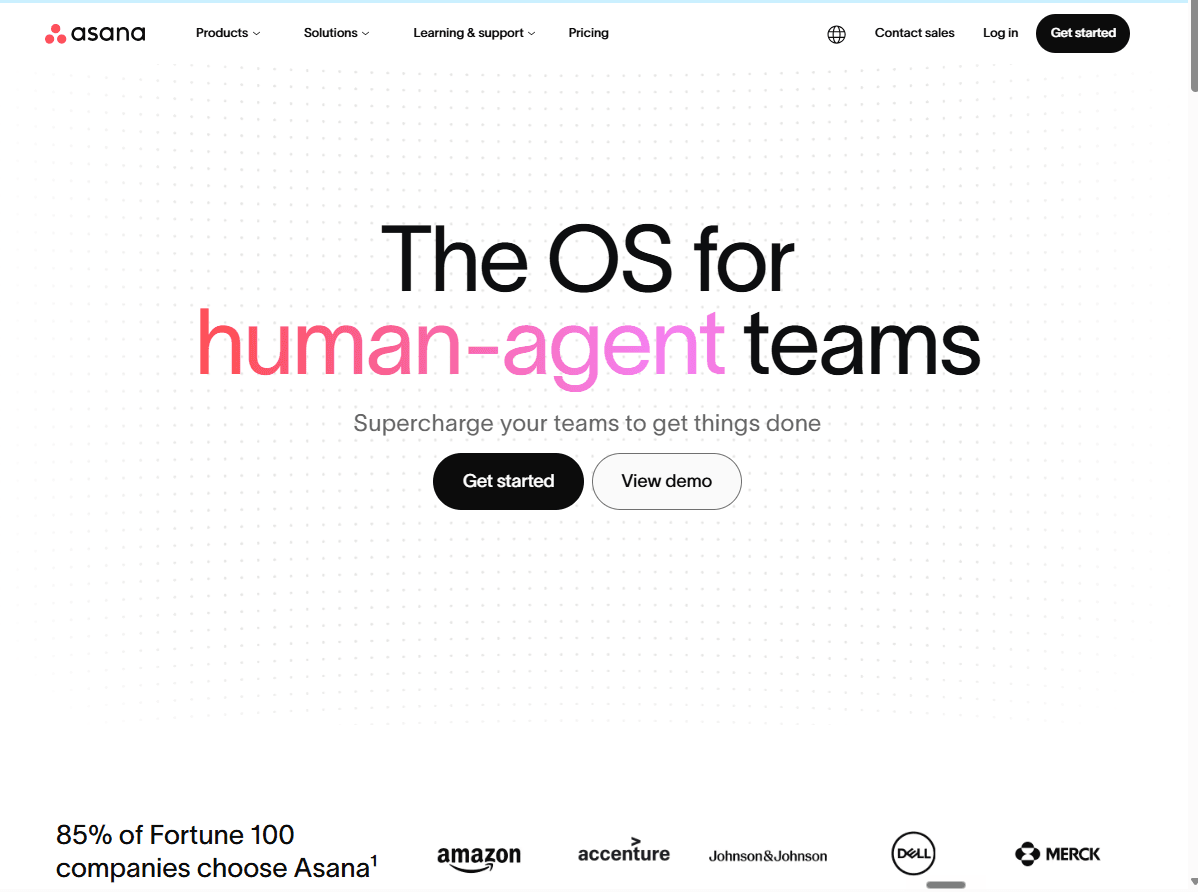
Asana is a general project management software with strong visual tools for tracking programs and portfolios across teams. It sits in similar territory to monday.com in terms of audience (project managers and business stakeholders who want clean timeline and dashboard views), but it adds a more capable portfolio layer and a better information hierarchy for complex programs.
For teams not tied to Jira as the system of record, it's a good standalone replacement.
Asana's “Advanced” tier includes portfolio dashboards that show progress and health across multiple projects in one view and is exportable as PDF or PowerPoint for stakeholder reporting. Its Jira integration is native (no third-party connector) and syncs bidirectionally for teams on “Advanced” and “Enterprise” tiers.
However, users on Starter get limited functionality; they can create tasks from Jira issues, but don’t have access to its two-way sync.
Portfolio dashboards and timeline views for cross-team program management (Advanced and above)
Native, bidirectional Jira Cloud sync on “Advanced” and “Enterprise”
Clean interface that non-technical stakeholders can use independently from Jira
No native financial tracking in base plans. Asana offers budget management only as a paid add-on at $5.99/user/month (billed annually), and even that add-on doesn't include CapEx/OpEx categorization. It covers project budget monitoring and billable rate tracking. For PMOs with cost governance requirements, there's a meaningful difference between that and a proper financial governance layer
No enterprise-grade capacity planning. Asana shows workload at the task and team level. Demand forecasting across programs and scenario planning for portfolio shifts are not part of the product. PMOs that need to plan ahead at the program level will find this limiting
Asana Starter is $10.99/user/month (billed annually)
Advanced is $24.99/user/month (billed annually)
Portfolio dashboards and bidirectional Jira sync require Advanced ($24.99/user/mo) or Enterprise (with custom pricing)
Verdict: Asana fits organizations that want strong visual project management, aren't Jira-first, and don't have CapEx/OpEx or enterprise capacity planning as hard requirements.
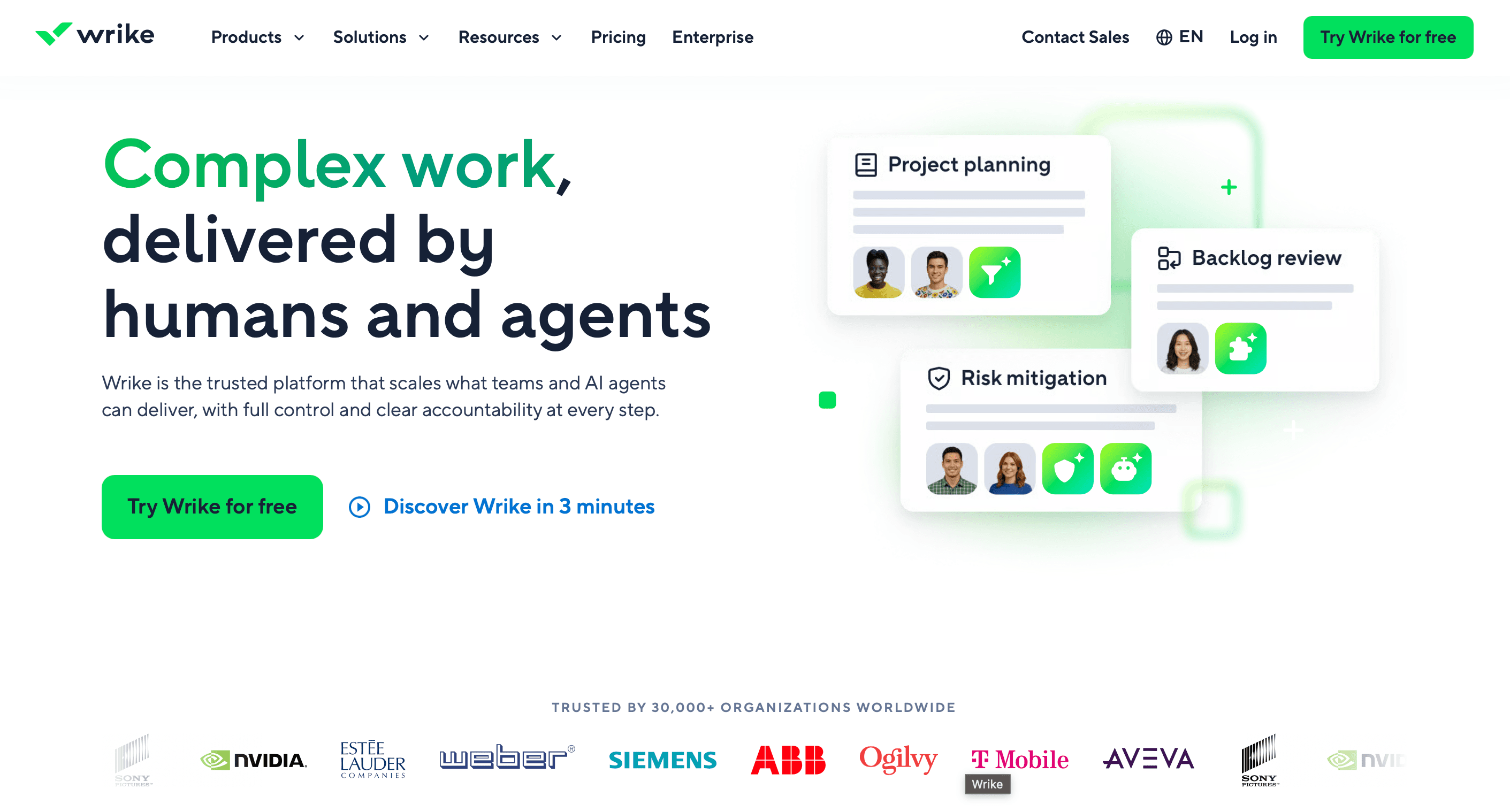
Wrike is project management software built for mid-to-enterprise teams that need more structure and process control than monday.com provides. Its Business tier provides access to custom workflows, approval processes, time tracking with billable rates, and automation on top of the standard PM features.
For teams with financial governance requirements, you’d need to upgrade to the Pinnacle tier for the budget tracking and advanced resource management features.
Wrike has bidirectional Jira integration via its Two-Way Sync, which is a paid add-on on “Business” and “Pinnacle” plans but is included natively in the Apex plan.
According to Vendr, Wrike’s integrations range between $1,000–$5,000+ annually depending on the number of active connections. The Jira integration is also accessible via the Apex tier.
Strong custom workflow and approval automation, which makes it well-suited for PMOs that manage intake and sign-off processes alongside delivery
Time tracking with billable rate support on “Business” tier
Bidirectional Jira sync available (via Wrike Sync add-on or “Apex” tier)
Budget and cost tracking available at “Pinnacle+” for teams that need financial visibility built in
Budget and resource management require at least “Pinnacle” tier. If financial governance is the reason you're moving from monday.com, Wrike Business ($25/user/month) doesn't solve it. You'd need “Pinnacle” – which requires you to get in touch with Wrike sales team. That's a significant unknown cost before you can confirm whether the financial features meet your requirements
Jira sync is a paid add-on on most plans. Wrike's bidirectional Jira integration requires Wrike Sync separately or an Apex subscription. For teams that need deep Jira connectivity, which adds cost and a separate dependency
Starts at $10/user/month (Team tier, billed annually)
“Business” is $25/user/month (Business tier, billed annually)
“Pinnacle” and “Apex” are contact-sales
Verdict: Wrike fits teams that need stronger workflow automation and approval management than monday.com provides. If financial governance is the priority, verify Pinnacle pricing before committing.
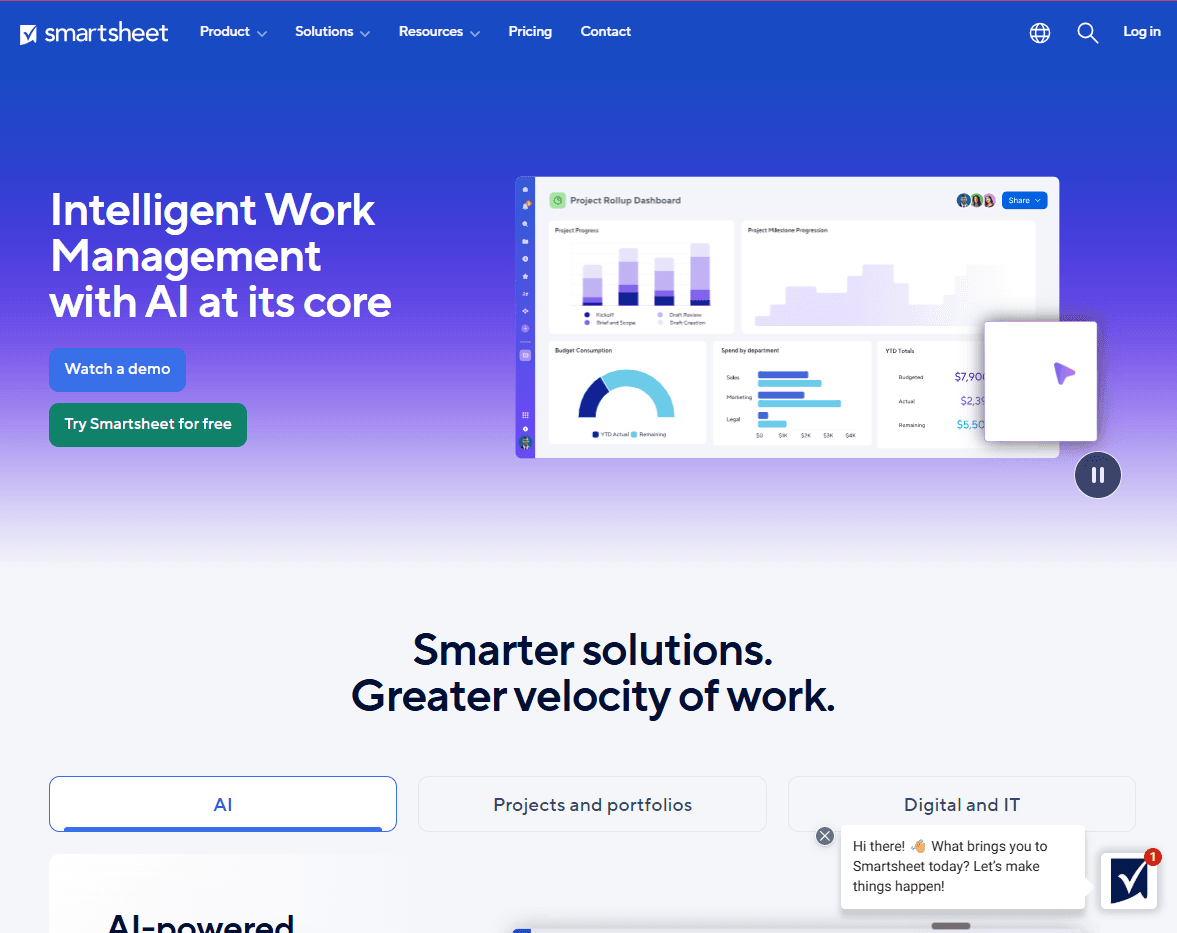
Smartsheet is the monday.com alternative for PMO teams that currently manage projects out of Excel or Google Sheets. Where monday.com uses a board model, Smartsheet uses a grid-based project and for teams already thinking in spreadsheets, that familiarity significantly reduces adoption friction.
Smartsheet organizes work in sheets with Gantt, card, and calendar views layered on top. Cross-sheet roll-ups and automated workflows let PMOs build reporting structures that pull data from multiple project sheets into a single dashboard.
Your executives receive automated status reports and read-only dashboard links without needing to log into the tool. With the Jira Connector (a native Smartsheet add-on available on “Business” and “Enterprise” plans as a paid add-on), you can sync issues bidirectionally between Smartsheet and Jira Cloud, Server, and Data Center.
Familiar spreadsheet model reduces adoption friction for Excel-heavy PMOs
Cross-sheet dashboards and automated status roll-ups for stakeholder reporting
Native Jira Connector (bidirectional, Business+ with paid add-on)
Read-only external sharing for executives and stakeholders outside the tool
No native financial tracking or CapEx/OpEx support. Any budget management in Smartsheet is assembled manually through formula columns and roll-up sheets. There's no budgeting module and no CapEx/OpEx classification. For PMOs with cost governance requirements, this means building and maintaining that structure yourself rather than using a purpose-built financial layer
The grid model has structural limits for complex portfolios. Smartsheet is a flat sheet, not a portfolio hierarchy. Managing deep program structures with cross-project dependencies across hundreds of projects requires deliberate, manually maintained sheet architecture. PMOs used to hierarchy-based tools will spend time designing that structure rather than working in it
“Pro” is $9/user/month (billed annually)
“Business” is $19/user/month (billed annually)
“Enterprise” is contact-sales
Verdict: Smartsheet fits finance-familiar PMO teams that want spreadsheet-style control and are comfortable building the financial governance layer themselves.
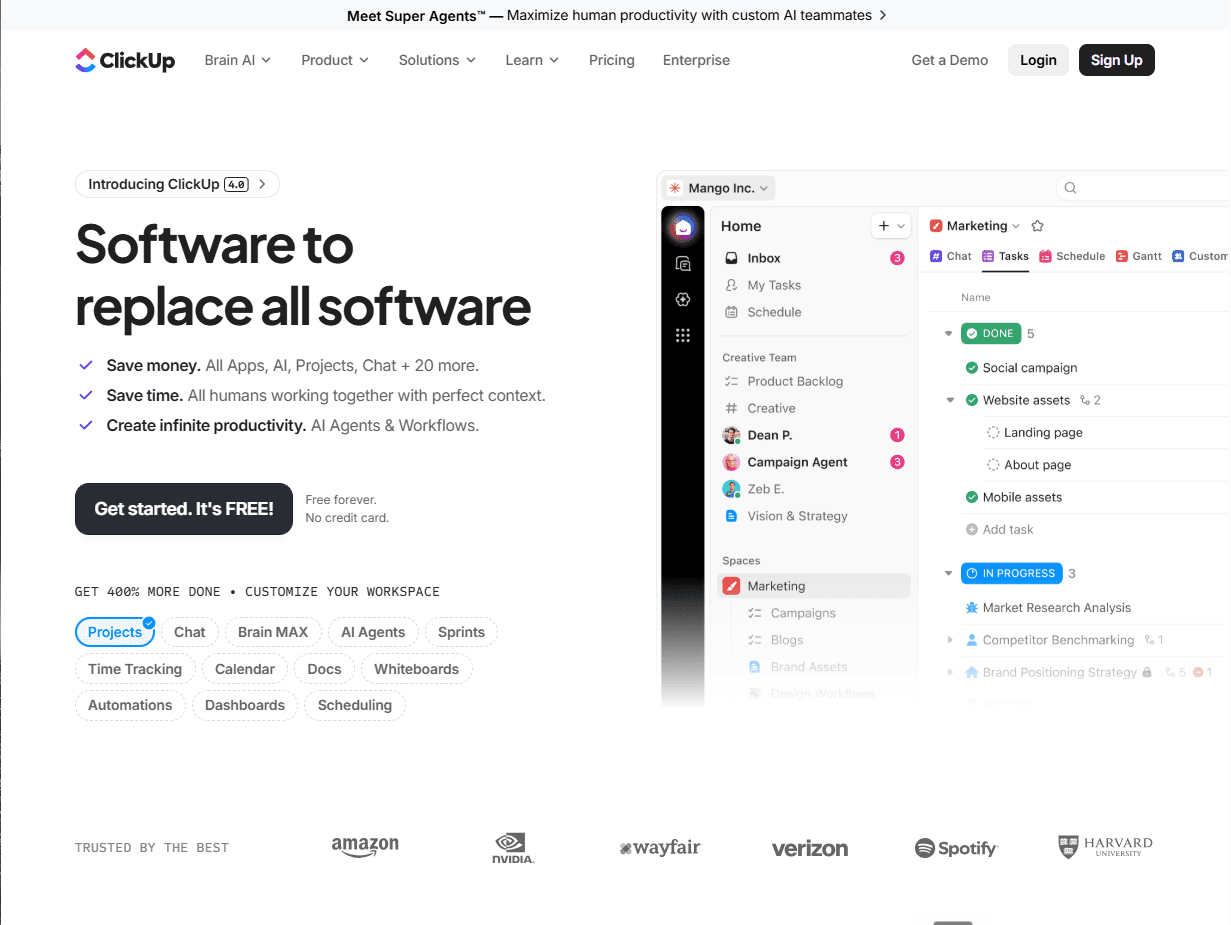
ClickUp is the most affordable monday.com alternative on this list (and the most configurable). Where monday.com gives you a fixed board structure, ClickUp lets you reshape the workspace hierarchy to match your process.
The ability to structure work as tasks, docs, spreadsheets and automate handoffs between workflows, combined with its $7/user/month starting price, makes it one of the most versatile tools on this list.
The trade-off is setup investment: ClickUp works well once it's configured for your workflow, but getting there takes time and deliberate effort upfront.
ClickUp's “Unlimited” tier includes unlimited tasks, unlimited custom fields, native time tracking, and goals and portfolio management. Automations (5K/month) and portfolio workload management are added on “Business” tier.
Its Jira Sync integration is native and two-way, available on “Business Plus” and “Enterprise” plans (currently in beta). It syncs name, status, comments, and task relationships, but custom statuses do not sync, and attachments are not among the synced fields. Dashboards aggregate data from across the workspace using configurable widgets.
Highly configurable workspace structure (spaces, folders, lists, tasks) adapts to most PM methodologies
Native, real-time bidirectional Jira Sync on “Business Plus” and “Enterprise” (currently in beta; also requires Jira Premium)
Strong dashboard and reporting capabilities with flexible widget-based customization
Competitive pricing: $7/user/month (Unlimited) and $12/user/month (Business), billed annually
No native financial tracking. ClickUp has no budgeting module, cost tracking, or CapEx/OpEx classification. Budget tracking is built using custom numeric fields and dashboard widgets. These are functional for straightforward needs, but you’d need to design and maintain them yourself. This adds to your manual admin work for PMOs with financial governance requirements
Configurability has a setup cost. ClickUp's flexibility is genuine, but before ClickUp works the way your PMO needs it to, someone has to design the workspace hierarchy, build out custom fields for every tracking point, and write the automation rules that connect them. Teams expecting an out-of-the-box process fit will spend weeks in configuration first
“ClickUp Unlimited” is $7/user/month (billed annually)
“Business” is $12/user/month (billed annually)
“Enterprise” is contact-sales
Verdict: ClickUp fits cost-sensitive teams that want maximum flexibility and can invest in setup. For PMOs that don't have financial governance as a hard requirement, the price-to-feature ratio is strong.
The answer follows the same logic in every case. Start with whether Jira integration is a hard requirement.
If your organization uses Jira and needs portfolio governance, Structure PPM is the replacement for monday.com. You can also add Financial Manager for cost governance and Capacity Planner for resource forecasting. The governance layer goes on top of the Jira environment you already have, without migrating your teams to a new platform.
If Jira-native integration isn't the constraint and you want a strong standalone PM platform, Asana covers the broadest use case with the cleanest interface. You can also consider Wrike for its workflow automation depth or Smartsheet for its spreadsheets-based UI.
The right replacement doesn't replicate monday.com. For Jira-first enterprise PMOs, it adds the portfolio governance layer monday.com was never built to provide.
See how Structure PPM adds portfolio governance to your Jira environment, book a demo now.
Structure PPM
Manage products, projects, and programs in a single spreadsheet-like view. By providing a clear, real-time view of project progress and resource allocation, Structure helps teams meet deadlines and adapt swiftly to changing priorities.
Start a Free TrialCouldn't find what you need?Go to our documentation
Yes. monday.com includes a native Jira Cloud integration on “Standard” plans and above, which syncs tasks and issues between the two platforms. Jira Server and Data Center integration requires “Enterprise” tier. The integration works at the item level (it connects tasks across two separate systems) but doesn't embed monday.com inside Jira or give your PMO a portfolio view built directly on Jira data. For PMOs where Jira is the system of record, that means maintaining two platforms rather than working in one.
Monday.com handles project and task tracking well at the team level. For enterprise portfolio management, it's missing three specific capabilities: CapEx/OpEx financial tracking, dashboard views that scale beyond 50 connected boards on “Enterprise” and capacity planning built for forecasting demand across programs. Teams that need those capabilities typically move to purpose-built SPM tooling like Tempo Structure PPM.
ClickUp Unlimited at $7/user/month (billed annually) is the most affordable paid option on this list. Smartsheet Pro starts at $9/user/month. Both cover project tracking and task management effectively for teams that don't need portfolio-level financial governance.
Tempo Structure PPM is the only tool on this list built specifically for Jira environments. It runs as a native Jira application – your teams stay in Jira while the portfolio layer (financial tracking via Tempo Financial Manager and capacity planning via Tempo Capacity Planner) operates on top of the work they're already doing. For organizations standardized on Jira, it addresses the portfolio governance requirements monday.com doesn't have.
Start with Structure PPM, see how it works in your Jira environment.
Compare 6 Smartsheet alternatives for portfolio leaders and see which fits when the grid stops answering board questions.
Project tracking and portfolio governance aren't the same problem. We review eight tools for PMOs governing portfolios in Jira.

Compare 8 Planview alternatives for portfolio leaders and see which fits when setup and configuration outlast the plan.

Jira assigns work but doesn't show team capacity. We compare six resource management tools for their integration with Jira and project visibility.

Compare the 8 best project portfolio management tools for 2026, with verified pricing and honest pros and cons.

Compare eight AI project management tools for enterprise portfolios and choose the right solution for real-time tracking in 2026.

Compare 5 Planisware alternatives for portfolio leaders. See which one checks all the boxes on your requirements list.

Microsoft Project Online is retiring in 2026. Explore the transition timeline, risks of staying, and enterprise-grade migration options for PMOs.

Mashhood Ahmed talks the Tempo Loop, the potential for Intelligent Portfolio Orchestration, and what AI means for project and portfolio management.
















