

DORA metrics help DevOps teams measure speed and quality and achieve consistent results. Learn how to gauge these KPIs and boost performance.
Learn about DevOps project management and how this agile framework improves everything from team performance to product quality and customer satisfaction.

Project managers constantly search for new methodologies that promote collaboration, streamline workflows, and speed up the production of deliverables. The DevOps framework is one such recent development in technology-based project management.
DevOps integrates software development and operations into a single unit to improve collaboration and communication. The methodology also automates key processes, creating a reliable flow of new or updated software and apps.
DevOps project management provides numerous options to improve project processes and outcomes. Here’s what you need to know to decide whether it’s right for your team.
DevOps is a project management methodology that integrates development and operations into a single functional team. The development group writes code and creates new features while the operations team members maintain, monitor, and troubleshoot applications upon release to the production environment.
The methodology automates processes and integrates testing and security, establishing a streamlined production pipeline that delivers higher-quality software faster than traditional project management techniques.
The framework requires project managers to focus on continuous integration and continuous delivery (CI/CD) while strengthening collaboration between the operations and development team members.
DevOps adoption provides significant benefits to software projects, including:
Improved collaboration: DevOps project management does away with silos that hamper communication and shared responsibility between developers and operations.
Reduced time to market: Process automation and the integration of development and operation teams speed up deployment time for new features and updates.
Enhanced quality: DevOps establishes ongoing testing and feedback loops throughout the development lifecycle. These allow teams to identify and fix bugs before releasing software projects to market.
Increased efficiency: Automating routine and repetitive tasks decreases manual effort so teams can focus on higher-value tasks.
Reduced costs: DevOps decreases operational costs by streamlining processes and minimizing errors.
There are several key differences between traditional project management practices and DevOps. Here’s a side-by-side comparison:
| Traditional project management | DevOps project management |
Process | Agile framework combined with iterative development cycles | |
Focus | Sequential planning and execution | |
Goal | Delivery according to project deadlines and budget constraints | Minimizing time to market, improving software quality and reliability |
Structure | Functional silos with established, rigid roles | Shared task ownership and responsibilities between cross-functional team members |
Deployment | Sporadic deployment | Perpetual or frequent deployments |
Communication | Formal communication, including meetings, status reports, and documentation | Open communication and collaboration between cross-functional teams |
Metrics | Performance metrics include budget and schedule variance and scope creep | KPIs include deployment frequency, lead time, and mean time to recovery |
Tools | Project management tools | Applications to automate testing, deployment, and monitoring |
Culture | Hierarchical structure with well-defined roles and responsibilities | Prioritizes collaboration and communication between team members at every level |
The following DevOps best practices will ensure a smooth transition for team members and stakeholders:
Introducing any new project management framework is challenging, so get the team’s feet wet by completing a small project using DevOps practices. Project managers can focus on building communication and collaboration among the group, while team members can work out process and workflow kinks in a low-stress environment.
Introduce the concept of a minimum viable product (MVP), a critical component of DevOps projects. The MVP is a high-return, low-risk project whose quality is improved and measured over successive iterations and releases. Creating and deploying an MVP allows teams to produce new products and gather feedback quickly to assess their impact on the market.
The DevOps team then applies agile methodologies, working in short bursts to turn feedback into improvement items that consistently update the product. The cycle keeps users engaged through a rapid sequence of releases and enhancements.
DevOps functions best when everyone is on the same page, so leverage tools that increase team alignment, communication, and collaboration. Leadership should seek project management tools that automate or simplify the following processes:
Configuration management
Application deployment
Progress monitoring
Version control
Sign up for a demo
Request demoThe DevOps framework breaks down silos and divisions by producing a horizontal flow and consolidating information and activities. This integration promotes operational agility. Incentivize a unified approach for all aspects of work, not just a single project, to reinforce and motivate alignment.
DevOps produces a continuous flow of work throughout the project’s lifecycle, bypassing the phased handoffs that are customary in traditional management frameworks. By reducing the number of handoffs, DevOps pipelines save time and resources.
Real-time visibility maximizes flow and integration, allowing DevOps teams and stakeholders to monitor project status, progress, and metrics. Project managers establish this visibility using collaborative project management tools that enable team members to access status and provide updates whenever scope or other criteria change.
By introducing automated testing and reporting throughout DevOps workflows, project management can reduce work and save time while maximizing productivity and collaboration. This will yield several benefits:
Reduced meetings
Eliminating status reports
Decreased staff turnover
Time-saving incentives for employees
A scope management system provides the necessary clarity for DevOps teams to maximize flow and collaboration despite shifting requirements. The systematic approach allows stakeholders and team members to transparently adjust plans, remove confusion, and align behind a response during unforeseen changes.
DevOps project managers wear many hats and require diverse skills to succeed. Here are some essential competencies:
Project managers should understand DevOps fundamentals, such as:
Iterative development
CI/CD
Process automation
Stakeholder management
DevOps relies on team integration, so project managers must ensure operations and development teams collaborate effectively with stakeholders and each other. Regular communication between team members, leaders, and stakeholders keeps teams current, maintains transparency, and builds alignment.
DevOps project managers must understand the relevant tools and technologies, including
Version control systems
Continuous integration services
Deployment automation
Monitoring systems
Project managers who grasp these solutions and how they contribute to team activities can choose the right technology to optimize effort.
DevOps projects are in flux, meaning project managers must be comfortable making changes on the fly. Their approach to problem-solving and decision-making should be flexible enough to guide teams through shifting requirements and priorities.
DevOps relies on agile project management methodologies, like Scrum and Kanban, which provide much-needed flexibility and efficiency. Agile principles assist with DevOps project management in the following ways:
Breaking projects into small, iterative cycles and milestones
Allowing for frequent reassessment of goals and outcomes
Generating iterative improvements
Coordinating multiple teams is a heavy workload, but project management software helps managers keep up. Here are some popular solutions:
Designed for software development teams, Jira offers a comprehensive solution for project management and issue tracking. The platform helps DevOps project managers break projects into chunks and organize them into user stories, issues, and tasks.
Jira’s dashboard encourages collaboration and transparency by directly delivering insight into project progress, product iterations, and performance measures.
Tempo’s Structure PPM integrates with Jira, allowing DevOps project managers to visualize epics, programs, and portfolios in one place. The platform communicates and aligns live progress insights, minimizing team overhead. Structure also provides a granular view across epics so teams can identify and adapt to bottlenecks before they slow progress.
GitLab facilitates project organization and assigns issues to team members according to labels, milestones, and iterations. Along with task categorization, GitLab divides complex projects into manageable tasks and provides visualization tools to monitor and analyze progress.
For developers who prefer Kanban methodologies, Azure Boards supplies DevOps groups with customizable Kanban boards, team dashboards, and personalized progress tracking throughout every development stage. Azure Boards integrates with Microsoft Azure DevOps products to expand its capabilities and create a DevOps integration that manages every phase of the development process.
Created by Amazon Web Services (AWS), the AWS DevOps platform provides tools, features, and services that streamline the following processes:
Performance monitoring
Release automation
Code deployment
Infrastructure management
AWS DevOps can integrate with third-party software, allowing leaders to customize the tool to meet project management needs.
Tempo understands the diverse needs of DevOps software development. That’s why we offer project management solutions that meet those requirements.
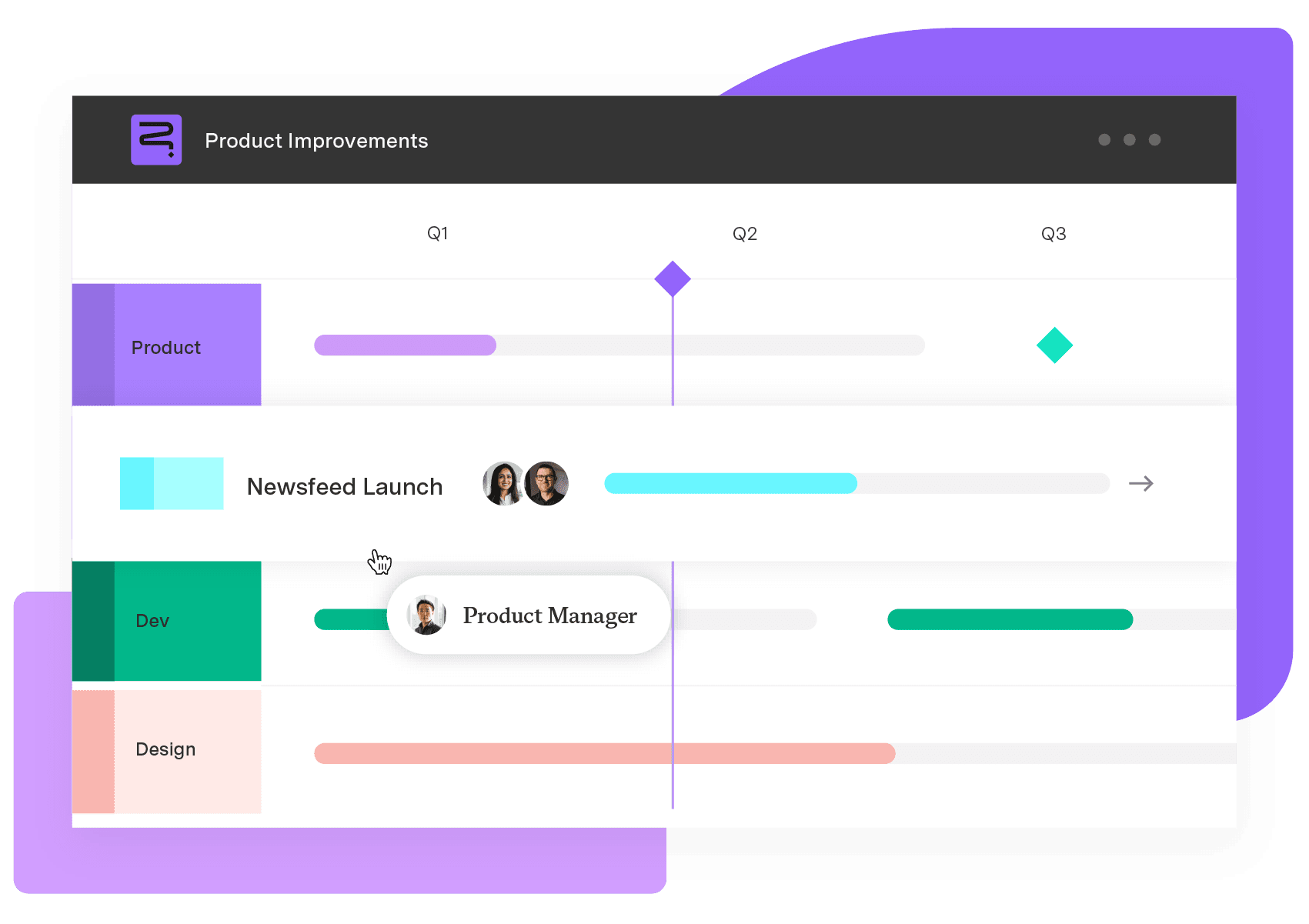
Strategic Roadmaps allows project managers to illustrate project goals and requirements in an easy-to-read format that builds transparency. Structure PPM facilitates seamless collaboration between operations and development teams. It visualizes backlogs, monitors progress, and streamlines pipelines with automation to ensure continuous product and update delivery.
Strategic Roadmaps
Build your portfolio vision with Strategic Roadmaps. With powerful visualization capabilities, you can communicate strategy to the entire organization and gain alignment around strategic objectives, product goals, and milestones.
Start a Free TrialCouldn't find what you need?Go to our documentation
DevOps aims to bridge the gap between operations and development teams. It creates an efficient, streamlined production pipeline that speeds up the delivery of high-quality software.
DevOps speeds up the release of software applications and updates by improving collaboration between operations and development teams and automating continuous integration and continuous deployment processes.
DevOps requires project management software that performs the following functions: Divides complex work into manageable tasks Provides visibility into progress Assigns tasks to team members and tracks their progress Automates manual workflows Offers version control capabilities
DORA metrics help DevOps teams measure speed and quality and achieve consistent results. Learn how to gauge these KPIs and boost performance.

Learn the fundamentals and the importance of continuous integration and delivery (CI/CD), a mainstay of the DevOps development pipeline.

Powerful and flexible filtering has never been easier for azure devOps thanks to Work Item Query Language support.

DevOps requires robust version control as supplied by Jira release management. Discover essential workflows, best practices, and more.

Compare 7 agile project management tools for enterprise teams, with honest pros, cons, and pricing. See what handles portfolio rollup.

Streamline your business’s software deployment with these IT release management tips. Discover best practices and customizable software solutions.

The best developer productivity tools for 2026, compared by category, from AI coding assistants to real-capacity measurement.
Discover how to conduct a product audit and how it improves manufacturing productivity, quality assurance effectiveness, and customer satisfaction.

Easily synchronize important work items and field data from Azure DevOps into a beautiful and strategic roadmap.
















