

Project tracking and portfolio governance aren't the same problem. We review eight tools for PMOs governing portfolios in Jira.
Sprint boards and backlog tools compared for teams scaling agile delivery

Key Takeaways
Agile project management software runs the sprint. It plans backlogs, tracks velocity, and organizes Scrum and Kanban work inside one team.
Seven tools are compared on hierarchy, integrations, reporting, and pricing: Jira, Azure DevOps, Linear, ClickUp, Asana, Wrike, and Smartsheet.
None of them were built to answer how ten teams, on three different tools, are delivering against this quarter's commitments.
You need a tool that answers a portfolio-governance question, not a sprint-tool question.
Tempo Loop is built to answer it without requiring teams to migrate off the tools they already use.
Your org runs three agile project management software tools already, each picked by a different team. The problem is they all report differently, and none of them sync, so you end up with conflicting metrics, data silos, and endless manual spreadsheet updates just to get a straight answer.
If you need to know whether multiple teams are delivering against this quarter's commitments, sprint tracking isn't enough. You need portfolio-level visibility, and not every agile tool is built for that.
This guide compares seven agile project management tools for enterprise teams – Jira, Azure DevOps, Linear, ClickUp, Asana, Wrike, and Smartsheet – on how well each monitors and reports across a portfolio of agile teams.
Agile project management software helps a team plan, run, and track work in short, repeated cycles instead of one long fixed schedule. It covers backlog management, sprint planning, Kanban or Scrum boards, and burndown or velocity reporting for a single team's delivery.
Enterprise-ready tools add four things on top of that baseline: Permissions that scale across hundreds of users, native integrations with source control and CI/CD, reporting that holds up under an audit, and a workflow engine flexible enough to match how a large organization approves and hands off work.
Teams adopt agile tools because they shorten the distance between planning and shipping.
Backlogs stay live: Work is visible and reprioritized in real time instead of living in a static roadmap document.
Throughput becomes measurable: Velocity and cycle-time data build up automatically, so a team knows its actual output instead of guessing at it.
Course correction happens fast: The unit of work is a sprint, not a quarter, so a team adjusts in one to two weeks instead of finding out at the next planning cycle that priorities have already shifted.
Together, those three benefits are what make agile the default for team-level delivery.
An agile project management tool that works for one team won’t necessarily hold up across an enterprise engineering organization. Here are four key things to look out for if you need enterprise agile project management software.
Scalability across many teams: A tool that works cleanly for one team can behave differently once fifty teams run their own projects inside it. Check whether permissions, workflow schemes, and reporting stay manageable at that scale.
Integration depth: Source control, CI/CD, and communication tools should connect natively, not through a brittle third-party sync. A status update that depends on someone manually flipping a field is a status update that's a week old by the time anyone reads it.
Reporting and forecasting: Burndown and velocity charts are table stakes. The harder question is whether the tool forecasts capacity and flags risk before a sprint slips, not just after.
Governance controls: Enterprise teams need audit trails, approval workflows, and role-based permissions that a single-team tool often treats as an afterthought.
Jira, Azure DevOps, and Linear cover most engineering-heavy portfolios. ClickUp, Asana, and Wrike fit better once delivery spans non-technical teams. Smartsheet suits a PMO still running plans out of a spreadsheet. Full breakdowns follow the table.
Tool | Best for | Key differentiator | Starting price (enterprise-relevant tier) |
Jira | Atlassian-native engineering organizations | Deepest workflow customization and the widest Marketplace ecosystem in this list | Premium at $14.54/user/month; Enterprise custom-quoted, starting near $166,000/year for 801+ users |
Azure DevOps | Microsoft-native organizations already running Azure | Native hybrid delivery, agile and milestone-gated work in the same project | Basic at $6/user/month after the first 5 free users; Basic + Test Plans at $52/user/month |
Linear | Product and engineering squads prioritizing speed | Fastest, most opinionated interface, near-zero setup | Business at $16/user/month; Enterprise (SAML/SCIM) custom-quoted |
ClickUp | Smaller portfolios wanting one tool across project types | Consolidates tasks, docs, goals, and time tracking in one platform | Business at $12/user/month; Enterprise custom-quoted |
Asana | PMOs running hybrid or non-engineering portfolios | Portfolio views built for status reporting across projects | Advanced at $24.99/user/month, where Portfolio views live; Enterprise custom-quoted |
Wrike | PMOs running approval-heavy governance processes | Native resource management and multi-step approval workflows | Business at $25/user/month; Pinnacle and Apex (Wrike's current enterprise tiers) custom-quoted |
Smartsheet | PMO teams migrating off Excel | Grid interface familiar to any Excel-trained team | Business at $19/user/month; Enterprise custom-quoted |
Confirm current pricing on each vendor's page before publishing. Prices shift often, and most vendors offer volume discounts above 100 seats.
For each tool, we’ve summarized a best-for, real strength, and real limitation below.
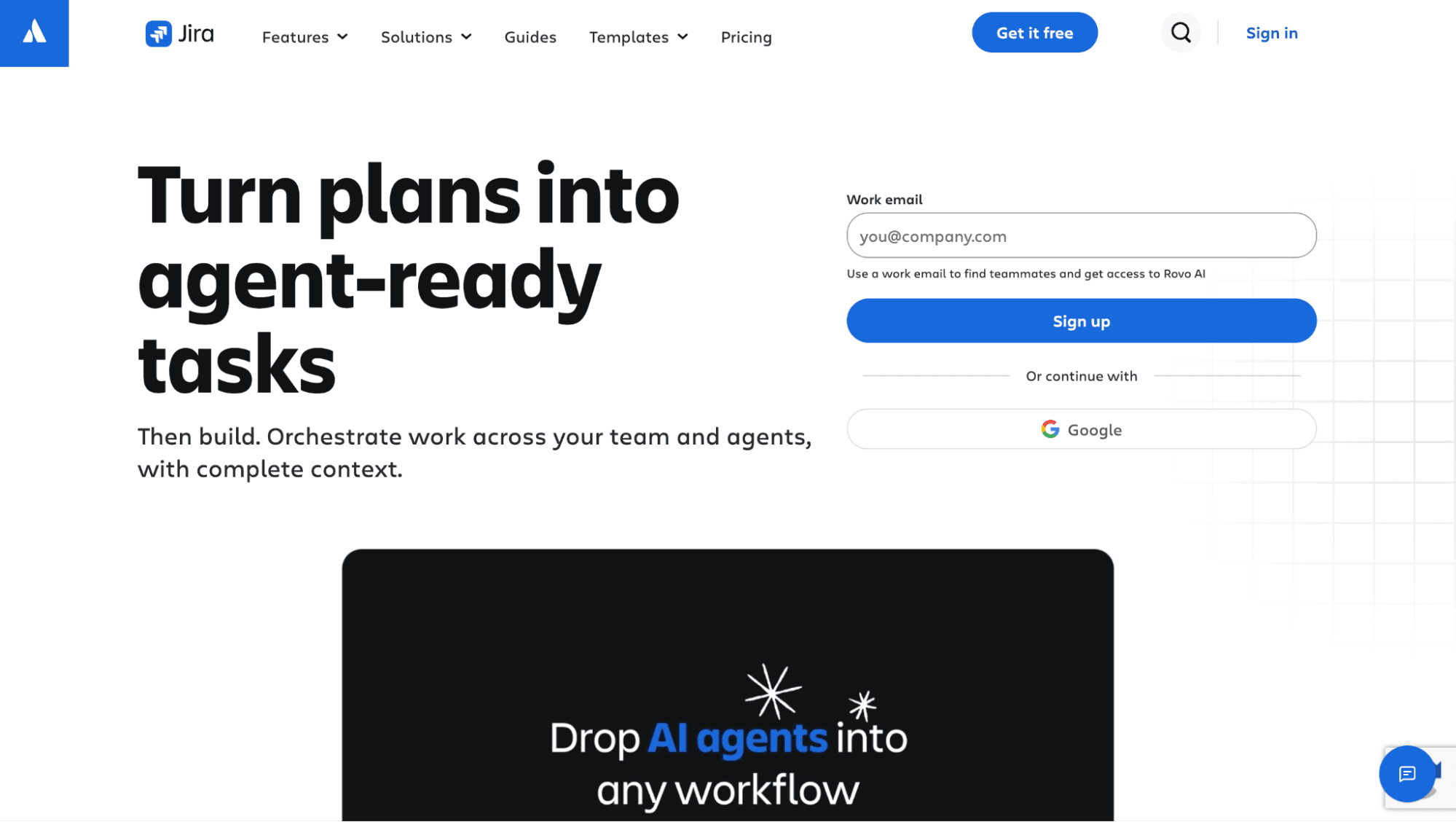
Best for: Atlassian-native engineering organizations willing to add portfolio tooling through the Marketplace rather than migrate off Jira.
Jira is Atlassian's project tracking and delivery platform, and the default choice for engineering organizations already running Confluence or Bitbucket. It started as a bug tracker and grew into one of the most configurable agile tools on the market, which is both its strength and its most common complaint.
A platform team can lock down workflow states for compliance while a product team next door runs a lightweight Kanban board, both inside the same instance, though a new project rarely works well out of the box and someone usually becomes the de facto admin.
Jira's agile reporting (burndown charts, velocity charts, sprint reports) covers team-level performance well. The layer above a single team is thinner. Advanced Roadmaps stitches several projects into one timeline, but it's built for sequencing dependencies, not the live portfolio rollup a PMO Director needs to answer a capacity or funding question.
Key features: Custom workflow schemes per project, Advanced Roadmaps for cross-project timeline views within one instance, one of the largest Jira automation and Marketplace ecosystems of any tool in this list, native Jira dashboard reporting.
Pros:
Deep workflow customization per project
Proven scale from one team to several thousand users
One of the widest ranges of Marketplace apps here, including portfolio and capacity tools built specifically for Jira
Advanced Roadmaps included for cross-project timeline planning
Cons:
The default epic, story, subtask hierarchy runs out of room past a handful of teams
Advanced Roadmaps aggregates within one instance but doesn't natively roll up across multiple Jira instances, which larger enterprises often run for security or org-structure reasons
Configuration depth that suits engineering workflows makes Jira a harder sell for non-technical teams outside product, design, and engineering, and a steeper learning curve than lighter tools on this list
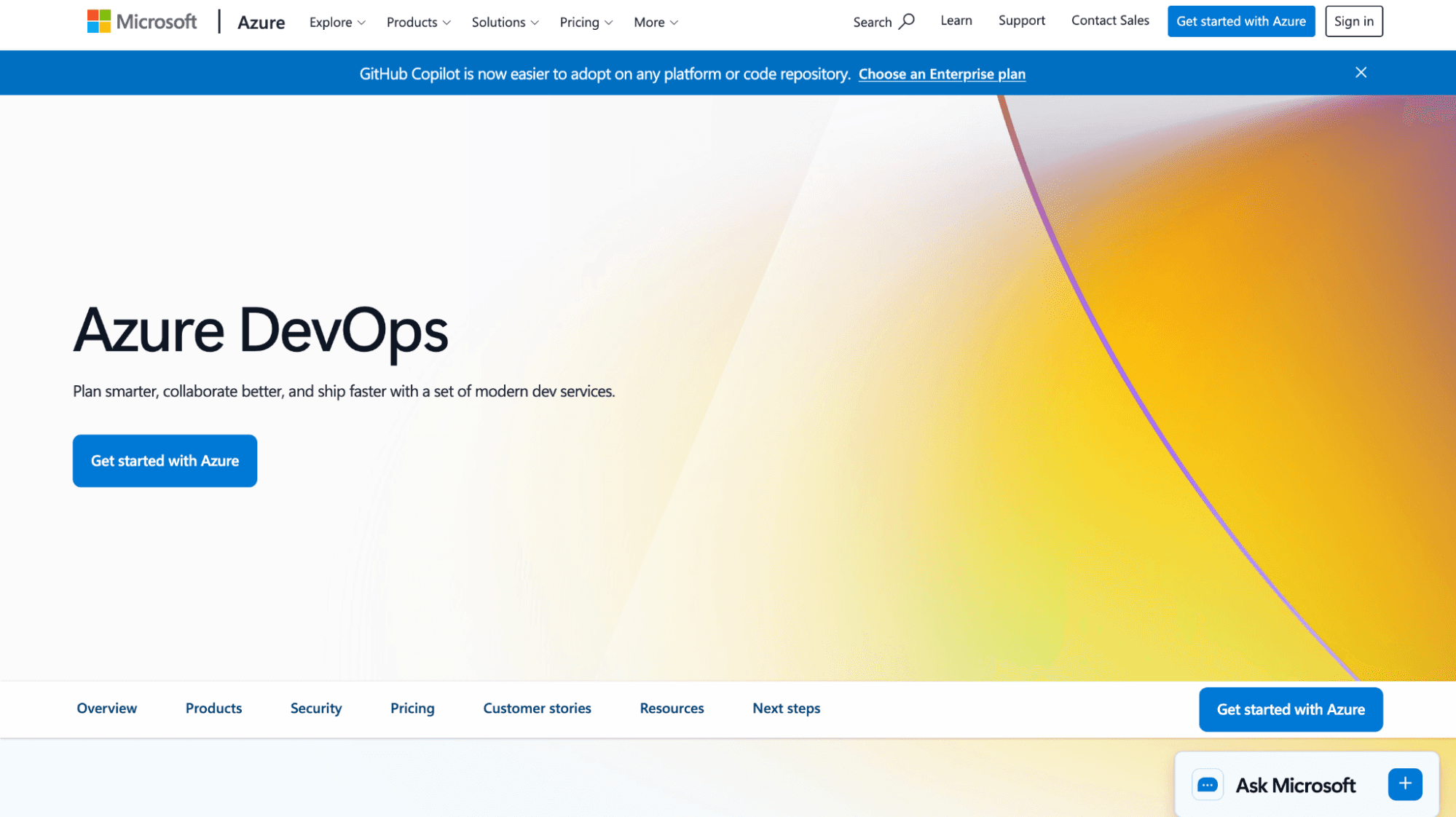
Best for: Microsoft-native organizations already running engineering and DevOps inside Azure.
Azure DevOps is Microsoft's integrated platform for source control, CI/CD pipelines, and agile planning in one environment. Its lineage from Team Foundation Server still shows, planning features feel built by people who also own the pipeline and the repo, not bolted on as a separate layer.
Teams already inside the Microsoft ecosystem adopt it with little friction, authentication runs through the same Azure AD tenant, and Power BI pulls from Azure DevOps Analytics through native connectors. However, organizations outside that stack often find the setup unfamiliar.
Azure DevOps earns its place on this list through hybrid delivery. Work item types track both sprint-based agile work and traditional milestone-gated work inside the same project, relevant for organizations running infrastructure or compliance programs alongside agile product teams.
Key features: Built-in CI/CD pipelines, flexible work item types supporting both Scrum and traditional milestone tracking, native Power BI connectors for reporting.
Pros:
Tight integration with Teams, Power BI, and Azure cloud infrastructure
Work item types flexible enough to run hybrid agile and waterfall delivery inside one project
CI/CD and planning live in the same environment
Cons:
Portfolio-level visibility across many teams requires Power BI configuration or a third-party layer
Organizations outside the Microsoft ecosystem face a steeper learning curve than with a standalone tool
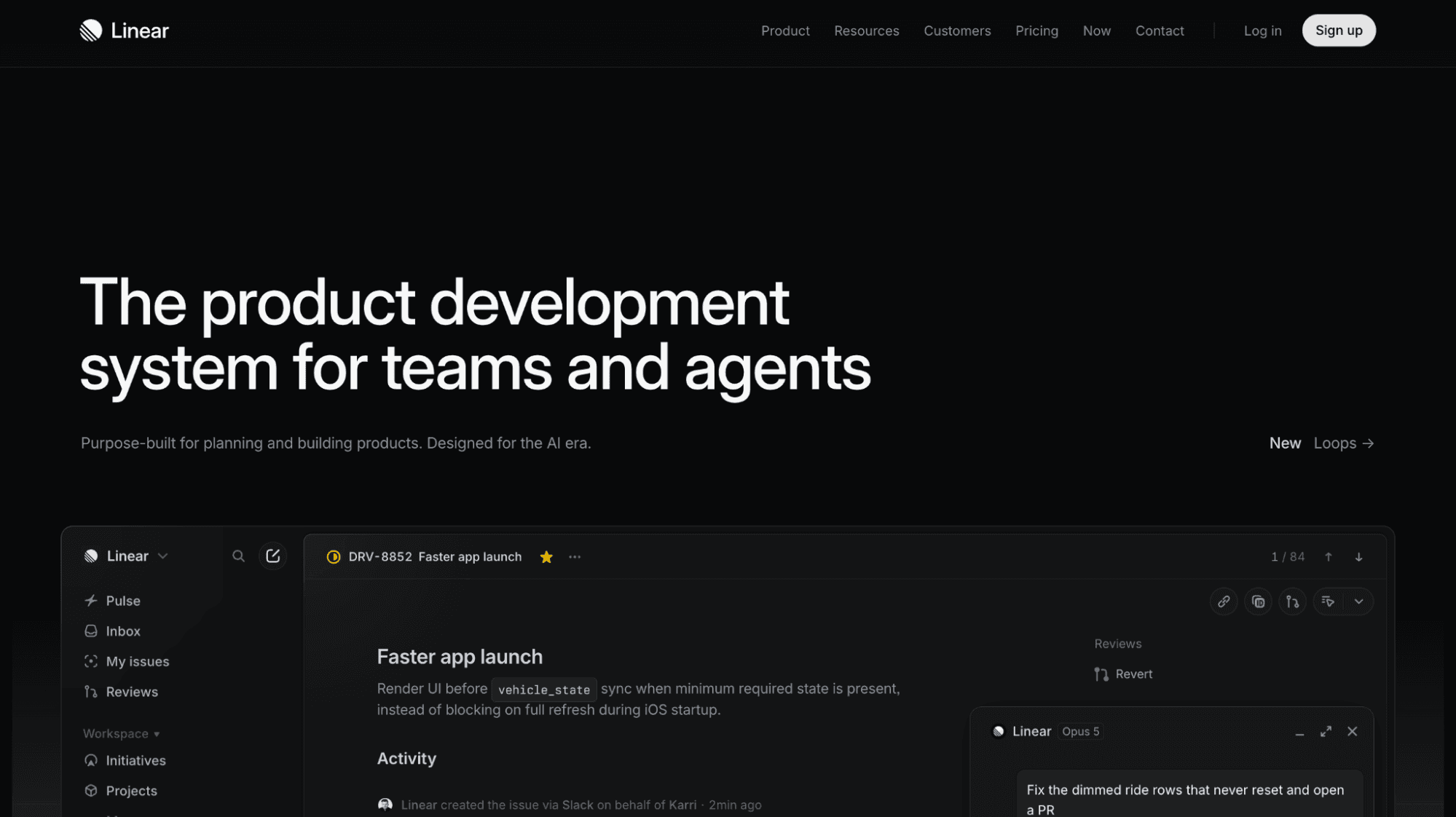
Best for: Product and engineering squads that prioritize execution speed over portfolio-level reporting.
Linear is a focused issue tracker built for speed, and it shows from the first login. No onboarding wizard, no workflow template to pick, issues and cycles follow one opinionated structure, and most configuration decisions that consume a first week in Jira don't exist here because the tool already made them.
Linear optimizes for the engineer doing the work: A fast, low-latency interface, a command palette for every action, automatic status changes tied to pull request activity in GitHub or GitLab.
That same focus is a weaker fit for portfolio-level work. Linear has no native concept of rolling several team workspaces into one executive view, organizations running it across many teams typically build that rollup through the API or by exporting into a separate reporting layer.
Key features: Automatic cycle time and throughput tracking with no setup, an opinionated project and cycle structure that removes most configuration decisions, a roadmap view for planning several cycles ahead.
Pros:
Fast, keyboard-driven interface that keeps engineers out of menus
Strong developer experience
Metrics that surface automatically instead of requiring a built dashboard
Cons:
Cross-team aggregation is limited by design
Building a portfolio view across many Linear workspaces usually means exporting data into something else
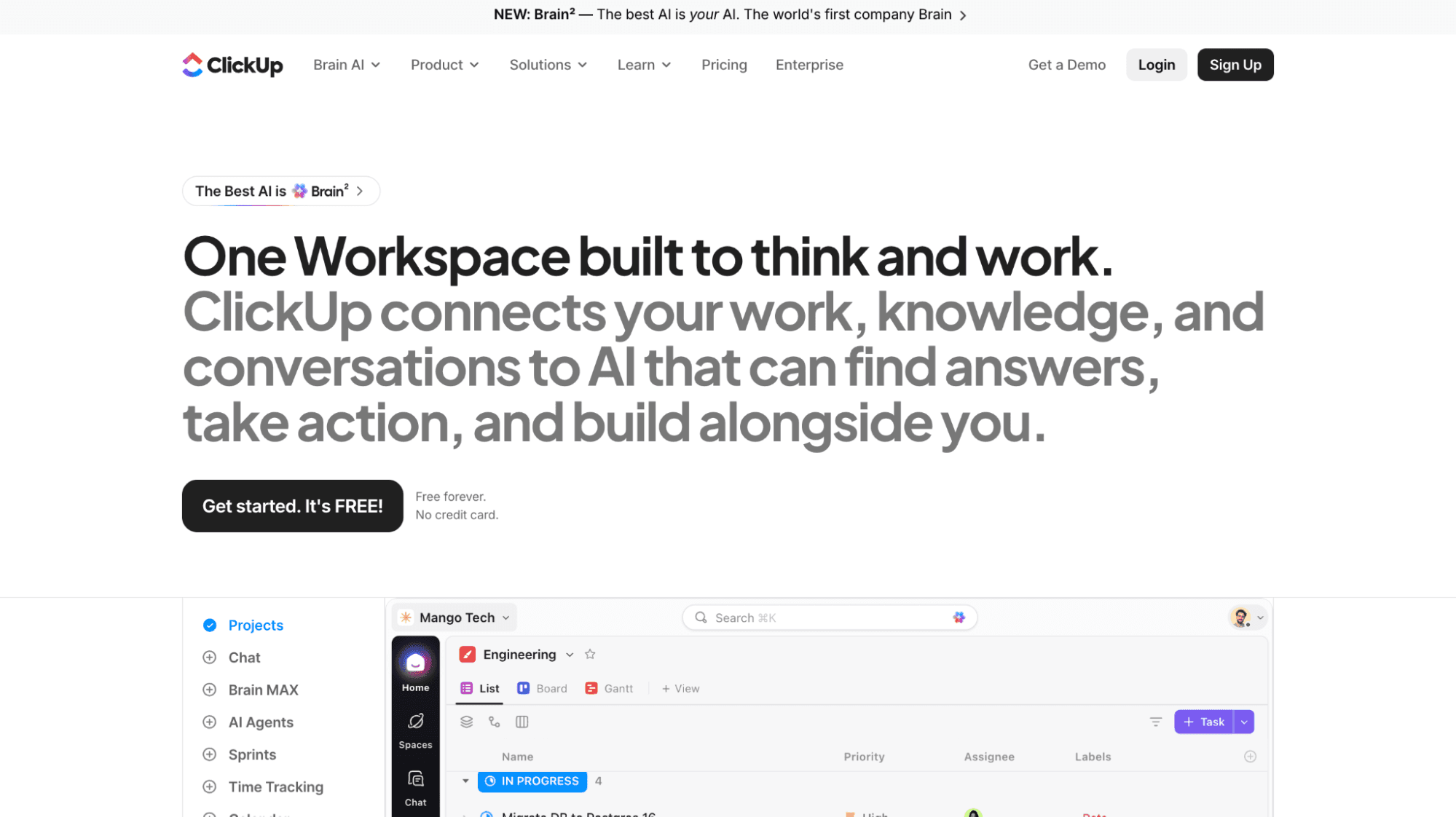
Best for: Smaller portfolios that want one tool across project types and can absorb some governance inconsistency in exchange for flexibility.
ClickUp positions itself as an all-in-one work management platform, covering tasks, docs, goals, chat, and time tracking inside a single interface. Instead of running Jira for engineering and Asana for marketing with a separate wiki for documentation, everyone works in one system with shared visibility across departments.
Its hierarchy of workspace, space, folder, list, and task is fully customizable at every level; a team shapes it to mirror exactly how they think about work.
Left unmanaged across a large organization, that flexibility means every team structures things differently, and what looks like one platform on paper behaves like a dozen loosely related ones in practice.
Its agile features (sprint points, velocity tracking, Kanban and Scrum views) are solid without being the main differentiator, as its real strength is consolidation.
Key features: A fully customizable hierarchy of spaces, folders, and lists; native goal tracking tied to tasks; dashboards buildable without third-party add-ons.
Pros:
One platform covering tasks, docs, goals, and time tracking
A flexible hierarchy that adapts to varied team structures
Configurable dashboards out of the box
Cons:
Teams structuring work differently makes a consistent cross-team rollup harder to build
Heavy customization at setup extends onboarding time
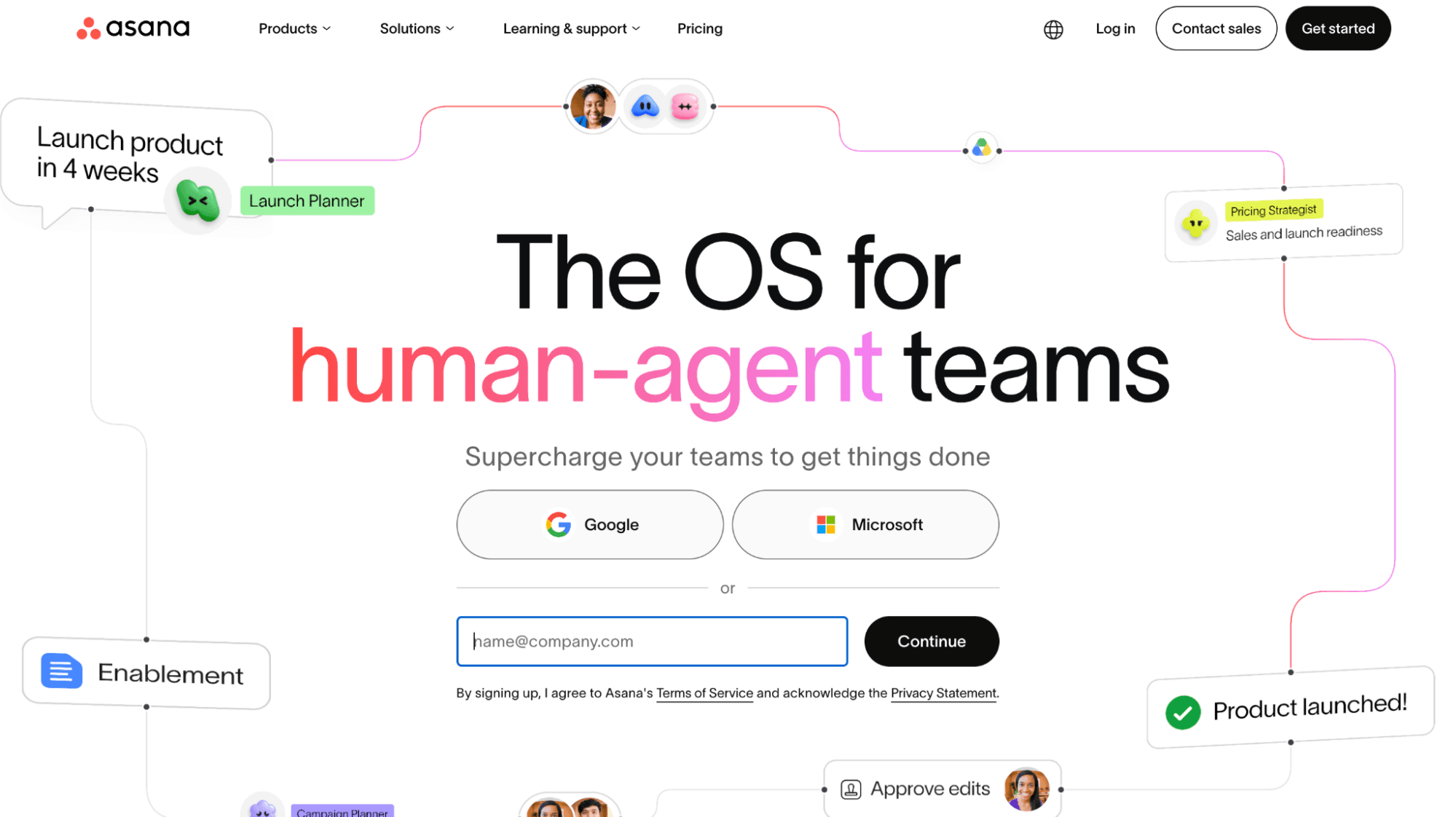
Best for: PMO Directors running mostly waterfall or hybrid project portfolios outside a Jira-native environment.
Asana is a work management platform known for clean timeline views and an interface non-technical teams pick up quickly, part of why it has spread beyond engineering into marketing, operations, and HR.
Its portfolio feature, available on paid “Business” and “Enterprise” plans, groups related projects and rolls their status, progress, and risk indicators into one view, a genuine step up from a spreadsheet of project links.
The catch is where the status comes from. Portfolio views surface whatever a project owner has manually set, so the rollup is only as accurate as the last person who remembered to update it. For organizations running engineering on Jira, Asana tends to enter through non-engineering teams and stay there, bridging the two requires a sync tool or manual reconciliation.
Key features: Portfolio views aggregating status across multiple projects, timeline and workload views for capacity visualization, custom fields supporting both agile and traditional project structures.
Pros:
An intuitive interface that shortens onboarding
Portfolio views built for status reporting across projects
Workload views that surface over-allocation before it becomes a problem
Cons:
Portfolio reporting pulls from status fields that project owners update manually
Asana isn't native to Jira, creating a sync problem for engineering-heavy organizations running both
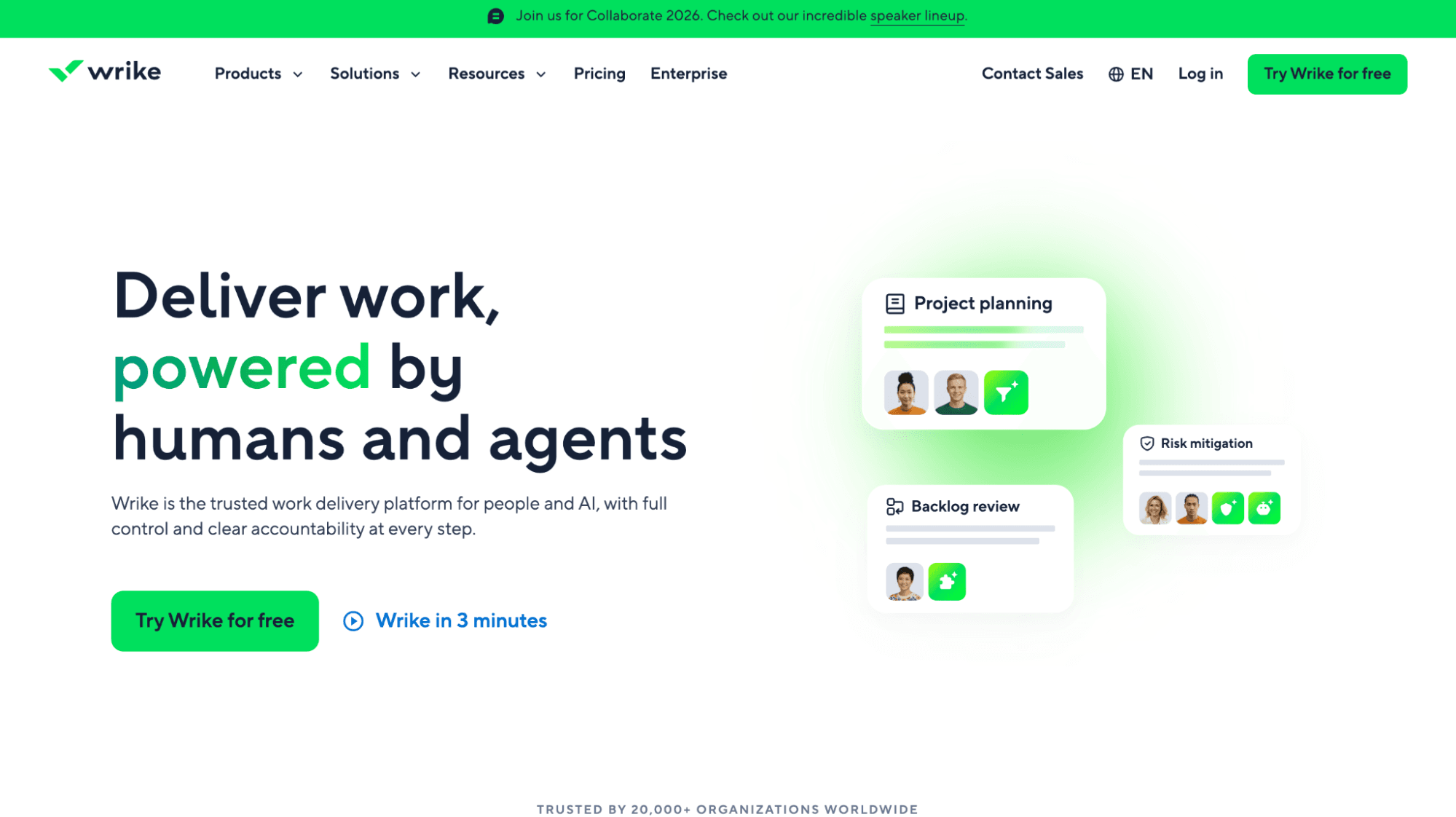
Best for: PMOs outside the Atlassian ecosystem running approval-heavy governance processes.
Wrike is a project management platform built around reporting, resource management, and approval workflows.
Where Linear optimizes for engineers moving fast, and ClickUp optimizes for flexibility, Wrike optimizes for the PMO or operations function that needs resourcing and sign-off status across many projects at once. Workload charts show who's allocated to what across the account, not just within one project, and multi-step approval workflows build directly into a project's process.
Wrike's agile support (Kanban boards, backlog views, sprint planning) exists but isn't the product's core offering, and it shows next to an agile-first tool's polish. Organizations adopt Wrike more often for the resourcing and governance layer than for sprint execution.
Key features: built-in resource management with workload charts, native multi-step approval workflows, portfolio dashboards pulling from projects across the account.
Pros:
Resource management that supports capacity planning without a separate tool
Approval workflows that handle governance checkpoints natively
Portfolio dashboards available on higher-tier plans
Cons:
Jira integration requires a connector rather than a native real-time sync
The interface carries a learning curve for teams used to leaner tools
Cost climbs sharply between mid and enterprise tiers
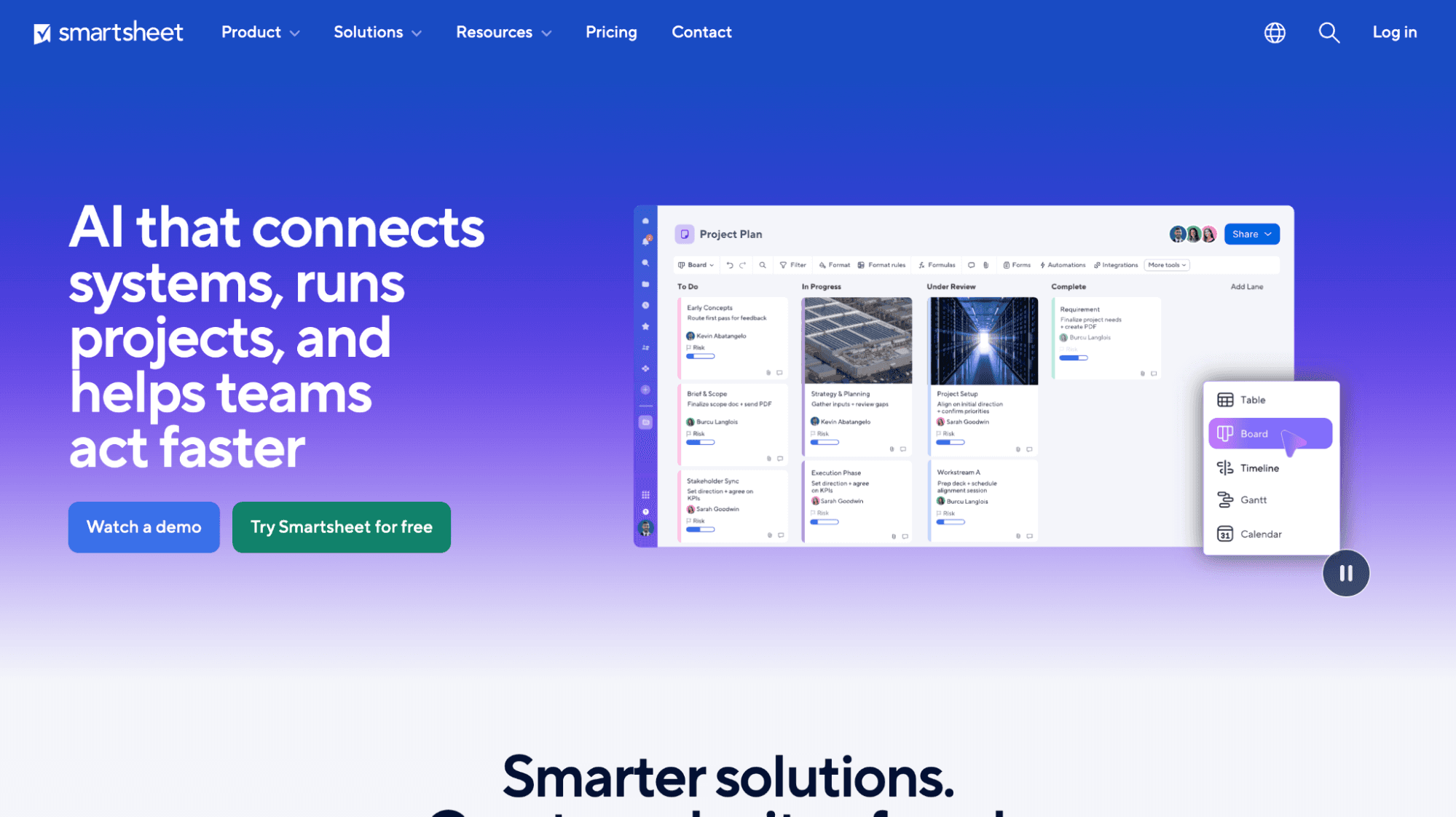
Best for: PMO teams migrating off Excel who want a familiar starting point before committing to something more integrated.
Smartsheet is often the first stop for organizations moving off spreadsheet-based portfolio tracking, and its design leans into that deliberately.
The core interface is a grid close enough to Excel that a PMO team starts working in it without a training cycle, and teams that have spent years building portfolio views in Excel move that logic into Smartsheet's grid with minimal rework before layering dashboards and automated reporting on top.
The tradeoff is that Smartsheet's grid wasn't designed around how agile teams plan and track sprint work. Jira connectors bring delivery data into the view, but that connection runs on a sync schedule rather than live, and configuring and maintaining it is ongoing work.
Key features: A spreadsheet-style grid with formulas and conditional formatting, dashboard and reporting tools built on that grid, Jira connectors for pulling in delivery data.
Pros:
A grid interface familiar to any Excel-trained PMO team
Strong reporting and dashboard capability
Jira connectors that bring delivery data into the same view as the plan
Cons:
The Jira sync requires configuration and ongoing upkeep
Real-time status depends on how often that sync runs, not on live updates
The grid interface doesn't reflect how agile teams plan and track sprint work day to day
None of the seven tools above were built to track your whole portfolio. A PMO Director often pulls numbers from multiple projects: Exporting from Jira, Linear, or other engineering runs, then reconciling three versions of "on track" into one.
As Tempo's 2026 State of SPM report reveals, just 37% say they have good or complete visibility across projects, compared to 82% of those with fully integrated processes.
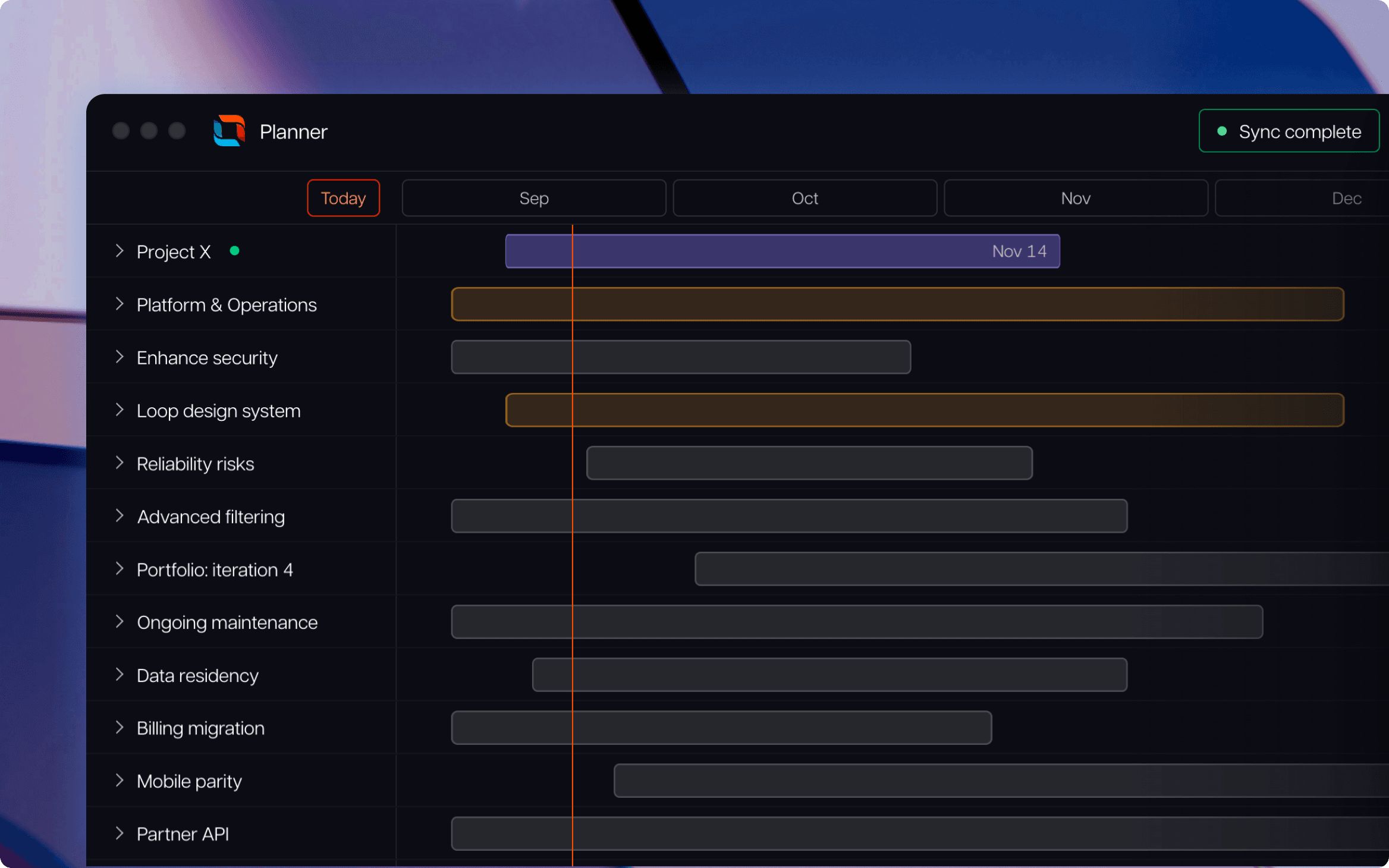
Tempo Loop is built for that portfolio-visibility layer. It connects to the sprint tools already in place, starting with Jira and extending to Linear and Azure DevOps, without asking any team to migrate off the tool they chose.
Loop reads delivery data from those systems and maps it against the strategic initiatives that work is meant to serve, so a PMO Director sees where delivery is tracking against commitment across every team at once.
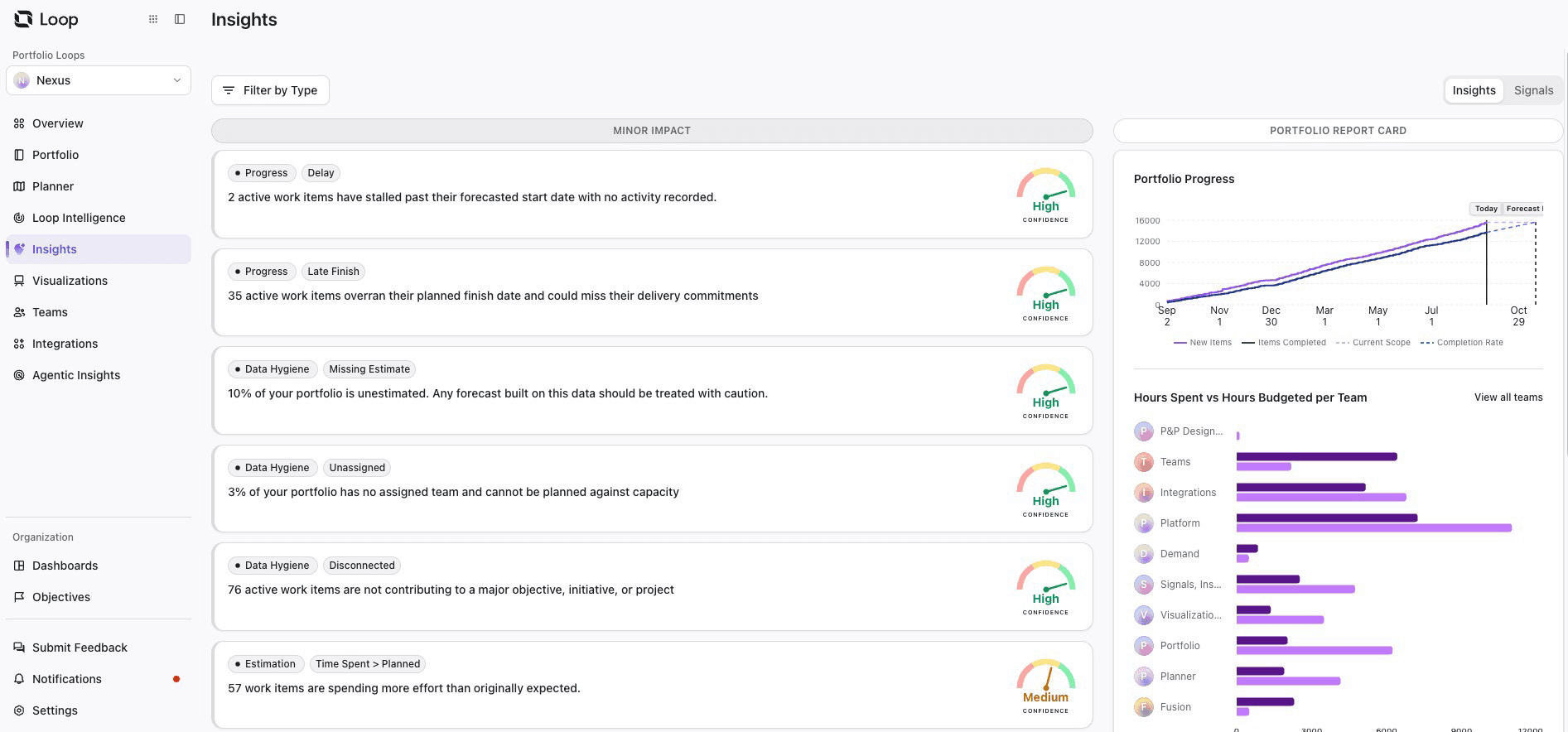
Reads from what's already running: No forced migration, no second sprint tool to maintain, teams keep the tool they chose and Loop reads from it.
Maps delivery to commitment, not just status: Instead of a status field someone remembered to update, Loop connects live delivery data to the strategic initiative it's meant to serve.
Surfaces drift while there's still a sprint to fix it: A team falling behind commitment shows up during the sprint it happens in, not at the next quarterly review.
Holds agile and waterfall in one view: Infrastructure or compliance programs on fixed milestones and agile product teams both roll up, without two separate reports to reconcile.
That's Intelligent Portfolio Orchestration: The layer keeps watching after a leadership review, not just producing a snapshot for the next one, so drift gets caught and fixed in the weeks between reviews instead of surfacing as a surprise at the next one.
A sprint tool and a governance layer solve different problems, and most enterprise portfolios eventually need both, just not on the same timeline. Pick the sprint tool by how each team works, not by what would look consistent on an org chart. Add a governance layer once the constraint has genuinely moved from execution to visibility.
The seven tools compared here are the right choice at the team level regardless. Tempo Loop exists to answer your questions at the portfolio level, and will sync with any of the tools above.
See how Tempo Loop builds the cross-team picture a sprint board can't provide on its own.
Tempo Loop
Direct every human, every agent, and every dollar to the work that matters most.
Book a demoCouldn't find what you need?Go to our documentation
Agile project management is how one team plans and delivers work inside a sprint. Portfolio management is which work gets funded and delivered across every team, and whether the organization has the capacity to deliver what's already been approved. A sprint tool answers the first question. A governance layer answers the second.
Most sprint-focused tools support it partially. Azure DevOps and Wrike offer the strongest native hybrid support among the tools compared here. A portfolio governance layer built to show agile and waterfall work in one view usually handles this better than configuring a sprint tool to do something it wasn't built for.
Yes, and the question enterprises actually face has moved past whether to run agile. It's how to keep strategic visibility across many independently run agile teams once an organization scales past a handful of them. Agile solved the team-level delivery problem years ago. The open problem now sits one level up, at the portfolio.
They answer different questions, so the comparison usually points to a false choice. PMP is a certification built around traditional, plan-driven project management: Fixed scope, sequential phases, a defined critical path.
Agile is a delivery approach built around short, iterative cycles that adapt as priorities shift. Many enterprise portfolios run both at once, agile product teams alongside PMP-trained program managers running milestone-gated infrastructure or compliance work, which is exactly the hybrid delivery problem covered earlier in this guide.
Project tracking and portfolio governance aren't the same problem. We review eight tools for PMOs governing portfolios in Jira.
Compare 6 Smartsheet alternatives for portfolio leaders and see which fits when the grid stops answering board questions.

Compare 8 Planview alternatives for portfolio leaders and see which fits when setup and configuration outlast the plan.

monday.com caps dashboards at 50 boards and has no CapEx/OpEx tracking. Five alternatives compared for enterprise PMO teams on Jira.

Compare seven Dotwork alternatives for enterprise portfolio management. See how they differ in AI, governance, integrations, and portfolio depth.

Compare 5 Planisware alternatives for portfolio leaders. See which one checks all the boxes on your requirements list.
Planview vs Clarity compared on portfolio planning and financial control, plus how each handles delivery data and when Tempo Loop is the better fit.

Excel works for small projects. See where it falters, the costs you don't see, and when to move to a real project management tool.

Building rapport means establishing trust and mutual respect at work. Learn how to create strong team & client relationships that drive collaboration.




















