

A digital billable hours tracker helps ensure you maintain accurate records of your team’s hard work.
Leverage a billable hours calculator to build client trust, improve bookkeeping accuracy, maximize profitability, and save time.

A billable hours calculator is a software tool that records the time spent on each project or task, computes the amount owed, and generates client invoices automatically. It replaces spreadsheets and paper timesheets with an accurate, real-time system that protects revenue and keeps billing honest.
Contractors and services businesses use it because time is money, and manual tracking leaks both. Reliable time tracking software logs work hours, improves billing accuracy, and helps maintain an efficient workflow across every client engagement.
Billable hours aren't only for lawyers and attorneys at white-shoe firms. All labor is valuable, and employees deserve fair compensation for their work.
Billable hours are the time an employee or contractor spends on activities tied to a customer's project or product. In exchange, the client agrees to pay an hourly rate that compensates the worker. Any activity that drives value for the customer usually qualifies as billable.
There are four common ways to calculate billable hours.
1. Timesheets
Timesheet entry is the most basic method. Employees record start and end times for each task on a spreadsheet or on paper. At the end of a period, accounting uses the document to calculate billable hours, invoice the client, and distribute wages.
2. Project-based
Companies working across multiple initiatives set a project-based billing rate at the start of the engagement and lock it into the contract. Employees track time against each project and multiply hours by the agreed rate to determine what to invoice.
3. Activity-based
Another option: Categorize specific tasks as billable or non-billable, and only invoice clients for the billable ones.
4. Digital tracking
A digital time tracking or project management tool replaces manual entry. These tools log hours at the click of a button, populate a digital worksheet, calculate totals, and hand that data to accounting, so employees can focus on work that drives value.
A billing increment chart lets you quickly convert partial hours into charges. The most accurate format breaks an hour into six-minute increments, or 1/10th of an hour.
For 20 minutes worked at an hourly rate of $125/hour, the math looks like this:
Billable increment ✕ Rate = Total
0.4 ✕ $125 = $50.00
Time tracking has issues leaders must address. Here are the most common roadblocks:
1. Time entry errors
Manual timekeeping is prone to human error. Worklog mistakes lead to invoices that overcharge or undercharge the client.
2. Lack of visibility
Without real-time tracking, employers can't monitor employee activity or attribute hours to the correct client or project. That also drives inaccurate billing.
3. Ineffective time allocation
Scheduling across multiple tasks is hard without dedicated tracking software. The result is overtime, higher costs, and burnout.
4. Reporting issues
Analyzing team performance without a real-time system is labor-intensive and imprecise. You can only measure hours, performance, and profitability based on what employees remember to record.
To charge clients accurately, businesses must define what clients are paying for. Only then can they tell employees which activities count.
Billable hours cover a predetermined set of activities that drive value for the client or company. The employment agreement or third-party contract defines invoiceable tasks and their pay rates. Typical examples:
Project planning
Research
Resource allocation
Tasks tied to project outcomes
Client-requested revisions
Some tasks don't count toward billable hours, either because they don't contribute to the outcome or because they're routine employer responsibilities. Common examples:
Employee onboarding and training
Generating client proposals
Staff meetings and internal communications
Unscheduled phone calls
Administrative tasks
Customer entertainment
Track non-billable hours anyway. A log of time spent on non-revenue activity uncovers efficiency gains that lift profitability.
A tool that tracks your hours streamlines both time management and accounting.
1. Accurate invoicing records
A tracking tool improves invoicing by:
Showing clients how much they pay for employee or freelancer work
Ensuring employees get paid for working hours while creating accountability for inactive time
Automating calculation and invoicing so the client or business can monitor real-time labor costs
Demonstrating productivity by pairing outcomes with a log of working hours
2. Value of non-billable hours
With visibility into the workday, managers can see how team members spend their time. If a task drags or activity dips, they can act to reduce unproductive time.
3. Process optimization
With insight into billable and non-billable hours, management can:
Focus on tasks that maximize ROI and profitability
Build accurate quotes for future clients
Adjust hourly rates and fees on data, not guesswork
Prepare accurate quarterly and annual budgets
These guidelines help a firm invoice clients efficiently and honestly.
Prioritize client experience: Clarify billing practices and policies at the start of the relationship. Set expectations for how billing and payment will work.
Be accurate: Use a time tracker with break tracking so team members don't add unproductive hours to their records. Encourage employees to stop the timer when they aren't working and track in real time.
Separate charges by task: Break down costs by task to give clients transparent, accountable billing. It beats charging for generalized blocks of time.
Include details: Add task descriptions so clients understand the value of your services.
Be honest: Padding hours destroys client trust. Instead of rounding up, use six-minute increments to keep invoices as precise as possible.
Whether you're a lawyer working a big case or a graphic designer logging hours for a special project, the right software makes tracking and invoicing easier.
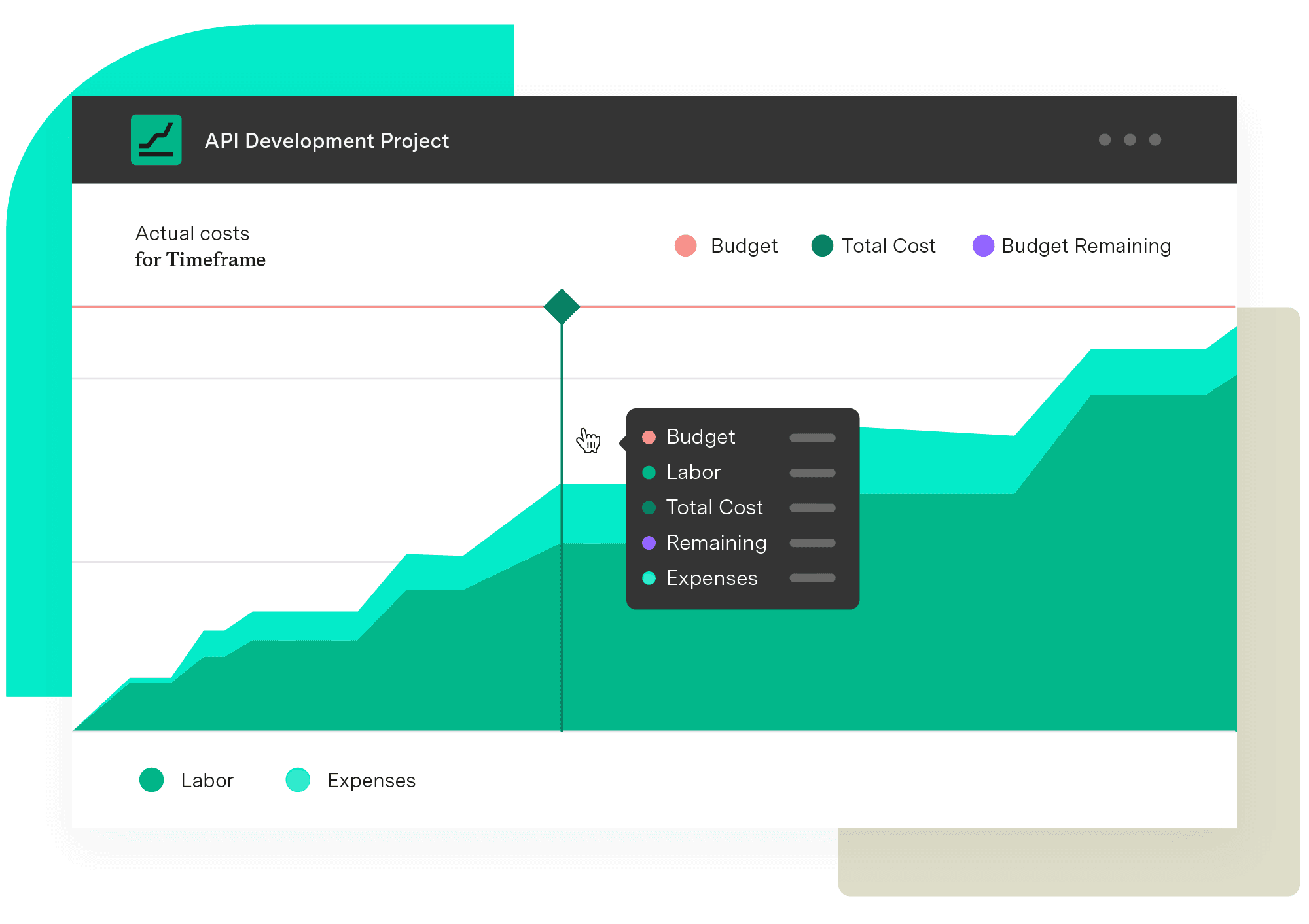
Tempo's Financial Manager for Timesheets pairs time tracking with team integrations that streamline reporting. It surfaces granular insight into billable hours across teams, projects, and resources. Better accuracy improves estimation, resource allocation, and profitability.
Don't operate in the dark. See how Tempo can strengthen your business intelligence, one app at a time.
Financial Manager
Implement standardized processes and calculations when creating your budgets and monitoring them. Make informed, real-time decisions with an accurate reflection of the work being done and know when you need to pivot.
Start a Free TrialCouldn't find what you need?Go to our documentation
Some experts criticize the billable hour model, saying it’s an outdated technique that penalizes productive workers who get more work done in less time.
Law firms are the most prominent adherents of the billable hour model. A study showed that 85% of attorneys with a billable target of at least 1,200 hours said they felt pressured to meet that target.
If you work five days every week for eight hours each day (with no time off), you’ll accrue 2,080 billable hours in a year.
A digital billable hours tracker helps ensure you maintain accurate records of your team’s hard work.

Streamline your invoice management with Tempo. Learn how to handle invoices, avoid mistakes, and use tools to save time and keep cash flow on track.

Learn how project management and time-tracking techniques work together to monitor and improve team performance, resource estimate accuracy, and more.

Compare the best time tracking tools for Jira, with pricing, features, and integrations to help you pick the right option for your team.

Take control of your time by implementing a routine work log practice. You’ll get more done in less time, reducing stress and frustration.

Businesses increasingly use workflow automation to reduce manual tasks, improve accuracy, and streamline processes. Try it yourself in 6 simple steps.
Did you know you can use Timesheets data to track project progress by billable hours and more – all within the Structure interface?

Capture worklogs as work happens. Automated time tracking in Jira gives finance and managers data they can trust without nagging the team.

Using Tempo Planner to streamline the management of teams and resources to find available team members and maximize your resource utilization.



















