

AI attribution should pair human effort and AI spend on the same Jira work item, tracing every dollar to the work it delivered. Learn how we built it.
Why most tools don’t attribute AI coding spend to the work it produced

Key Takeaways
"AI spend management" covers two things: Software that uses AI to run finance workflows, and tools that track and control what you spend on AI. This guide focuses on the latter.
The tools do two jobs: Controlling what gets bought and metering what each tool consumes. Both track spend at the license or token level.
Best for governed buying: Spendflo and Vendr. Best for metering consumption across a large portfolio: Zylo and Torii.
Best for attributing engineering AI coding spend to the work it produced, so finance can classify it as CapEx or OpEx: Tempo Workforce Intelligence
No procurement or metering tool connects AI spend to the Jira work that generated it, which is the piece finance needs for capitalization and board-level ROI.
AI vendor invoices arrive every month as a single number. Tokens burned, seats licensed, API calls made, and compute consumed, all totaled into one figure with no connecting line between the cost and output.
When the board asks what the AI investment returned last quarter, finance responds with a bill rather than an answer.
That bill is growing fast for every company. Worldwide AI spend is forecast to reach $2.59 trillion by the end of 2026, a 47% increase year over year, according to Gartner.
And Bain research finds 42% of CFOs plan to raise AI budgets by 30% or more within two years.
AI spend is scaling faster than the accounting infrastructure built to track it, which is why a new category of software has emerged to manage it.
AI spend management software is used to describe two categories of tools, both very different.
The first is software that uses AI to manage spend. It automates corporate budgeting, invoice processing, and expense reporting, using AI as the engine to manage spend.
The second category covers tools that manage what you spend on AI. This software tracks, meters, and controls variable token consumption, API calls, and subscription costs across providers like OpenAI, Anthropic, and Cursor. What’s managed here is AI cost.
This guide is about managing AI costs. As AI-native spending climbs, your finance team needs a way to see and control what the organization spends on AI in the first place. AI spend management software is the tool to help you do exactly that.
Finance teams that never needed a dedicated software-spend tool now need one for AI. Here’s why AI spend management tools are becoming a must for most finance teams:
Visibility across fragmented invoices: AI spend arrives from many providers in different billing units. A spend tool consolidates it into one view instead of a folder of PDFs.
Surprise charges caught before the bill: Usage-based pricing means a quiet overage becomes a large invoice. Metering and forecasting surface the trend while there's still time to act.
Shadow AI and redundancy surfaced: Personal-card subscriptions and duplicate tools show up, so spend can be consolidated or cut.
Governed buying: Intake and approval workflows prevent new AI spend from sprawling unchecked through the organization.
A basis for budgeting: Once spend is visible and attributed, finance can forecast the next cycle instead of reacting to the last one.
Together, the benefits of AI spend management software turn AI spend from a line item finance discovers after the fact into one it can see, question, and plan around before the invoice lands.
Not every tool offers every capability. The mix a team needs depends on which AI cost is more problematic: buying or consumption. Here are the main features you’ll find in AI spend management tools:
Cross-provider cost normalization: Converts tokens, seats, API calls, and GPU hours from different vendors into one comparable cost model.
Usage metering and forecasting: Tracks consumption in near real time and projects where the bill lands before it arrives.
Procurement and renewal controls: Routes intake through approvals and flags renewals before they auto-charge.
Shadow AI discovery: Finds unsanctioned or personal-card AI subscriptions across the stack.
Work-item and initiative attribution: Connects AI cost to the specific work it supports, the capability finance needs for capitalization, and the one most tools don't offer.
CapEx and OpEx classification: Produces cost data finance can classify for the books without manual reconstruction.
The first four features handle visibility and control, the questions most tools were built to answer. The last two, attribution and classification, are where the category thins out, and where the difference between a procurement report and audit-ready cost data shows up.
The right tool depends on which AI spend problem you actually have. The list below leads with the tool for the newest and least-covered problem, attributing engineering AI spend to the work it produced, then covers the procurement and metering tools that address the broader buying and consumption jobs.
Naming and capabilities shift quickly here, so confirm the current feature set against each vendor's documentation before an evaluation.
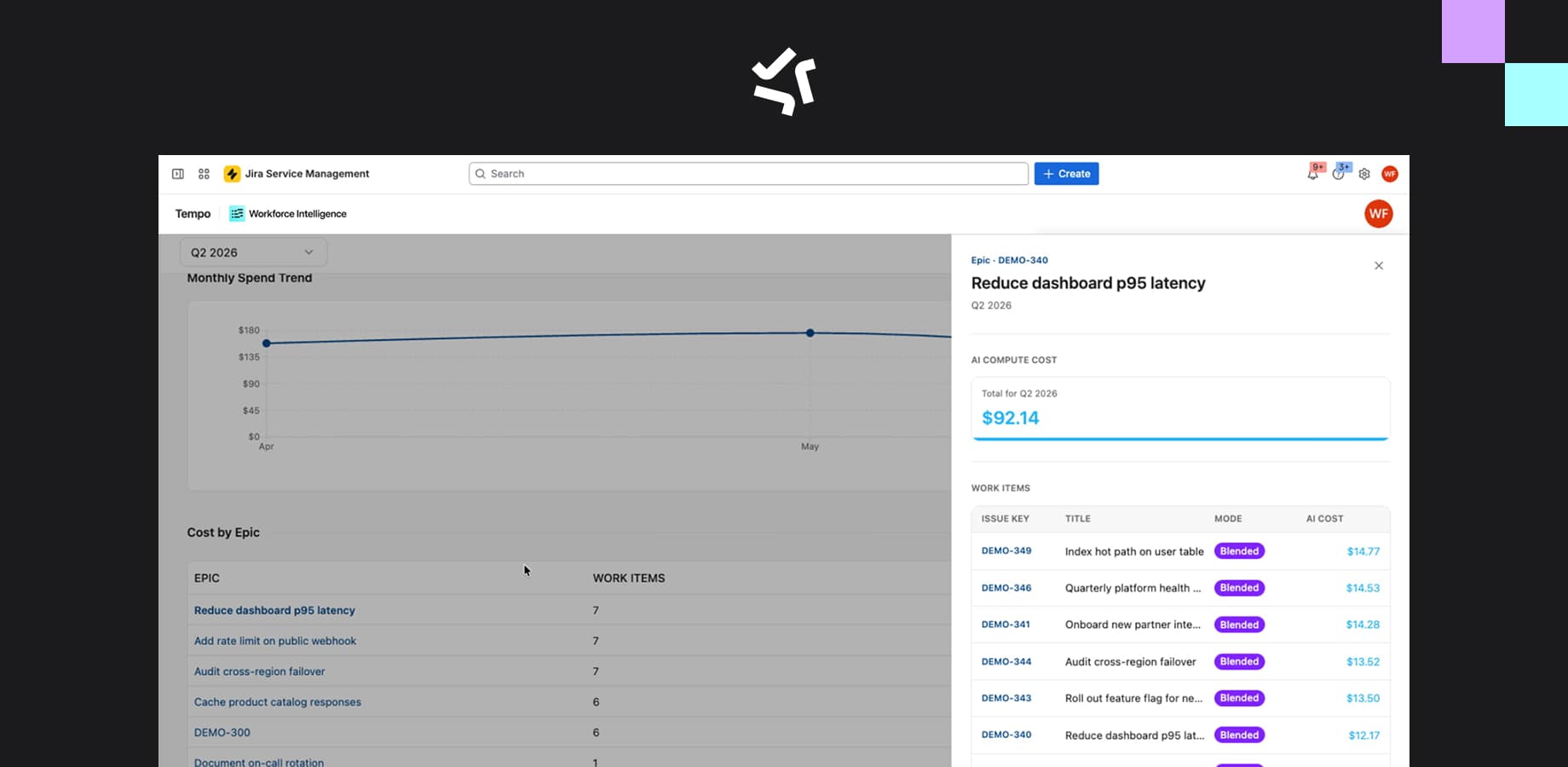
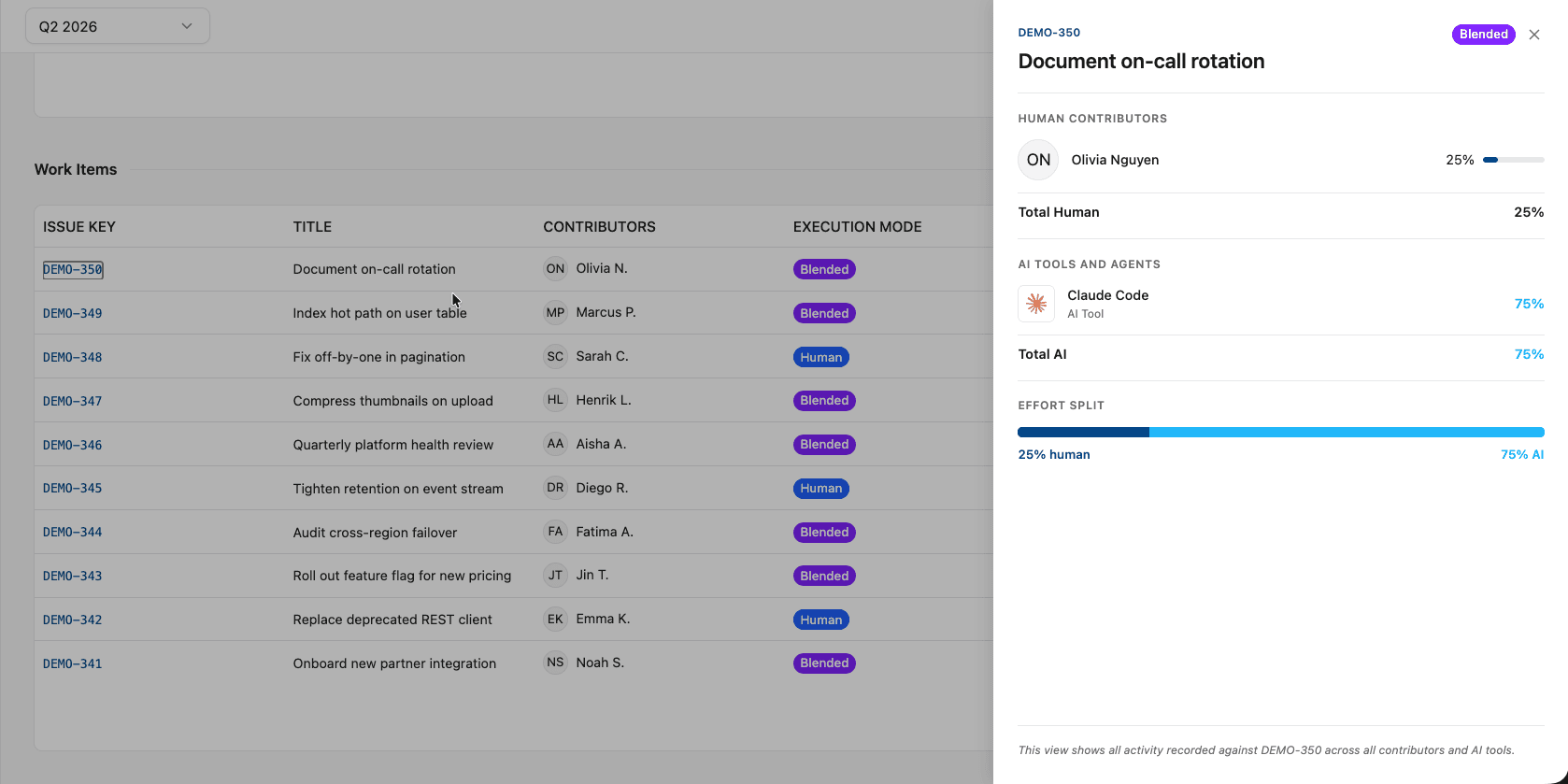
Tempo Workforce Intelligence covers the problem the rest of the category leaves open, connecting AI coding spend to the engineering work it supports. It captures the activity of AI coding tools every sprint, from tools like Cursor and GitHub Copilot, and attributes it to the Jira issues and initiatives it supported, alongside the human hours logged against the same work.
Finance gets AI cost mapped to specific initiatives and classified as CapEx or OpEx, rather than a monthly vendor total with no owner. Its scope is deliberately narrow, covering the engineering AI cost line inside Jira, not org-wide SaaS subscriptions.
Best for: finance and engineering leaders who need to classify and defend the engineering AI coding cost line for capitalization and ROI.
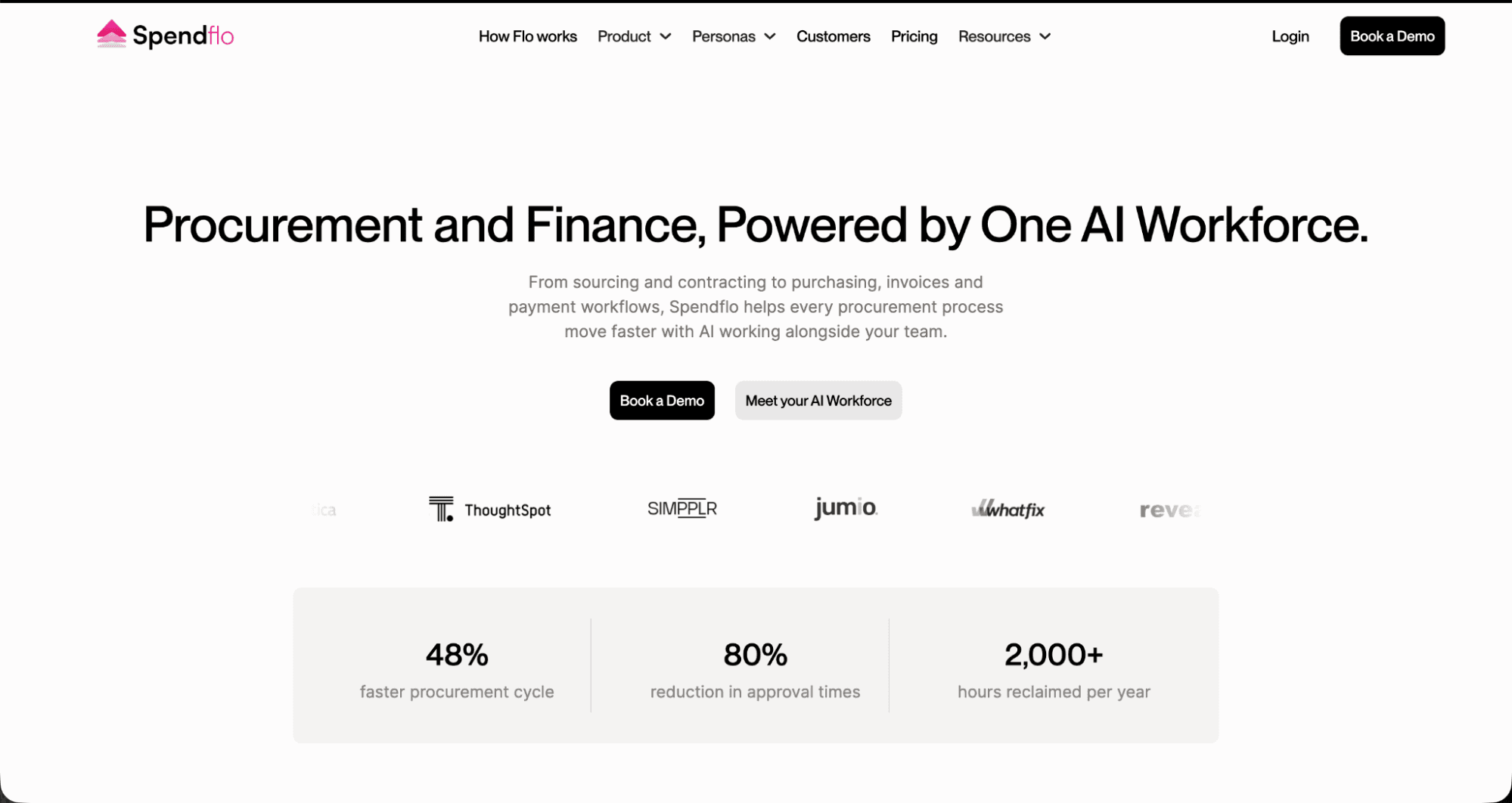
Spendflo pairs procurement software with managed sourcing and negotiation. Intake requests route through an approval workflow, renewals surface before they auto-charge, and benchmarking data supports vendor negotiation. It suits finance and procurement teams whose main pain is uncontrolled intake or opaque vendor pricing.
Best for: teams that need AI and SaaS spend governed before it starts.
Vendr sits in the same procurement lane, weighted toward the buying table. Its pricing benchmarks draw on aggregated transaction data across a large customer base, giving negotiators a reference point for what peers pay. Usage metering is lighter than a dedicated SaaS management platform.
Best for: teams whose AI cost problem is what they agree to pay at contract.
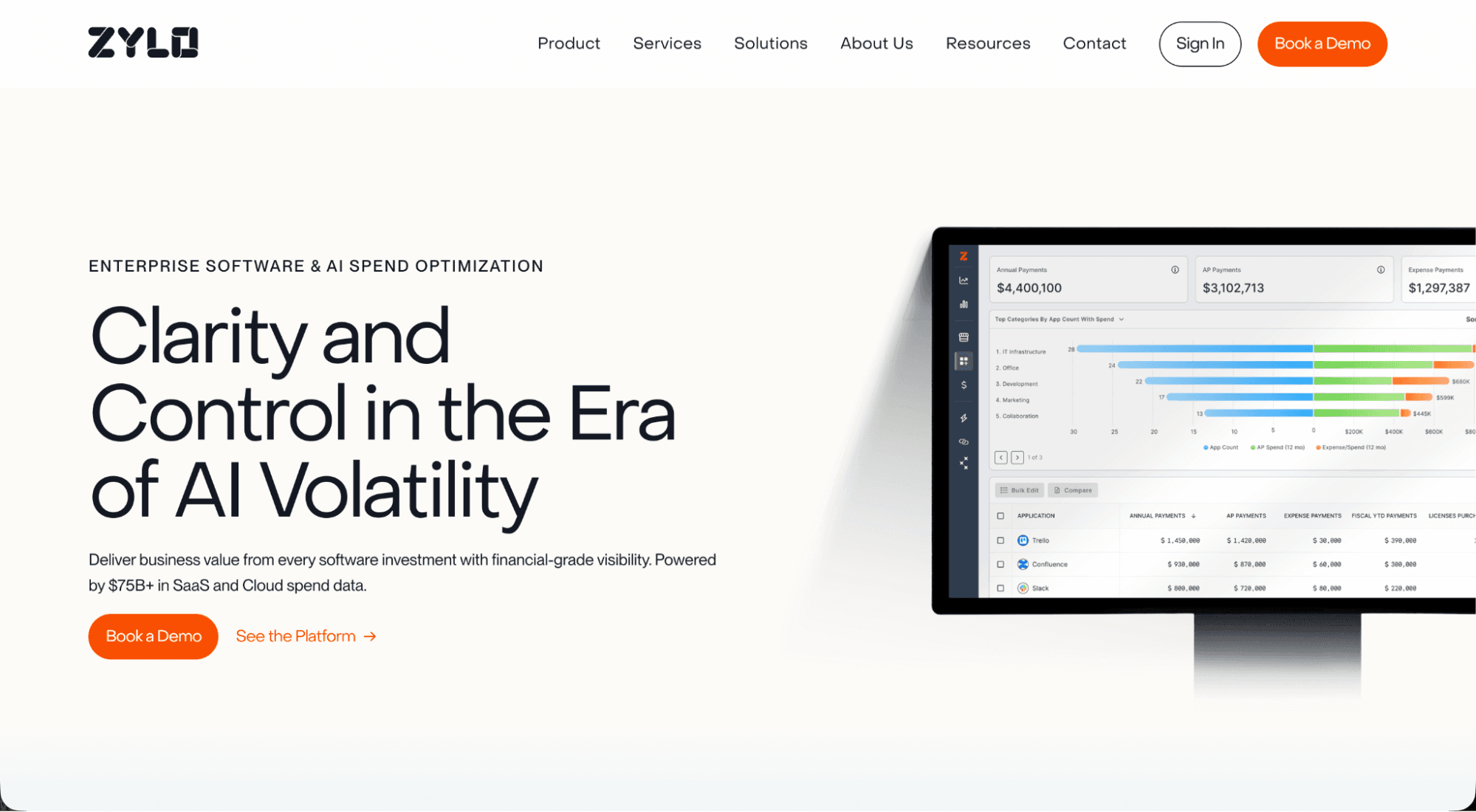
Zylo gives finance and IT one consolidated view of every SaaS and AI subscription, with usage metering and forecasting on top. It surfaces shadow purchases, flags redundant subscriptions, and forecasts overages before the bill lands. It suits enterprises tracking subscription and API sprawl across hundreds of tools.
Best for: large portfolios where consumption rather than purchasing is the problem.
Torii pairs discovery and metering with IT lifecycle automation, so onboarding and offboarding actions follow the license data. Finance gets consumption visibility, and IT gets the workflow to act on it. It suits organizations where AI sprawl is as much an access problem as a cost one.
Best for: teams that need metering and lifecycle governance together.
Procurement tools record what a company bought. Metering tools record what it consumed. The line that stays empty is what AI spend produced. A finance leader can see the total spent on AI coding tools last quarter, but not which initiatives that spend supported, whether those initiatives were capital development or operating work, or what the spend returned. Attribution at the license or token level supports a procurement decision. It does not support a capitalization decision.
The reason is structural. AI billing systems hold no record of your Jira issues, and your Jira instance holds no record of AI tool activity, so the two never meet unless something bridges them. That bridge is what Workforce Intelligence builds on the engineering cost line, using the same model already proven on human labor.
After moving time tracking into Jira with Tempo Timesheets, TransUnion cut annual time-tracking costs from $1 million to $62,000 and reduced its capitalization approval chain from 17 approvers to four.
Every capitalized hour could be traced back to the Jira story it came from. Workforce Intelligence applies that same model to a new cost line, AI coding activity.
Which tool you need follows from which question you're asking, so start there rather than with a vendor list.
If the pain is uncontrolled buying, personal-card AI subscriptions, or surprise renewals, a procurement-led tool like Spendflo or Vendr fits.
If it's runaway consumption across a large portfolio, tokens and seats invisible until the bill lands, a metering platform like Zylo or Torii fits. If finance can't classify or defend the engineering AI cost line for CapEx and OpEx and ROI, that calls for work-item attribution, which is a different layer than either of the first two.
Most enterprises past a certain size end up needing more than one, because the jobs are genuinely distinct. The mistake is assuming a procurement or metering tool will also give finance the attribution it needs for the books. Neither connects AI spend to the work that produced it. Before you shortlist, map where your AI spend lives currently and what granularity finance needs to authorize the next budget cycle.
Team-level attribution supports rough allocation, initiative-level supports classification and board reporting, and work-item level supports audit-grade traceability. The required granularity picks the category.
For teams whose engineering work runs through Jira and whose unanswered question is the AI coding cost line, that attribution starts inside the workflow the work already lives in. See how Workforce Intelligence attributes AI activity at the Jira issue level.
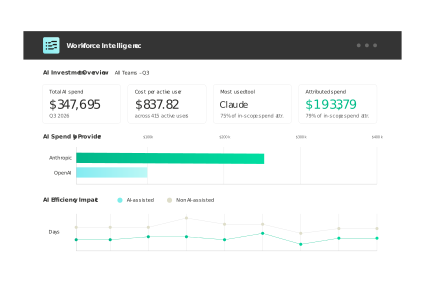
Workforce Intelligence
The only solution that ties AI vendor spend to the teams, epics, and Jira issues it supported.
Start a Free TrialCouldn't find what you need?Go to our documentation
AI spend management software tracks and controls company expenditure on software and AI services, including SaaS subscriptions, AI add-ons, and consumption-based services billed by usage such as the major model APIs. It operates alongside cloud cost management, which handles infrastructure spend. It exists as its own category because AI billing runs on volatile units like tokens and GPU hours rather than predictable per-seat licenses.
Only partly. Cloud FinOps tools allocate infrastructure cost to cost centers using resource tags, which works for compute and storage. They don't connect to the Jira work items and initiatives where CapEx and OpEx decisions are made. A tagged cloud cost tells you which cost center consumed the GPU hours, not which initiative those hours supported or whether the work qualified as capital development. The two layers address different requirements and usually coexist.
Subscription tracking tells you what you bought and what it cost, at the license or seat level. Attributing AI coding spend connects that cost to the specific work it produced, down to the Jira issue and the initiative above it, so finance can classify it as capital or operating expense and measure what it returned. Subscription-level data supports a procurement decision, and work-item attribution supports a capitalization decision.
When contributors classify their own time, and AI tool use at log time, they're making an accounting decision without accounting context, and those inconsistencies compound across thousands of entries and surface at audit. Setting the classification at the work-item level changes that.
A Jira issue or epic designated as capital passes that designation to everything logged against it, so policy governs the cost line from the moment the work is created. For a publicly traded company, that consistency is the difference between a clean capitalization position and an audit finding.
Increasingly yes, though coverage varies by vendor. Agent workloads bill on tokens and compute like other consumption services, so a metering platform can capture the cost once the provider is connected. What it reports is still the provider total rather than the workflow the agent ran. If an agent opens pull requests against Jira issues, the same attribution question applies, and answering it means connecting the activity to the work item rather than to the vendor account.
AI attribution should pair human effort and AI spend on the same Jira work item, tracing every dollar to the work it delivered. Learn how we built it.

Software engineering intelligence platforms read time logs, Jira, and Git as one dataset. See what they measure and where AI spend fits in.

Six getdx alternatives compared. See what each measures, where each falls short, and which fits developer experience, DORA, or cost attribution.

Workforce intelligence captures human effort and AI activity per Jira ticket, so finance can classify AI costs and prove ROI to the board.
Tempo Workforce Intelligence connects AI tool usage to Jira work items so leaders can see what their AI investment is really delivering.

CapEx vs. OpEx explained: 7 key differences, how to balance both budgets, and the classification mistakes that trip up most finance teams.

CEOs are asking their CTO and CFO: What did we get for the AI money we spent? Workforce Intelligence has the answer.

Streamline your invoice management with Tempo. Learn how to handle invoices, avoid mistakes, and use tools to save time and keep cash flow on track.

The key data from "The human cost of digital transformation" report and what you can do to combat the tech stress hurting your teams.






















