Planview vs Tempo: Which PPM solution is right for your team?
Tempo builds portfolio management from inside Jira. Planview governs from outside it. For Jira-centric teams, the architecture gap matters.


Key Takeaways
Tempo provides a modular, Jira-native suite covering time tracking, capacity planning, financial management, and portfolio structure – all built inside Jira
Planview is a standalone enterprise platform for PPM, with broad toolchain connectivity across Jira, Azure DevOps, ServiceNow, and others
Tempo's plug-and-play approach means most Jira teams are up and running in days, not months; Planview typically requires dedicated implementation support
Tempo offers a practical choice for Jira-centric organizations that want portfolio governance without re-platforming; Planview is often favored by enterprises managing complex, multi-toolchain portfolios.
Planview and Tempo both offer capable PPM platforms, so if you're evaluating them, you can compare features and see if the price is right – right?
Well, before you take out the company card, it's worth thinking about where your data lives. Tempo's modular suite lives inside Jira and gets portfolio data from the work teams are already doing there.
Planview lives outside Jira and requires data to be synchronized into it. That difference has compounding consequences – in implementation timelines, overhead, and whether the data in your portfolio dashboard reflects the work that's happening.
If your organization runs on Jira and needs portfolio governance without a major re-platforming project, Tempo is usually the faster, lower-friction path. If you're managing portfolios across tools you don't plan to consolidate – Jira, Azure DevOps, ServiceNow – Planview is built for that scope.
What is Tempo?
Tempo offers a project portfolio management platform that's a modular, Jira-native suite. They strengthen Jira beyond project tracking into portfolio-level financial oversight and capacity planning. Tempo has over 30,000 customers, including one in three of the Fortune 500.
Core products include:
Timesheets – Enterprise time tracking inside Jira, with activity-based automated logging suggestions, billable/non-billable tracking, and CapEx/OpEx categorization
Capacity Planner – Resource and capacity planning across teams and projects, with skills-based assignment and planned vs. actual reporting
Financial Manager – Real-time financial visibility built on Timesheets data: Labor costs, budgets, expenses, revenue and cost forecasting, and project and portfolio profitability
Structure PPM – Portfolio and program management with custom issue hierarchies, cross-team visibility, and Gantt charts for project planning
Custom Charts – Customizable no-code dashboards and reports for Jira and Confluence, covering sprint progress, workloads, dependencies, and executive reporting
BI Connectors – A suite of no-code solutions for exporting Jira data to leading analytics platforms including Power BI, Tableau, and BigQuery for advanced reports on time tracking, financials, and project progress.
How does the PPM suite work?
Tempo suggests time log entries based on actual Jira activity and calendar integrations. That cuts manual entry and strengthens the accuracy of the data feeding into financial and capacity reports.
Tempo offers Atlassian Rovo Agents that help teams query work and portfolio data, creating automations and dashboards using plain language.
Organizations start with the tools they need most and add modules as needs grow – no all-or-nothing commitment from day one. Teams are able to configure modules to adapt to the way they already work instead of being forced to adapt to a monolithic platform.
Because every product lives inside Jira, data flows between them without integration work or data drift. Switching eliminates that integration overhead entirely.
What is Planview?
Planview is a global enterprise software company, headquartered in Austin, Texas, that serves 3,000+ customers and 3.1 million users worldwide. Its core platform – Planview Portfolios, formerly Planview Enterprise One – is the basis for its SPM, PPM, and Enterprise Agile Planning offerings.
Its broader product portfolio includes Planview AdaptiveWork (formerly Clarizen), Planview AgilePlace (formerly LeanKit), Planview Hub (formerly Tasktop Hub, acquired in 2022), Planview Viz, Planview Roadmaps, and Planview IdeaPlace. Planview Anvi, its GenAI interface, is an area of active development.
Planview's particular strengths are:
Strategic planning and investment prioritization across large portfolios
Financial planning, capital budgeting, and governance
Hybrid methodology support (waterfall and agile within a single system)
Toolchain connectivity – bridging Jira, Azure DevOps, ServiceNow, and others through Planview Hub
Gartner named Planview a Leader in its 2025 Magic Quadrant for Strategic Portfolio Management, citing its broad industry experience and enterprise customer depth.
Feature-by-feature comparison
Both platforms cover portfolio management, resource planning, and financial oversight. The differences show up in how they deliver those capabilities – and what it takes to get there.
Time tracking and financial management
Timesheets is one of Tempo's most widely used products and a direct source of its financial management capability. Teams log time against Jira issues; that data flows into Financial Manager, which produces real-time views of labor costs, budgets, expenses, CapEx/OpEx splits, revenue and cost forecasting, and project and portfolio profitability. There's no export step, no integration to maintain – the financial picture updates as teams log work.
Paradines, a global consulting firm specializing in product master data management, adopted Timesheets and Capacity Planner and came away with cleaner resource allocation decisions across projects.
Planview's financial management capabilities run deeper on the enterprise governance side – capital budgeting, investment scenario modeling, and portfolio-level financial forecasting. But they're not tied to work logs from Jira in real time. If Jira is your team's system of record, financial data in Planview typically requires synchronization – it doesn't live there natively.
Portfolio structure and capacity planning
Tempo Structure PPM provides flexible portfolio and program management inside Jira. Teams get custom issue hierarchies – so a portfolio can roll up through epics, programs, and initiatives – along with cross-team visibility and Gantt charts for planning. On Jira Data Center, Structure supports up to 100,000 issues per structure, across unlimited structures – enterprise-grade scale for large PMO deployments.
Capacity Planner sits alongside it: Who's available, what skills they have, how workloads are distributed across projects.
Planview Portfolios is built for top-down governance across large enterprise portfolios. Its strength is executive and PMO visibility – investment alignment, objective tracking, risk management across initiatives. The IDC MarketScape 2023 highlighted Planview's enterprise PPM capabilities, built up over roughly three decades, as a core strength.
The tradeoff is accessibility. Building and sustaining SPM effectiveness in Planview generally takes a progressive, phased approach, which means its depth requires time and deliberate effort to unlock.
Governance drawn from execution data teams are already generating is more reliable than a separate planning system leadership has to maintain alongside everything else.
AI and automation
Tempo reduces the overhead of time tracking by suggesting log entries based on Jira activity – less manual entry, more accurate data flowing into financial and capacity reports. Rovo Agents let teams query portfolio and work data in plain language instead of digging through dashboards.
Planview Anvi is Planview's GenAI interface, with a focus on portfolio-level query and reporting assistance. It's an area of active development, with improvements continuing through 2025.
For teams where AI-assisted planning matters, Tempo's tighter Jira integration means Rovo Agents have more real data to work with from day one.
Implementation and total cost of ownership
The implementation gap is real, and it flows from a structural difference: Tempo adds governance to the tool teams already use; Planview asks teams to maintain a second system alongside it.
Tempo's products install from the Atlassian Marketplace. Jira users don't need external training – the interface is familiar. Most teams are running within days, not months. Pricing is modular; organizations pay for the products they use and add more as needs grow.
Planview's implementation is a different commitment. Enterprise Planview rollouts are typically multi-phase programs, not one-time installs. External consultants and multi-month onboarding timelines are common.
Enterprise implementations of this scale typically involve a structured onboarding effort. The ongoing costs – licensing, professional services, training – add up for mid-sized organizations.
Keeping Planview synchronized with Jira requires ongoing manual effort – portfolio data in Planview is aggregated from the source, not read live, so it can lag behind execution state and drift from what teams are tracking in Jira.
Planview's depth is built for portfolio analysts and PMO leaders; teams outside that core sometimes find the platform heavier than a Jira-native tool.
Planview is aware of the issue – its 2025 Gartner MQ noted ongoing UI/UX investments including Planview.Me for stakeholder personalization. For organizations with the implementation resources, those improvements help. For teams that can't sustain that overhead, they don't.
Integrations and ecosystem
Tempo's integration ecosystem covers Jira and Confluence natively, plus enterprise BI connectors (Power BI, Tableau, BigQuery, Looker Studio) and targeted integrations with platforms like Google Drive, Zapier, Okta, and Rippling. Its open API allows custom integrations with other systems. Because Tempo lives inside Jira, reporting and dashboards (via Custom Charts) are available in both Jira and Confluence without additional setup. Custom Charts also runs as native macros on Confluence pages, with page-level export to PDF and Word – so portfolio dashboards can live alongside project documentation rather than in a separate reporting tool.
Planview's integration story is different. Its strength is breadth – connecting enterprise tools through Planview Hub. For organizations that need to unify governance across multiple toolchains, that connectivity is worth having. For organizations already standardized on Jira, it adds overhead that doesn't exist for Jira-native teams.
Teams moving from Planview to Tempo generally keep more than they expect. Tempo's integrations cover the most common adjacent tools (HR platforms like Rippling and Okta, storage like Google Drive and Dropbox, automation via Zapier) and its REST API handles custom connections. Portfolio governance and financial tracking sit on top of what you already have.
Side-by-side comparison
Feature | Tempo | Planview |
|---|---|---|
Time tracking | Yes (Tempo Timesheets) | Yes |
Capacity and resource planning | Yes (Tempo Capacity Planner) | Yes |
Portfolio and program management | Yes (Tempo Structure PPM) | Yes |
Financial management | Yes (Tempo Financial Manager) | Yes |
Gantt charts | Yes (Gantt Charts for Structure PPM) | Yes |
Custom dashboards and reporting | Yes (Tempo Custom Charts) | Yes |
Executive-level portfolio governance | Yes | Yes |
Jira-native (no integration required) | Yes | Via connector, not native |
Atlassian Marketplace app | Yes | Not a Marketplace app |
Modular pricing | Yes | Limited |
Typical implementation timeline | Days to weeks | Months |
GenAI features | Yes (Rovo agents, automated time tracking) | Yes (Planview Anvi) |
Multi-toolchain connectivity (Jira + ADO + ServiceNow) | Limited | Yes (Planview Hub) |
Which tool should you choose?
Jira-centric teams that want portfolio governance without re-platforming
If Jira is your team's system of work and you need portfolio visibility, financial oversight, and capacity planning to sit on top of it – without a six-month implementation project – Tempo is built for that.
The modular approach lets teams start with one product (often Structure or Timesheets), see value before expanding, and add Capacity Planner, Financial Manager, or Custom Charts when they're ready. Because everything runs inside Jira, there's no data sync problem and no parallel system to maintain.
Only 16% of organizations are effective at resource and capacity planning, according to Gartner – Tempo closes that gap without asking teams to change where they work.
Large enterprises managing complex, multi-toolchain portfolios
If your organization runs portfolios across Jira, Azure DevOps, ServiceNow, and other tools – and needs cross-toolchain governance spanning all of them – Planview is built for that problem. Planview's financial planning depth and toolchain connectivity are real strengths for organizations with a mature PMO, dedicated implementation resources, and the budget to match.
Planview is also a better fit when SPM needs to function independently of Jira – for example, in organizations where not all teams use Jira, or where the PMO needs visibility across business units with different tooling.
Final verdict: Tempo vs. Planview
Tempo is faster to value and lower friction for Jira shops. Planview is better suited for organizations where the PMO needs to govern portfolios that live outside of Jira.
If Jira is your system of record – Tempo gives you portfolio management, financial oversight, and capacity planning inside the tool your teams already use, without a major implementation program. The modular structure means you're not paying for capabilities you don't need.
If not, or if only some of your organization uses Jira – Planview's cross-toolchain governance can be the difference maker. It's a heavier lift to get there, but for enterprises that need PPM across a mixed technology landscape, Planview's breadth addresses that need.
Ready to see Tempo in action? Start a free trial today.
Sign up for a demo
Request DemoInterested in other comparisons?
Compare Tempo to other solutions
See Comparisons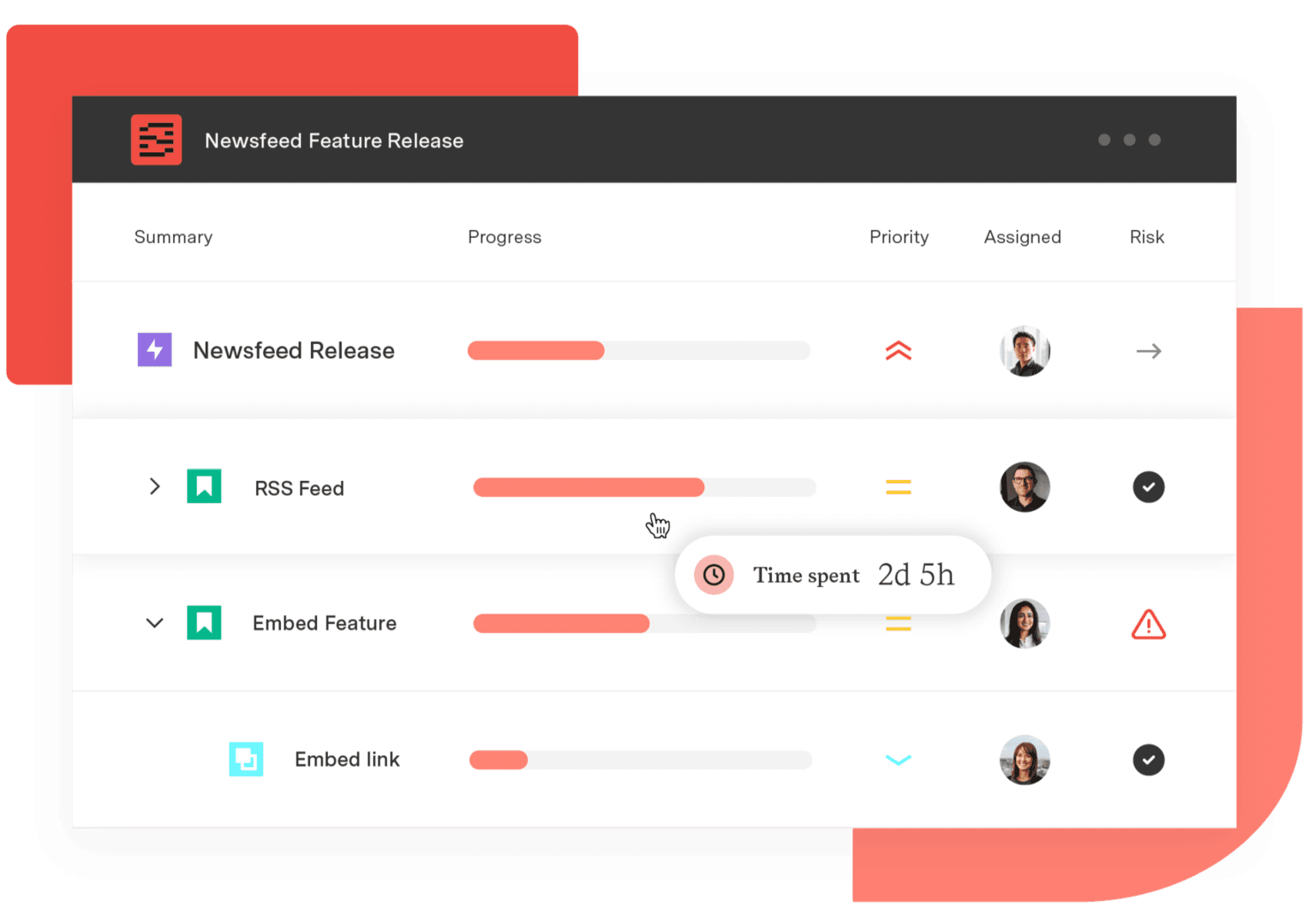
Structure PPM
Align your entire organization
Manage products, projects, and programs in a single spreadsheet-like view. By providing a clear, real-time view of project progress and resource allocation, Structure helps teams meet deadlines and adapt swiftly to changing priorities.
Start a Free TrialFrequently Asked Questions
Couldn't find what you need?Go to our documentation
Yes. Tempo's products are built inside Jira – they install from the Atlassian Marketplace and work within your existing Jira environment. There's no separate system to sync with, no integration to maintain, and no duplicate data entry. Portfolio plans, time logs, capacity data, and financial figures all live in the same place your teams already work.
Tempo's pricing means organizations pay for what they use and scale up as needs change – with no implementation consultants required for standard setups. Planview's total cost of ownership runs higher: licensing, professional services, and ongoing training add up, and some deployments span multiple Planview products, which can increase total cost. For mid-sized organizations or those on tighter budgets, that difference is material.
Tempo Structure PPM covers portfolio and program management. Timesheets handles time tracking. Capacity Planner manages resource and capacity planning. Financial Manager provides real-time financial visibility at the project and portfolio level. Custom Charts delivers executive dashboards in both Jira and Confluence. Together, they cover the core capabilities Planview Portfolios targets – with the advantage that all data originates from Jira work logs rather than a separate system.
It depends on the scope. For day-to-day resource visibility – seeing who's available, what they're assigned to, and how workloads are tracking against plans – Tempo Capacity Planner is well-suited. For long-term, enterprise-wide workforce planning that spans multiple tools and business units, Planview's scenario modeling and role-level planning capabilities go deeper.