

Take control of your budget. Learn about project cost-tracking practices and how they improve financial management and increase return on investment.
Learn how project budget tracking contributes to financial success by reigning in spending, controlling costs, and ensuring accurate estimations.

A project's budget is more than dollars and cents. It's an organization's financial commitment to a strategic goal. Budgeting weighs multiple projects to determine which are feasible, best support company priorities, and represent a wise use of resources.
Project managers honor that commitment by producing the required outcomes with the funds provided. It's a demanding job, but the right tools make it manageable. The most effective of these is a disciplined budget-tracking process.
Here's what you need to know about managing project budgets and tracking expenses to deliver a successful project.
Project budget tracking is a financial management technique that monitors spending associated with a project, including:
Labor
Materials
Equipment
Operating costs
By tracking and controlling expenses, project managers can determine:
How to spread costs across project milestones
The accuracy of cost estimates
How to allocate resources effectively
Whether the team risks overspending the budget
The best way to reallocate funds if there's a shortfall
Project success is often measured by whether the team delivered the required outcomes within budget. That isn't the only reason project managers track expenses.
An effective budget-tracking process matters for the following reasons:
Controls costs: Budget tracking flags cost overruns before they hit the bottom line, giving leadership time to correct course.
Builds trust: Accurate tracking demonstrates fiscal responsibility, which improves confidence among team members, stakeholders, and investors.
Informs decision-making: With a precise view of where the money is going, leaders can make better calls on resource allocation and risk while still meeting project goals.
Increases accuracy: Historical financial data sharpens future budget estimates so upcoming projects receive adequate resources.
Improves efficiency: Budget management surfaces inefficiencies in project workflows. Fixing them produces cost savings and lifts team productivity.
Workflows vary between organizations, so no single template works for every initiative. Companies choose from several frameworks when calculating a budget.
No method is inherently better than another. The right fit depends on how the organization operates, the type of project, and whether historical or industry data is available.
Common project budgeting techniques include the following:
Bottom-up planning asks contributing departments to assess plan components and generate cost estimates for each. Once complete, the team combines the value of each item to calculate the total project estimate.
When stakeholders allocate a predetermined amount to a project, leadership divides the funds across tasks. That split considers the following factors:
Cost of previous projects
Past budgets
Project priorities
Current economic conditions
Anticipated future trends
A three-point estimate suits projects with considerable risk. It weighs best-case, worst-case, and most-likely scenarios for each task, then reconciles the three numbers into a final estimate.
If the team has industry data and fiscal reports from similar work, a parametric estimate can calculate the budget. Like bottom-up estimation, the method breaks the plan into components, applies third-party and historical data to price each task, and combines the values into a final budget.
Example: A single network engineer previously took 4 days to lay 100m of fiber optic cable at a rate of $100/day, for a total of $400. To install 1000m, the project team needs 2 engineers working for 20 days. Cost is estimated on that basis.
Analogous estimates draw on the cost of similar past projects. If those projects are truly comparable, the method is fast and accurate. If they diverge in meaningful ways, the estimate loses reliability.
Consider the following factors when building a protocol to track project budgets and manage costs.
Any expenditure that funds a project's deliverables falls into one of two categories:
Fixed costs: Spending that stays consistent throughout the project lifecycle.
Variable costs: Fees that shift with project phase or activity, such as piece-rate labor, utilities, and distribution costs.
Separating these matters. Variable costs can drain financial resources if left unchecked, especially when scope creeps or timelines slip.
Income is the funding a project team receives at the outset of work. There are three types of project income:
Zero income: Internal projects receive no funding from the company, so there are no financial inputs to track.
Fixed income: Funding arrives as a lump sum at the start of work or in regular installments across the lifecycle. The total typically matches the price quoted to the client during the bidding process.
Cost-plus income: Cost-plus projects are pay-as-you-go, with clients topping up the initial funding as costs are incurred. Teams use this model when an accurate upfront estimate is hard to produce.
Once the team finishes budgeting, the project manager monitors spending on an ongoing basis. Here's how:
First, decide how to track project finances. Whether the tool is pen and paper, a spreadsheet, or project management software, the system must show who is spending money and how much. Accurate record-keeping keeps stakeholder reports dependable.
Team members need access to the monitoring system to log regular expenditure updates. Project management software has a clear edge here. Team members can update the budget online from any location, which improves transparency and accountability.
Determine required tasks during the budgeting process, then allocate estimated costs. A defined list of expenses to monitor keeps tracking precise. Note which costs are fixed and which are variable.
Finally, track expenditures with alerts that notify project management when the team incurs an expense, when spending irregularities appear, or when project costs trend toward exceeding the budget. Project management software often includes an expense-monitoring system and integrates with bank accounts to prevent overspending.
Tempo's Financial Manager has what you need to track project spending. It monitors a single budget value or multiple budget milestones across a project's timeframe.
With Financial Manager, project managers can:
Create projects
Establish budgets
Update project budgets at any point in the project lifecycle
Include budget milestones
Monitor progress against revenue used and accumulated costs
Managing budgets is a critical project management task that turns overwhelming without the right tools. Tempo built Financial Manager to slot into your Jira tech stack.
Financial Manager tracks and reports actual spending against estimated budgets directly from your dashboard. Real-time data and visualizations replace guesswork with the situation on the ground, which lifts the odds of project success.
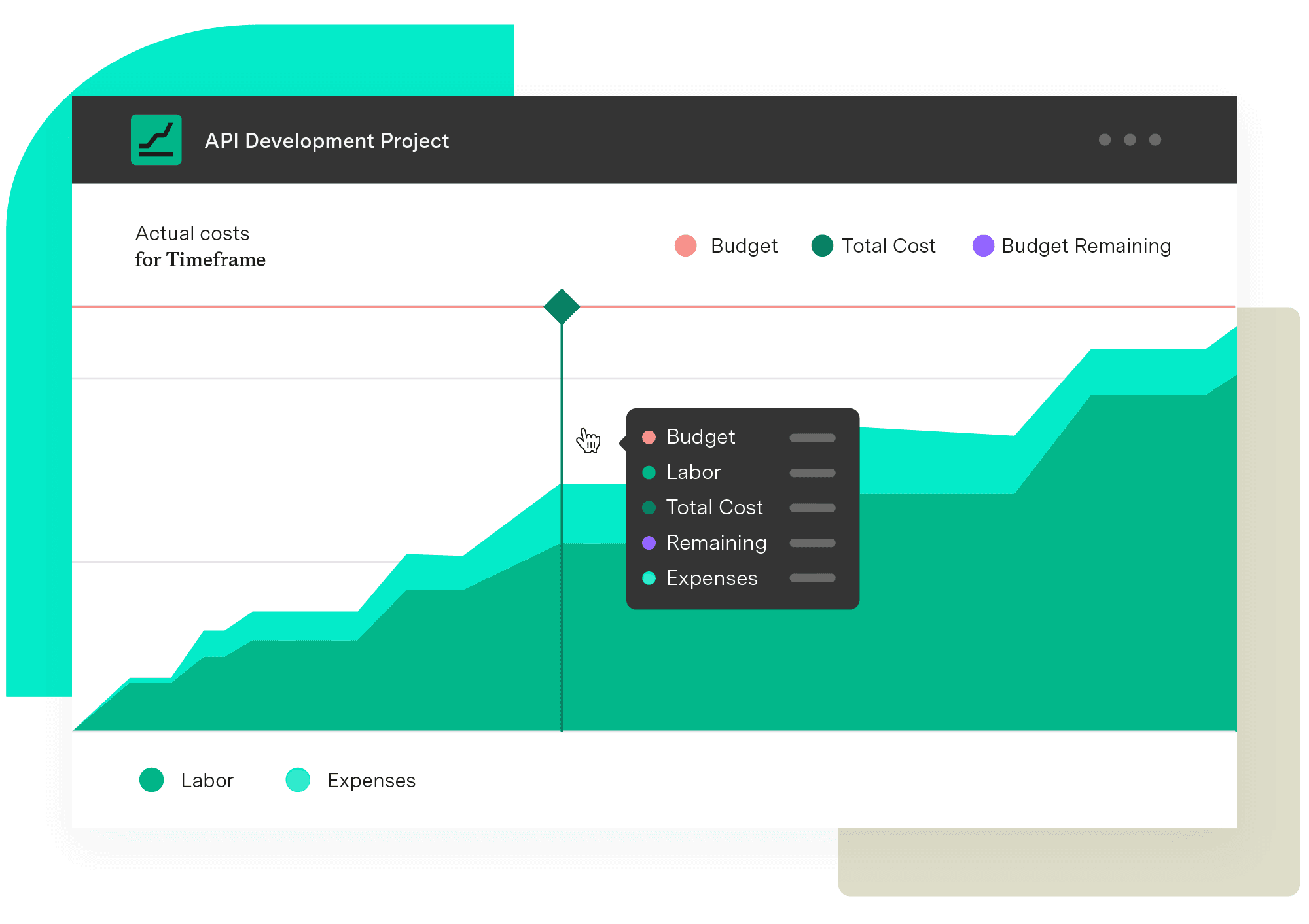
Financial Manager
Implement standardized processes and calculations when creating your budgets and monitoring them. Make informed, real-time decisions with an accurate reflection of the work being done and know when you need to pivot.
Start a Free TrialCouldn't find what you need?Go to our documentation
A budget template standardizes the budgeting process, assists project managers in producing accurate estimates, and tracks a project’s financial details. Project management inputs data from previous projects into the document to calculate the budget.
Alongside budget tracking, project managers can prevent overspending with these methods:
Careful scheduling and project planning
Using an appropriate budgeting process
Leveraging analytics to compare estimates to previous projects
Using project management software to monitor progress, workloads, and bottlenecks
Proactively identifying risk
Managing scope
Communicating with stakeholders
Project stakeholders can help management identify workflow inefficiencies and overspending. They also help address budget shortfalls by renegotiating contracts, reducing scope, or securing additional funding.
Take control of your budget. Learn about project cost-tracking practices and how they improve financial management and increase return on investment.

Learn how companies manage variable expenses to control costs, prevent overspending, and reach their financial goals.

Discover 10 proven strategies to drive profitability. Learn to control costs, mitigate risks, and drive revenue growth for business success.

Don’t let skyrocketing expenses come between you & project success. Learn fundamental project cost management to create realistic estimates & budgets.

Learn how revenue tracking and projection help your teams monitor project income and forecast financial performance – using Tempo Financial Manager.

OpEx and CapEx tracking basics can help reduce your company’s bottom line, balance project budgets, and identify cost-cutting opportunities.

Learn the cost variance formula, how to calculate it, and what it means for your project budget, with real examples and tips to improve cost control.
Forecast project costs in Jira with Tempo Financial Manager. Combine actual and planned data to prevent overruns and improve budgeting.

Stay on track and hit every deadline with milestone tracking. Learn how to monitor and optimize project milestones for seamless execution with Tempo.

















