

Don’t let skyrocketing expenses come between you & project success. Learn fundamental project cost management to create realistic estimates & budgets.
Take control of your budget. Learn about project cost-tracking practices and how they improve financial management and increase return on investment.

Cost reporting is the record-keeping discipline that keeps a project’s finances honest — a running account of where the budget goes, how much remains, and whether the work is on track to pay off. Done well, it prevents overruns and protects return on investment. Done poorly, it produces the meeting nobody wants: the one where leadership asks where the money went and nobody has a clean answer.
Whether you work in construction, IT, or marketing, tracking expenditures is essential to cost management. It keeps teams from blowing through the budget and gives leadership the data they need to make decisions before problems become emergencies.
This guide walks through what cost reporting includes, why it matters, the six cost categories every project manager should recognize, and the tools that make the process manageable.
Project cost reporting is a record-keeping protocol that shows how a team spends the budget and lets stakeholders analyze incurred expenses. It goes beyond logging receipts. A complete report pulls together several components.
Effective cost reporting starts with a robust budget grounded in a detailed understanding of the project’s scope and required resources. The budget must include the estimated cost of each expense, including:
Labor
Materials
Equipment
Indirect expenses
The budget acts as the baseline managers use to compare actual expenditures against estimates, giving them visibility into the project’s financial health.
Once the budget is set, teams should track costs as they occur. Leaders document every expenditure in a digital tool like Tempo’s Financial Manager. The data reveals spending trends: Where money is going, whether expenditures align with projections, and which areas are over- or underfunded.
Routine spending analysis with real-time data helps project managers spot trends and understand what drives costs. That information shapes financial planning and decision-making so the project stays on budget.
Expenditure trend analysis also lets management gauge project progress and the accuracy of earlier cost predictions.
Project plans change often, and unmanaged changes wreak havoc on budgets. Adjustments can raise spending rates or introduce expenses nobody planned for. A change management protocol tied to cost tracking ensures every scope, timeline, or material change is documented, approved, and understood for its budgetary impact.
When budgeting a new project, historical data from past work sharpens estimation. Managers and stakeholders make better decisions, allocate resources properly, and save both time and money.
Cost reporting keeps a project fiscally healthy by showing how leadership allocated funds and how much remains available. It reveals where activities need more investment and where spending has gone too far. It also builds a historical record that makes future estimates and bids more accurate.
The other key benefit is informed decision-making. When scope shifts or something goes wrong, project management can respond within the existing financial framework and keep the work aligned with operational goals.
Project managers typically divide budget costs into six types. Some expenses fall into multiple categories.
A direct cost is any expenditure tied to producing the project’s actual outcomes. Examples include:
Materials
Salaries and wages
Hardware and software purchases
Training expenses
Equipment rentals
Contracted labor costs
Indirect costs don’t produce the deliverable but are necessary to complete the project. They may include:
Project management fees
Administrative overhead
IT infrastructure costs
Cybersecurity fees
Insurance
A fixed cost stays constant across the project lifecycle regardless of scale or duration. Examples:
Rent or mortgage payments on office space
Lease payments for equipment
Annual software license fees
Equipment or infrastructure depreciation
Full-time staff salaries
Variable costs change with the project’s stage or activity level.
Hourly wages for subcontractors or temporary staff
Usage-based fees
Fluctuating costs for services or materials like shipping, utilities, and commissions
Bank and credit card fees
Projects incur initial cash and non-cash costs paid only once.
Initial setup and implementation costs
Infrastructure costs
Consulting fees and permits
Contract renewals
Severance pay
Any expense billed on a regular cycle counts as a recurring cost. Typical examples:
Monthly subscriptions
Maintenance and support fees
Ongoing training
Retainers for professional services
Vehicle leases
Tempo’s Financial Manager lets project managers set a realistic budget and track every cost that follows. The application also offers the following features.
Financial Manager supports several customizable rate types:
Hourly cost rates: The project’s default pay scale, applied to subcontractors or temporary workers without a defined cost rate.
Cost rates: A team member’s hourly wage for work on a specific project.
Global cost rates: A default wage tied to a role. Managers can override these at the project level when needed.
Flexible cost rates: Managers can adjust rates for individual team members based on role changes or scope shifts.
Record project expenses and categories by logging them in the Financial Manager app. Managers can also automate recurring expenditures to actualize on the days they’re paid, cutting down on data entry.
Once expenses are in, users can assess the project’s fiscal standing through key metrics:
Cost variance and baseline
Earned value
Budget at completion (BAC)
Resource utilization
Return on investment (ROI)
Cost reporting sounds straightforward, but a few problems come up again and again.
The biggest challenge is keeping the data accurate and consistent. Entry errors and miscommunication produce recording discrepancies. An automated tool like Tempo Financial Manager standardizes the process and keeps records consistent. Regular team training on the app reduces errors and raises reporting quality.
A clear, structured change management protocol reviews, approves, and documents every alteration to the plan. Managers can then use that record when drafting cost reports, giving stakeholders visibility into any new expenses tied to those changes.
Managers need a logical, structured way to attribute overhead and indirect costs across projects so each one carries a realistic view of its true costs and financial gains.
Precise allocation protects each project’s profitability and lets organizations assess the real cost and margin of every initiative. That data informs decision-making and improves overall financial health.
Accurate cost forecasts are hard to produce, especially during market volatility. Monitoring market trends and current project data during updates helps managers avoid surprises and improve estimate accuracy. Predictive analytics inside a financial management application make cost estimates more reliable.
Improve financial reporting by integrating Tempo’s Jira-enabled Financial Manager into your project management stack.
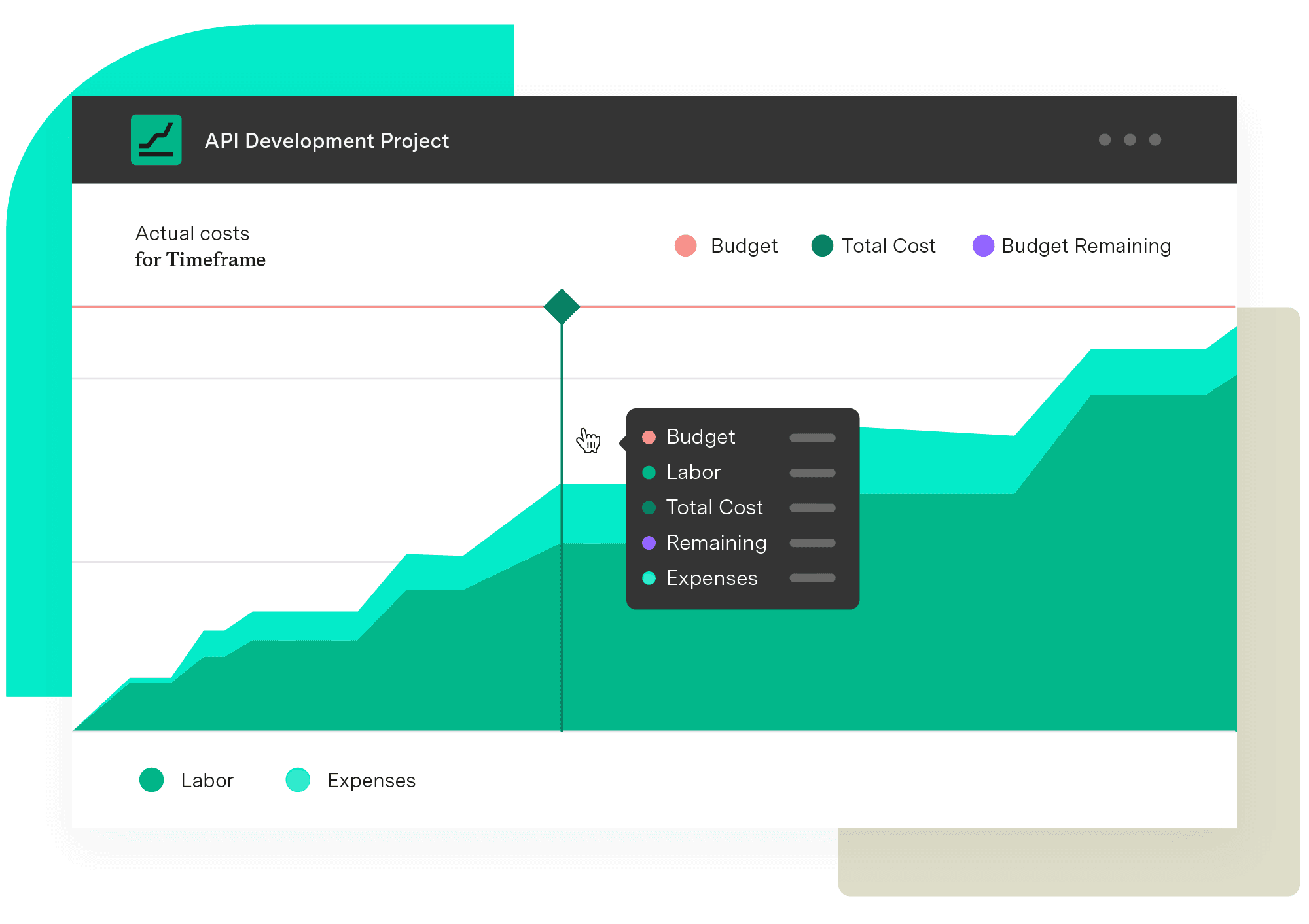
Financial Manager helps project managers control costs by visualizing current spending and upcoming expenses with real-time data. That visibility makes it easier to allocate resources well and protect margins.
The application takes the guesswork out of a project’s fiscal status. The data you need is at your fingertips.
Financial Manager
Implement standardized processes and calculations when creating your budgets and monitoring them. Make informed, real-time decisions with an accurate reflection of the work being done and know when you need to pivot.
Start a Free TrialCouldn't find what you need?Go to our documentation
A cost report summarizes project expenses for stakeholders. The document includes information on the budget, a list of expenditures, and the difference between estimated costs and actual expenses.
The frequency of updates depends on a variety of factors, including:
-Project duration, pace, and volatility
-The availability and reliability of data sources
-Stakeholders’ requirements for detail and accuracy.
Direct project costs contribute to the completion of project activities, whereas indirect costs cover any expense that supports the team’s work.
Don’t let skyrocketing expenses come between you & project success. Learn fundamental project cost management to create realistic estimates & budgets.

Learn how project budget tracking contributes to financial success by reigning in spending, controlling costs, and ensuring accurate estimations.

OpEx and CapEx tracking basics can help reduce your company’s bottom line, balance project budgets, and identify cost-cutting opportunities.

Learn the cost variance formula, how to calculate it, and what it means for your project budget, with real examples and tips to improve cost control.

Take control of technology spending by implementing an effective and practical IT financial management framework that eliminates waste & redundancies.

What are operating expenses? How does tracking them improve a company’s bottom line? Here are the basics for understanding this type of expenditure.
Forecast project costs in Jira with Tempo Financial Manager. Combine actual and planned data to prevent overruns and improve budgeting.

Learn to create a project baseline to track progress, manage scope, and control costs for successful project management.
Stay on top of project progress by integrating RAG status reporting in your process to help everyone understand how the team is performing.




















