

Learn how revenue tracking and projection help your teams monitor project income and forecast financial performance – using Tempo Financial Manager.
Turn your cost data into accurate forecasts and better financial control with Tempo Financial Manager.

Cost forecasting estimates future project spend — labor, expenses, materials, and scope-related work — using current actuals, planned time allocations, historical trends, and budget targets. It gives teams a way to anticipate overruns, set accurate financial projections, and make strategic decisions well before delivery.
A strong forecast helps organizations prevent budget overruns, improve resource allocation, drive financial transparency, support strategic decisions, and sharpen planning accuracy.
Projecting costs early and revisiting them often shows where spend is heading. You can adjust before problems compound.
Knowing how much cost remains lets you align team capacity, budget, and staffing to what the project needs next.
Stakeholders see future financial exposure and projected return on investment (ROI) instead of guessing.
Cost forecasts show leadership which projects deliver value and where to pivot or reallocate.
Comparing forecast to actuals refines future estimates and builds confidence in the next budget.
Tempo Financial Manager runs cost forecasting inside your Jira ecosystem using real-time and planned data. It pulls actual time logs from Tempo Timesheets and planned time from Tempo Capacity Planner to compute current and future labor cost projections.
Forecasting metrics such as planned cost and planned revenue work when Capacity Planner is connected. Scope is defined through Jira filters, Structures, or epics, so forecasting scales from a single team to a full portfolio.
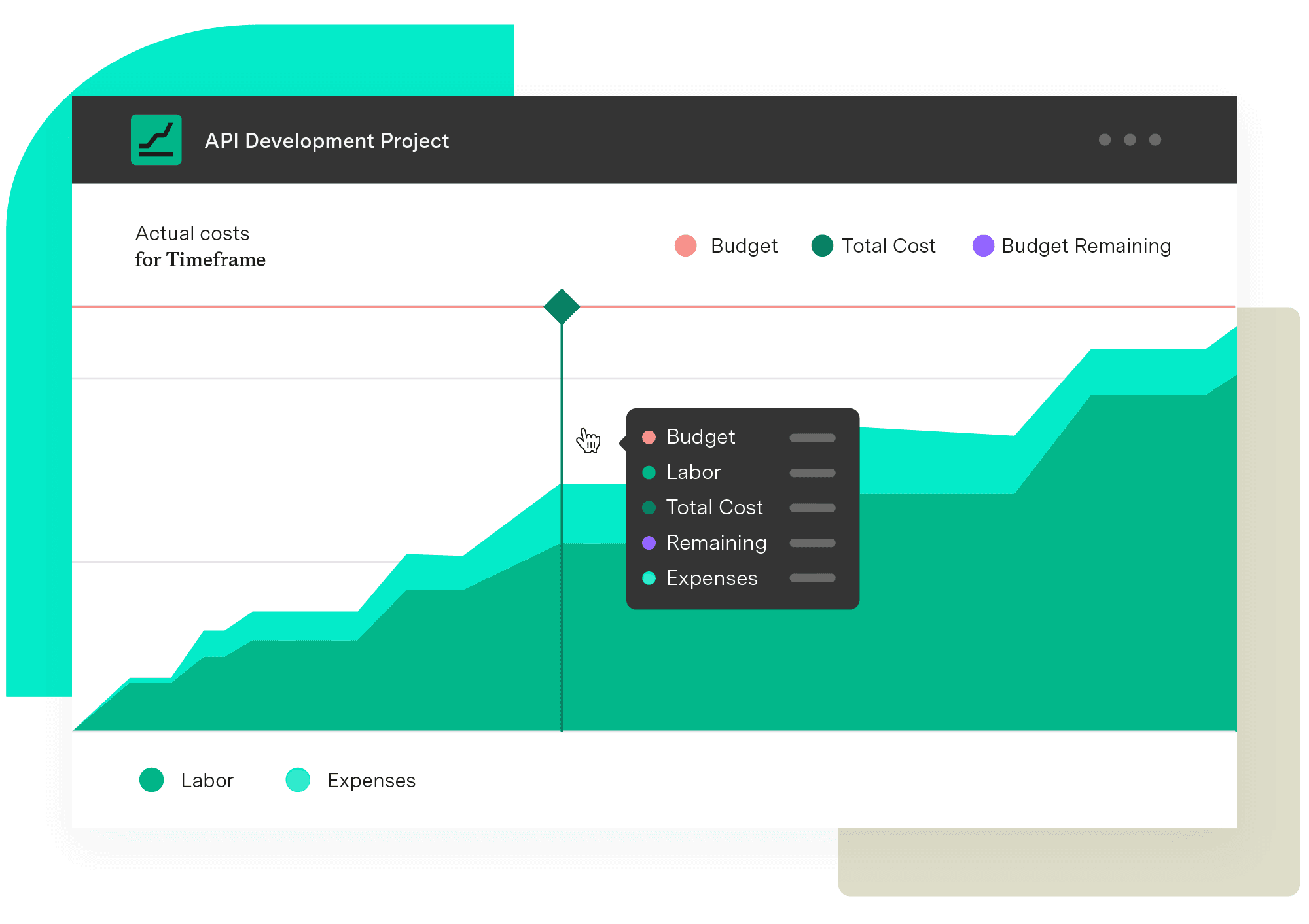
Financial Manager surfaces forecasted labor cost for upcoming periods, projected total project cost based on current burn rate and planned future time, and budget vs. forecast vs. actual cost comparisons.
Because forecasting lives inside Jira and Tempo, there's no export step. It happens where teams already log effort and plan capacity.
Instead of only looking at past spend, Tempo combines actual logged hours with planned hours to forecast future exposure.
Use Jira filters or Structures to define project or portfolio scope. The same model works for a single team or an enterprise program.
Financial Manager forecasts both cost and revenue when billing rates are set, so you see margin, not just spend.
Reports cover actual cost, planned cost, actual revenue, and planned revenue, giving finance teams something to act on.
Try our resource planning templates to see Tempo in action.
1. Define the project in Financial Manager by selecting the Jira filter or epic scope. 2. Configure cost rates, set budget milestones, and enable revenue tracking if billing rates apply. 3. Have teams log time in Timesheets and planners assign future hours in Capacity Planner. 4. Let Financial Manager combine actuals and planned hours into a projected total cost against budget. 5. Mid-project, review the forecast: If projected cost exceeds budget or margin drops, reassign resources or adjust scope. 6. At completion, compare forecast to actual to refine the next cost-forecasting baseline.
Log time consistently through Timesheets — forecast accuracy depends on timely data. Keep planned hours current in Capacity Planner so scope changes flow through to the projection.
Review forecast vs. actual on a regular cadence and run retrospectives to understand variances. Segment forecasts by project, phase, role, or cost center to see where costs accumulate. Align the forecasting cadence with decision points: Monthly reviews, milestone gates, and portfolio reviews all work well.
Cost forecasting sits at the center of managing budgets, aligning resources, and delivering value. Tempo Financial Manager embeds that forecasting engine directly in Jira, combining actual spend, planned work, and budget data into insights teams can act on. It helps you spot cost risk early, intervene before it lands, and drive predictable financial outcomes across projects and portfolios.
Ready to turn your cost data into accurate forecasts and better financial control?
Financial Manager
Implement standardized processes and calculations when creating your budgets and monitoring them. Make informed, real-time decisions with an accurate reflection of the work being done and know when you need to pivot.
Start a Free TrialCouldn't find what you need?Go to our documentation
To forecast project costs, you combine actual spending data with planned future work to estimate total project expenditure. Start by tracking how much has been spent so far on labor, materials, and expenses. Then factor in remaining planned hours, resource assignments, and known upcoming costs. Tempo Financial Manager automates this process by pulling actual time logs from Tempo Timesheets and planned hours from Tempo Capacity Planner – or similar tools – then calculating projected costs based on your configured cost rates. This gives you a real-time view of both current spend and future cost trajectory, allowing you to compare forecasts against budgets and adjust resources before overruns occur.
A budget is a predetermined spending limit set at the start of a project based on estimates and business constraints. It represents how much you plan to spend. A cost forecast is a projection of actual expected costs based on current spending patterns, remaining work, and resource plans. It represents what you will likely spend. Budgets remain relatively static throughout a project, while forecasts update continuously as new data becomes available. In Financial Manager, you can set project budgets and then compare them against dynamic cost forecasts to identify variances early. This comparison helps you understand whether you're on track to stay within budget or if corrective action is needed.
Yes, you can forecast costs without historical data, though accuracy improves when historical information is available. For new projects or teams without past performance data, you can forecast based on planned hours, estimated resource needs, and configured cost rates in Financial Manager. As team members begin logging time through Tempo Timesheets and planners assign hours in Tempo Capacity Planner – or similar tools – the forecast becomes more accurate. Even without historical trends, combining your initial scope estimates with real-time actuals provides a baseline forecast. Over time, as you complete projects and build historical data, you can refine your forecasting assumptions and improve estimation accuracy for future initiatives.
Learn how revenue tracking and projection help your teams monitor project income and forecast financial performance – using Tempo Financial Manager.

Take control of your business’s future by learning how financial forecasting can positively impact your balance sheet and economic evolution.

Learn how parametric estimating in project management uses historical data to create faster, more accurate project cost, resource, and time estimates.

Take control of your budget. Learn about project cost-tracking practices and how they improve financial management and increase return on investment.

Take the guesswork out of project forecasting by learning analogous estimating techniques that leverage historical data to ensure greater accuracy.

Learn how Financial Manager delivers project revenue reporting for Jira teams — real-time reporting, dashboards, and portfolio rollups in one view.
Learn how project budget tracking contributes to financial success by reigning in spending, controlling costs, and ensuring accurate estimations.
Discover 10 proven strategies to drive profitability. Learn to control costs, mitigate risks, and drive revenue growth for business success.
There are the unpredictable and devastating external factors like COVID-19 that can create project delays on an unprecedented scale.


















