

Centralize customer feedback, create a customer-validated idea backlog, systematically surface high-impact ideas, and promote ideas to your roadmap
Seek insights leading to product innovation and improved customer satisfaction by sourcing consumer data with a customer feedback portal.

Relationships require communication. That truth is obvious with friends, partners, and coworkers, and it applies just as much to the relationship between a brand and its customers.
When a company ignores its customers' concerns, those customers take their business elsewhere. But one-on-one conversations don't scale. A customer feedback portal solves that by inviting direct commentary from the people who use your product every day.
Here's what a feedback portal does, why it matters, and how to make the most of the input it collects.
Customer feedback is client-generated commentary describing the experience of using a product or service. It can cover user experience, functionality, or overall quality.
Customers are 1.7 times more likely to leave feedback about a disappointing experience than a "normal" one. Pay close attention to negative comments: They point straight at pain points development teams might otherwise miss. Once the team sees what isn't working, they can prioritize the right fixes.
Companies collect feedback through a customer feedback portal — a mobile app, in-product widget, or website that captures user commentary. The portal can gather input through forms, surveys, or a dedicated review platform like Userback or UseResponse.
Customer feedback bridges the gap between the people building the product and the people using it. A well-run feedback loop delivers five business benefits:
Retention drives profit. Raising customer retention by just 5% can produce 25%–95% more profit, so keeping loyal customers happy costs far less than chasing new ones. Acting on the feedback customers send you signals that their business matters, which keeps them coming back.
Development teams form blinders around their own product. They've invested time and effort in it, so pain points can hide in plain sight. Negative feedback surfaces the gaps insiders can no longer see.
Customer input confirms whether the roadmap matches market demand. When adjustments are needed, reviews point developers in the right direction. Managers can use issue-tracking insights to allocate resources toward the ideas and upgrades that will move the needle for the client base.
Great service drives loyalty: After a positive experience, 92% of consumers say they'd buy from the company again. Support tickets are a fast, free source of feedback that improves both the product and the way your team responds to it.
Feedback tells the marketing team what actually drives purchase decisions. That data sharpens messaging and surfaces new use cases, cross-sell and upsell openings, and untapped segments worth targeting.
A customer feedback portal integrated with Tempo's Strategic Roadmaps makes it easier to act on what customers tell you. The platform supports three core tasks:
1. Gather feedback: When customers submit input through your portal, Strategic Roadmaps records and stores their insights for the development team to review. 1. Centralize insights: Bug reports, UX feedback, and satisfaction surveys are linked to a specific product or feature, so teams see the input relevant to their focus. 1. Inform stakeholders: Feedback tied to a product or feature routes automatically to the stakeholders responsible for it.
Once you've collected feedback, the next question is what to do with it. Four moves get the most out of the data:
Customers who send feedback expect a response. Build a workflow in Strategic Roadmaps that lets your team:
Respond to feedback within 24 hours
Thank the customer for their input
Ask for suggestions on how to improve the experience
Turn workable ideas into product changes
Track recurring issues with real-time reporting
Use Strategic Roadmaps' Idea Manager to decide what the development team should tackle next. Its weighted prioritization model folds team insights into the ranking, so devs work on the right features at the right time.
Look for recurring themes in customer feedback, then update the roadmap to show — and prioritize — how the company will respond.
Use the roadmap to communicate short- and long-term product plans to management and the wider organization.
Managing the insights a feedback portal generates is what turns raw input into sales and satisfaction gains. Strategic Roadmaps supports the full cycle:
Ask customer-facing teams — sales, success, and support — to add their observations alongside direct user commentary. Feed everything into Strategic Roadmaps to give development a shared picture.
Share the feedback portal URL with every stakeholder group, not only end users, to collect input from every angle. Strategic Roadmaps lets you control which product areas customers can submit feedback for.
Strategic Roadmaps sorts each piece of feedback by product or feature, so developers see only what's relevant to the work they're doing.
Teams build the product backlog from their analysis of the feedback, which keeps developers focused on the work that delivers the most value to customers.
Import your customer list into Strategic Roadmaps to track where feedback comes from, then share the data with product, sales, and support so they can close the loop with the people who spoke up.
Feedback portals aren't the only channel. Some of the best online tools include:
Some digital products solicit feedback through popups that appear after a set number of sessions or a specific amount of time in-app. A popup might ask for:
A star rating
A short impression of the product
A review your team can use for promotion
Popups should never feel intrusive. Annoying UI leads to negative reviews, so use them sparingly.
An in-app widget lifts engagement because it makes feedback effortless. The user clicks a button, jots down anything from a first impression to a detailed bug report, and returns to what they were doing. That convenience delivers actionable data in real time.
Providers like Survey Maker and Survicate help teams collect input through customized surveys. Online surveys produce both quantitative and qualitative data, and rewards or giveaways can lift response rates.
Keep surveys short and mix open-ended questions with multiple choice, or respondents will drop off.
Monitor online review sites: 76% of people read reviews when browsing local businesses, so ignoring the negative ones costs sales.
Customers vent on social media too. Listening tools like Clarabridge and InMoment streamline moderation across channels, flagging high-priority messages for a fast response.
Social also aggregates input from happy customers. A company page can ask its audience to vote on upcoming features, which deepens their investment in the product.
Tempo's Strategic Roadmaps helps teams turn customer feedback into product decisions, no matter which channel it arrives through. Idea Manager prioritizes features against real portal data, and Jira-enabled Strategic Roadmaps then illustrates the product's direction for management so everyone knows what's coming next.
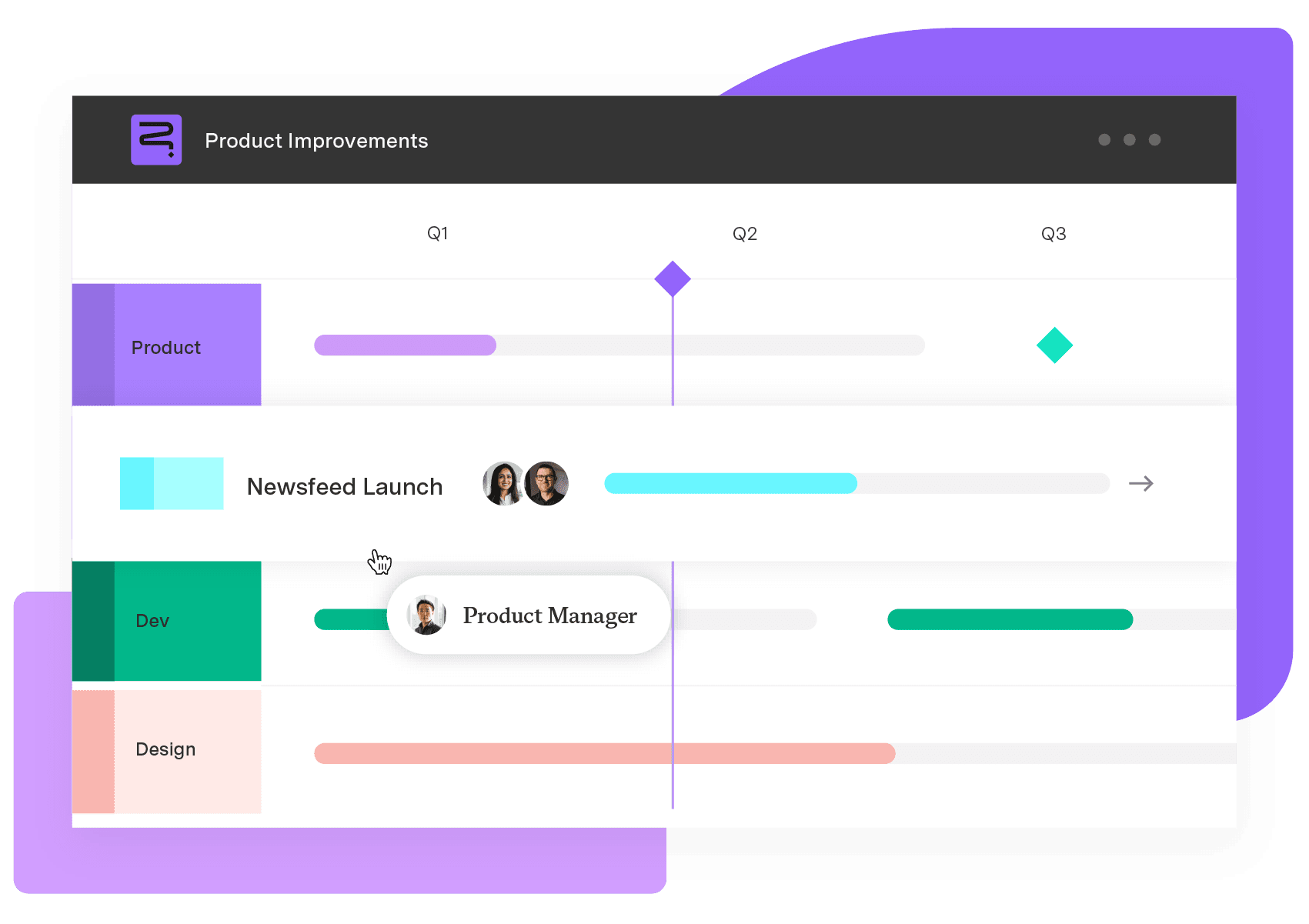
Strategic Roadmaps
Build your portfolio vision with Strategic Roadmaps. With powerful visualization capabilities, you can communicate strategy to the entire organization and gain alignment around strategic objectives, product goals, and milestones.
Start a Free TrialCouldn't find what you need?Go to our documentation
Customer feedback should be both qualitative and quantitative. You can generate data from: User surveys Bug reports Online reviews Heatmaps In-person interviews Website feedback
Ideally, customer feedback reviews should occur weekly or monthly.
There are many tools to help log and organize customer feedback, including A client management system (CMS) or customer relationship management (CRM) software Online surveys and polls Feedback platforms
Centralize customer feedback, create a customer-validated idea backlog, systematically surface high-impact ideas, and promote ideas to your roadmap

Develop your product sense with five simple tips and guidance from top product managers. Use these insights to drive innovation of your own.

What’s crowdsourcing? Learn the best tips and tricks to leverage the power of your target audience, drive product innovation, and gain insights.

Discover how to conduct a product audit and how it improves manufacturing productivity, quality assurance effectiveness, and customer satisfaction.
Discover how to use the Start, Stop, Continue framework to improve team feedback, performance, and engagement. Find out how Tempo can help.

Master the jobs-to-be-done (JTBD) framework to reduce product failure risk and boost customer satisfaction through better need identification.

Discover what the Kano model is and how it can help guide customer feedback and product prioritization. Learn more about the Kano model from Roadmunk.

Increase sales, retention, and long-term success by improving customer satisfaction with these client relationship management best practices.

Ready to make the most of Tempo? Unlock powerful analytics and drive smarter decisions with intelligent insights.




















