

OpEx and CapEx tracking basics can help reduce your company’s bottom line, balance project budgets, and identify cost-cutting opportunities.
What are operating expenses? How does tracking them improve a company’s bottom line? Here are the basics for understanding this type of expenditure.

Operation costs impact everything from a company’s taxes to its profit margins. Industry leaders understand business success hinges on how well a company controls these expenditures.
The first step to achieving a profitable income statement is learning what operating expenses are, how they differ from capital expenditures, whether to categorize them as variable costs or fixed costs, and, finally, how to calculate them.
Here’s what you need to know to manage operating expenses effectively.
Operating expenses, or OpEx, are the cost of goods and resources that facilitate an organization’s routine business operations. These expenditures don’t directly contribute to the production of goods and services.
The scope of operating costs varies between industries and business types, but they’re typically grouped into two categories: property-related and administrative expenses. Property-related operating expenses include the following:
Rent
Utility costs
Building maintenance
Office supplies
Property taxes
These are common administrative operating expense examples:
Salaries
Insurance
Advertising and marketing
Research and development
Travel expenses
In addition to these categories, accountants divide operating expenses into fixed or variable costs. A fixed cost is an operating expense that remains consistent regardless of business activities or productivity. Examples of fixed costs include rent and payroll.
Variable costs change depending on business operations. For example, a company may spend more on transportation and shipping fees if a specific product is in high demand.
It’s important to understand how operating expenses differ from capital expenses (CapEx). Operating expenses stem from day-to-day maintenance costs and tangible assets. Conversely, capital expenses are large, one-time investments that improve or expand a company’s output.
CapEx includes long-term amortization spending on fixed assets like machinery, technology, property, and vehicles. It also accounts for intangibles, such as:
Intellectual property
Copyrights
Patents
Trademarks
CapEx and OpEx also differ in their tax treatment. Companies receive tax write-offs on operating costs, provided those expenses are ordinary and necessary for business operations. Capital expenditures don’t receive this consideration at tax time, and accountants can’t deduct them.
Differentiating between operating and non-operating expenses allows businesses to evaluate performance and profitability. With this info, they can establish solid economic plans while improving short-term financial decisions.
Companies incur operational expenses as part of regular business operations that don’t directly relate to producing or delivering goods and services. In contrast to operating expenses, non-operating expenses are generated by secondary business activities or external factors unrelated to the company’s primary operations.
Examples of non-operating expenses include:
Exchange losses: An exchange loss occurs when a company sells its product internationally, and exchange rate fluctuations devalue the currency before the importing party makes a payment. Even though the importer pays the agreed-upon cost of goods, the sale generates less money for the exporting party.
Interest expenses: Money borrowed through bank loans or credit incurs interest. Even if the loan pays for business operations, interest payments do not contribute to operations. Therefore, paying interest is a non-operating expense.
Businesses pay many types of industry-specific operating expenses, but most are universal. Regardless of business size or industry, most companies will encounter spending within the following operating expense categories:
Rent: Businesses pay rent to use locations they don’t own, such as warehouses, offices, or factories.
Office supplies: Office supply operating expenses include the cost of goods required for business operations and administration, such as receipts, staplers, pens, and printer paper.
Advertising: Advertising expenses stem from promotional activities, such as social media campaigns, website development, business cards, and print ads.
Salaries: Staff salaries and wages, including payroll taxes and benefits, qualify as administrative operating costs.
Insurance: Companies purchase insurance to protect employees, assets, and themselves from risks associated with injuries, property damage, and liability claims. Insurance policies are often a legal requirement.
Legal fees: Operating expenses include the cost of retaining a lawyer plus payments for legal services like regulatory compliance, negotiations, and contract drafting.
Inventory: These operating expenses pay for the handling, insurance, and management of raw materials, as well as the storage of completed products prior to shipment.
Travel: Reimbursement of travel-related expenses, such as flights, restaurant meals, and accommodations, count as operating expenses.
Maintenance: Building and equipment maintenance that ensure uninterrupted business operations also qualify as operating expenses.
Depreciation: The annual depreciation value of fixed assets like computers, furniture, and vehicles translates into operating expenses.
Accountants are responsible for filling out income statements, which list gross income alongside various categorized expenses. Calculating operating expenses is essential for this and many other financial reports.
Careful income and expense tracking simplifies this process. With a complete list of transactions, accountants can separate operating expenses from non-operating costs and identify fixed and variable costs.
Here are two methods to determine total operating expenses:
This operating expenses formula combines all operating costs to determine the total.
Operating expenses = Rent + Utilities + Insurance + Administrative costs + Legal fees + …
For example, imagine a company incurred the following operating costs:
Rent: $1,500
Advertising: $500
Insurance: $1,000
Utilities: $250
Accountants can add up these fixed and variable costs to calculate their total operating expenses, like so:
Operating expenses = 1,500 + 500 + 1,000 + 250
Operating expenses = $3,250
This method totals the company’s gross earnings and subtracts operating income and the cost of goods sold (COGS). COGS includes spending from production or service delivery, labor, and materials.
Operating expenses = Total earnings – Operating revenue – COGS
The accounting for this scenario would look like
Total earnings: $20,000
Operating income: $12,000
COGS: $2,500
Operating expenses = 20,000 – 12,000 – 2,500
Operating expenses = $5,500
Financial management is a never-ending stream of administrative work. Accountants must track operating expenses, generate income statements, and prepare for tax time. These processes require careful organization of receipts for rent, utilities, payroll, insurance, cost of goods sold, and other expenditures. It’s too much work to tackle with manual processes.
That’s why Tempo’s Jira-integrated business tools help track, categorize, and manage OpEx spending. Financial Manager allows managers to monitor expenditures. Timesheets streamlines payroll preparation by tracking labor costs and easily tying them to individual projects. And Custom Charts for Jira personalizes project dashboards to deliver the financial oversight needed to control operating costs and capital expenditures.
Add Tempo’s powerful financial applications to your tech stack and make tax season a breeze.
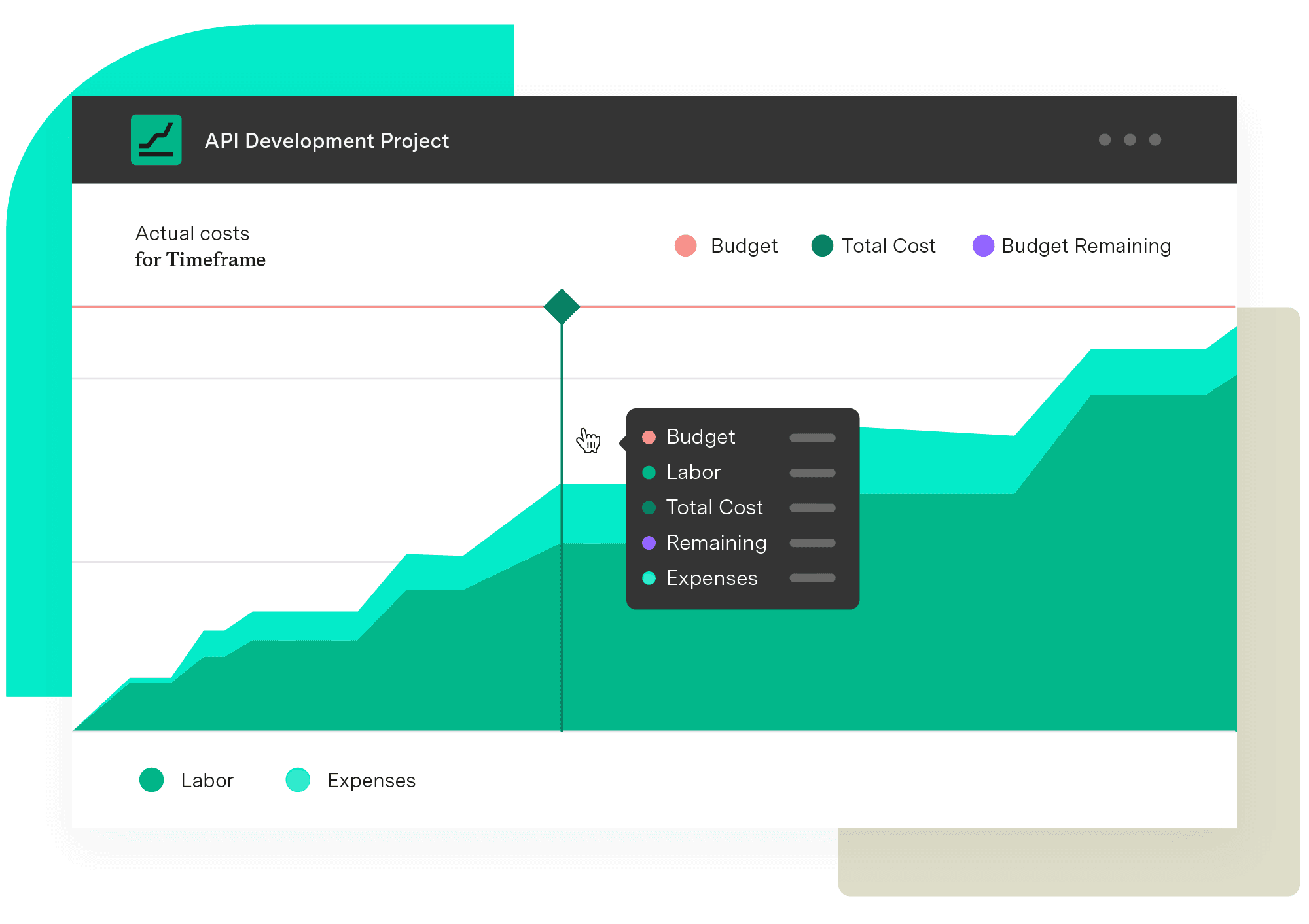
Financial Manager
Implement standardized processes and calculations when creating your budgets and monitoring them. Make informed, real-time decisions with an accurate reflection of the work being done and know when you need to pivot.
Start a Free TrialCouldn't find what you need?Go to our documentation
Non-operating expenses are costs that don’t directly relate to a company’s core activity. In other words, they don’t contribute to operations, production, sales, or service delivery. These costs are recorded separately on the company’s annual income statement.
Some examples of non-operating expenses include:
-Losses on asset disposals
-Restructuring costs
-Legal settlements
-Inventory write-offs
-Losses from investments
Aside from the standard list of expenses, businesses may incur the following additional operating costs, depending on the industry:
-Shipping
-Bank fees
-Accounting fees
-Direct labor costs
-Raw materials
-Manufacturing overhead
-Transportation
Yes, salaries are considered operating expenses. They are fixed costs classified under “selling, general, and administrative (SG&A) expenses” on the income statement.
OpEx and CapEx tracking basics can help reduce your company’s bottom line, balance project budgets, and identify cost-cutting opportunities.

Learn how companies manage variable expenses to control costs, prevent overspending, and reach their financial goals.

CapEx vs. OpEx explained: 7 key differences, how to balance both budgets, and the classification mistakes that trip up most finance teams.

Take control of your budget. Learn about project cost-tracking practices and how they improve financial management and increase return on investment.

Move your company from red to black by learning how to measure profitability using the insights they generate into your business’s health.

Learn how incorporating a decision log into your project management process can smooth communication and build alignment behind your choices.

Learn how to establish target profit goals. Use this business metric to develop sales goals, increase profitability, and motivate employees.

Learn about the theory of constraints, a method to identify and overcome bottlenecks, optimize processes, and achieve continuous improvement.

Discover the importance of production planning. Explore each type and its advantages. You’ll reduce waste, improve margins, and increase efficiency.


















