

See where your team's hours actually went. Slice Jira time data by status, issue type, project, or label to align effort with priorities.
Knowing the status of work is just as important as knowing when it will finish. See an aggregate of how long work takes for future estimation.

You can't manage what you can't see. Know where time is being spent and keep a historical record of how long work takes so future estimates hold up. When logged time updates the schedule in real time, everyone can see when work will finish and when new work can start.
Knowing the status of work matters as much as knowing when it will finish. Customize task statuses to fit your team's workflow. Build a work breakdown for each project, assign the team, and estimate the effort involved. Model the workflow your way and stop chasing down progress updates.
Give each team member the view that fits how they work: Prioritized lists, Board, and Timesheet views help everyone get the right work done. See what's in progress, what's blocked, what's done, and what's left by project, person, and team. Favorite the views you use most and tighten your time management.
Tracking time records progress and keeps everyone informed on how things are moving. It also shows where time was spent, which sharpens future planning. Use Cost Codes to categorize the type of work for historical look-backs and to see where you plan to spend time next. Set up Custom Rate Sheets to track billable time.
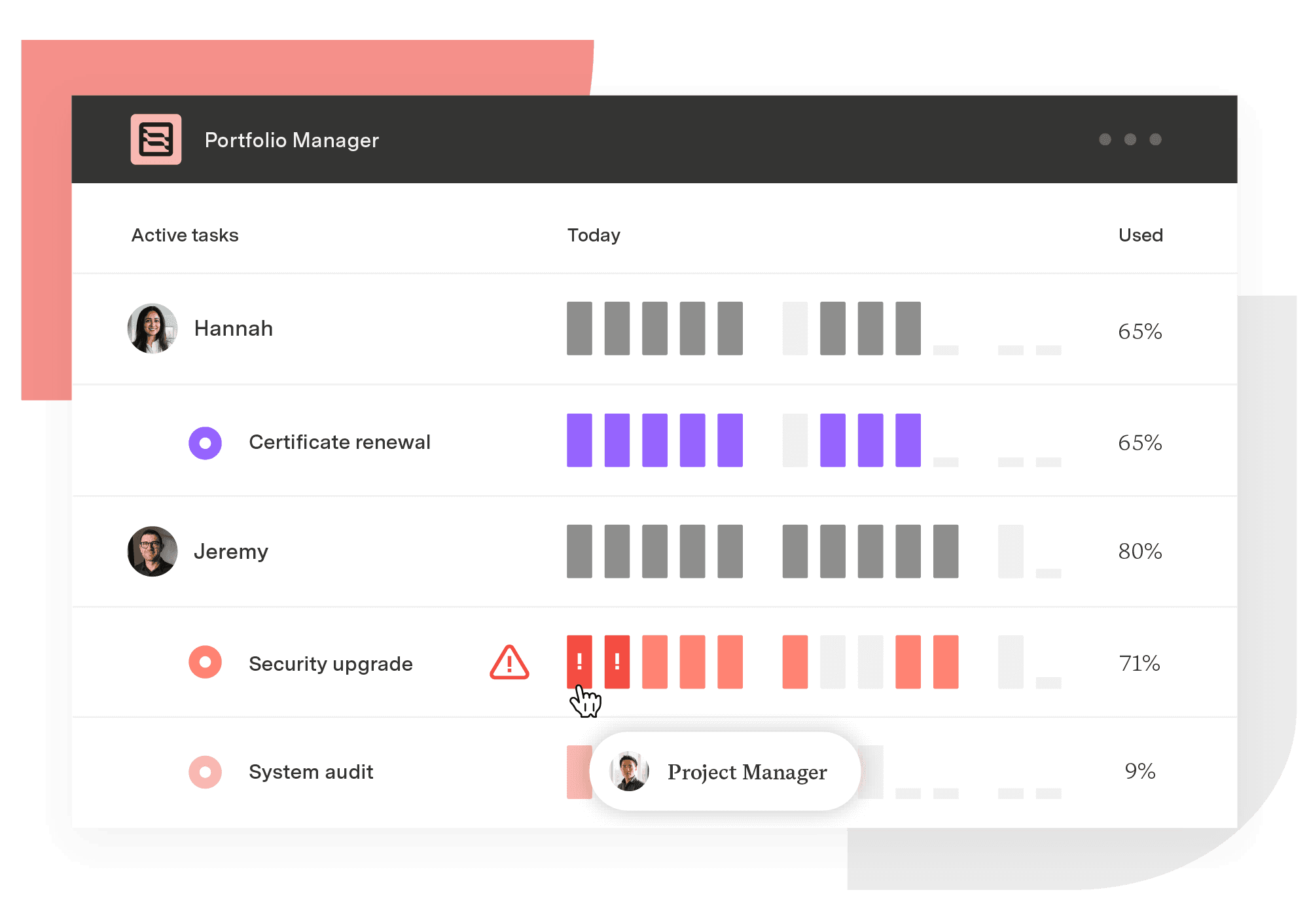
Portfolio Manager
The only project management solution that adapts to change and manages uncertainty to help teams plan, predict, and perform.
Start a Free TrialSee where your team's hours actually went. Slice Jira time data by status, issue type, project, or label to align effort with priorities.
Measure how long Jira issues take to close, broken down by status. The resolution time report turns workflow drift into a number you can act on.

Learn to identify bottlenecks, reduce workflow inefficiencies, and boost team productivity with Jira’s time-in-status function and Tempo’s Charts.

To see if you’re meeting objectives, you need to track some key metrics. Knowing when to use an OKR versus KPI can help your company map its successes

Time tracking gives PMO directors the portfolio evidence to defend spend and catch drift early. See why it's important and how to track it in Jira

Easily synchronize important work items and field data from Azure DevOps into a beautiful and strategic roadmap.

Learn how lead time vs cycle time reveals where work slows down, and why tracking both is essential for reliable delivery and strategic forecasting.

Discover blockers, assess workloads, and find out how long projects are taking, in a range of eye-catching charts on time in status in Jira.
Projects can stall for no reason. Read on to learn how to reengage in the project and finally finish it.


















