

Optimize IT capacity management with forecasting, workload prioritization, and real-time monitoring. Improve resource utilization with Tempo.
Learn about team capacity planning. Discover the various types, strategies, and best practices for improved deliverables.

Team capacity planning is the cornerstone of project management that makes workforce supply meet organizational demand. Teams with effective capacity planning outperform teams without it.
Want to optimize productivity without burning your team out? Here are the types, strategies, and best practices worth knowing.
Team capacity planning evaluates a team's available time, skills, and resources to determine whether they can meet project demands. Five principles anchor it:
Skills-based assignment: Assign tasks based on individual strengths to reduce errors and produce higher-quality deliverables. Team members also report stronger career satisfaction.
Data-driven workload distribution: Pair historical capacity metrics with real-time feedback from team members to estimate deliverables accurately and allocate tasks equitably.
Cross-functional collaboration: Break down silos by sharing knowledge across teams. Individual team members can serve as bridges between departments or projects.
Agile adjustments through feedback cycles: Conduct iterative reviews with stakeholders. Prioritize task adjustments and reallocate resources based on feedback, and use capacity planning software to move faster.
Proactive risk mitigation: Data helps you anticipate capacity constraints, skill shortages, and timeline bottlenecks. Build contingency scenarios for the risks that remain.
Project managers often use the two terms interchangeably, but they aren't the same. Capacity planning manages team members' workloads; resource planning allocates physical assets — machinery, vehicles, facilities, servers, and everything else material a project needs.
They go hand in hand. Project managers have to secure both — people and physical resources — for a project to land.
Effective team capacity planning increases employee engagement, enhances productivity, strengthens organizational reputation, and lowers operational costs.
Role clarity drives engagement. A study of 112,312 businesses found that team members who understand their responsibilities are significantly more engaged, and identified role clarity as the top driver of engagement.
Capacity planning defines realistic workload boundaries and responsibilities. It creates a sense of ownership and gives each team member the support they need to hit OKRs.
Capacity planning secures enough capacity to meet current and anticipated demand without over- or under-committing individual team members. When people have the time to finish work well, productivity climbs — and so does end-user satisfaction.
In fast-paced industries, meeting deadlines is table stakes for competitiveness. Even in slower markets, reputation still hinges on timely delivery. Capacity planning forecasts project needs and sets realistic timelines so projects ship on schedule.
Gaps between workforce capacity and demand cause dissatisfaction among end users, who tend to take their business elsewhere. Aligning the two mitigates that risk.
Effective capacity planning lowers employee turnover and maximizes resource utilization. Project managers who plan bandwidth well reduce the organization's dependence on overtime pay, temporary hires, and outsourcing.
Project managers can plan capacity across short, medium, and long time horizons.
Short-term capacity planning addresses immediate project needs through daily or weekly allocation decisions. It ensures adequate staffing for time-pressured deliverables and enables quick responses to sudden workload changes or resource constraints.
Medium-term capacity planning bridges immediate needs and long-term strategy by focusing on human resource requirements for the next three to twelve months. It leans more on internal capacity trends and hiring.
Long-term capacity planning aligns human resource strategies with organizational growth objectives over several years. It involves major investments in infrastructure, technology, and workforce development, and it asks project managers to weigh broader market trends beyond internal capacity patterns.
Whatever the time frame, a capacity planning strategy usually takes one of three shapes: Lead, lag, or match.
Lead strategies are aggressive. Project managers expand capacity in anticipation of demand, forecasting from internal trends or potential projects that haven't materialized. Bold operators sometimes extend capacity based on speculative market signals.
A lead strategy keeps human resources available when new opportunities arrive. It reduces project delays and steadies operations during periods of high demand. If demand never shows up, though, the business absorbs overhead costs from underutilized resources.
A lag strategy is the opposite. Project managers add capacity after demand has already appeared.
Businesses avoid overcapacity risk this way, but existing teams may run at or beyond capacity until new resources arrive. Handled poorly, lag delays deliverables and burns staff out.
A match strategy is the middle ground. Project managers adjust capacity incrementally to keep pace with demand as it shifts. Hiring and allocation move in lockstep with organizational need.
No strategy fits every business under every condition. Each has advantages and drawbacks tied to market predictability, internal capacity data, risk tolerance, and other factors.
Whichever strategy you pick, ground it in data. Capacity planning software collects and organizes historical data and reporting to help teams build effective, agile plans.
Modern solutions integrate with your existing project management platform to lift team capacity planning.
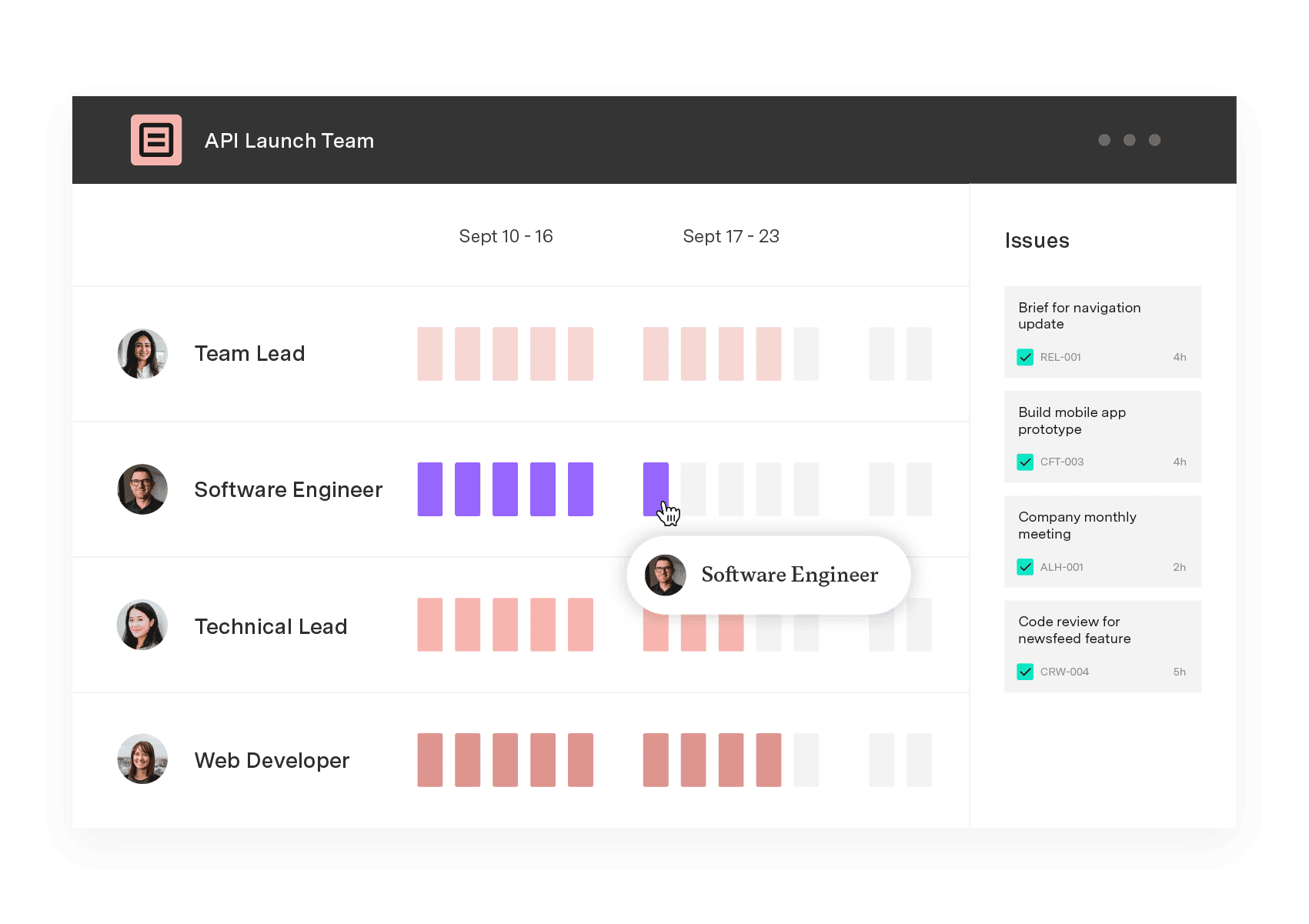
Tempo's Capacity Planner is the top capacity and resource management solution for Jira. With Capacity Planner, you can automate team scheduling with a two-way Jira sync, assign resources based on availability and skills, and visualize real-time capacity against planned work.
Start your free trial to see how Capacity Planner can improve your project outcomes.
Capacity Planner
Capacity Planner is the only tool in the Atlassian Marketplace that allows planning for multiple resources on one issue. Users can customize the UI to include their existing Jira issues and projects.
Start a Free TrialCouldn't find what you need?Go to our documentation
Team capacity refers to the total potential output a team can produce in standard conditions, often measured in hours. Conversely, utilization is the percentage of capacity that employees actively use for productive or billable work. Utilization is measured as a percentage and reflects real-world efficiency.
Here are five common team capacity planning challenges that project managers experience:
-Limited visibility into future capacity: This challenge primarily stems from siloed data and disparate systems. Modern capacity planning technologies centralize and visualize forecasting data, but many organizations still rely on legacy systems.
-Lack of real-time data: Unreliable or outdated info prevents project managers from creating accurate capacity plans – another consequence of disparate systems and obsolete technologies.
-Unpredictable project environmental factors: Project environments are inherently volatile. Failure to anticipate shifts exposes teams to additional risk, but proactive contingency planning during capacity allocation can mitigate disruptions.
-Unrealistic capacity expectations: Project managers may have unrealistic capacity expectations, particularly related to the time teams require for nonbillable work. Overcommitted capacity can lead to unachievable project timelines.
-Reliance on manual processes: Manual team capacity planning is time-consuming and error-prone. Some businesses conduct capacity management within spreadsheet-based planning tools, which reduce project managers’ capability to produce effective, agile team capacity plans.
Teams can resolve many team capacity planning challenges by replacing legacy systems with comprehensive capacity planning tools.
Project managers adjust capacity plans dynamically as unexpected disruptions or priority changes occur. Numerous factors influence team project planning, including fluctuations in project requirements, resource availability, stakeholder priorities, and market demand.
Optimize IT capacity management with forecasting, workload prioritization, and real-time monitoring. Improve resource utilization with Tempo.

Learn how workload planning helps you balance team capacity, prevent burnout, and deliver projects on time with the right tools and strategies.

Scenario planning software spans three categories. Compare the best tools for portfolio and delivery planning against real team capacity.

Learn what a project contingency plan is, why it matters, how to build one. Discover strategies for managing risk and improving project deliverables.

Capacity management is a project management and resource allocation technique. By using capacity management skillfully, organizations dramatically...

Learn resource planning to increase the likelihood of project success. Deploy company assets and workers to deliver outcomes on time and under budget.

Project execution is when a team's dreams turn into deliverables. Discover effective ways to navigate this critical stage in project management.

Build resiliency in your supply chain and keep customers happy by incorporating demand planning techniques into your inventory management practices.
Working with a team of people can be exhilarating—and challenging. Here’s a guide to 7 personality types that complete a successful team.




















