

Learn how revenue tracking and projection help your teams monitor project income and forecast financial performance – using Tempo Financial Manager.
Financial Manager brings project revenue reporting into Jira so teams can plan, report, and act on the same data.

Delivery teams know what their work costs. Far fewer can say, mid-engagement, what it earns. Revenue tends to live in finance's spreadsheets while delivery lives in Jira, and the two only meet at month-end — usually with a surprise. Project revenue reporting closes that gap, putting billable hours, rates, and earned revenue next to the work that produced them.
Project revenue reporting tracks the revenue a project generates against the work being delivered, in real time, at both the project and portfolio level. It connects three inputs that usually sit in separate systems: Hours logged against issues, billable rates assigned to people or roles, and the revenue recognition rules that turn worked time into recognized revenue.
The output is a clear answer to the questions delivery leaders rarely answer with confidence mid-quarter: How much revenue is this project earning right now? How does that compare to plan? Is the engagement still profitable, or is scope creep eating the margin?
Done well, project revenue reporting also rolls up. Individual project revenue aggregates into portfolio revenue, so executives see which programs are paying for themselves and which are quietly subsidizing others.
Real-time profitability. Revenue and labor cost sit on the same dashboard, not in a quarterly recap.
Faster, cleaner invoicing. Billable hours flow from worklogs into invoices without a manual reconciliation step.
Plan versus actual revenue. Compare what the project was supposed to earn against what it is earning, week to week.
Portfolio-level financial health. Group projects into portfolios and measure aggregated revenue, costs, and margin against strategic goals.
Start by setting the rates. Rates can be global by role, specific to a contract, or assigned per team member, with effective dates so historical entries calculate correctly. Once rates are in place, every billable hour logged against the project translates into revenue automatically.
From there, project leads typically watch three numbers: Revenue earned to date, cost incurred to date, and margin. When margin compresses faster than expected, the report points at the cause — more senior time than the rate card assumed, more hours per deliverable than the bid contemplated, or scope additions that were never repriced.
At month-end, the same report becomes the basis for invoicing, revenue recognition, and the conversation with finance. The PM no longer rebuilds the numbers from worklog exports — the numbers are already there.
Tempo Financial Manager is the project financial management layer for Jira Cloud, built on top of Tempo Timesheets worklog data. It pulls real-time hours from Timesheets, applies the rates configured at the project, role, or team-member level, and surfaces revenue, labor cost, expenses, and budget against plan — all without manual import or data entry.
Project leaders use Financial Manager to set adjustable cost and billing rates, approve logged hours at the project level, and add expenses for a fuller financial picture. Budget milestones raise early warning signals before a project goes over, rather than waiting for a final overage. Standardized processes for creating and monitoring budgets mean every PM in the organization reports on the same basis.
For portfolio-level views, Financial Manager groups projects into strategic portfolios. Aggregated budget, costs, revenue, and scope roll up into a single view that finance and PMO leaders can share with executives. Customers in regulated industries use Financial Manager to keep project economics auditable inside Jira rather than spread across exports.
Financial Manager
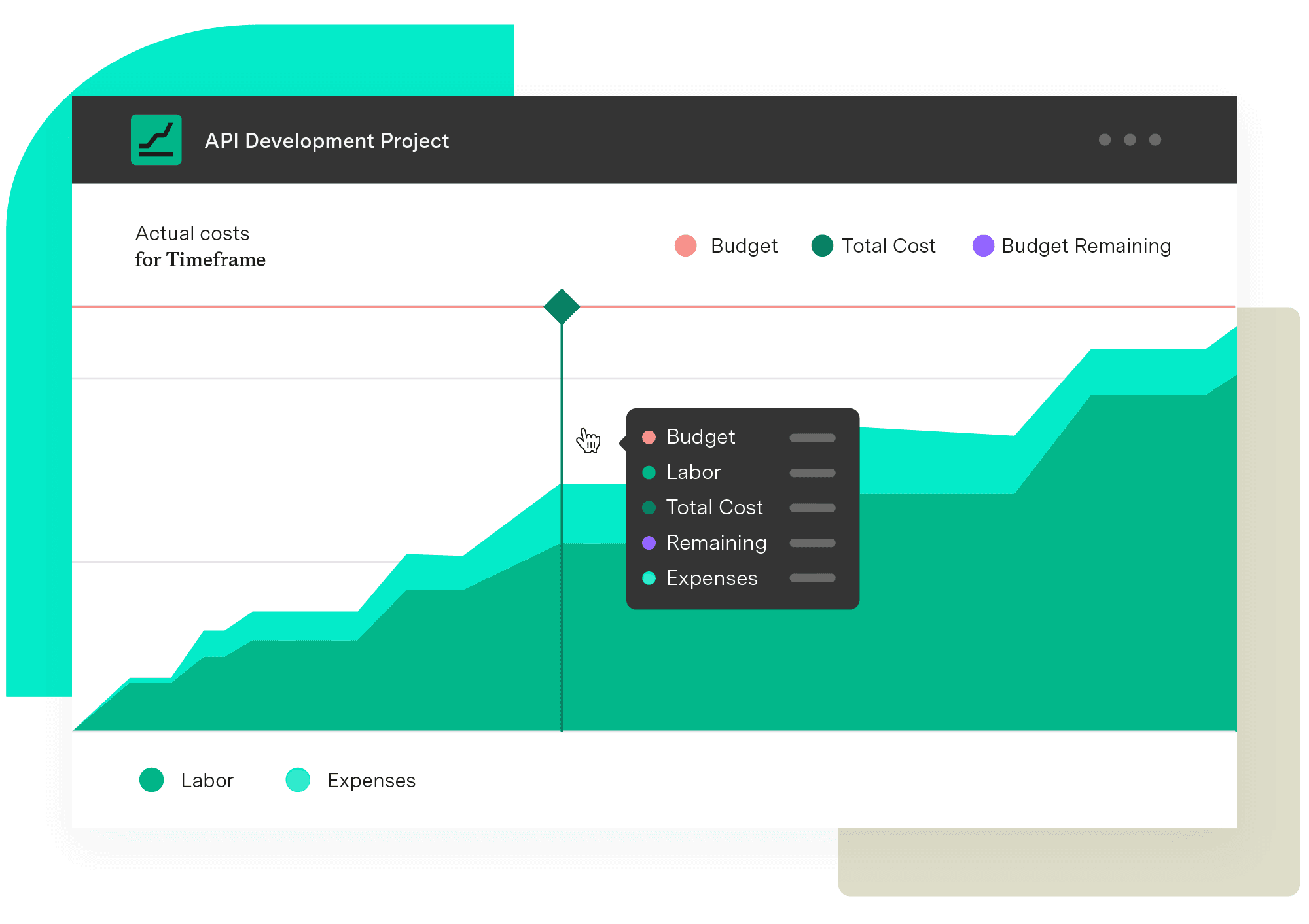
Implement standardized processes and calculations when creating your budgets and monitoring them. Make informed, real-time decisions with an accurate reflection of the work being done and know when you need to pivot.
Start a Free TrialCouldn't find what you need?Go to our documentation
Billable revenue is what the project has earned the right to invoice for, based on hours worked and rates contracted. Recognized revenue is what accounting rules let the business book in a given period, which may differ from invoiced amounts depending on milestone-based or percent-complete recognition. Project revenue reporting tracks the first directly; the second usually lives in the finance system but pulls from the same underlying hours.
Yes. Strong project revenue reporting tools group individual projects into portfolios and roll up budget, revenue, costs, and scope at the aggregate level. This lets PMO leaders measure financial performance for an entire program – a regulatory initiative, a customer segment, a product line – not just a single engagement.
Rates can be set globally by role, overridden per project, and given effective dates so a rate change applies only to time logged after a certain point. A senior engineer on three projects can carry three different billable rates, one per contract, with the system applying the right rate to each worklog automatically.
You need accurate worklogs from somewhere. Tempo Financial Manager works with Tempo Timesheets or with native Jira worklogs, but the integration is significantly stronger with Timesheets – billable classification, account data, and CapEx and OpEx tagging flow through automatically, removing the manual data entry that breaks most revenue reporting workflows.
Learn how revenue tracking and projection help your teams monitor project income and forecast financial performance – using Tempo Financial Manager.

See how Timesheets brings estimated vs actual time into Jira with real-time reporting, dashboards, and portfolio rollups built for delivery teams.

Take control of your budget. Learn about project cost-tracking practices and how they improve financial management and increase return on investment.

See how Structure PPM brings overdue task tracking into Jira with real-time reporting, dashboards, and portfolio rollups built for delivery teams.
Forecast project costs in Jira with Tempo Financial Manager. Combine actual and planned data to prevent overruns and improve budgeting.

Discover 10 proven strategies to drive profitability. Learn to control costs, mitigate risks, and drive revenue growth for business success.

Project managers and executives can combine Timesheets with Epic Sum Up to better use existing time reporting to save the company money
Leverage a billable hours calculator to build client trust, improve bookkeeping accuracy, maximize profitability, and save time.

Exalate Modules add extensibility. Easily minimize the details of advanced system interactions and simplify the integration into synchronization.


















