

Take control of spending, secure production inventory, and improve vendor relationships with a robust procurement management system.
Take control of technology spending by implementing an effective and practical IT financial management framework that eliminates waste & redundancies.

Information technology is one of the largest line items on any company's balance sheet. Cloud infrastructure, security tooling, and software licensing all lock up serious capital, and every dollar has to earn its place against a broader strategy. That pressure is why companies turn to IT financial management (ITFM) — a discipline for optimizing spending, exposing waste, and proving the value of the technology the business depends on.
IT financial management (ITFM) is a framework of tracking, analyzing, and optimizing practices that governs a company's IT budget. It gives leaders visibility into how much the business spends on technology, identifies waste, and aligns IT investments with long-term corporate goals.
At its core, ITFM covers budgeting, accounting, chargeback, and cost monitoring across:
Assets
Resources
Projects
Services
These activities span operational expenditures (OPEX), such as staffing and cloud subscriptions, and capital expenditures (CAPEX), such as new hardware and infrastructure.
ITFM is often mistaken for a cost-cutting exercise. The end goal is more ambitious than locking down reserves — it's tying IT spend to outcomes. ITFM contributes to corporate success in several ways.
ITFM allocates spending on IT resources across the organization, including shadow IT. Categories include:
Hardware
Software
Personnel
Outsourcing
Disaster recovery
Occupancy costs
ITFM gathers granular data on every IT cost, including:
Applications
Vendors
Resources
Leaders use that data to target redundancies, obsolete tools, and other unnecessary expenses. Retiring outmoded technology also boosts productivity.
Because every expenditure is tracked and tagged, ITFM raises financial accountability inside each business unit. The process requires justification for every purchase, creating oversight that discourages loose spending and aligns purchases with strategic goals.
ITFM builds an archive of historical cost data that reveals departmental spending trends. Leaders use those insights to spot seasonal fluctuations, project costs, and other variables, improving budgeting and forecasting accuracy while reducing overspending.
Historical supplier and subscription data show contract value totals and usage volumes. With that evidence in hand, IT is better positioned to negotiate vendor discounts and optimize third-party contracts.
ITFM helps organizations spot underutilized or unused tech and evaluate the feasibility and profitability of new IT projects. With a full accounting of the environment, leaders can optimize the system, cut wasteful spending, and avoid future overinvestment.
A well-run ITFM strategy pays off across the business:
Improving the bottom line: Equipping the IT finance team with better tools and insights recovers costs and frees funds. That surplus can be reinvested in IT or redirected to other priorities.
Reducing risk: ITFM gives CFOs evidence-based decisions grounded in historical data, taking the guesswork out of financial planning.
Improving ROI: A clear view of IT spending lets the CFO accurately gauge its impact on the company's financial health.
Boosting fiscal responsibility: CIOs can assess the strategic business value of the IT service portfolio and make informed calls about which investments align with digital transformation.
Facilitating collaboration: Transparency lets business leaders align investment with strategy across departments.
Depending on the organization, one or more executives contribute to the fiscal health of IT. Common positions include:
The CIO manages the delivery of IT activities and owns governance, standards, rules, and procedures. They oversee:
Operations management
Service management (ITSM)
Asset management
Risk management
The CIO works closely with the CFO and the Chief Operating Officer (COO).
The CFO is responsible for the business's finances, IT included, acting as controller or treasurer. Duties include:
Tracking cash flow
Directing financial planning
Analyzing business performance
Recommending strategies to improve financial results
Ensuring accurate financial accounting and reporting
The IT director is the bridge between the CIO and IT staff. They run day-to-day operations, lead the team, and enforce the guidelines and regulatory policies set by the CIO and governing bodies.
Running an IT budget well is hard. It takes the right processes, tools, and discipline. These best practices set an organization up for success.
Get IT operating from the same financial perspective as the rest of the business. Once aligned, factor in ROI, total cost of ownership (TCO), and business goals to draft rules covering every IT spending scenario, including:
Policies
Procedures
Tracking mechanisms
Financial reporting structures
Then assign accountabilities for each step and put budgets, forecasts, and approvals in place to govern future spending.
Review and itemize every IT hardware and software asset — including staff, costs, and utilization. This inventory drives cost monitoring and informs future maintenance and improvement budgets.
Spreadsheets can work, but purpose-built tools do it better. Use ITFM platforms like Apptio, Showback, or Chargeback to automatically capture and analyze expenditure data, surface waste-cutting opportunities, and optimize cost allocation. Organize real-time updates by category, department, and vendor to inform spending practices.
Schedule regular spending reports aligned to what business and IT leaders need. Include ROI and goal-alignment context. Break the numbers down by:
Departments
Projects
Asset types
Other cost categories
Tagging and tracking every IT expenditure builds transparency and forces accountability. The resulting data supports better decisions and sharpens the accuracy of budget forecasting, reducing overruns.
Build processes that encourage collaboration between IT and other business units by linking IT budgets and strategic roadmaps to broader corporate objectives. That link keeps IT investment mapped to current and future priorities.
Hold regular planning meetings to communicate upcoming initiatives and prioritize technology requirements. Empower managers to allocate resources efficiently and mediate conflicting priorities across departments.
A working ITFM framework depends on the CIO and CFO collaborating, with IT leadership shaping the budget model.
Review current business priorities, objectives, and projects. Ensure IT financial investments support them. Put processes in place to monitor alignment and adjust when priorities shift.
Create an inventory of IT across every business unit, including:
Assets
Vendor contracts
Resource allocation
Spending
Capture the issues and conflicts in the current environment that hurt productivity so stakeholders can build plans to address them.
Envision an IT environment built to support maximized business operations — departmental needs, costs, timeframes — constrained by budget realities.
For each component of the target architecture, decide whether your organization wants to build the solution in-house or source it from third parties.
Once options are analyzed and the roadmap is tied to organizational priorities, set the budget that drives purchasing decisions. Base spend on departmental data, projects, asset types, and other factors.
Keep processes aligned with the budget through cost controls, including:
Usage tracking
Chargebacks
Approvals
Audits
Set a cadence for budget reviews to analyze trends, adjust forecasts, and realign priorities. Those reviews also open the door to new optimization opportunities.
Effective ITFM is much simpler with the right tools. Tempo's Financial Manager for Timesheets lets teams track budgets and expenses while spotting project trends in real time. Tempo also offers application portfolio management solutions that break down silos, align strategy with execution, and support better decisions.
With a workable framework and the right Tempo tools in place, your organization can get more out of every technology investment and better support what the business is trying to accomplish.
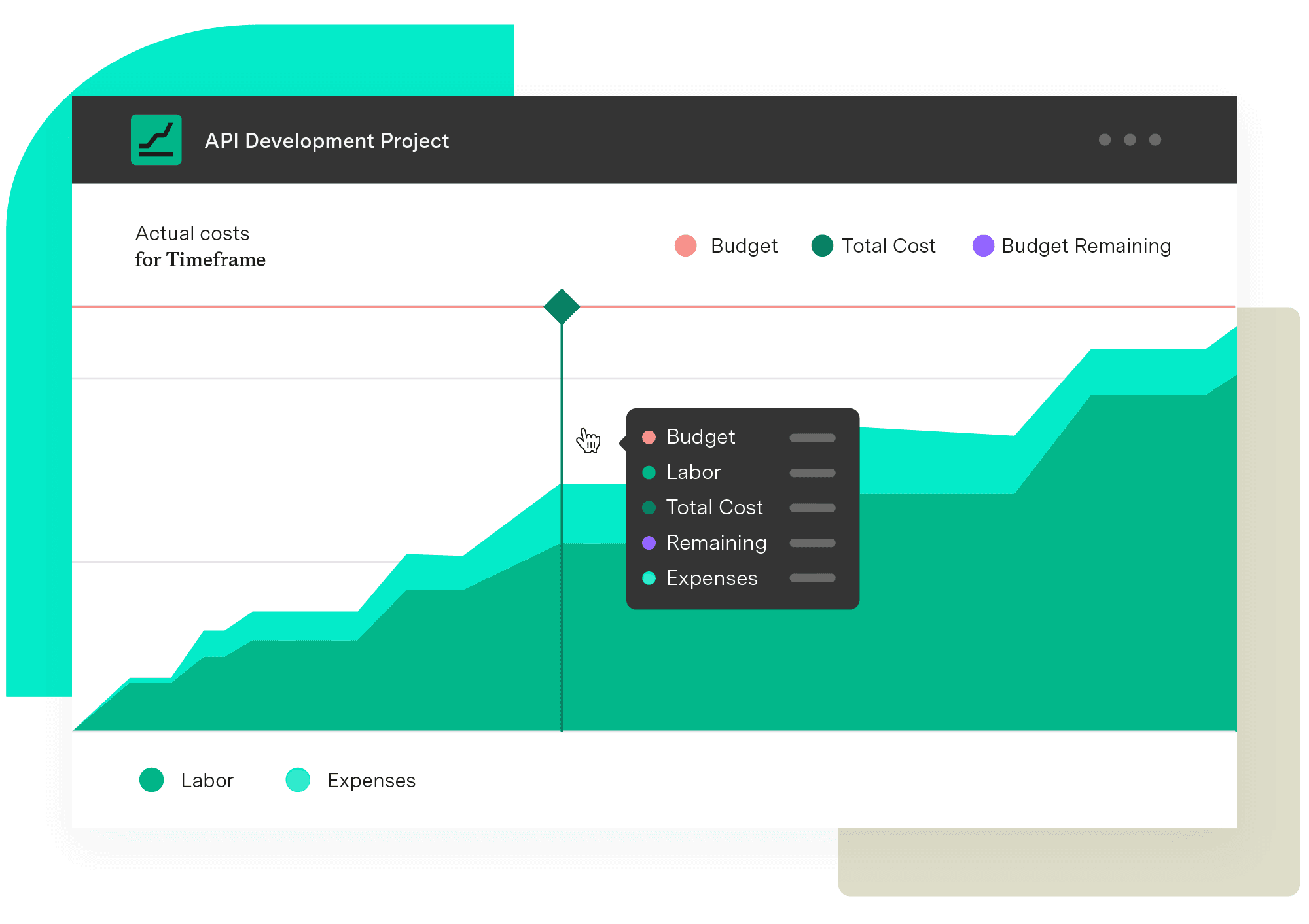
Financial Manager
Implement standardized processes and calculations when creating your budgets and monitoring them. Make informed, real-time decisions with an accurate reflection of the work being done and know when you need to pivot.
Start a Free TrialCouldn't find what you need?Go to our documentation
Within ITIL, financial management focuses on establishing and maintaining control of funds allocated to IT services by tracking expenditures, managing variance, and ensuring total costs remain within the authorized budget.
A management information system (MIS) combines business and computing to assist companies in digitizing work and managing remote workforces. Conversely, an accounting information system (AIS) collects, manages, and reports on financial data generated by an organization.
Take control of spending, secure production inventory, and improve vendor relationships with a robust procurement management system.

Take control of your technological resources with IT asset management. Find out how ITAM boosts efficiency while reducing risk and cutting costs.

Take control of your business’s future by learning how financial forecasting can positively impact your balance sheet and economic evolution.

Financial oversight ensures you have the assets needed to successfully deliver project outcomes. Here’s how to establish a oversight methodology.

Want to save money while maintaining productivity? Discover proven cost reduction strategies to limit business expenses without disrupting operations.
Perfect the basics of project financial management to improve project outcomes, customer satisfaction, and your business’s bottom line.

Discover the importance of production planning. Explore each type and its advantages. You’ll reduce waste, improve margins, and increase efficiency.

Agentic AI governance means securing your agents and proving their ROI. Get the framework CIOs use to govern the AI-agent workforce end to end.

The key data from "The human cost of digital transformation" report and what you can do to combat the tech stress hurting your teams.




















