

Project tracking and portfolio governance aren't the same problem. We review eight tools for PMOs governing portfolios in Jira.
Eight AI platforms an enterprise portfolio leader can confidently shortlist

Key Takeaways
An AI project management tool is only as strong as the data under it: Tools reading live Jira data beat those reasoning over a synced copy.
For an enterprise portfolio, the right AI tool reasons across programs and shows the data behind each recommendation, not just one team's tasks.
The AI project management tool to choose is the one whose AI reads your live data: For a portfolio run in Jira, that is Tempo.
The best AI project management tools in 2026 read your live project data and turn it into something you can take to the board. They warn you when a project slips, and they tie spending to results as the work happens. Most tools can't, because they run their AI on a copy of your data that’s already behind by the time the AI reads it. A few read it straight from where your teams work.
This guide rates eight platforms on two questions. Does the AI do something genuinely useful for a portfolio, and can it reach your live data directly? Tempo comes first for teams that run delivery in Jira, because its Rovo agents read live Jira data instead of a copy.
Live, in this context, means the AI reads and writes the same Jira issues your team is working in right now, with no separate datastore and no scheduled sync. It still queries Jira’s API like any other app, but there is no copy of your portfolio sitting between the AI and the work so nothing falls out of date the moment someone updates an issue.
# | Tool | The quick read |
|---|---|---|
1 | Tempo | The only AI here that reads live Jira data, best for portfolios run in Jira |
2 | Planview Portfolios | Deep enterprise SPM, but its AI reads a synced copy and the agentic features are still on the roadmap |
3 | Planisware | Agentic assistant shipping today, built for regulated, capital-intensive portfolios |
4 | ServiceNow SPM | Shipping SPM AI, a fit mainly for enterprises already standardized on ServiceNow |
5 | Atlassian Align | Native Atlassian for SAFe orgs, though the portfolio AI is still early access |
6 | monday.com | Real, usable AI for cross-team work, scoped to coordination rather than portfolio governance |
7 | Asana | Ambitious agentic roadmap, with the most advanced pieces still in beta |
8 | Smartsheet | Mature AI woven into the grid, scoped to the sheet rather than the whole portfolio |
A tool is enterprise-portfolio-ready when its AI helps you decide across many programs at once, instead of tracking the portfolio across separate systems by hand. Start from what a portfolio leader has to do, and watch out for the products that have these features.
1. It predicts where the schedule or budget is about to slip, using your past delivery data, and it lets you test "what if" changes before you commit. You see a problem forming early, instead of finding out at quarter-end.
Every recommendation shows the data behind it and still needs a person to approve it. That is what lets you act on the AI's suggestion and defend it to your board or an auditor.
It rolls thousands of tasks up into programs and portfolios on its own, with no spreadsheet exports. Do that by hand and your status report is out of date the moment you finish it.
It tracks what you budgeted against what you spent, and it splits capital from operating spend (CapEx versus OpEx) down to each task. That is the data your finance team needs, and most work apps never capture it.
The AI reads your data where the work happens, instead of a copy synced from another system. Every hop between systems is a chance for the portfolio view to drift from what is real.
Analysts have a name for this category: Strategic portfolio management, or SPM. Forrester already treats it as separate from the team-level work management that fills the usual "AI project management" lists. A tool can have excellent AI and still be built for one team, not the whole portfolio.
Across all eight, the strongest AI project management tools mostly run on a synced copy of your data.
Tool | AI in 2026 | What the AI reads | Built for | Pricing |
Tempo | Rovo agents, assistive (GA) | Live Jira data | Enterprises running delivery in Jira | |
Planview Portfolios | Anvi conversational (GA), agentic on roadmap | Synced copy (Hub) | Large EPMOs consolidating tools | |
Planisware | Oscar agentic assistant (GA) | Imported copy | Regulated, capital-intensive portfolios | |
ServiceNow SPM | Now Assist for SPM (GA) | Its own platform | IT-led ServiceNow enterprises | |
Atlassian Align | Rovo Skill (early access) | Native Atlassian | SAFe at enterprise scale | Strategy Collection: ~$154,800 |
monday.com | sidekick and agents (GA, rolling out) | Synced copy (item-level) | Cross-department work management | Basic $12, Standard $14 (monthly) |
Asana | AI Studio (GA), Teammates (beta) | Synced copy | Cross-functional execution | Starter $13.49, Advanced $30.49 (monthly) |
Smartsheet | Smartsheet AI (GA) | Connector copy | Spreadsheet-style PMO control | Pro $12, Business $24 (monthly) |
Below are eight AI project management tools for enterprise portfolios. The order weighs two things together: How useful the AI is for a portfolio today, and how close it reads to your live data. Tempo leads on data proximity. The tools after it are good for their depth in scenario planning, regulated-industry fit, or AI maturity.
Tempo is the only tool here whose AI agents read and update the same Jira issues your team already works on, instead of a copy. That matters because an AI assistant is only as good as the data it can see, and Tempo's agents see the work as it happens.
At enterprise scale, a Jira instance holds hundreds of thousands of issues. On its own, Jira gives a portfolio leader almost no way to see across them. Structure PPM improves that by grouping those issues into whatever structure you want, instead of Jira's fixed epics and stories. It also does the arithmetic inside a spreadsheet-style grid: Totaling effort or cost for each program, and showing how far each one has slipped against its plan. It replaces the manual Excel rollups portfolio teams used to build by hand.
That grid is where Tempo's Rovo agents do their best work. Ask the Structure Formula Assistant for a roll-up in plain English, and it writes and checks the formula for you. The Sprint Performance Assistant tells you how a sprint is tracking. Both run as Rovo agents inside Atlassian's Rovo platform, free for Atlassian Premium and Enterprise. Because the agents read native Jira data, their answers reflect what is happening now, with nothing syncing overnight and falling behind. They also see only what their Jira permissions allow, so in a multi-instance estate, or where delivery also runs in GitHub Projects or Azure DevOps, the portfolio picture is only as complete as what Jira has.
Tempo has a modular suite, so most enterprises start with one and add the rest on the same Jira data. Timesheets, the original product, is the usual entry point. Capacity Planner adds resource planning, and Financial Manager adds cost tracking. All three read the same worklogs, so plans and actuals line up without a second system.
Structure PPM hierarchy with the Structure Formula Assistant: Roll hundreds of thousands of Jira issues into a custom program and portfolio hierarchy, with the Rovo agent generating roll-up formulas from plain English, no Excel export.
Timesheets automated time tracking: AI turns activity from Jira, your VS Code or JetBrains editor, and your Google or Microsoft 365 calendar into one-click time entries. That roughly halves logging time and captures capitalization data accurate enough for a financial audit. The sources are opt-in, so its suggestions get better as more teams connect their tools.
Capacity Planner resource planning: Converts story points into hours on the same Jira work items and surfaces over and under-allocation by team and individual, so strategic work is staffed against real capacity.
Financial Manager cost governance: Turns worklog data into budget-versus-actual and CapEx/OpEx reporting before the month-end close, so finance stops rebuilding numbers in a spreadsheet. This only pays off once Timesheets is logging across the engineering org, so the CapEx/OpEx story tracks how widely your teams adopt it.
The Rovo agents read live Jira data, so a generated formula or a logged hour reflects execution now, not a copy synced overnight.
The agents are free on an Atlassian Premium or Enterprise plan, so the AI adds no separate line item.
Modular adoption lets a PMO start with one product, often Timesheets for capitalization, and add Structure or Capacity Planner on the same data without a re-platform.
The Rovo agents assist rather than decide. They generate formulas and log time today, so the predictive, agentic portfolio layer is still emerging.
It takes setup to pay off. While each module typically has time-to-value measured in weeks, reaching full capability needs hands-on configuration. So if you want value in week one, start with a single product and build from there.
The live-Jira advantage only holds when Jira is the system of record. If heavy delivery runs outside Atlassian, Tempo sees less and the edge shrinks.
Jira integration: Native. Tempo's products run inside Jira through the Atlassian Marketplace and read and write the same Jira work items your teams use. They query Jira's API behind the scenes, but there’s no separate datastore or scheduled sync, so there is no copy to fall behind.
Tempo licenses each product per Jira user on the Atlassian Marketplace, on Cloud. Rates below are per user per month, at the 11–100 user band:
Tempo licenses each product per Jira user on the Atlassian Marketplace, on Cloud. The per-user rates below are monthly, at the 11–100 user band:
Timesheets: $5.21/user/month
Capacity Planner: $3.99/user/month
Financial Manager: $3.03/user/month
Structure PPM: Standard $3.52/user/month, Advanced $4.73/user/month
How the cost scales for an enterprise:
Per-user pricing drops steeply at higher tiers. At the 1,001–2,500 user band, each product costs roughly $0.50 to $1.40 per user per month
It’s also cheaper on an annual contract
Planview Portfolios is purpose-built enterprise SPM for organizations consolidating many delivery tools under one portfolio office. Its governance and scenario modeling go deep, and its AI is among the most developed in this set. There is a tradeoff to factor in though. Planview's AI reads a copy of your Jira data that Planview Hub syncs into Planview's own system, not live Jira. Its answers reflect the most recent sync, so any change your teams make after that is invisible until the next one. The longer between syncs, the further its read sits from what is actually happening.
Planview Anvi conversational AI, generally available: Ask the portfolio a question in plain language and get status and recommendations without requesting a report.
AI sentiment and risk scoring: Anvi reads the tone of status updates to surface a slipping initiative before the metrics move.
Agentic resource management, on the roadmap for Fall 2026: Planned support for managing AI agents as cost-tracked portfolio resources, not yet shipping.
It has conversational and risk-AI layers, built for genuine multi-year complexity of enterprise portfolios
One assistant, Anvi, now spans Portfolios and the collaborative-work sibling AdaptiveWork (formerly Clarizen).
Anvi reasons over a copy. Jira artifacts sync up into Planview's model through Planview Hub, so the AI reads a translated portfolio, not live Jira.
Planview's headline AI is not shipping yet. The agentic capability it promotes most is on the roadmap for Fall 2026, so it's a promise rather than a feature you can use today.
Jira integration: Through Planview Hub, a separately licensed integration product that syncs Jira artifacts up into Planview's portfolio model.
Enterprise custom, contact-sales. Planview publishes no public per-user pricing for Portfolios.
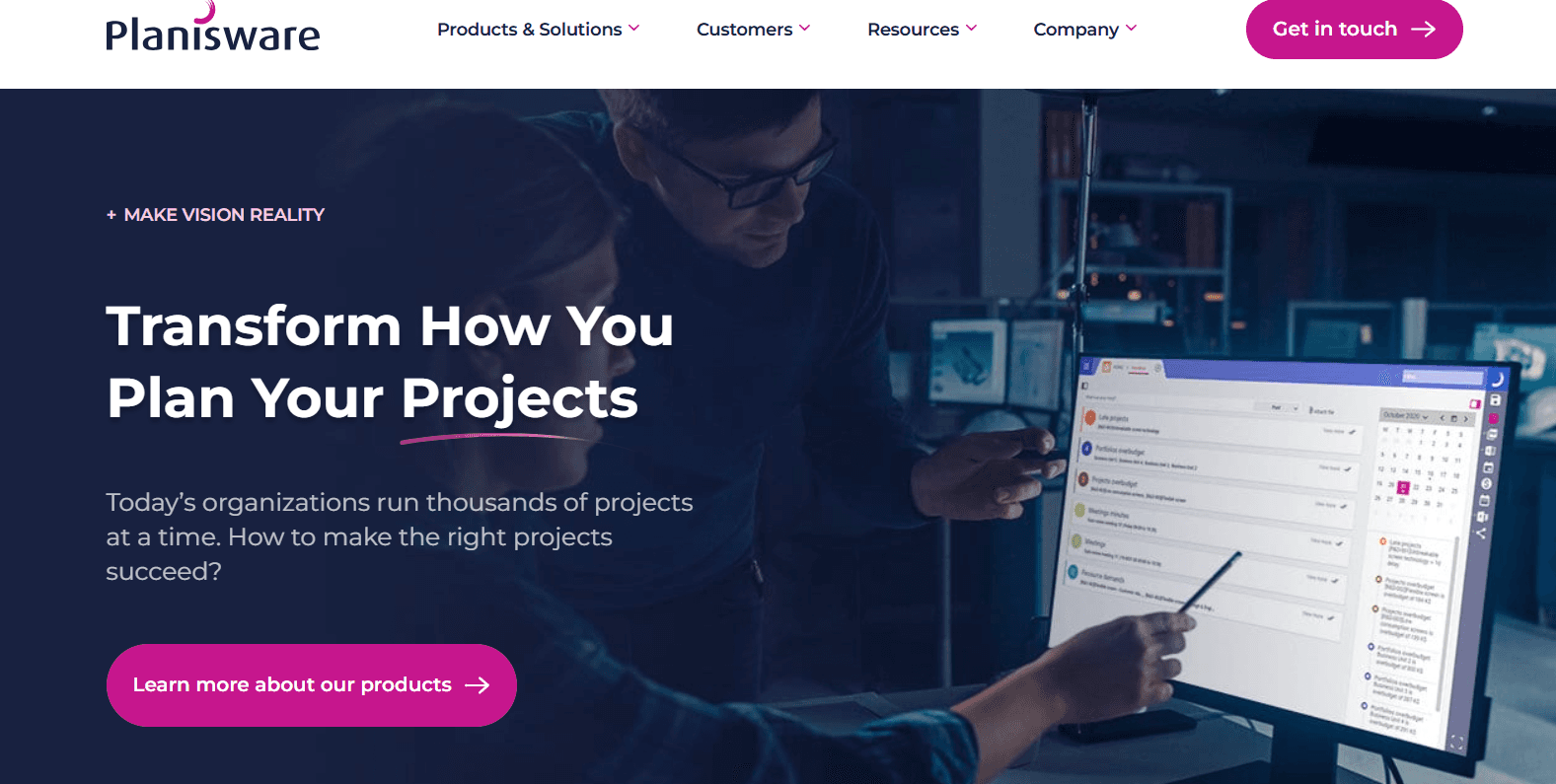
Planisware Enterprise targets highly governed, capital-intensive portfolios in sectors like aerospace and pharmaceuticals that need deep financial forecasting and long-range capacity planning. Oscar, the assistant, carries out a task itself, like drafting a project schedule, instead of only answering a question about it.
Oscar agentic assistant, generally available since 2025: An orchestration agent that sets up simulations and answers portfolio questions, coordinating specialized agents underneath.
Predictive demand and cost ML: Forecasts drawn from historical delivery that flag overruns early.
Generative work breakdown: AI-drafted schedules and risk assessments that speed initiative setup.
A capable agentic assistant that is generally available today, not a roadmap promise.
Scenario depth built for regulated, capital-intensive portfolios few work-management tools serve.
The AI reasons over imported data. Jira issues are mapped into Planisware's object model rather than read live from Jira.
Implementation runs multi-month with a steep learning curve, a real cost for a leader who needs value this quarter.
Jira integration: Optional API connector that imports Jira issues as Planisware activities, kept in sync inside Planisware's model.
Enterprise custom, contact-sales. Planisware publishes no public software pricing.
ServiceNow Strategic Portfolio Management fits IT-led enterprises already standardized on ServiceNow that want strategy and delivery in one data model. Its AI is a shipping, SPM-specific assistant, and it lives entirely on the ServiceNow platform.
Now Assist for SPM, generally available: Generative AI that drafts a work breakdown from a brief, so a new initiative starts structured.
AI Resource Finder: Recommends the best-fit person for an unassigned task from platform-wide availability.
AI agents on the critical path: Agents watch critical tasks and alert the owner before a date slips.
A generally available, SPM-specific generative assistant, for enterprises already running ServiceNow.
Strategy and delivery share one data model, so the AI reads across demand and execution without a separate sync.
The AI lives only on the ServiceNow platform, so a Jira-run enterprise with no ServiceNow footprint buys the whole platform to reach it.
That commitment carries quote-based pricing and its own implementation, far more than adding a tool to an existing stack.
Jira integration: Operates via platform connectors. ServiceNow SPM runs on its own database, treating Jira as an external delivery layer that must be continuously connected.
Custom, contact-sales, licensed on the ServiceNow platform by user count and modules.
Atlassian Align (formerly Jira Align) connects strategy to delivery for enterprises running the Scaled Agile Framework, sold inside the Atlassian Strategy Collection. Both Atlassian Align's Rovo Skill and Tempo's Rovo agents run on the same Atlassian Rovo platform. What differs is availability: Tempo's agents are generally available today, while Align's portfolio Rovo Skill is still in early access.
Portfolio Q&A via the Jira Align Rovo Skill, in early access: Natural-language questions across Align data, summarized for leadership, not yet generally available.
Enterprise-to-team modeling: Strategy mapped down to team delivery for SAFe portfolios, with PI planning built in.
The native Atlassian option for enterprises already standardized on SAFe and Jira.
Bundles Rovo as an AI layer across the Strategy Collection.
The portfolio AI is still in early access, so the one AI feature a portfolio leader would reach for is not yet generally available.
A full enterprise-to-team rollout runs 9 to 12 months and depends on a mature SAFe process.
Jira integration: Native to Atlassian, with Jira Cloud Premium as a minimum requirement.
Sold only in the Atlassian Strategy Collection, contact-sales. Around $154,800 a year for 100 users.
monday.com is work-management software with a fast-growing, shipping AI layer, strong for cross-team operations. The AI is real and usable; it is built for work coordination rather than portfolio governance.
monday sidekick assistant, generally available: A built-in assistant that drafts content and builds boards from a prompt, live across workspaces.
monday agents: Pre-built and custom AI agents that draft updates and flag bottlenecks, rolling out of early access.
A shipping AI layer for cross-team work and status.
Public, predictable per-user pricing, unlike the quote-based SPM platforms.
The AI is built for work management, not portfolio governance. An Enterprise dashboard combines at most 50 boards, so a larger portfolio cannot roll into one view.
The Jira sync is item-level, so the AI reasons over a synced copy rather than live Jira portfolio data.
Jira integration: Native Jira Cloud integration at Standard and above, synced at the item level.
Free: $0 (up to 2 users)
Basic: $12/user/month
Standard: $14/user/month
Pro: $24/user/month
Enterprise: Contact sales
Asana is work-management software investing heavily in agentic AI, well-suited to cross-functional execution. Its agent roadmap is ambitious; the most advanced pieces are still beta, and the product governs work rather than spend.
AI Studio, generally available: A no-code builder for agents that handle intake and status updates inside a workflow.
AI Teammates: Agents that take on multi-step work and inherit a user's permissions.
An agentic-AI roadmap that is already partly shipping.
Public per-user pricing, with AI across the paid tiers.
The headline agentic layer, AI Teammates, is still in beta, with general availability expected in early FY27, so the most advanced AI is not production-ready.
Budgets and timesheets arrived only as a paid add-on in late 2025, so CapEx and OpEx tracking sits outside the core product.
Jira integration: Two-way sync on the Advanced plan and above.
Starter: $13.49/user/month
Advanced: $30.49/user/month
Enterprise: Contact-sales
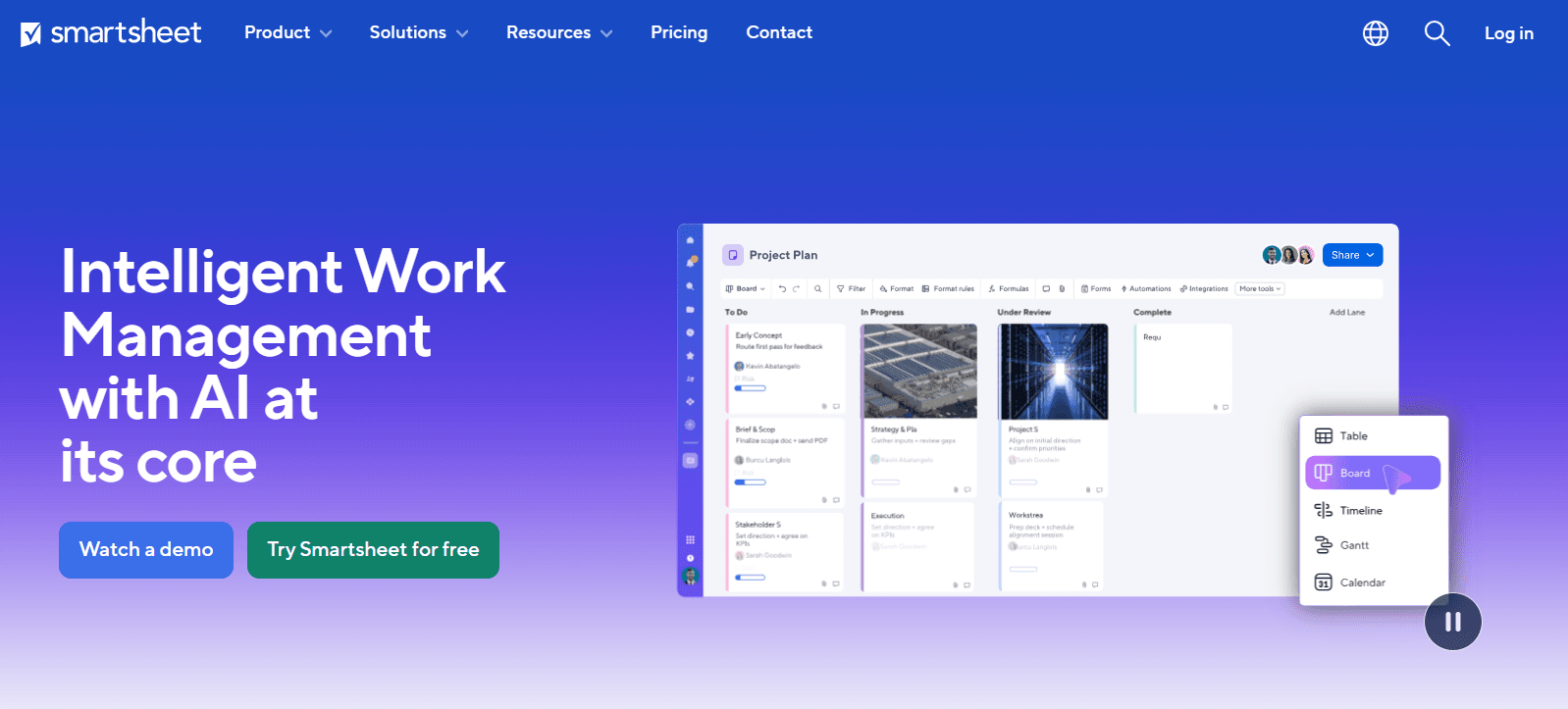
Smartsheet gives portfolio teams a familiar spreadsheet interface with AI woven into the grid. The AI is mature and shipping; its scope is the sheet, which is both the appeal and the ceiling.
Smartsheet AI formulas, generally available since 2024: Turns a written request into a working formula, so non-analysts build roll-ups.
AI Smart Columns: Columns that categorize and translate cells automatically inside the table view.
Mature, shipping AI woven into the grid, low-friction for teams already living in sheets.
Public per-user pricing and broad availability of the core AI tools.
The AI's scope is the sheet. It speeds work inside a sheet rather than reasoning across a portfolio.
Portfolio data lives in finite sheets, with a standard sheet capping around 20,000 rows. A large portfolio outgrows one sheet and needs paid roll-up add-ons like Control Center.
Jira integration: Jira Connector on Business and above, one-way or bidirectional, set at setup.
Pro: $12/user/month
Business: $24/user/month
Enterprise: Contact-sales
Advanced Work Management: Custom pricing
Most portfolio AI shipping today works off a synced copy, after the fact. It summarizes status and scores risk. Tempo's view is that the discipline is moving toward governing the portfolio on live data, as the work happens.
The portfolio picture stays current without anyone reconciling it by hand, and drift surfaces while the fix is still cheap. It also means tracking what AI itself costs.
Two shifts define that direction.
First, govern human and AI-agent work in one view. Agents now execute tasks around the clock without filing a status update. The portfolio that governs them has to see agent work and human work in the same place, against the same plan and budget.
Second, keep the leader in control of autonomy. The practical version runs on a simple progression. Observe (AI signals and you decide), Assist (AI recommends and you decide), Delegate (pre-approved action).
Regulation is moving the same way. The EU AI Act's high-risk provisions under Annex III take effect August 2, 2026. AI systems that allocate people or resources may fall under them, which is why explainability and a human approval threshold are buying criteria today.
None of this removes the portfolio office. Tempo's 2026 State of SPM report, a survey of 667 planning and PMO leaders across 43 countries, found the highest-performing teams use AI extensively while the lowest-performing teams use almost none. The leaders who govern AI well will outpace the ones who do not.
You can start where the AI already runs. Tempo's Rovo agents, the Structure Formula Assistant and the Sprint Performance Assistant, are free on Atlassian Premium and Enterprise, so you can point them at live Jira data this week.
From there, build the portfolio layer they reason over. Start a free trial of Tempo Structure PPM to roll your Jira issues into a hierarchy you define.

Timesheets
The #1 time-tracking app for Jira. Timesheets seamlessly integrates with Jira and your existing workflows to help you track time for accounting, CapEx tracking, client billing, compliance, and more.
Start a Free TrialCouldn't find what you need?Go to our documentation
Yes, with a layer on top. Jira manages execution, and AI works best when it reads that data live. Tempo Structure PPM rolls your Jira projects into program and portfolio hierarchies, with AI-written roll-up formulas computed on live Jira data. Your portfolio office governs from the same issues engineering already updates, without exporting to spreadsheets.
Atlassian's own Rovo runs natively in Jira, and Tempo adds Rovo agents that read live Jira data for portfolio and sprint insights. Work-management tools like monday.com and Asana connect to Jira through item-level or two-way sync rather than reading it directly, which means their AI works on a synced copy of the data.
It depends on where your delivery data lives. For enterprises running delivery in Jira, Tempo builds the portfolio on that live data, and for organizations standardized on ServiceNow, ServiceNow SPM keeps strategy and delivery in one model. Regulated, multi-year portfolios lean on Planisware or Planview Portfolios for the deepest scenario and financial planning.
No. AI removes the manual assembly that consumes a portfolio office, pulling status from one system and capacity from another into a deck that is out of date before the meeting starts. What it leaves is the judgment: Deciding which initiatives to fund, and which tradeoffs no system should make on its own. The role shifts from compiling the picture to acting on it.
Project tracking and portfolio governance aren't the same problem. We review eight tools for PMOs governing portfolios in Jira.

AI strategic portfolio management makes portfolio decisions consistent and continuous. See how native data & governance shape the new operating model

Compare 8 Planview alternatives for portfolio leaders and see which fits when setup and configuration outlast the plan.

Take control of your schedule with time management AI. Use smart tools to schedule meetings, set deadline alerts, and establish time blocks for work.

The best developer productivity tools for 2026, compared by category, from AI coding assistants to real-capacity measurement.

Agentic AI governance means securing your agents and proving their ROI. Get the framework CIOs use to govern the AI-agent workforce end to end.

Compare eight AI project management tools for enterprise portfolios and choose the right solution for real-time tracking in 2026.

Introducing two new tools built on Atlassian’s AI platform, Rovo: the Structure Formula Assistant and the Sprint Performance Assistant.

The AI revolution is here. Learn about AI in project management and how machine learning and predictive analytics will shape the industry’s future.


















