

Learn what context switching is, why it hurts focus and productivity, and how to reduce it with practical strategies to help you stay focused.
Tired of playing catch-up with repetitive tasks? Time batching boosts productivity and reduces burnout. Learn what batching is and improve your workflows.

Many business leaders struggle to stay productive while managing multiple tasks. They need a better way to keep track of the constant flow of responsibilities.
That’s where time batching shines. This simple and effective technique groups similar tasks together so you can tackle them in dedicated time blocks, helping you focus and make the most of your day.
Here, we’ll explain what batching is, how it works, and its many benefits.
Time batching is a time management strategy that involves grouping similar tasks and working on them during a dedicated block of time. Instead of constantly switching between different types of work, batching allows you to focus on one category before moving on to the next.
Batching contributes to a structured workflow with minimal interruptions, helping you make better use of your time.
Batching has the potential to transform how you work by structuring your process and fostering a focused environment. Here’s what you’ll gain from this technique:
When you dedicate uninterrupted time to a specific task, you can give your full attention to the work at hand. Rather than constantly shifting gears, batching immerses you in a single type of work, helping you focus and produce high-quality results with fewer mistakes.
Jumping between unrelated tasks requires a dedicated mental effort that drains your energy. Batching reduces this strain, keeping you mentally sharp and sustaining longer periods of productivity.
Instead of reacting to tasks as they appear, batching lets you proactively structure your day. Structuring your work into planned time blocks ensures essential tasks aren’t lost in the chaos of your daily demands.
Because batching reduces wasted time, you do more in the same period. A well-organized workflow with dedicated blocks of time lets you accomplish more without feeling overworked or scattered.
A clear plan for task completion reduces uncertainty and last-minute rushes. When you know how and when you’ll complete a task, you feel more in control and less burdened.
Teams that align their batching schedules enjoy smoother work processes. They can minimize interruptions, clarify communication, and coordinate workflows to make collaboration more effective and enjoyable for everyone involved.
Integrating time batching into your daily routine doesn’t have to be complicated, but it does require thoughtful planning and execution. Start with these simple steps to see how batching can change the way you work:
Take note of the tasks you do repeatedly. Examples include responding to messages, scheduling meetings, organizing project tasks, or preparing presentations. Spotting these patterns will help you group action items accordingly.
Sort similar tasks together. You may organize them based on topic (e.g., finances, troubleshooting, or data analysis) or by their workflow and required attention level (e.g., deep thinking, math, or communication).
Carve out dedicated blocks of time in your schedule for each task group. Choose these times based on the focus each group requires, accounting for the likelihood of interruptions.
Keep track of the length of each time block with digital time-tracking tools. These help you fine-tune your schedule over time.
Set yourself up for success by silencing notifications, letting colleagues know you’re unavailable, and clearing unnecessary distractions from your workspace.
Examine your output over time to see how well your batching system works and adjust as needed. Productivity is personal, so refine your strategy to fit your needs.
Follow these tips to get the most out of time batching and truly boost your productivity:
Start with your most important work: Identify the tasks that have the greatest impact on your goals and batch those first. Prioritize high-value work so your most critical tasks get done without last-minute pressure.
Set clear objectives: Before diving into a batch, set a clear goal for what you want to accomplish. This will keep you motivated and help you track progress.
Utilize automation tools: A task management system (like Tempo) can help you plan your batches, track progress, and ensure nothing falls through the cracks.
Be realistic about time blocks: Give yourself enough time to complete tasks, but don’t overload your schedule. Batches that are too long can leave you burnt out, whereas short ones may not be as effective.
Identify and eliminate disruptions: Finally, foster a work environment that helps you concentrate. Let team members know when you’re locked into a session.
Time batching is beneficial for numerous work-related tasks. Here are some common examples where it can make a difference:
Emails: Instead of constantly checking your inbox, set aside designated times to read and respond to messages. This prevents new messages from disturbing your workflow.
Content creation: Whether you’re a writer, designer, or project manager, batching creative tasks like brainstorming and editing helps you get into a rhythm.
Administrative work: Sorting files, scheduling meetings, and processing paperwork in one session can save you from constantly shifting focus.
Customer support: Answering customer inquiries in set time blocks allows you to respond thoughtfully without breaking your concentration.
Project management: Dedicating specific time slots for planning and reviewing project tasks keeps everything on track and reduces last-minute rushes.
Although batching is highly useful, it isn’t always the best approach. Consider these examples:
Real-time collaboration: Roles that require constant interaction with team members may not allow for strict batching.
Time-sensitive tasks: Urgent requests and real-time problem-solving may call for immediate attention.
Dynamic work environments: Jobs with unpredictable workloads or rapidly changing priorities may not fit a rigid batching schedule.
Tempo offers a collection of digital tools to strengthen time-batching practices. With features like task management, time tracking, and reporting, Tempo helps teams adopt time-batching strategies seamlessly and effectively.
From resource allocation in Capacity Planner to intuitive time tracking with Timesheets, Tempo’s project management solutions simplify your workflows. Teams can leverage Tempo to increase productivity, enhance project outcomes, and make the most of their time valuable time.
Get started with Tempo to accomplish more and feel in control of your time.
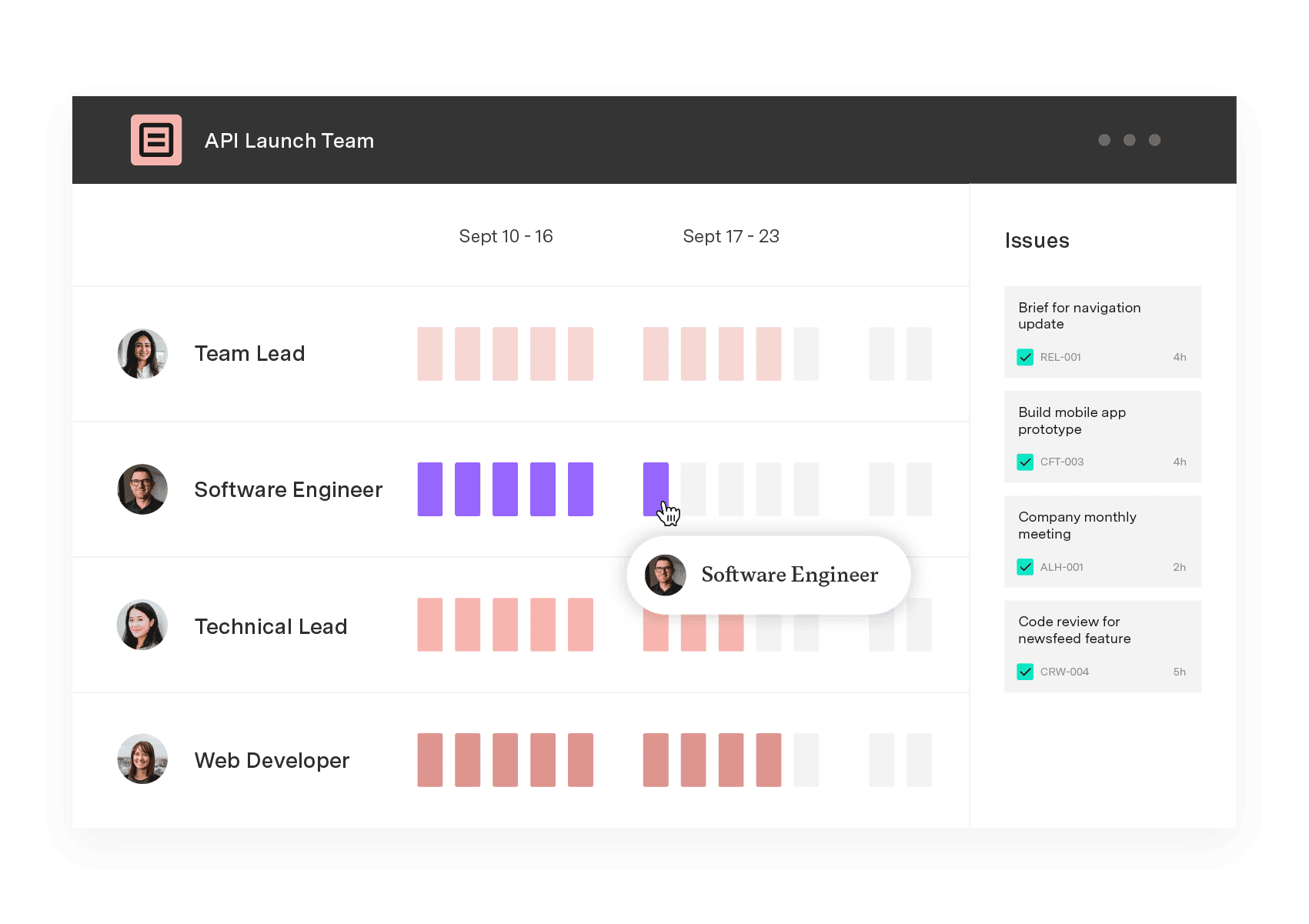
Capacity Planner
Capacity Planner is the only tool in the Atlassian Marketplace that allows planning for multiple resources on one issue. Users can customize the UI to include their existing Jira issues and projects.
Start a Free TrialCouldn't find what you need?Go to our documentation
Batching is the practice of grouping similar tasks and completing them in a dedicated time block to improve focus and reduce task-switching fatigue.
Batching helps increase productivity, maintain deep focus, and reduce mental strain by lessening the time lost switching between tasks.
Start by identifying tasks that require similar skills or focus. Group these tasks together, dedicate specific time slots to work on them, and create an environment that supports uninterrupted progress.
Learn what context switching is, why it hurts focus and productivity, and how to reduce it with practical strategies to help you stay focused.

Learn about the Ivy Lee method, a proven productivity technique that helps you prioritize tasks, sharpen your focus, and accomplish more each day.

Feeling overwhelmed? Need more hours in the day? Time blocking can lead to fewer distractions and better time management.

Learn how to stay organized as a project manager with effective strategies to streamline tasks, enhance productivity, and boost efficiency.

Take control of your workday. Learn how to integrate the Jira Calendar with Google to maintain focus on high-priority tasks and improve productivity.

Learn what Parkinson’s Law is, see real examples, and discover time management tips and tools to overcome it and boost productivity at work.

When faced with inefficient processes, creating a process flow document helps determine what works and what doesn’t. Learn to improve team workflows.

Take control of your time by implementing a routine work log practice. You’ll get more done in less time, reducing stress and frustration.

The benefits of exercise include boosted productivity, enhanced creativity & improved mental health. Learn how this can impact your professional life.





















