

Take control of spending, secure production inventory, and improve vendor relationships with a robust procurement management system.
A well-designed RFQ template streamlines procurement and helps you secure the best prices. Learn how to create an RFQ form tailored to your business needs.

Procurement is all about making the right choices and finding the best prices. Whether you’re sourcing raw materials, hiring contractors, or purchasing software, your organization needs a clear and reliable way to compare offers side by side.
A request for quotation (RFQ) provides that structure by standardizing how suppliers present prices and terms. In this guide, we’ll explain what an RFQ is, when to use it, and how to create one that’s customized to your business needs and goals. We’ll also show you a simple RFQ template for managing procurement projects efficiently.
A request for quotation template is a pre-built document that standardizes how you collect pricing information from vendors. Instead of trading emails or phone calls with different suppliers, you send a structured request that outlines the information you need. Suppliers then respond in the same format so every detail is covered.
The goal of an RFQ is straightforward: give suppliers a clear description of the goods or services you want so they can return accurate and detailed pricing. This quote request makes it easier for the buyer to evaluate and compare vendors on equal footing. It also helps bidding vendors understand the scope of the project and decide if they want to be considered.
Whereas other procurement tools, such as requests for proposal (RFPs), allow for broader creative input, RFQs are designed for clarity and consistency. They’re best for situations where the specifications are already known, and the only deciding factor left is cost. A standardized RFQ process saves time, improves accuracy, and keeps your entire team aligned.
RFQs aren’t the right choice for every purchasing decision. They excel when your requirements are well-defined, and when cost is a central concern.
For new initiatives, pairing an RFQ with a project intake form starts off projects and procurement requests on the right track. You may also want to send an RFQ when:
You know exactly what you need: If your team already has a clear specification (for example: 1,000 units of a part with precise dimensions), an RFQ ensures that every vendor responds with a price based on the same criteria for those specifications.
Your primary deciding factor is price: An RFQ is especially useful when all other variables are fixed. If the quality, specifications, and delivery timelines are non-negotiable, the decision comes down to which vendor offers the best price. This gives the buyer confidence that each supplier is being judged fairly.
You’re buying in bulk: In the procurement process, bulk orders amplify cost differences. Sending an RFQ highlights per-unit pricing and discounts if available, making it easier to spot the most competitive bids. Like a competitive analysis template, it allows you to compare options side by side with objective data.
You have a list of approved vendors: If your organization maintains a roster of pre-qualified suppliers, sending an RFQ helps you quickly gather comparable quotes without revisiting the vetting process.
If you still aren’t sure when to send an RFQ, keep this general guideline in mind: An RFQ is probably the right tool when the ‘what’ of your purchase is already determined, and you want to focus on the ‘how much’ element.
A strong RFQ balances clarity and structure with enough flexibility for vendors to respond effectively. Here are some best practices for writing one:
Be highly specific with your requirements: List exact quantities, specifications, materials, or service requirements so vendors don’t make assumptions and give you unhelpful quotes. Before you send the RFQ, carefully proofread the document. Small errors or unclear instructions can confuse suppliers and lead to mismatched responses.
Clearly define your submission deadline and process: Vendors need to know how and when to respond to your RFQ. Set a deadline, explain how to submit (such as by email or online portal), and outline what constitutes a complete response. This helps you avoid delays and incomplete bids.
Outline your evaluation criteria: It should also be clear how you’ll assess vendor quotes. Make sure your priorities are transparent, whether for pricing and payment terms or delivery times. This improves the quality of responses and reduces back-and-forth emails.
Keep communication open but fair: No matter how much detail you provide, suppliers may have clarifying questions. Encourage them to ask, then share the answers with all respondents to maintain fairness. Consistency in communication keeps the process equitable.
Document everything: An RFQ isn’t only for gathering prices. It’s also a record. Save every submission, note evaluation decisions, and keep the finalized contract on file. This type of structured project documentation builds consistency and accountability.
Using a standardized template streamlines the procurement process by giving every buyer a fair, consistent way to compare responses. Here’s a simple example of a request for quotation structure you can adapt to your own business needs:
Introduction and Project Overview: Briefly explain your company, the purpose of the RFQ, and what you’re purchasing.
Detailed Specifications of Goods/Services: List exactly what you need, including quantities, technical requirements, and any standards or certifications vendors must meet.
Pricing Table: Provide a table with columns for unit price, total cost, taxes, shipping, and other fees. This ensures consistency across all submissions from suppliers.
Submission Guidelines and Deadline: Clarify how vendors should submit their responses and what documents they should include. Also, make sure to include the submission deadline.
Terms and Conditions: Outline any legal or contractual requirements. Include payment terms, warranty expectations, delivery dates and conditions, and similar details.
RFQs may seem like a small part of the procurement puzzle. However, they play a big role in helping organizations make smart purchasing decisions. By using a standardized request for quotation template, you remove guesswork and make vendor selection faster.
Of course, that’s only the beginning. Once vendors are chosen, you’ll have a lot more vital information to record, reference, and keep organized. That’s why at Tempo, we offer tools designed to streamline those processes and enhance your team’s efficiency and effectiveness.
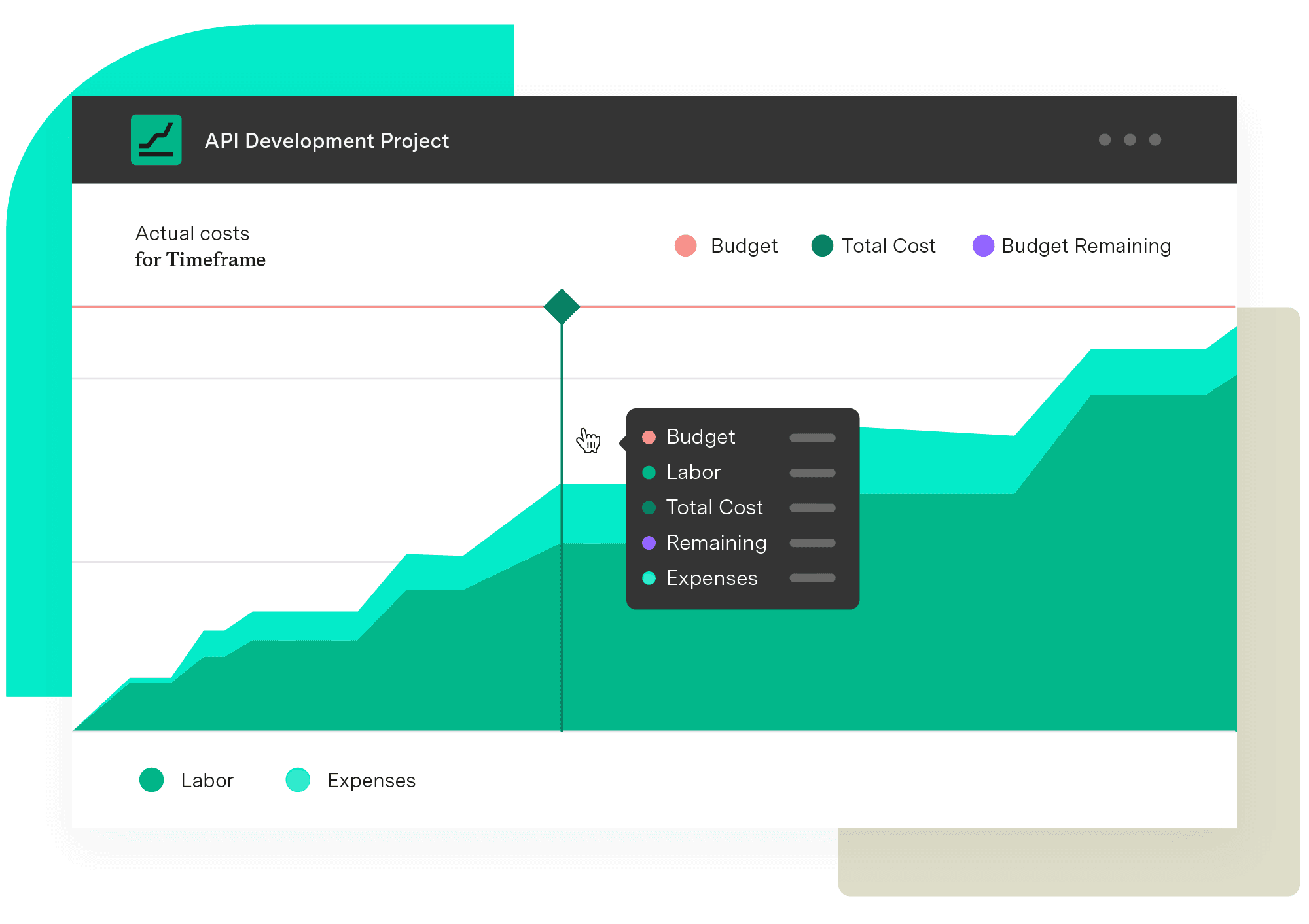
For example, Financial Manager tool provides visibility into specific project costs. You can track vendor expenses, forecast spending, and compare actual costs to budgets – all within Jira. This keeps financial oversight connected to the work itself, not siloed into separate spreadsheets.
Timesheets adds another layer of clarity by showing how much time your team spends on procurement-related tasks. You’ll know what level of effort goes into managing vendor relationships and processing quotes.
Together, these tools create a procurement process that’s transparent and accountable, but remains efficient. Instead of juggling disconnected systems, you get a single view of both the financial and operational sides of vendor management.
Set your team up with Financial Manager and Timesheets today, and take vendor management to the next level.
Financial Manager
Implement standardized processes and calculations when creating your budgets and monitoring them. Make informed, real-time decisions with an accurate reflection of the work being done and know when you need to pivot.
Start a Free TrialCouldn't find what you need?Go to our documentation
Use an RFQ when you know exactly what you need and cost is the deciding factor. It’s most effective for bulk purchases, repeat orders, and other situations where product or service specifications are already standardized.
A request for information (RFI) or request for proposal (RFP) usually comes before a request for quotation (RFQ). This is especially true when requirements aren’t fully defined. An RFQ is typically sent later in the procurement process, once specifications are clear and the main goal is just to compare costs.
An RFQ is a request for pricing. It asks vendors to submit cost estimates based on set requirements. A purchase order comes afterward and represents a formal contract to buy from the selected supplier.
Many organizations use a standardized request for quotation template. This way, every supplier provides information in the same RFQ format, making quotes easier to compare. To create an RFQ template, start with a simple structure: a company introduction, detailed specifications, a pricing table for vendors to fill out, submission guidelines, and then terms and conditions.
Take control of spending, secure production inventory, and improve vendor relationships with a robust procurement management system.

Streamline your invoice management with Tempo. Learn how to handle invoices, avoid mistakes, and use tools to save time and keep cash flow on track.

Learn how to use a project intake form to streamline requests, improve approvals, and manage your project portfolio more efficiently.

Learn about IT service request management and discover best practices to help your service desk deliver outstanding client support.

Every successful project needs a well-thought-out and comprehensive project plan. This is your guide to creating the best one possible.

AI spend management software controls buying and meters usage. See the leading tools and how finance attributes AI cost to the work it produced.

Use these incident response plan templates to prepare your team for cybersecurity incidents. Detect, contain, and recover quickly with confidence.
Finding the best software for your business is hard work. Read about the different processes to figuring out software requirements for your company.
Understanding work orders and their role in maintaining vital project equipment helps you account for dependencies before they impact your timeline.


















