

Jira assigns work but doesn't show team capacity. We compare six resource management tools for their integration with Jira and project visibility.
Find the tool that syncs with your Jira data in real time.

Key Takeaways
Tempo Capacity Planner is the only tool on this list that assigns multiple resources to one Jira issue: It connects live sprint data to utilization reporting through Tempo Timesheets, keeping planned and actual hours in the same system.
Native Jira tools update your schedule the moment sprint plans change: Activity Timeline offers this alongside Capacity Planner. Standalone tools like Float and Resource Guru sync periodically and fall behind when plans change mid-sprint.
Jira Plans shows cross-team timelines free inside Jira Premium: For individual-level capacity planning, you need a dedicated scheduling tool alongside it.
Resource scheduling covers two distinct jobs, and the one you're solving determines which tool belongs on your shortlist.
The first is availability: Figuring out who has open time and assigning work to fill it. You can drag a task onto their calendar and flag double-bookings before they happen. Most standalone scheduling tools handle this well.
The second job is capacity: Figuring out how much work a team can absorb after incidents and sprint carryover are already consuming their time.
Most tools handle the first job well. The second is where they start to diverge – and where the tool you pick actually matters.
For teams that run on Jira, four things separate a scheduling tool that earns its place from one that adds work to your plate.
1. Where the work data lives
A tool that reads from Jira directly gives you current data. One that syncs with Jira gives you data from the last sync cycle, which is outdated data. For engineering teams, this variable separates tools that feel useful from ones that feel like extra work.
2. How the tool defines available capacity
The best tools account for what reduces capacity, like incident response and on-call rotations that don't show up on a calendar. If a tool shows a clean green availability bar for an engineer working on tasks from two sprints ago, it's not telling you what that engineer can take on.
3. Planned vs. actuals reconciliation
The tool needs to check the plan against logged Jira hours. Otherwise, your team will blow past the estimate and you won’t know until after the sprint review.
4. Cross-project visibility
For teams running multiple projects with shared engineers, look for a tool that shows bookings across all active projects in a single view.
When a tool only shows one project, you can't see that an engineer is already booked elsewhere. You double-book them without realizing it, and the problem only surfaces when both teams hit planning. By then someone's sprint gets derailed.
Any tool you're evaluating should be able to run all four checks.
The table below maps each tool by Jira integration depth, pricing, and primary use case. Read the integration column first: It tells you whether a tool reads your Jira data live or works from a snapshot.
Tool | Jira integration | Pricing (per user/month) | Best for |
Tempo Capacity Planner | Native (bidirectional) | $3.99 per user (team size between 11-100) | Engineering teams on Jira needing multi-resource assignment |
Activity Timeline | Native (bidirectional) | $2.50 per user (team size between 11-100) | Visual scheduling inside Jira |
Float | One-way (Jira → Float) | From $8.50 | Agency and project teams outside Jira |
Resource Guru | One-way (API) | From $4.16 | Teams prioritizing leave and availability management |
Runn | Daily import | From $9 | Engineering consultancies needing financial forecasting |
Jira Plans | Native (Jira Premium) | Included in Premium | Cross-team roadmapping without dedicated scheduling |
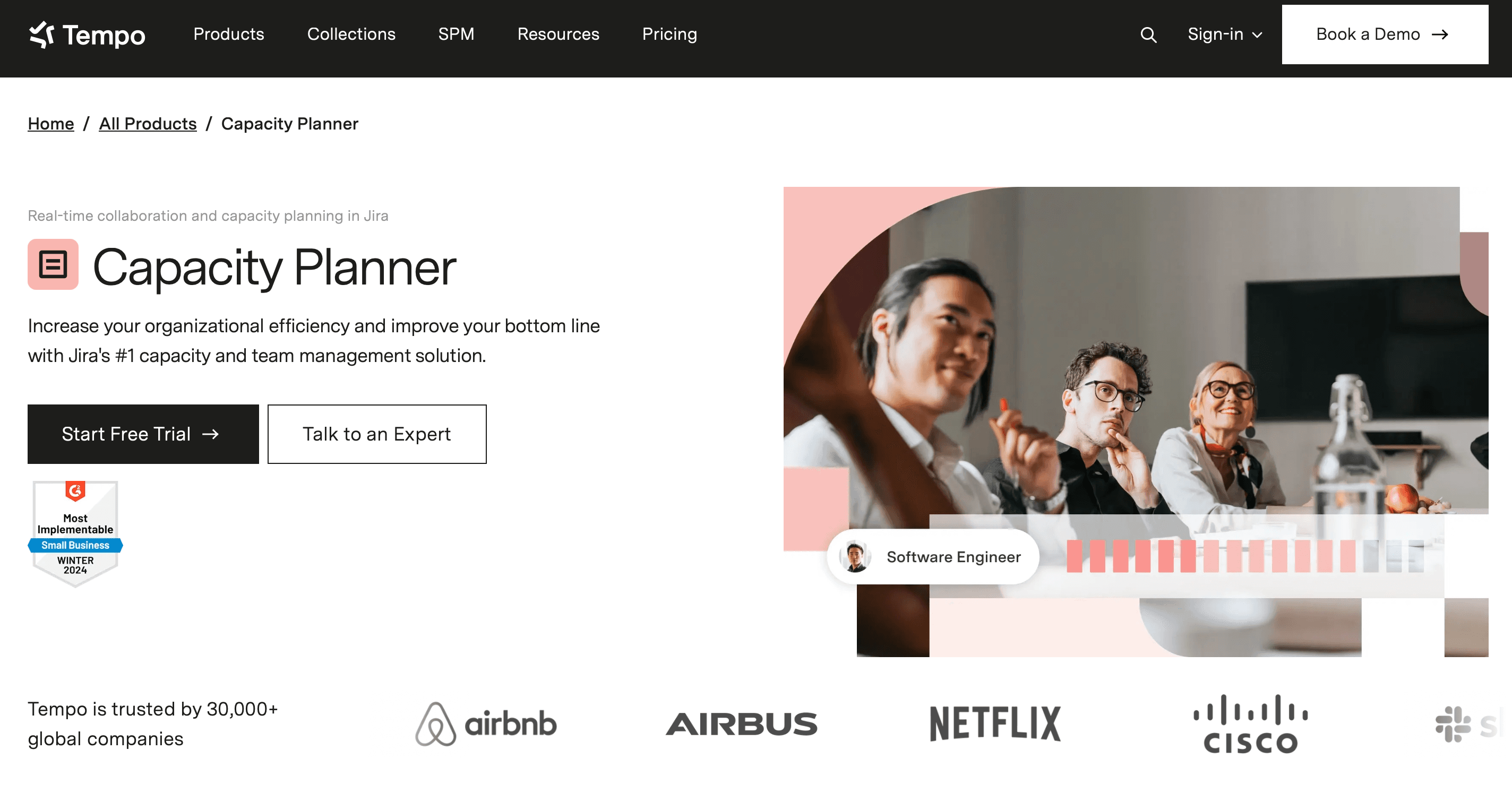
Pricing: From $3.99 per user per month (11-100 user tier)
Jira integration: Native, bidirectional
Atlassian Marketplace: Yes
Tempo Capacity Planner is the only resource scheduling tool in the Atlassian Marketplace with multiple resource assignments on a single Jira issue. This removes a common workaround for engineering teams.
When a task requires a backend engineer and a DevOps engineer working simultaneously, both can be assigned directly to the parent ticket. Every other tool in this category models one resource per issue. That forces you to either duplicate issues or accept utilization data that undercounts who is actually doing what.
How the Jira integration works
Capacity Planner lives inside Jira. It reads project data from your Jira configuration and pulls time entries directly from Tempo Timesheets. When an engineer logs hours against a ticket, Capacity Planner registers the effort immediately, without a need for a separate entry. When a sprint lead reassigns an issue or shifts a due date, the capacity view updates to match.
That bidirectional relationship keeps Capacity Planner's data current. What you see reflects the current Jira state.
What it does well
Capacity Planner tracks availability at the individual engineer level. Before committing to a deliverable, you can see exactly which engineers have open capacity next sprint, inside the same Jira interface your team already uses every day.
Skills-based filtering extends that visibility further. Tag engineers by specialty, then filter availability by role. For engineering leads managing teams across multiple domains, the filter shows who has free hours and the right skill set for the work in front of them.
The Tempo Timesheets connection means logged hours feed utilization reports automatically. Historical utilization and forward capacity live in the same system. You don't reconcile two data sources at the end of the month.
Arizona State University's Atlassian Systems Administrator Edwin Amador described the practical result: "We can pinpoint who needs help, who needs resourcing, where a project is failing – and that's all from Capacity Planner's features."
If you manage multiple squads, this visibility changes how you make sprint commitments.
Limitations
Capacity Planner is available on Jira Cloud and Data Center only. Jira Server teams cannot use it. Pricing scales per user, so cost grows with headcount.
Best for: Engineering teams on Jira Cloud who need real-time capacity planning, multi-resource task assignment, and utilization reporting tied to live sprint data.
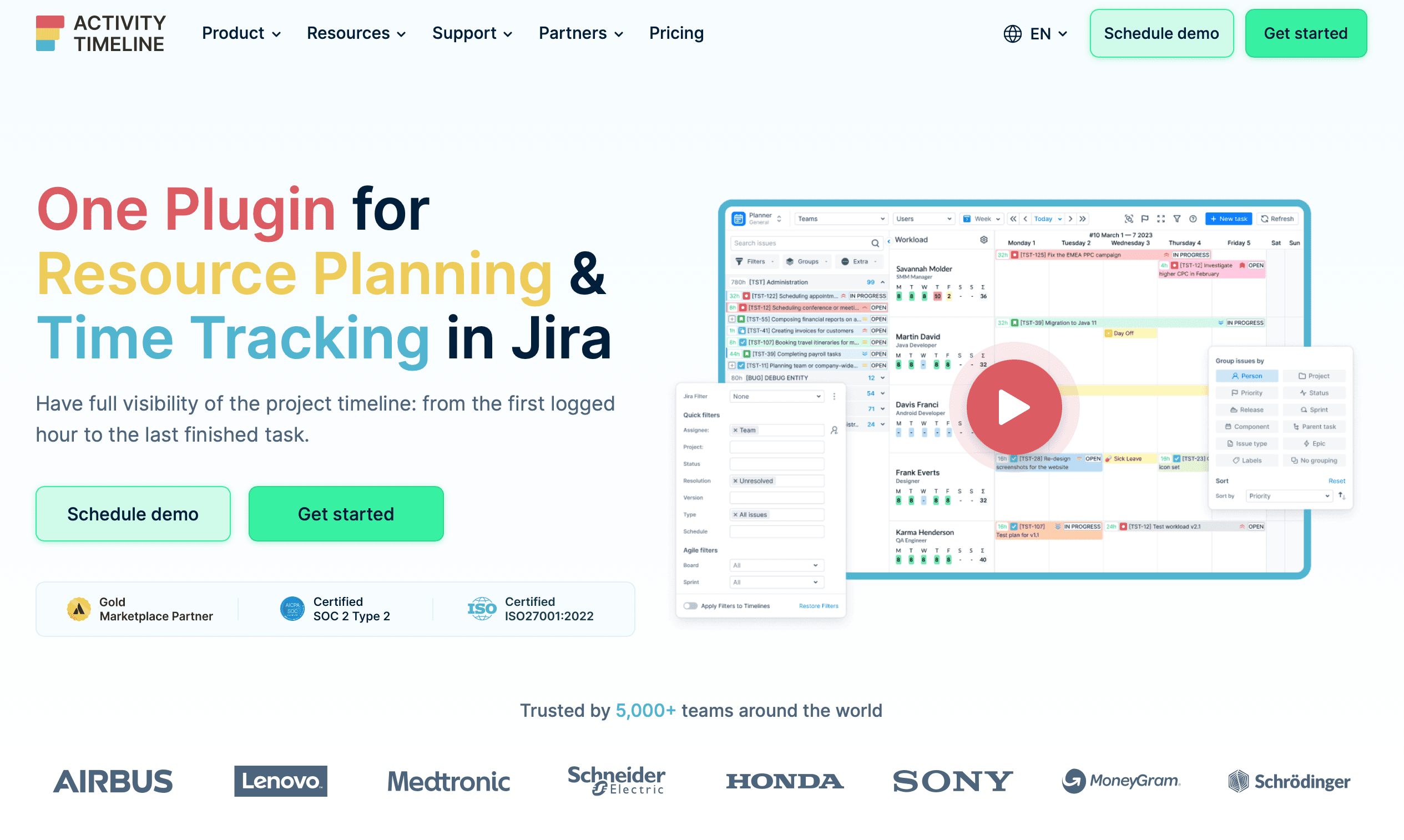
Pricing: From $2.50 per user per month (Cloud)
Jira integration: Native, bidirectional
Atlassian Marketplace: Yes
Activity Timeline is a Jira-native scheduling tool built around visual resource management. It presents workload as a Gantt-style timeline inside Jira, showing who is working on what across multiple sprints and projects simultaneously.
Like Tempo Capacity Planner, Activity Timeline reads directly from Jira. When a sprint lead changes a due date, the timeline reflects it immediately. No sync queue. That real-time connection sets both native tools apart from the standalone options on this list.
What it does well
Visual overallocation detection is Activity Timeline's clearest differentiator. The timeline highlights overloaded engineers directly on the schedule. Engineering managers can spot conflicts before they affect delivery, without pulling a separate report. For teams running multiple projects in parallel, this makes cross-project resource conflicts visible in one place.
Multi-project visibility is also fair. All active sprints and their resource load appear side by side, which is useful for managers overseeing more than one squad at a time. Teams that moved from spreadsheet-based scheduling to Activity Timeline typically cite visual clarity as the deciding factor. Everything scattered across tabs is now in a single Jira view.
Limitations
Activity Timeline's reporting and financial layer is lighter than Tempo Capacity Planner's. Utilization reporting is less granular, and the integration with time-tracking data doesn't reach the same depth. Teams that need utilization reporting or billable-hour tracking should evaluate Capacity Planner first.
If you prioritize the visual interface over utilization depth, Activity Timeline fits. If your reporting needs include CapEx/OpEx or financial reconciliation, Capacity Planner covers more ground.
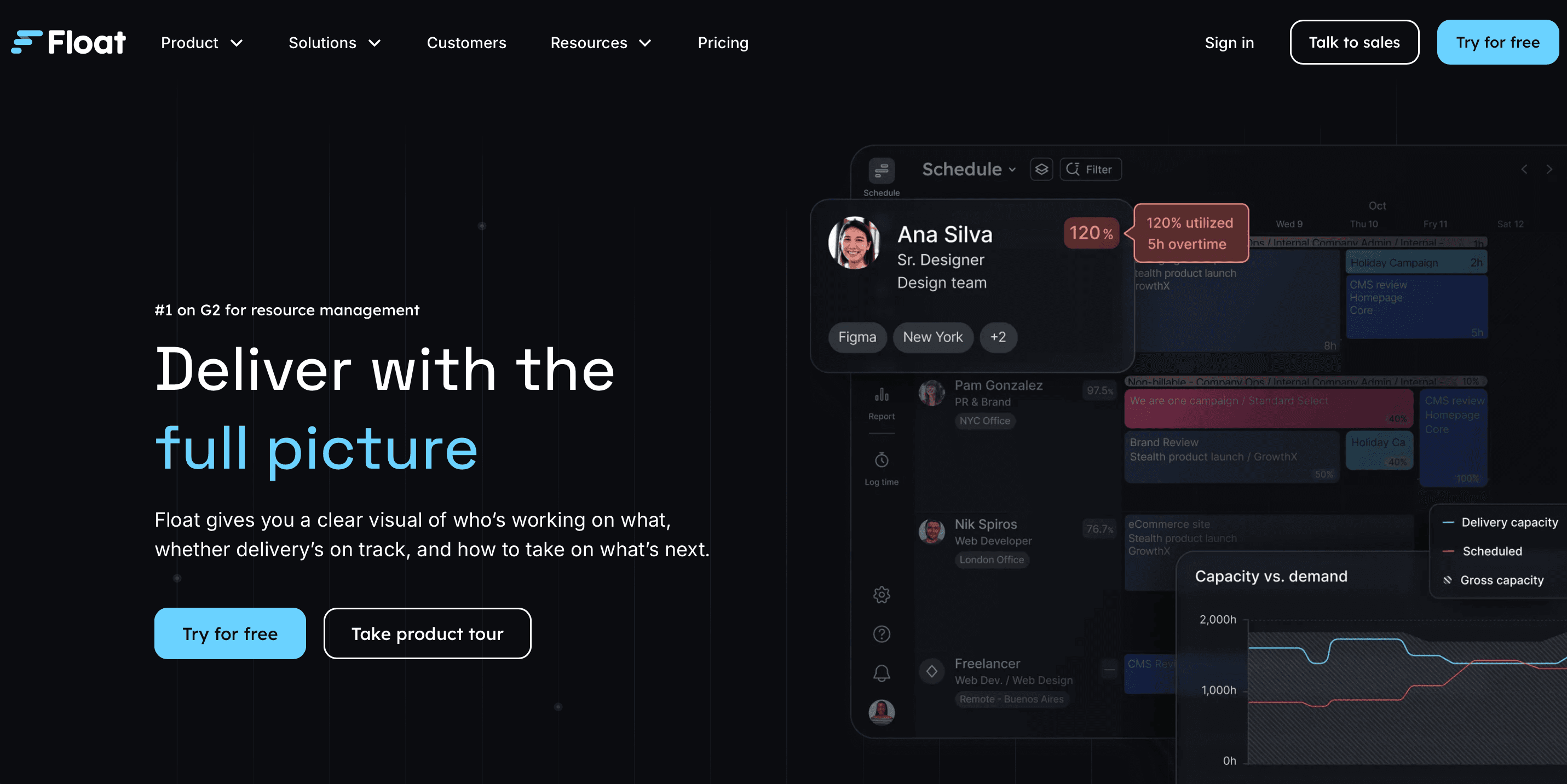
Pricing: $8.50 per user per month (Starter), $14 per user per month (Pro)
Jira integration: One-way (Jira to Float)
Atlassian Marketplace: Yes
Float targets agencies and professional services firms managing client work across many projects. It runs as a separate application from Jira with a clean visual interface and strong time-off management.
The Jira limitation
Float's has a native Atlassian Marketplace plugin that pulls Jira issues into Float’s planner for scheduling. That sync is one-way. Assignments made in Float don't write back to Jira, and hours planned in Float don't update Jira worklogs, except you wire in REST API for bidirectional sync, (which is a separate build you have to maintain).
If Jira is your system of record, this creates a maintenance problem. Every sprint change in Jira requires a manual update in Float to keep the resource schedule current. In an active engineering environment with frequent reassignments, keeping Float current is a maintenance burden on its own.
What it does well
Float handles distributed team scheduling cleanly. Time zone management is native, and leave management ranks among the stronger implementations in this category. If you need resource scheduling across engineering and non-engineering staff, Float's multi-department view covers that. The onboarding curve is shallow, and if you're moving off spreadsheets, your team will find the interface quick to learn.
Float's mobile app gets good reviews. For project managers checking and adjusting schedules away from a desk, it's a practical advantage.
Limitations
The one-way Jira integration is the primary constraint for engineering teams. Float lacks financial forecasting and doesn't offer utilization reporting at the depth of Tempo Capacity Planner.
Pricing: $4.16 per user per month (Grasshopper), $6.65 per user per month (Blackbelt), $10 per user per month (Master)
Jira integration: One-way (via API)
Atlassian Marketplace: No
Resource Guru is a resource scheduling tool built around availability and leave management. Setup is fast and the availability dashboard is its standout feature.
The Jira limitation
Resource Guru can import project and task data from Jira, but resource assignments made in Resource Guru don't sync back. That’s because Resource Guru pulls Jira issues into its scheduling panel and tracks how much time you've booked against each one.
The traffic light status updates inside Resource Guru as bookings change (to show whether a task is on track, under-scheduled, or over-scheduled relative to Jira's estimate). That status doesn’t write back to Jira. Assignments made in Resource Guru don't update Jira's assignees or worklogs, so when sprint plans change, you update both systems separately.
What it does well
Resource Guru surfaces availability clashes and overtime risk clearly. If leave management consumes significant time alongside project scheduling, the availability dashboard earns its place.
The clash detection feature is straightforward. When two projects compete for the same engineer, Resource Guru surfaces the conflict visually before it becomes a delivery problem.
Limitations
Resource Guru has no financial forecasting and lighter utilization reporting than Capacity Planner. The Jira integration constraint applies the same way it does with Float: If your team runs active sprints, you need a manual process to keep both systems aligned.
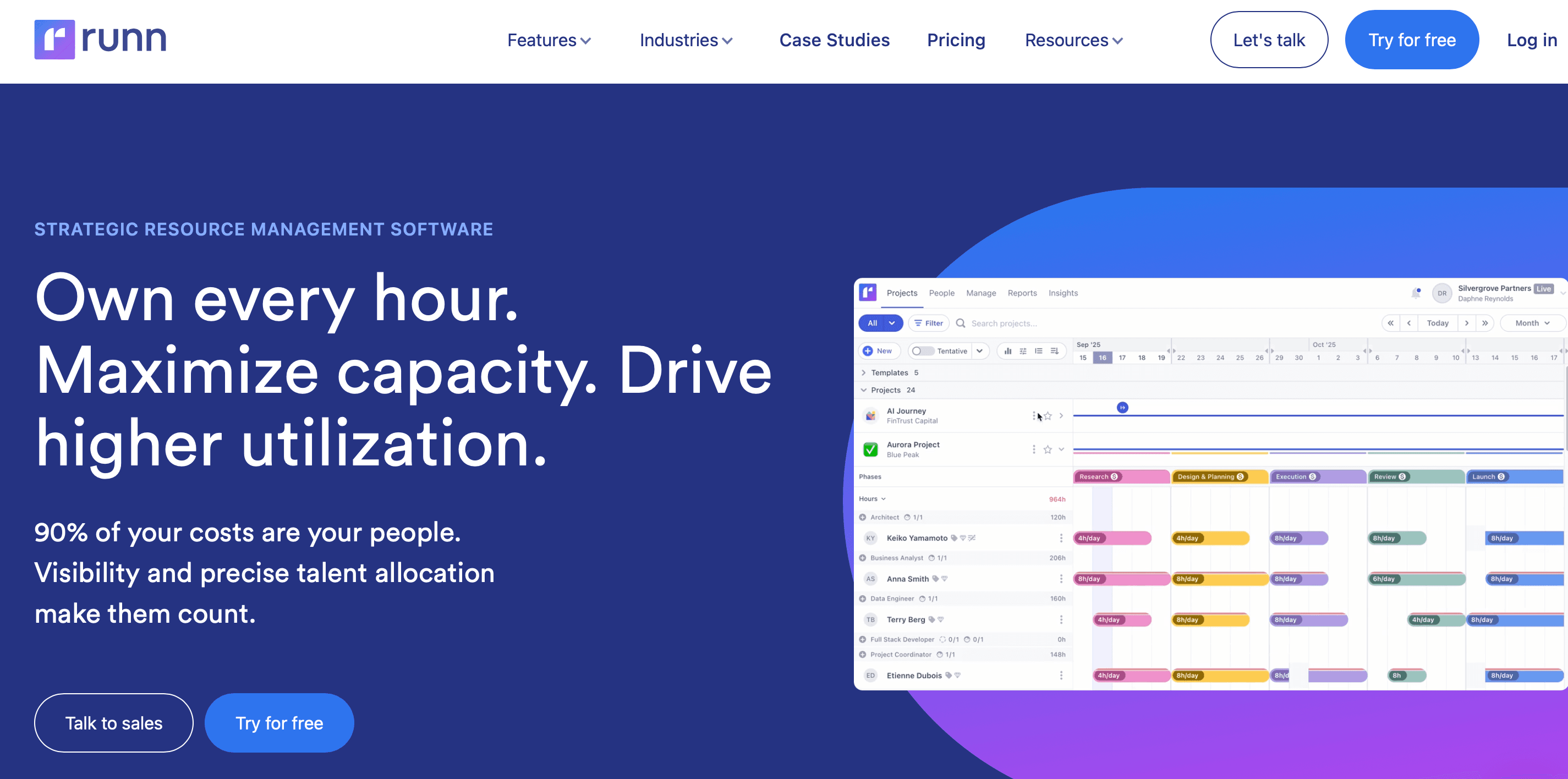
Pricing: $9 per user per month (Pro), $13 per user per month (Business)
Jira integration: Daily import
Atlassian Marketplace: No
Runn combines resource scheduling with financial forecasting. Set bill rates and cost rates per engineer, then track actuals against budget. For engineering consultancies that track project margins or bill clients by the hour, financial modeling is Runn's main differentiator on this list.
The Jira limitation
Runn imports from Jira once daily. The resource plan reflects Jira's state from the previous evening. A sprint reassignment made Tuesday afternoon won't appear in Runn until Wednesday morning. In sprint-based environments where plans change frequently, this creates a consistent one-day lag between what Jira shows and what Runn shows.
If you use Jira for issue tracking and plan capacity in a separate system, this lag may be acceptable. If you need your resource schedule and sprint data in sync throughout the workday, the daily import is a structural constraint.
What it does well
Runn's financial modeling is the deepest among the non-native tools on this list. Project-level margin tracking and budget variance analysis come built in, two capabilities Float and Resource Guru don't include. If you need to answer questions about project profitability alongside capacity, Runn covers both.
Limitations
The daily import cycle is the primary constraint. Runn operates as a separate application from Jira, which means context-switching if your workflow centers on Jira. .
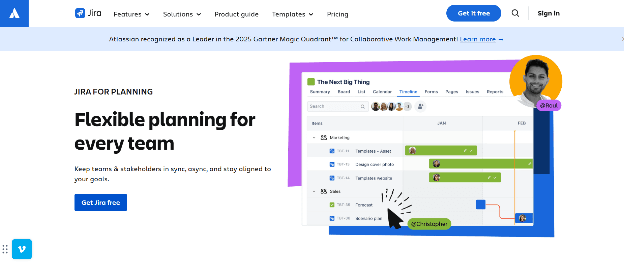
Pricing: Included in Jira Premium ($17.65 per user per month) and Enterprise
Jira integration: Native (Jira Cloud only)
Atlassian Marketplace: No (included in Jira)
Jira Plans is the cross-team roadmapping feature built into Jira Premium. It shows work across multiple teams on a shared timeline without leaving Jira. If you're already on Jira Premium, there's no additional cost to evaluate it.
What it does well
Jira Plans visualizes dependencies and delivery timelines across projects clearly. If you need a high-level view of what multiple squads are working on and whether their timelines conflict, Jira Plans delivers it. If you want cross-team visibility inside Jira without adding a tool, it's the fastest path.
Where it falls short
Jira Plans has a hard 10,000-issue cap per plan and a 50-team maximum. Larger engineering organizations reach these limits.
Jira Plans shows roadmaps, not resource schedules. It has no individual workload view. You can’t track utilization by engineers. Skills management and leave integration are not available. You can see what work is planned across teams, but you cannot answer whether a specific engineer has capacity for it.
For cross-team timeline visibility without capacity depth, Jira Plans works as a starting point. If you need capacity planning at the individual level, dedicated resource scheduling software covers what Jira Plans can't. Most teams on Jira Premium run Jira Plans alongside a dedicated scheduling tool.
Feature comparison
Tool | Jira integration | Multi-resource per issue | Bidirectional sync | Financial forecasting | Atlassian Marketplace | Starting price |
Tempo Capacity Planner | Native | Yes | Yes | Via Tempo Timesheets | Yes | $3.99 |
Activity Timeline | Native | No | Yes | No | Yes | $2.50 |
Float | One-way (Jira → Float) | No | No | No | Yes | $8.50 |
Resource Guru | One-way (API) | No | No | No | No | $4.16 |
Runn | Daily import | No | No | Yes | No | $9.00 |
Jira Plans | Native (Jira Premium) | No | N/A | No | No (included) | Included in Premium |
For teams running on Jira, Tempo Capacity Planner gives you live sprint data and individual-level utilization in one place. Capacity conflicts surface before they hit the sprint, not after. Start a free Capacity Planner trial to see how it works before you commit.
Capacity Planner
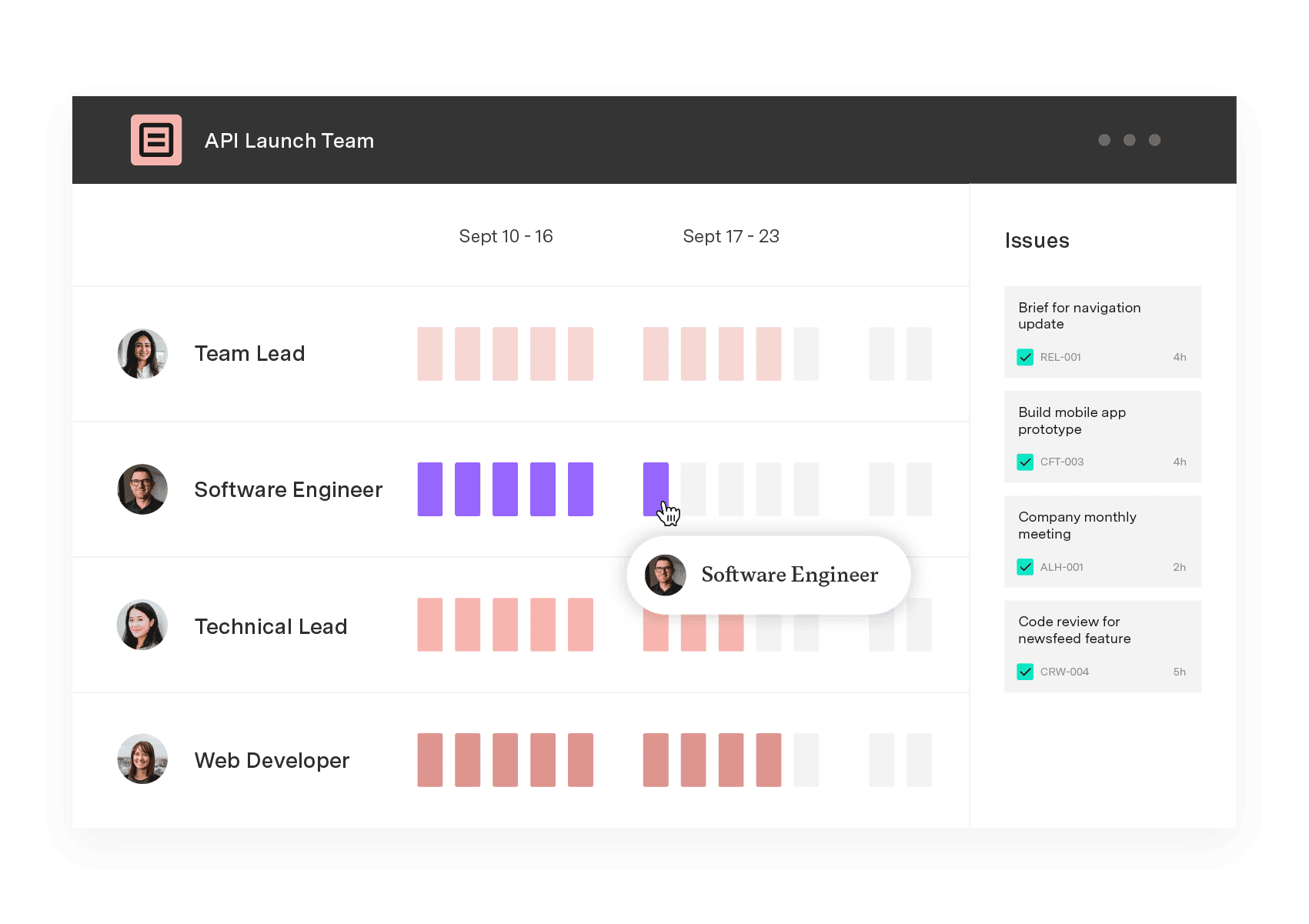
Capacity Planner is the only tool in the Atlassian Marketplace that allows planning for multiple resources on one issue. Users can customize the UI to include their existing Jira issues and projects.
Start a Free TrialCouldn't find what you need?Go to our documentation
Jira-native tools (Tempo Capacity Planner and Activity Timeline) run inside Jira and read its data in real time. When a sprint changes, the resource schedule updates immediately.
Jira-integrated tools (Float, Resource Guru, and Runn) operate as separate applications that sync with Jira periodically. Some sync once daily; others sync in one direction only. Changes in Jira take time to appear in the external tool, and in most cases, changes made in the external tool don't write back to Jira at all.
Tempo Capacity Planner is the only Atlassian Marketplace tool that supports multiple resource assignments on a single Jira issue. Other tools on this list (Activity Timeline, Float, Resource Guru, and Runn) model one resource per task. Engineering teams managing work that requires two or more specialists simultaneously need Tempo Capacity Planner or must use a sub-task workaround to model the assignment accurately.
No. Jira Plans handles cross-team roadmapping, showing what work is planned across multiple teams on a shared timeline. It doesn't track individual workload or skills availability. The 10,000-issue cap and 50-team maximum add further constraints for larger organizations. You’ll need a dedicated resource scheduling software alongside Jira Plans for capacity planning at the individual engineer level.
Jira assigns work but doesn't show team capacity. We compare six resource management tools for their integration with Jira and project visibility.

Compare the best capacity planning software for engineering teams on Jira. See how six tools handle two-way sync, utilization, and plan vs. actual.

Compare 7 agile project management tools for enterprise teams, with honest pros, cons, and pricing. See what handles portfolio rollup.

Compare the 8 best project portfolio management tools for 2026, with verified pricing and honest pros and cons.

Compare 6 Smartsheet alternatives for portfolio leaders and see which fits when the grid stops answering board questions.

Six Clarity PPM alternatives for Jira teams, compared by integration depth, cost, and implementation time.

BigPicture can't answer your CFO's CapEx question. Compare Structure PPM, Jira Plans, BigGantt, EazyBI, and Jira native on financial governance.

6 Top Project Management Books for Engineers and Manufacturers | Planning intelligence & resource management software for smart projects.

Jira resource allocation helps teams assign tasks and manage workloads. Learn to use Jira’s tools and enhance your planning with Tempo.

















