

Progress reports encourage organizational transparency and keep stakeholders informed. Learn how to compose intuitive and valuable reports.
Learn how to write an effective project progress report with our step-by-step guide and actionable best practices.

A project progress report is a high-level document that shows stakeholders how a project team is advancing toward its objectives and milestones. It sits alongside the status report as a core project management artifact, but goes further: where a status report captures the current state, a progress report tracks movement between checkpoints, flags obstacles, and names the next actions.
Beyond keeping interested parties informed, progress reports organize collective effort and hold teams to the plan. Writing them well is a core skill for project managers and delivery leads. The tips and template below will get you started.
Project progress reports run at different cadences depending on the audience and the initiative's timeline.
Daily project progress reports: These status updates give a comprehensive view of a project's progress and tasks completed. Project managers use them to track activity during periods of high urgency.
Weekly project progress reports: The most common cadence. They give a detailed outline of a project's progress and upcoming action items.
Monthly progress reports: These offer a broader view of the timeline, including status updates that show how the project is tracking against quarterly or yearly milestones. Project managers use them to brief senior stakeholders who don't need granular updates.
Quarterly reports are less common. Most project managers fold that content into the next quarter's planning meeting, since the outcomes of the previous quarter shape the plan adjustments to come. On-demand progress reports also happen when an executive or sponsor asks.
The template for each type of report is the same. Six steps for writing an effective project progress report:
Who is asking for the report? What do they consider relevant? Answer those questions and you have the focus.
Once you understand the audience's priorities, organize the report around them. Summarize those priorities and share them with the team members drafting the report.
A cover page serves two purposes: To give stakeholders context at a glance, and to help project managers store, index, and retrieve the report. Include the following:
Project name
Executive summary
Project team members
Project timeline
Creation date or version number
Project sponsor
It may also include the report's confidentiality or distribution level, and budget if appropriate.
A concise project summary details the project's most important elements:
Objectives: Reiterate the objectives key stakeholders established at the project's inception.
Current status: Give a high-level overview of the current status and how the project is progressing toward its objectives. Use a simple metric like a red-amber-green (RAG) indicator or a project completion percentage.
Core components: Detail the project's key focus areas. You'll unpack the progress of these components in the next section.
Keep the summary to around 200 words. Assume some stakeholders will read only this section.
This is the bulk of the report. Create a section for each of the project's key areas. If the project aims to improve SEO outcomes, for example, components might include a technical SEO analysis, a content audit, and hiring a link-building specialist.
This section doesn't need fluff. Use a bulleted list under each component's title to cover relevant information with maximum readability. The most important insights to include:
Overview: Highlight the area's intended outcome, timeline, scope, stakeholders, and stakeholder responsibilities.
Tasks completed and progress toward milestones: A brief summary of how this area is tracking against the project's milestones.
Hurdles: The problems the team is facing and the steps they'll take to overcome them.
Next tasks: Measurable action items and next steps.
Miscellaneous comments: Additional context specific to the area that stakeholders will find helpful.
This step is what separates a progress report from a status report. A status report focuses on where the project is now; a progress report gives granular detail on action items and milestone advancement.
Include comments that aren't tied to a specific project area but that stakeholders will want to know: Budget constraints, cross-departmental dependencies, upcoming regulatory changes, and other factors that can influence the outcome.
Keep this brief. Format the comments as a bulleted list or table for readability.
Read over the report with another team member. Check for grammatical and factual accuracy, then revise. Consider how stakeholders responded to past reports — what engaged them, what confused them, any direct feedback — and refine the structure, content, and delivery accordingly.
Once the report is complete, index and store it in a secure repository the project team can access, preferably an advanced project management tool.
A project progress report keeps momentum, informs stakeholders, and enables timely adjustments. Here's how:
Measurability is a hallmark of attainable goals. Teams must measure the progress of their work to know if they're moving. Objective project metrics help team members coordinate their efforts and keep unified momentum, which makes success more likely.
Progress reports create clarity and keep everyone aligned. They tell clients where the budget is going, show management the health of the project, and give team members insight into their own performance.
Progress reports surface what's working and what isn't. With that visibility, project managers can adjust strategy before losses compound. Daily and weekly cadences give the detailed performance signals that support timely corrective action.
A few habits to keep in mind for the next report:
The structure stays the same regardless of who the report is for. It should open with the cover page, move into the project summary, detail the key areas, and close with miscellaneous comments.
The content of those sections, though, should shift with the audience. Your audience may include:
Clients
Individual teams
Departments
Senior management
Sponsors
Vendors
Subcontractors
Regulatory bodies
End users
What one group treats as a priority may not matter to the next. Focus on what your audience needs to know. When in doubt, ask them directly which areas and metrics they care about.
A logical, clear structure helps readers follow the report. Before presenting it, walk the room through the structure in a short summary.
Visuals communicate data in a way stakeholders can digest. Pairing written information with visuals improves memorability by 70%. Choose a project management tool that generates high-quality visuals so the effort is minimal.
Unfamiliar jargon alienates stakeholders. Progress reports exist to convey actionable insights, and stakeholders act on information faster when it's plain.
Progress reporting is easier with the right tools, and easier still when those tools integrate.
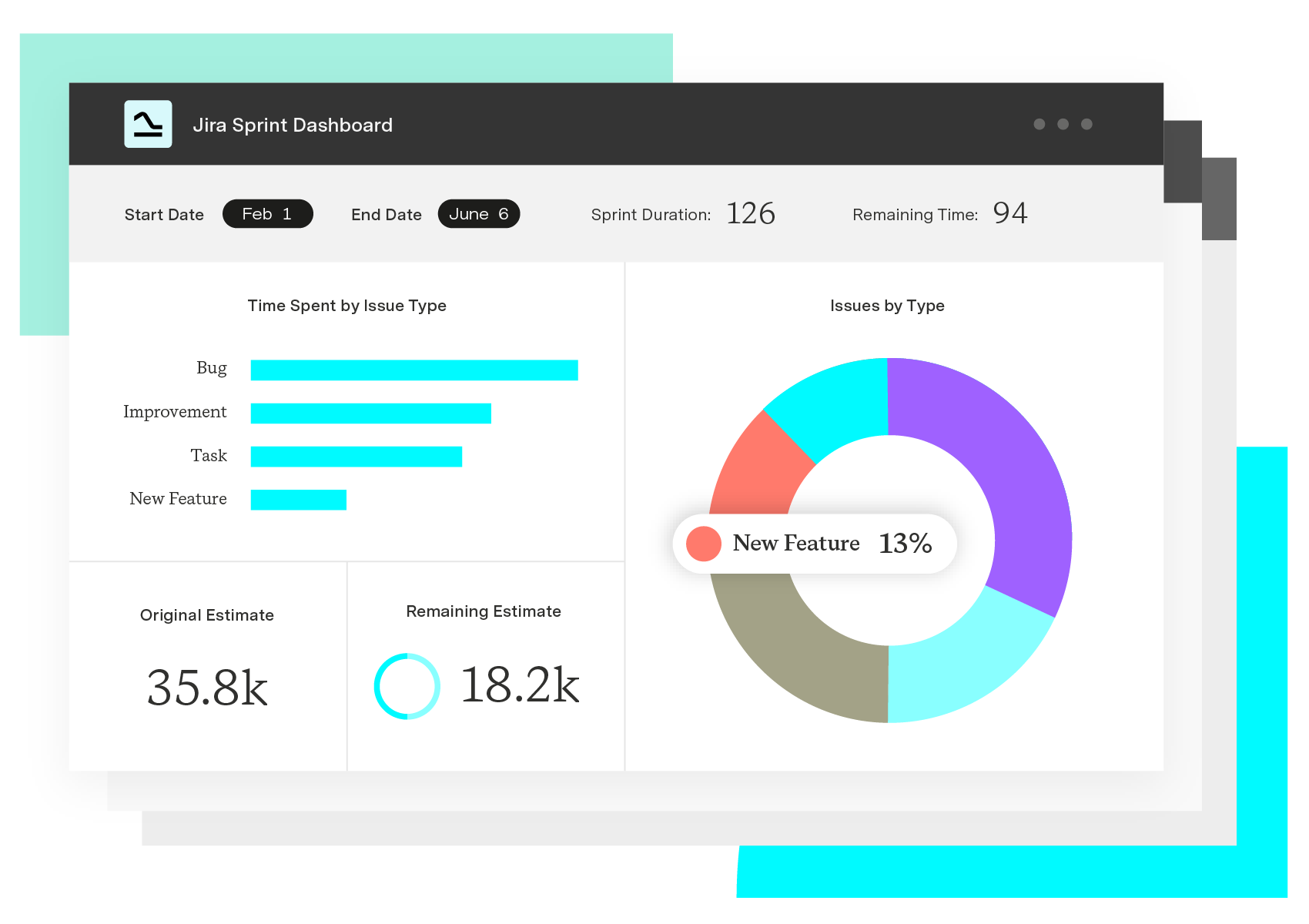
Tempo's Custom Charts tool simplifies complex reporting. Create a wide range of interactive chart types from real-time Jira data with dynamic filtering and segmentation, a centralized dashboard, and a no-code interface.
Want to make sure there's good news in the next report? Tempo's Portfolio Manager helps you anticipate, mitigate, or avoid roadblocks with predictive scheduling.
The full suite of Tempo tools work together to help you track and manage projects with ease. Start your free trial today.
Custom Charts for Jira
Build charts and dashboards to evaluate delivery, capacity, and speed for all teams with Jira's most flexible custom reporting app
Start a Free TrialCouldn't find what you need?Go to our documentation
Project managers may report on project milestones daily, weekly, monthly, or on-demand. Although some teams opt for quarterly reports, most prefer to present these updates during the next quarter’s planning meeting. Weekly progress reporting is the most common.
Progress reports provide an accurate view of a project’s risk landscape based on real-time data. Timely information enables stakeholders to collaborate and develop actionable strategies.
Here’s how to structure an effective project progress report:
-Cover page: Include the project name, executive summary, project team members, project timeline, creation date or version number, and project sponsor.
-Project summary: Outline current status, project objectives, and key areas.
-Breakdown of key areas and tasks: Explain each area’s scope, accomplishments, hurdles, and next tasks. Leave comments for stakeholders.
If stakeholders need information that doesn’t fit into the above sections, you can include miscellaneous comments at the end. These should convey important information that could affect project outcomes.
Progress reports encourage organizational transparency and keep stakeholders informed. Learn how to compose intuitive and valuable reports.

Establish alignment between stakeholders and team members with an essential source of informational truth. Learn to write an effective project brief.

Learn how to write valuable project status reports that keep your team aligned with project goals and stakeholders informed.

Learn the secrets of drafting a compelling executive report that gives the C-suite valuable data and insights to support informed decisions.

Learn the essential elements of a CEO report, including topics, data sources, and formatting, with our comprehensive template.

Get your ideas off the ground, find backers, and attract new clients by learning how to write a project proposal with these seven simple steps.

Struggling to write clearly under pressure? These 9 writing strategies help project managers communicate faster and with less back-and-forth.
Every project starts with a business case, and every case starts with identifying a problem and coming up with a solution. Learn how to create a case.

The key data from "The human cost of digital transformation" report and what you can do to combat the tech stress hurting your teams.















