

Operational metrics provide real-time insights about the state of your organization so you can proactively solve shortcomings and maximize efficiency.
Discover how operational data, such as sales transactions and system logs, empowers businesses to boost efficiency and effectively manage risk.

How would it change your business if you could tap into every sale, system alert, or customer interaction in real time?
Operational data gives you access to actionable insights hidden in your organization’s everyday functions. Organizations that use dynamic data streams can spot potential issues before they escalate and streamline their workflows.
Here, we’ll explore operational data and compare operational data vs. analytical data. You’ll discover how a constant flow of live information leads to smarter, faster, and more secure business practices.
Operational data is the constant flow of real-time information businesses rely on to keep essential functions running smoothly. This type of data comes from business intelligence analyses of an organization’s operations, including:
Daily processes
Sales transactions
Customer interactions
Production lines
Supply chains
Every purchase at a register, every scanned barcode in a warehouse, and every update to an inventory system generates a small but essential piece of operational data.
Unlike long-term reports or historical data, operational data is a snapshot of what’s happening right now. It allows companies to react immediately – catching fraudulent activity before it escalates, rerouting shipments to avoid delays, or adjusting staffing levels based on current demand. This data keeps risk in check and accelerates short-term strategic decision-making, which is critical in industries where a delayed response can mean wasted resources or security threats.
Operational data updates constantly, so it must be processed and understood as it happens. This is where real-time monitoring tools come in, turning raw data into insights businesses can act on. For example, an IT data analysis tool can continuously ingest and analyze log data from various sources across your IT infrastructure. If it detects indicators of a security breach (e.g., a surge in failed login attempts), it triggers alerts via email or SMS.
Analytical data is historical data that’s collected and processed to reveal underlying trends and patterns. This treatment yields analytics that inform long-term strategic decisions.
Unlike operational data, which records everyday transactions and activities, analytical data is built from records of past incidents and transformed into performance insights and analytics over extended periods. It’s often stored in specialized databases called data warehouses. With this type of data, organizations can understand how processes have evolved and forecast future performance.
For example, historical data regarding system performance can be extrapolated to anticipate maintenance needs before a failure occurs. Data analytics can also examine customer purchasing habits over time, revealing subtle shifts in behavior that can inform future marketing strategies. Similarly, firms can analyze data patterns in supply chain performance (e.g., inventory levels and lead times) to pinpoint inefficiencies and adjust their logistics accordingly.
Expert data analysis requires operational and analytical data to create a fuller picture of business performance. These analytics are distilled into executive reports to give senior leadership a concise overview and inform their strategic decision-making.
Real-time information from operational data keeps the organization’s daily operations nimble, while the insights derived from analytical data guide long-term planning. Together, they help businesses monitor current activities and set a course for future improvements, enhancing business intelligence.
Operational data takes different forms that provide valuable insight into everyday operations. Here are some essential types of operational data and their uses:
Business operation data includes customer service records, production rates, transactional data, and inventory counts. Monitoring this data can reveal unusual transaction patterns and identify potential fraud. For example, a retail system might capture every transaction detail and automatically flag anomalous purchases for investigation.
This data also helps fine-tune daily workflows so processes run smoothly and managers can promptly address emerging issues. Alternatively, it can help leaders refine staffing schedules, inventory management, and customer engagement strategies.
This type of data is gathered from the technology systems that support business activities. IT operational data includes system logs, network performance details, and application usage records. With these metrics, organizations can detect anomalies that indicate security breaches or technical problems, such as unauthorized access or unexpected system slowdowns.
Combining business and IT operational data links transactional behavior to system performance, helping you pinpoint inconsistencies and potential risks that might not be visible when each data set is analyzed separately. Fusing these data types enables more effective fraud detection and strengthens organizational IT incident management. It also facilitates task prioritization across business processes and IT systems.
An operational data store (ODS) is often maintained to provide a complete picture of business and IT data and serve as a centralized hub for operational data storage.
Tempo’s tools transform how organizations manage operational data, empowering them to effectively prioritize tasks and allocate resources. Whether capacity planning or IT service management, Tempo streamlines data handling by automatically aggregating information from various operational data sources and presenting it through intuitive, real-time dashboards. These dashboards offer an immediate, clear view of performance metrics and anomalies that signal underlying problems.
Tempo also offers predictive tracking that analyzes historical and current operational data, forecasting potential issues and emerging trends before they escalate. Together, these features ensure organizations fully harness their operational data.
Sign up for a free trial today to improve your operations strategy with Tempo’s integrated solutions.
Capacity Planner
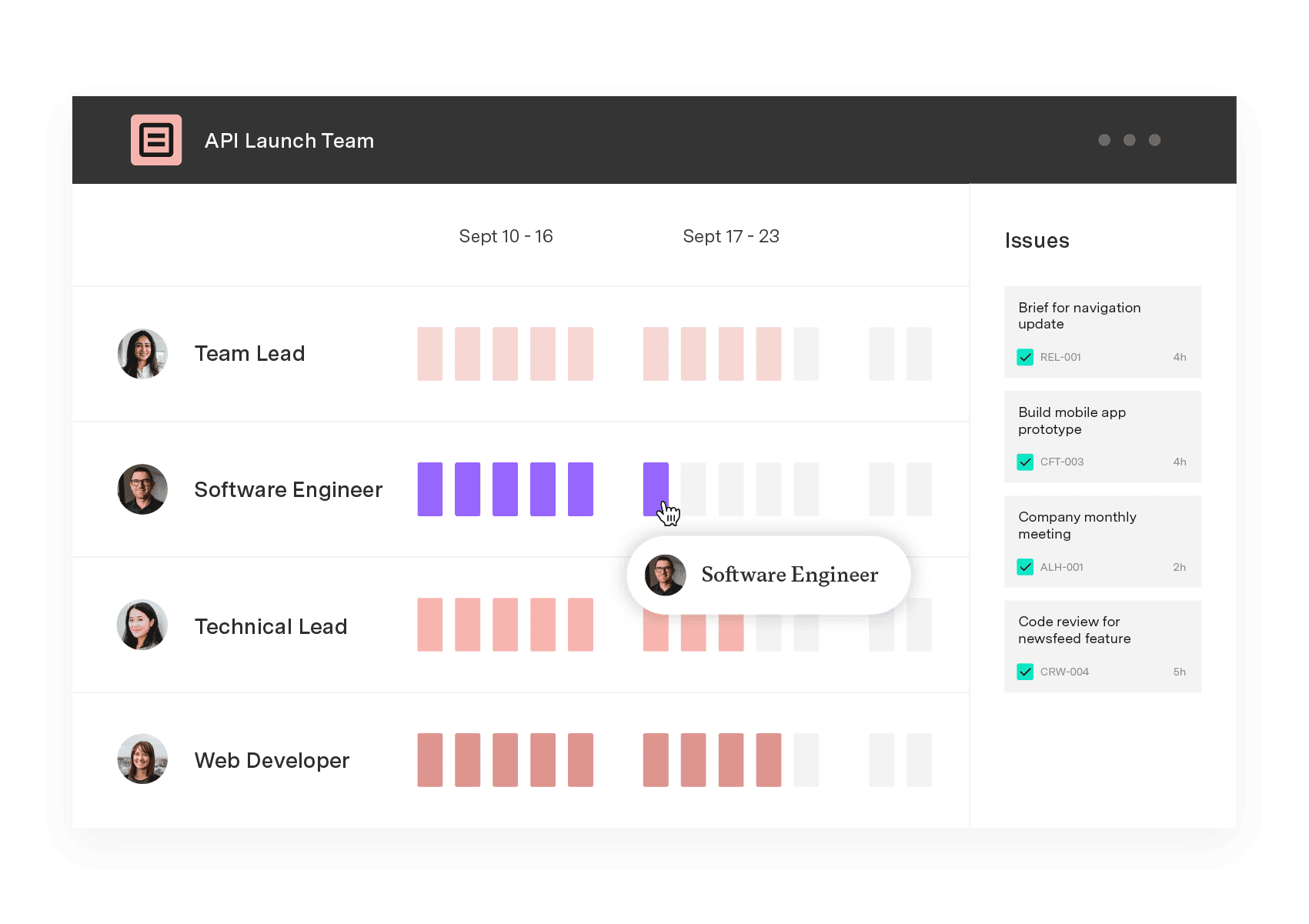
Capacity Planner is the only tool in the Atlassian Marketplace that allows planning for multiple resources on one issue. Users can customize the UI to include their existing Jira issues and projects.
Start a Free TrialCouldn't find what you need?Go to our documentation
When a retail transaction record is captured at the point of sale, it produces operational data. Every time a customer makes a purchase, the POS system records details like the time of the transaction, items purchased, quantities, prices, and payment method. Data analytics software can detect anomalies that indicate fraudulent activity or inefficiencies by comparing daily sales operations to historical data.
Operational data can also include system logs from manufacturing equipment, where sensors continuously record machine performance metrics like temperature and speed. These records help identify potential equipment issues and enable prompt corrective actions, supporting risk management and process optimization.
Organizations record operational data in real time, allowing them to spot unusual patterns that could indicate security risks and rapidly respond to potential threats. ITSM systems use this data to streamline remediation workflows, significantly mitigating damage.
Combining business data with IT data, such as system logs and network performance, helps organizations gain a better view of operations. CEO reports that integrate these insights help executives better understand both challenges, giving them the data to drive improvements across the organization. Once they identify process bottlenecks, they can develop more efficient resource allocation and data-driven workflows.
An operational data store (ODS) is a centralized database consolidating operational data from multiple sources. Unlike a data warehouse designed for historical analysis, an ODS system supports operational reporting and real-time decision-making by providing data for business processes.
Operational metrics provide real-time insights about the state of your organization so you can proactively solve shortcomings and maximize efficiency.

Struggling to manage projects and customer interactions? Learn how CRM project management can boost efficiency, improve sales, and simplify workflows.

Learn how predictive scheduling can boost your project team’s operational efficiency, and help members achieve better work-life balance.

Take control of your technological resources with IT asset management. Find out how ITAM boosts efficiency while reducing risk and cutting costs.

Discover how a solid operations strategy drives growth and efficiency, aligning business goals with real-world execution.

Discover the importance of operational plans, their distinction from other planning approaches, and how to craft your own.

Transform your operations management for the better with this guide to aggregate planning. Learn how it can help your organization thrive.

Build resiliency in your supply chain and keep customers happy by incorporating demand planning techniques into your inventory management practices.

Learn the essential elements of a CEO report, including topics, data sources, and formatting, with our comprehensive template.
















