Discover how operational data, such as sales transactions and system logs, empowers businesses to boost efficiency and effectively manage risk.
Struggling to manage projects and customer interactions? Learn how CRM project management can boost efficiency, improve sales, and simplify workflows.

Managing business projects while keeping your customers happy is no small task. That’s why you need customer relationship management (CRM) project management. It combines CRM tools with project management to boost sales efficiency.
This guide covers the features and benefits of CRM project management and how Tempo’s tools can help you make the most of your resources.
CRM project management is the integration of CRM software with project management tools to handle projects directly related to customer interactions, sales activities, and business processes.
Traditional project management tools focus on deadlines, tasks, and resource allocation, and CRM project management software aligns these functionalities with customer data. This allows business teams to enhance collaboration, sales tracking, and workflow automation.
With a CRM system, businesses can assign tasks to team members, manage deadlines, and track sales pipelines, ensuring a seamless connection between sales and project execution. By keeping project data aligned with customer interactions, you can increase efficiency and improve the customer experience.
At first glance, the best CRM and project management software may seem interchangeable, but their core functionalities are quite different.
The following table breaks down the key differences:
| CRM software | Project management software |
Purpose | Focuses on customer relationships, sales, and marketing. | Designed for task management, team collaboration, and project tracking |
Core features | Contact and lead management sales tracking, as well as customer communication. | Task assignments, time tracking, milestone planning, and Gantt charts. |
Data handling | Stores and organizes customer information for sales teams. | Focuses on internal workflows, resources, and deliverables. |
Collaboration | Improves communication between sales, marketing, and customer support teams. | Enhances collaboration among internal teams and stakeholders. |
Integration | Offers integration with marketing automation, customer support, and sales tools. | Connects with productivity tools like time trackers and workflow software. |
By syncing data across project management and CRM platforms, teams can eliminate information silos to better align sales, marketing, and project management efforts – ensuring all work is linked to customer success.
If you want to manage both your projects and your customer relationships effectively, look for the following key features in a CRM:
A strong CRM system and centralized customer data make it easy to track lead interactions, deal stages, and follow-ups. This ensures sales and project teams have a unified view of customer activity throughout the project lifecycle.
Built-in task management tools let users assign responsibilities, organize priorities, and monitor assignments between different teams. The system maintains synchronization between groups with updates on shared deliverables to keep teams aligned.
The best CRM project management software should integrate with popular productivity tools like Slack, Trello, Asana, and Google Workspace. Integrations automate workflows while improving the team’s communication.
Many CRM platforms have sales pipelines that offer real-time tracking of leads, deals, and revenue forecasting. Sales performance data enables teams to make faster, better decisions while modifying project durations accordingly.
For example, if a sales team sees that a high-value deal is likely to close earlier than expected based on pipeline data, they might allocate more resources to onboarding and fulfillment sooner, shortening the overall project duration.
Advanced analytic tools allow businesses to see how customers engage with their communications and product platforms while tracking sales development and project performance. Through detailed reporting tools, organizations gain visibility in locating roadblocks in CRM processes.
Common CRM features include file-sharing functions, real-time message systems, and joint dashboards, which enable smooth information exchanges between teams. Eliminating miscommunication between stakeholders allows them to stay aligned throughout the project lifecycle.
CRM project management software should include automation tools that streamline to-dos like email sequences, task assignments, follow-ups, and data entry. This minimizes manual effort, reducing errors while enhancing efficiency.
Many CRM platforms include task management and app integrations, allowing teams to assign tasks and track progress. With CRM software, teams can better execute customer engagement projects, sales operations, and marketing campaigns.
Here’s why CRM works for project management:
Streamlines collaboration between sales and marketing teams
Automates follow-ups, reminders, and task assignments
Improves project forecasting and resource planning
Integrates with external tools to enhance workflow efficiency
Implementing CRM project management offers several advantages, especially for teams handling customer-centric projects.
CRM tools allow businesses to predict sales trends and allocate resources more efficiently, ensuring project timelines align with revenue goals.
With features like automated follow-ups, customer interaction tracking, and lead nurturing, businesses can deliver a more personalized experience, boosting customer satisfaction and retention.
By centralizing project tasks, sales data, and customer communication, teams can work more efficiently, reducing miscommunication and project delays.
Automated workflows in CRM software reduce manual data entry, task repetition, and administrative overhead, which allows teams to focus on strategic work.
Managing IT, product, and project management tasks across multiple teams can be complicated. Tempo Strategic Roadmaps help businesses streamline that alignment, improving strategic organization and centralizing team collaboration.
Tempo’s roadmaps help teams prioritize ideas effectively, ensuring critical tasks get the most attention. By tracking and managing multiple projects simultaneously, Tempo reduces bottlenecks and enhances execution for smoother workflows.
Empower your workforce through Tempo and achieve your full potential.
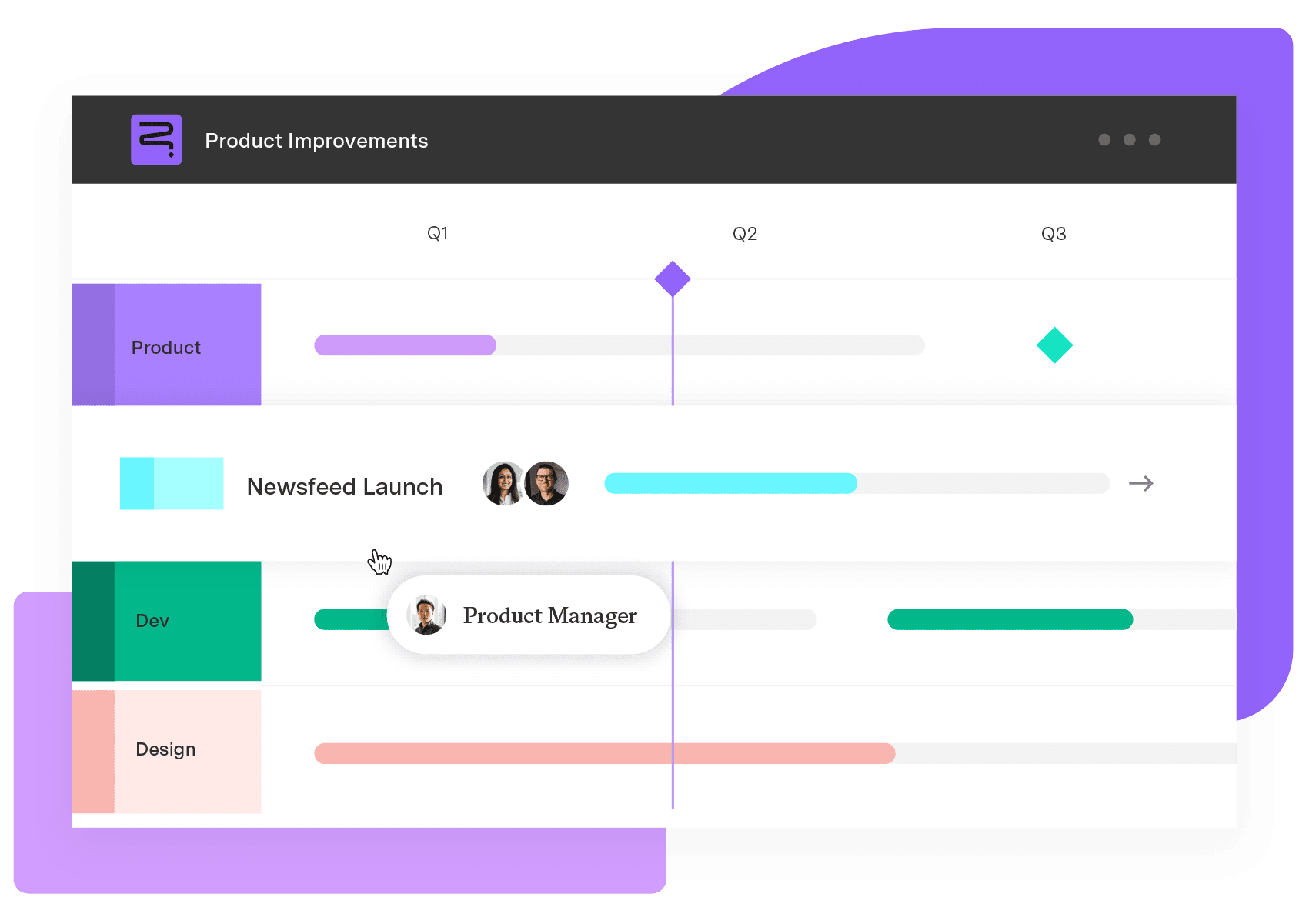
Strategic Roadmaps
Build your portfolio vision with Strategic Roadmaps. With powerful visualization capabilities, you can communicate strategy to the entire organization and gain alignment around strategic objectives, product goals, and milestones.
Start a Free TrialCouldn't find what you need?Go to our documentation
The three types of CRM are:
Operational CRM: Automates sales, marketing, and customer service. Analytical CRM: Provides insights through data analysis and reporting. Collaborative CRM: Enhances communication and coordination between teams.
A project manager in CRM oversees the planning, development, and implementation of CRM systems. They coordinate manage timelines and budgets, and ensure the team’s efforts align with business goals and user needs.
A CRM manager handles customer ties and sales operations with data maintenance needs. Meanwhile, a project manager takes responsibility for project completion timelines and resource allocation.
Discover how operational data, such as sales transactions and system logs, empowers businesses to boost efficiency and effectively manage risk.

Discover how digital project management methods can enhance workflows, collaboration and efficiency. Learn tips and tools to streamline your workflows

Increase sales, retention, and long-term success by improving customer satisfaction with these client relationship management best practices.

See why businesses need to adopt dynamic project management to improve their business and get more done.

Work management systems streamline processes, boost productivity, and improve your bottom line. Learn how to leverage these valuable tools.

Use project management automation to streamline tasks and boost efficiency allowing project managers to focus on creative problem solving and strategy

B2B CRM software streamlines sales, enhances collaboration, and improves forecasting. Explore top options, and find the right one for your business.

Discover how aligning strategy and execution with integrated roadmaps can enhance portfolio management and boost ROI, based on our latest study.
Projects can stall for no reason. Read on to learn how to reengage in the project and finally finish it.