our content plan is how you connect with your audience and build brand recognition. Here’s how to create a content plan and engage customers.

The choice of SQL vs NoSQL databases is critical for database management purposes since they interact with different types of databases. SQL is the approach used to interact with relational databases, and since SQL databases are older, they have the most established structure. NoSQL is used to interact with non relational databases, and due to their flexible schema, they are easily scalable, flexible, and relatively simple to use.
This article will detail the difference between SQL and NoSQL, comparing their functions, structure, and performance, identifying pros and cons, and showing when to use NoSQL vs. SQL.
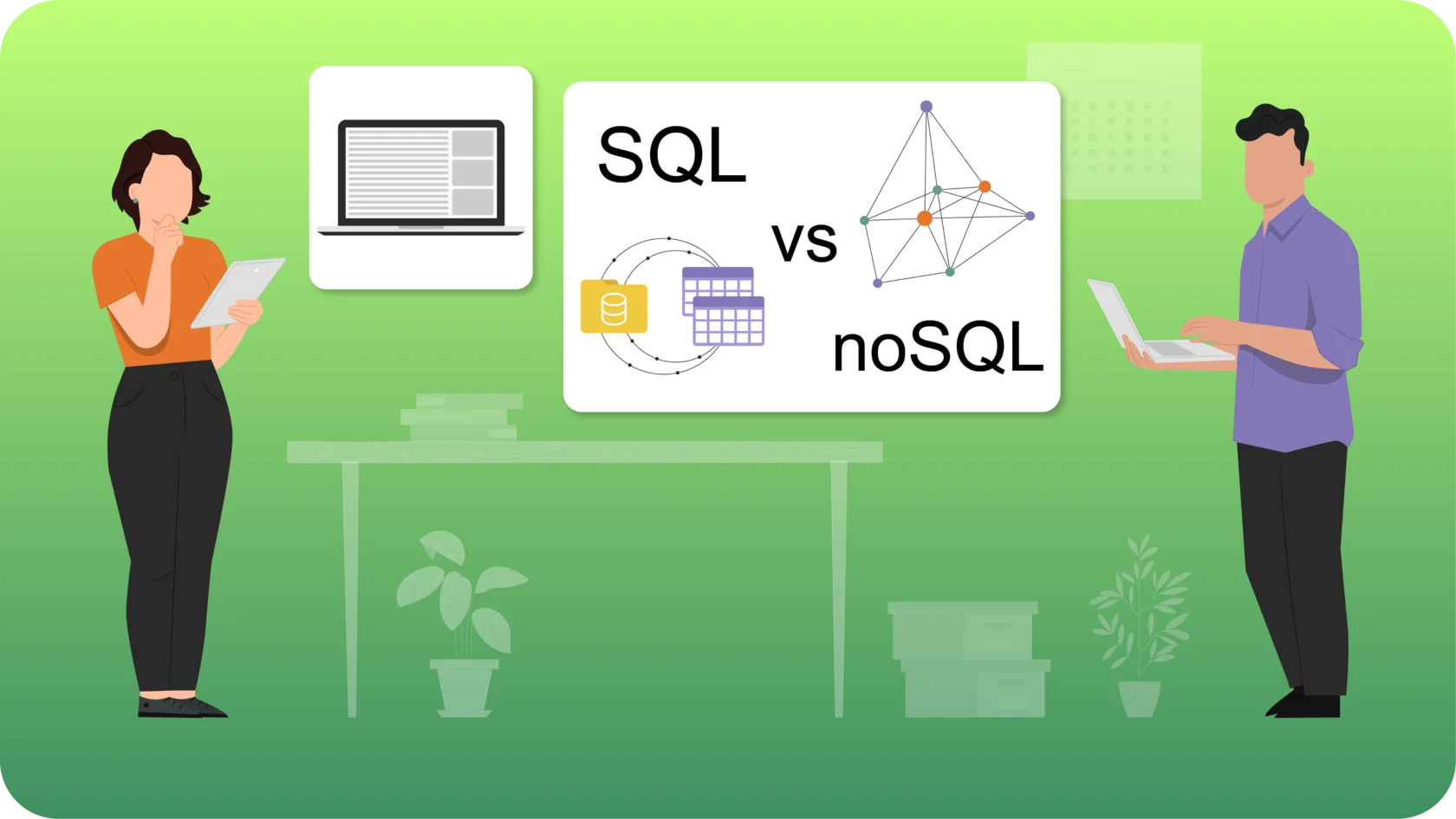
When choosing a database, the primary choice is between a relational (SQL) or non-relational (NoSQL) database. Despite schemas, data types, and structure differences, both databases are excellent options. So, what should I learn, SQL or NoSQL? First of all, let’s have a look at what is NoSQL vs SQL.
SQL databases, also known as relational databases, use Structured Query Language (SQL) for defining and manipulating data. These databases are built on a structured schema and consist of tables with rows and columns. Each table has a predefined structure, and relationships between tables are established through primary and foreign keys. SQL databases are excellent for complex queries and transactions, providing ACID (Atomicity, Consistency, Isolation, Durability) compliance, which ensures reliable and secure data operations.
SQL has been the standard way of accessing and managing relational databases since the late 1970s. The key to classic SQL relational model databases is the abstraction of data as a set of tuples organized into relationships, which allows for creating a physical representation of data and access paths. This structure supports SQL, a domain-specific language for querying, manipulating, and changing data in a relational database.
SQL databases are scalable vertically, meaning their capacity can be increased by adding more resources, such as RAM or SSD, to a single server. This vertical scalability can be further enhanced through cloud and other technologies, providing more flexibility and scalability. Popular SQL databases include MySQL, PostgreSQL, and Microsoft SQL Server.
A NoSQL (Not Only SQL) database is a non-relational database that organizes data flexibly without the rigid structure of tables used in SQL databases. Data in NoSQL databases is stored in various formats, including documents, columns, key-value pairs, and graphs, allowing for more versatile data management. Unlike relational databases, NoSQL databases handle relationships between data differently, often prioritizing scalability and flexibility over strict data integrity.
NoSQL databases are known for their ability to scale horizontally, meaning they can manage increased loads by adding more servers to the database cluster. This makes them ideal for handling large amounts of unstructured or semi-structured data, which is common in web applications, big data analytics, and IoT environments. They excel in situations where data is highly variable or does not fit neatly into a structured schema.
However, NoSQL databases also have some limitations. Managing relationships between data can be more complex than relational databases, and there is a lack of standardization across different NoSQL solutions. Despite these challenges, their scalability and flexibility make them a popular choice for modern applications requiring dynamic data handling.
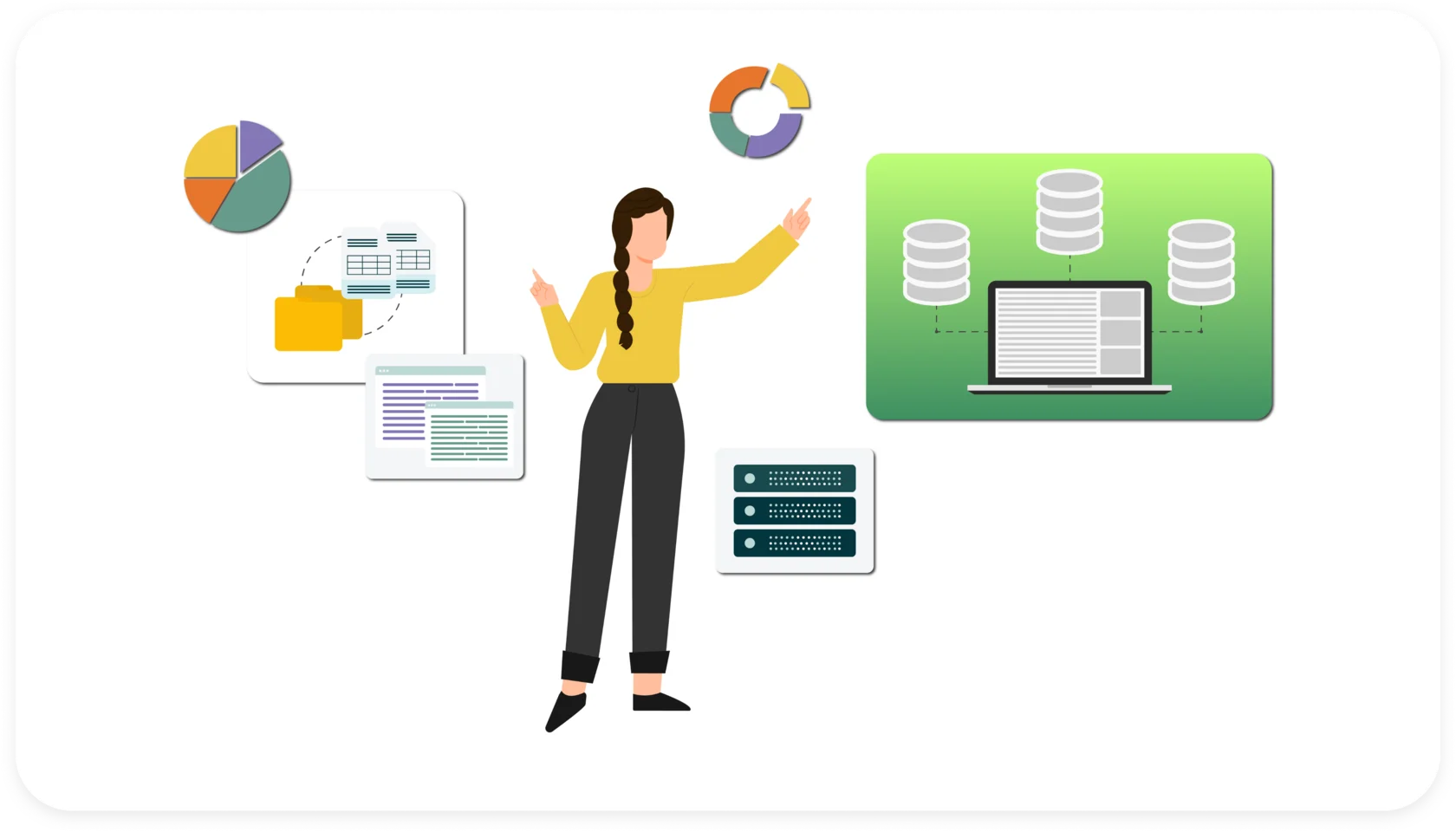
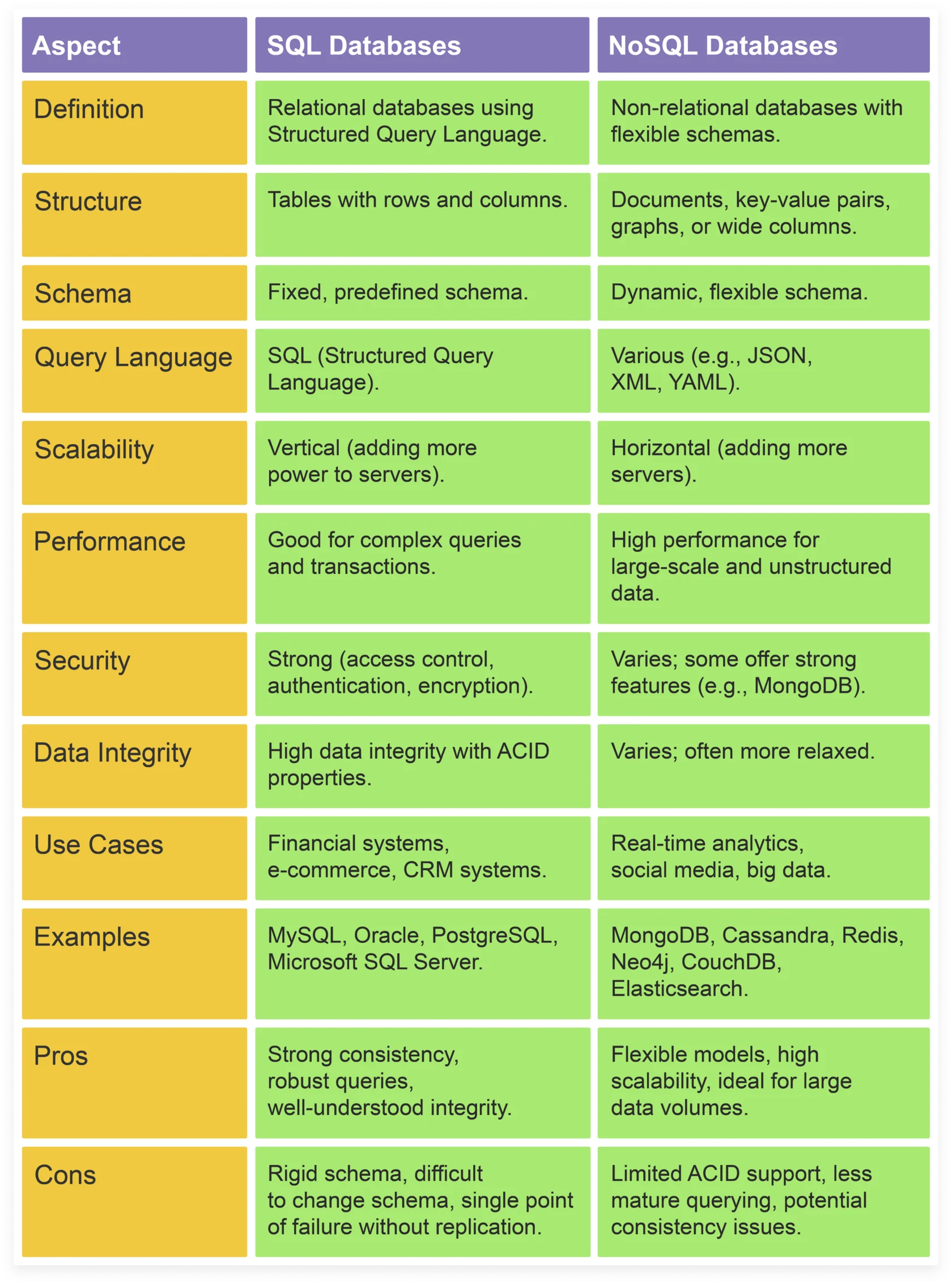
Choosing or recommending a database is a nontrivial exercise, even for database experts. The split SQL or NoSQL can be useful for an informed decision, but, in the end, there is no substitute for thinking seriously and thoroughly about your application's data needs and the tradeoffs to meet performance or uptime goals. Let’s have a look at the difference between SQL and NoSQL.
The SQL database is relational, and the NoSQL database is non-relational. SQL databases use Structured Query Language to store and retrieve data in rows, columns, and tables. This rigid structure ensures consistency and helps connect information from different tables thanks to unique identifiers. Primary and foreign keys facilitate this process.
NoSQL databases are more flexible, allowing dynamic and schemaless data storage. This flexibility allows data to be inserted without a predefined schema. They store data like relational databases utilizing a storage model, but they don’t have rows, tables, or keys. NoSQL databases are mostly used where data structures may be undefined or frequently change.
SQL databases have a fixed-defined schema, and the primary purpose is to ensure data integrity through primary keys, foreign keys, unique constraints, and check constraints. At the same time, NoSQL databases are used to provide general-purpose documents, large amounts of data with simple lookup queries for key-value, large amounts of data with predictable query patterns for wide columns, and analyze and traverse relationships between connected data for graphs.
Thus, NoSQL databases work well in scenarios where data structures may not be fully known in advance or are subject to frequent changes, while SQL databases work well when the data is well-structured and predictable.
SQL databases use Structured Query Language and predefined schemas that impose a set structure when arranging data and require tables to follow a predefined row and column structure. It’s one of the most adaptable and widely used query languages, but it can be restrictive. Users have to use predefined schemas to decide the data structure before working with it. All the data should be structured in the same way, and changing the data structure would be difficult and disruptive for the whole system.
NoSQL databases use dynamic schemas for unstructured data and store them in many ways, providing flexibility in how data is presented. These databases allow data to be entered without a predefined structure, allowing developers to quickly customize the schema. Users can use column-oriented, document-oriented, graph-oriented, or Key Value stores. This flexibility is particularly useful when dealing with diverse, evolving and unpredictable data types. NoSQL databases use JSON (JavaScript Object Notation), XML, YAML, or binary schema, facilitating unstructured data.
Another difference is scalability, so what is the difference between NoSQL and SQL scaling? SQL offers low scalability compared to NoSQL as they are vertically scalable in most situations. It allows for an increase in the load on the server by adding more CPU, RAM, or SSD capacity.
NoSQL databases are horizontally scalable and designed for large volumes of information, such as Big Data. This is because SQL is centralized, and NoSQL is distributed, allowing it to run on multiple machines but with very few resources. More traffic can be handled through a process called sharding, which adds more servers to a NoSQL database. This horizontal scaling makes NoSQL databases the preferred choice for large, frequently changing data sets.
SQL and NoSQL structure also varies. SQL databases are based on tables, where each field in a data record has the same name as a column in the table. This is pivotal when performing multiple data transformations, and it’s the best option for accounting or legacy systems built for a relational structure.
A NoSQL database comparison shows that they are based on documents, key values, graphs, or stores with several columns. This flexible data model makes NoSQL databases easier for some programmers to use.
SQL databases are fast and can scale vertically by adding more resources to the server. They are very reliable and can handle extensive data and high traffic. NoSQL databases are faster than SQL databases because they are designed to handle large amounts of data and traffic. They can be as reliable as SQL databases; they often use replication and automatic fault tolerance to ensure high availability. NoSQL databases can be used for large data objects such as images and videos, while SQL databases cannot handle these objects efficiently, making it challenging to meet your data needs.
The difference in security is essential when choosing SQL vs NoSQL databases. SQL databases provide vigorous security options like access control, authentication, and encryption and are used in regulated industries such as healthcare and finance. The support for these features can vary from one database to another.
NoSQL databases are not as fully featured and strong as SQL databases. They don’t have data encryption and authentication features. To sidestep this, it is better to use a NoSQL database like MongoDB that supports the SQL database security features.
SQL databases are well-suited for various scenarios:
Multi-line Transactions: They excel in handling multi-line transactions, particularly in cases where data is structured and predictable.
Legacy Systems: Often employed in legacy systems reliant on relational structures, SQL databases accurately capture complex relationships.
User-Centric Applications: SQL databases are effective for user-centric applications with multiple join operations, facilitating seamless data retrieval and manipulation.
ACID Properties: The rigid schema of SQL aids in creating ACID properties, ensuring data consistency and reliability.
Data Retrieval Efficiency: SQL databases are proficient in quickly retrieving required data, making them ideal for tasks demanding swift access to information.
Specialized Applications: They find utility in specialized domains such as financial applications or customer relationship management systems.
SQL databases examples include MySQL, Db2, Oracle, PostgreSQL, and Microsoft SQL Server. NoSQL databases offer compelling solutions for various use cases:
Dynamic Data Applications: Ideal for dynamic data applications without join operations, where flexible data structures adapt dynamically to new information.
Impact-Free Data Sets: Suited for applications where data sets do not affect business operations, allowing for smoother scalability.
Unstructured Data Handling: NoSQL databases shine in handling unstructured data like documents or JSON, providing flexibility in data storage.
Real-Time Analytics and Social Media: NoSQL databases' dynamic schemas and horizontal scaling are instrumental in real-time analytics and social media databases.
NoSQL databases examples include MongoDB, BigTable, Redis, Cassandra, HBase, Neo4j, CouchDB, and Elasticsearch.
SQL databases have many advantages, which makes them popular and highly demanded, but they also have some disadvantages, which are listed below.
The reduced data storage footprint due to normalization and other optimization opportunities often results in better performance and more efficient use of resources.
Data integrity semantics are strong and well-understood through ACID (Atomicity, Consistency, Isolation, Durability) and standard data access.
Thanks to normalization and other optimization capabilities, reduced footprint maximizes database performance and resource utilization.
Query support is generally more flexible and able to handle and support a wider range of workloads.
SQL abstracts from the underlying implementation and allows the engine to optimize queries to fit their representation on disk.
The rigid data models require careful initial design to ensure adequate performance and resist evolution.
Changing a schema often results in downtime.
The problem of horizontal scaling is either completely unsupported, supported ad hoc, or supported only on relatively immature technologies.
Non-distributed engines are generally a “single point of failure” that must be mitigated by replication and failover techniques.
No illusions of infinite scalability.
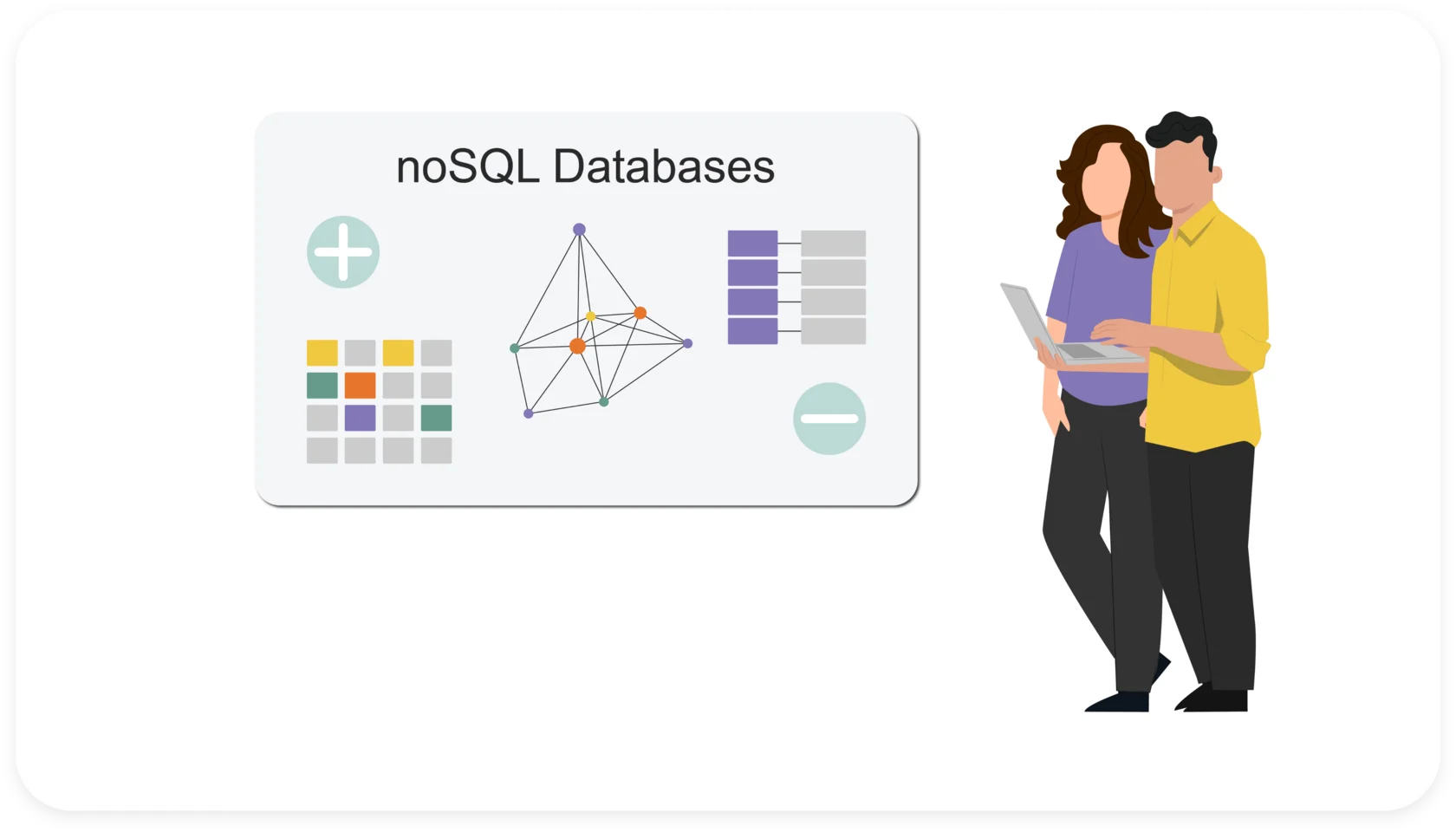
Summarizing the pros and cons of NoSQL databases is challenging because the range of options available is enormous. Here are some general advantages and disadvantages.
They are generally scalable and highly available: many are typically designed to support seamless horizontal scalability online without significant single points of failure.
They have flexible data models: most non-relational systems do not require developers to commit to data models; what patterns exist can often be changed on the fly.
Performance is high: by limiting the range of database operations, many NoSQL systems can achieve extremely high-performance levels.
Data abstractions are high-level: NoSQL systems can provide high-level APIs for powerful data structures by moving beyond the “value in a cell” data model.
We have already seen the disadvantages of SQL databases, but what are some disadvantages of NoSQL databases?
There are vague interpretations of ACID constraints: despite widespread claims of ACID support for NoSQL systems, the interpretation of ACID is often so broad that not much can be derived about the semantics of the database in question.
There is also a lack of flexibility in access patterns: the relational or SQL abstraction gives the database engine broad powers to optimize queries for the underlying data.
Data representation on disk emerges in application queries and leaves no room for engine optimization.
It’s necessary to decide when to use SQL and when to use NoSQL because they vary in structure, capabilities, and ideal use cases.
SQL relational databases have been the most popular data storage method for decades because of their table structure and support for ACID transactions. They are particularly well suited for situations where data consistency and integrity are important, such as in financial or e-commerce applications.
Regarding SQL, first of all, when you have relational data or when the focus is on data integrity, relying on proven relational databases is a good choice. When flexible data access is desired, the relational model and SQL support ad hoc queries.
NoSQL is attractive when you have highly flexible data models or particular needs that do not fit the relational model. NoSQL data stores are highly scalable, and scaling is a fundamental tenet of many of these systems. Built-in sharing makes reading and writing resizing much easier than relational databases. NoSQL databases were developed to address some of the limitations of SQL relational databases, such as horizontal scalability and handling large amounts of unstructured data. They are particularly suited to situations where data processing flexibility and speed are critical.
In short, before selecting the most appropriate type of SQL vs. NoSQL databases for efficient and reliable data management, it is important to conduct a thorough analysis phase to understand the project's specific needs and data requirements and the difference between SQL and NoSQL databases.
Both databases have specific features and advantages. Although NoSQL databases are often associated with greater horizontal scalability and flexibility, there are situations in which an SQL database may be the best choice. Get familiar with SQL vs NoSQL databases comparison and start navigating the data landscape by connecting and accelerating your data and data processes.
our content plan is how you connect with your audience and build brand recognition. Here’s how to create a content plan and engage customers.

A guide for Tempo users weighing a switch. See which reasons to leave point to a lighter tracker, and which are better solved by adding to the suite.

Say goodbye to dull reports and presentations filled with spreadsheet tables. Reporting with Jira visualizations brings data to life.

Stay on top of project progress by integrating RAG status reporting in your process to help everyone understand how the team is performing.

Project managers and program managers are similar yet different. Learn the differences between each and decide which role is right for you.

Learn what a tiger team is, how it works, and when to use one to solve urgent, high-stakes problems quickly and effectively.

A Jira and Confluence integration yields a powerful business solution that helps you manage content, projects, and issues in one effective toolbox.
Great products have great design. PMs need to understand and speak the language of designers. We’ve uncovered what designers wish you knew.

Capture worklogs as work happens. Automated time tracking in Jira gives finance and managers data they can trust without nagging the team.