

Discover how a postmortem meeting can help your team review projects, learn from mistakes, and improve for future success.
Project retrospectives fuel team growth and development. Learn how to conduct effective postmortems that improve collaboration and productivity.

Postmortem, after-action review, wrap-up, project retrospective — different names for the same meeting, where a team reviews the events and outcomes of a recently completed initiative.
Retrospectives are most often an agile management practice. They give Scrum teams a chance to reflect on a project's success or failure and identify areas for improvement. They also build an environment of continuous learning and psychological safety.
Here's what you need to know to run productive retrospectives with your team.
A project retrospective is a structured meeting where key stakeholders analyze a completed project's successes and failures. A facilitator helps the group name the actions, processes, and behaviors that produced positive outcomes so the team can repeat them on future work. The group also digs into what didn't work and builds an action plan so the same mistakes don't recur.
A good retrospective creates a safe space for the team to be open and honest with each other, sharing feedback that strengthens working relationships and boosts productivity. Done well, it improves collaboration and streamlines processes on the next project.
Retrospectives require more than a discussion of what worked and what didn't. When run well, a retrospective delivers the following benefits:
Retros let the project team learn from each other's successes and missteps. With that data, the group can integrate new steps into individual workflows and procedures, incrementally sharpening the entire process.
The retrospective gives leadership a chance to gather input on challenges and blockers from each team member. Unique insights produce more viable solutions and help others solve similar problems in the future. Members also share best practices, growing the team's collective knowledge.
Sharing wins, failures, and constructive feedback in a safe space encourages team members to bond. They find new ways to collaborate and celebrate success, which builds morale and motivation.
Retros boost accountability by encouraging team members to take ownership of their contributions. Leaders should avoid assigning blame during these reviews and focus instead on the changes that will prevent the same errors next iteration.
One goal of retrospectives is to document project risks, assumptions, blockers, and other unknowns. Project managers can use that data during future planning to avoid the same scenarios and improve outcomes.
A retrospective doesn't have to be complicated, but it does need structure and planning. Here's a framework for a productive meeting:
Preparation is the difference between a productive retro and a rambling one. It organizes thoughts and sets an outline. Here's how to get started:
Select your attendees: Invite team members who were integral to delivering project outcomes.
Write the project report: Cover all significant milestones, including success and failure metrics.
Set the agenda: Help attendees prepare by outlining the meeting in advance.
Schedule the meeting: Book the retro at least three days in advance so participants have time to prepare.
Organize the meeting: Send invitations, book the room, and gather a whiteboard and supplies. Order refreshments so everyone stays hydrated and focused.
Offering feedback can be tricky, especially when participants don't share preestablished trust. The facilitator has to create psychological safety by:
Demonstrate gratitude: When the team feels its input is valued, members are more likely to offer open and honest feedback.
Build bonds: Create collaboration opportunities that help team members build relationships. Examples include status check-ins and team-building activities like icebreakers.
Incorporate positive feedback into team culture: Encourage regular peer reviews of low-stakes tasks to familiarize the team with the feedback process and help them respond well to both positive and negative input.
Define the scope of feedback while planning the meeting. Are there recurring issues or themes you want to discuss? Some examples:
Team performance: Examine productivity, time management, and work standards.
Communications and engagement: Determine whether team members shared data effectively via the right channels. Did people receive too much or too little information?
Deliverables: Evaluate whether the team met stakeholders' goals, objectives, and expectations. If not, why?
Process and tools: Discuss the effectiveness of tools, workflows, and processes. Did anything facilitate or hinder delivery?
Retro meetings should run at least one hour, with the facilitator allocating 45 minutes per project work week. That adds up on long-term projects, so consider running retrospectives at major milestones with a final wrap meeting on delivery.
A retrospective aims to share ideas that will streamline future projects. The agenda doesn't need to be complicated. Your plan can be as simple as this:
1. Welcome 1. Project review 1. What did we learn? Successes, challenges, other insights 1. Priorities: What matters most? 1. Changes to make: Action planning 1. Closing
Here's a breakdown of the essential action items:
Welcome participants with introductions and icebreakers. Outline the meeting's purpose and open the discussion by recognizing everyone's contribution and congratulating them on shipping the project.
Now, align your team. Team members are rarely privy to every task, so take time to review project facts:
Goals and objectives
Timeline
Budget
Major events and milestones
Success metrics
Solicit feedback on the project report or build a timeline of events to accurately represent the project's history.
The next phase asks what worked well and what everyone learned during execution. Help the group name their wins, effective procedures, and processes they want to replicate. Start with wins to set a positive tone, boost morale, and make sure success isn't taken for granted.
Next, focus on significant challenges and unexpected events that hurt team function and project outcomes. Encourage an organic, honest discussion of what went wrong and the choices that led there — but keep blame off the table.
Record all insights, good and bad, in the meeting notes.
After sharing insights:
Encourage the team to brainstorm improvements for future projects.
Document action items precisely and name who owns each one.
Schedule a follow-up session if the team needs more time to build a detailed improvement plan.
Make sure everyone understands the goals, the expectations, and how their piece fits into the next project.
Before ending the meeting, summarize the discussions, highlight feedback, and list next steps and action plans.
Close by thanking everyone for their participation. Ask for feedback on the meeting itself so you can improve it next time. Organize the notes using a template and share the document with the group.
A few more suggestions to help retros run smoothly:
Like any meeting, retros need preparation. Beyond notifying attendees, setting an agenda, and booking the room, make sure you have the supplies you need, including equipment and seating.
Attendees should understand the purpose of the retro, so include the agenda and project report with the invitation. Schedule time for Q&A at key points.
Use project data to support conclusions about performance and outcomes. Make sure that data is thorough, accurate, and easy to understand.
Work with the team to prioritize actionable improvement goals so the impact is worth the effort. Involve everyone, and provide the resources needed to hit those targets.
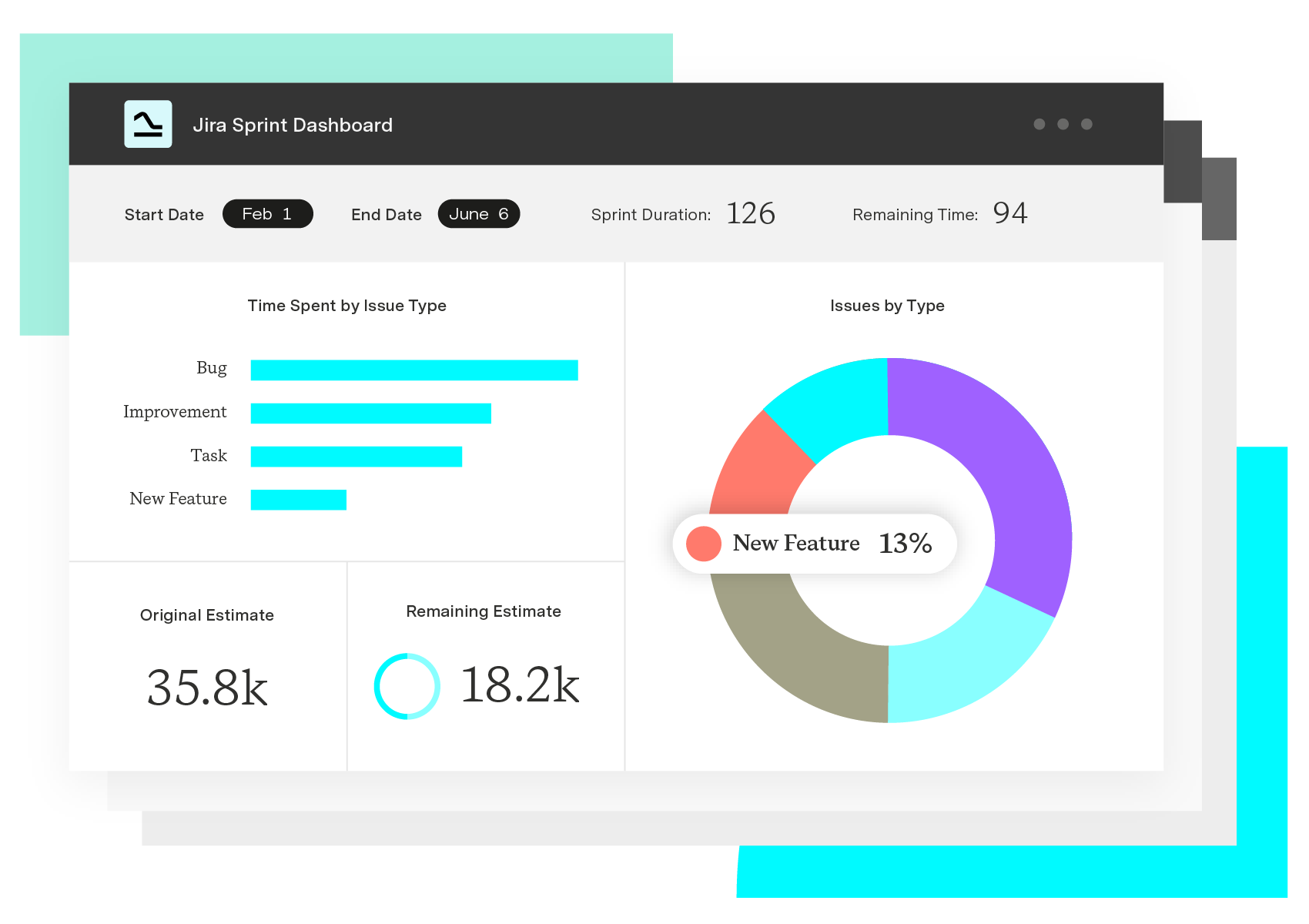
Tempo software doesn't just support successful project execution — it helps you conduct thorough reviews. Apps like Custom Charts for Jira and Timesheets deliver data-driven insight into team collaboration and workflow effectiveness. That grounding makes postmortems produce realistic action items and concrete improvements for the next project.
Custom Charts for Jira
Build charts and dashboards to evaluate delivery, capacity, and speed for all teams with Jira's most flexible custom reporting app
Start a Free TrialCouldn't find what you need?Go to our documentation
For agile retrospectives, the facilitator is usually the Scrum Master or project owner. Project managers, team leaders, or directors are excellent choices for teams that use other management frameworks.
In agile, project and sprint retrospectives are essentially the same. At the end of the sprint, the Scrum team reflects on what worked well and what didn’t, using these insights to generate improvement ideas to help the team become faster, smarter, and happier.
The real difference lies between sprint retrospectives and sprint reviews. Sprint retrospectives are about improving the team, whereas sprint reviews focus on the product, ensuring the team meets customer expectations.
Discover how a postmortem meeting can help your team review projects, learn from mistakes, and improve for future success.

An agile retrospective meeting is a critical component of the agile process, helping your team learn from the successes and failures of past sprints.
Discover how to use the Start, Stop, Continue framework to improve team feedback, performance, and engagement. Find out how Tempo can help.

Learn how a project post-mortem template in Jira can help your team reflect, capture lessons learned, & improve future projects with insights.

Learn facilitation skills to guide teams toward better decisions. Practical techniques for active listening, conflict management, and engagement.
Your project kickoff meeting is like opening night for a new production. Learn how to lead a project kickoff meeting with these tips.

Learn how including a premortem analysis during the planning phase of project development reduces risk and decreases potential failure.

Establish a robust project closure process that punctuates your team’s hard work and transfers responsibility for the outcome to your client.

One of the differentiators between an average and a high-performing project manager is the degree to which they lead a team versus just managing it.

















