

Discover how to use the Start, Stop, Continue framework to improve team feedback, performance, and engagement. Find out how Tempo can help.
Learn facilitation skills to guide teams toward better decisions. Practical techniques for active listening, conflict management, and engagement.

Facilitation skills are the abilities you use to guide groups toward achieving goals by fostering collaboration, communication, and engagement. They involve active listening, asking open questions, managing conflict, staying neutral, and creating structured environments where every voice gets heard.
Whether you're leading a brainstorm, running a retrospective, or helping a team make a tough decision, these skills determine whether the group produces real outcomes or just talks in circles. This guide covers what facilitation skills look like in practice, the qualities that make facilitators effective, and concrete ways to develop your own abilities.
Facilitation skills are the abilities you use to guide groups toward achieving goals by fostering collaboration, communication, and engagement. When you facilitate, you're helping a group navigate challenges, reach consensus, and produce outcomes together. The work involves active listening, asking open questions, managing conflict, staying neutral, and creating structured environments where every voice gets heard.
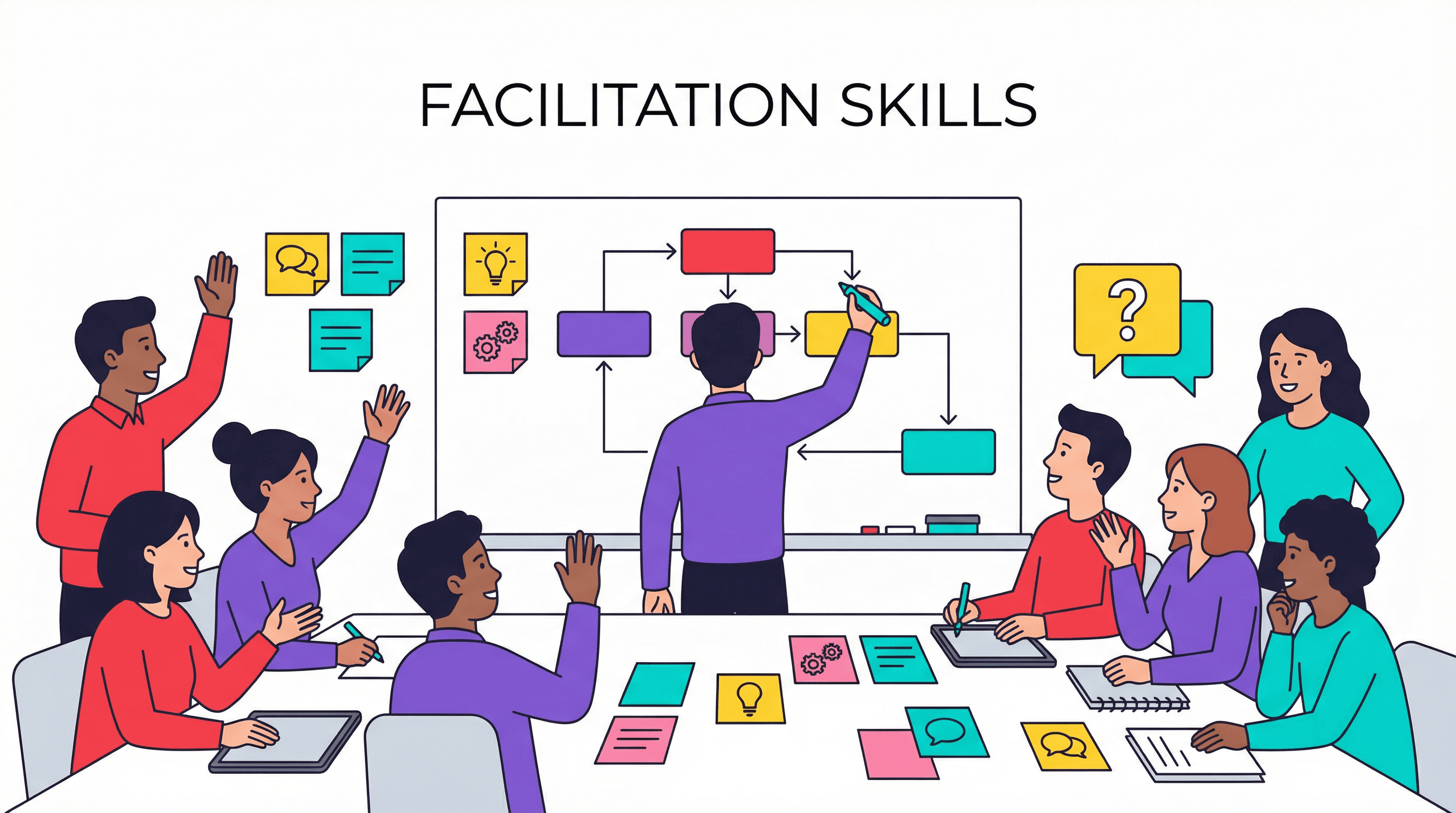
You've probably used facilitation skills without realizing it. Any time you've helped a meeting stay on track, drawn out a quiet colleague, or summarized a discussion so the group could move forward – that's facilitation.
Here are the core facilitation skills that come up most often:
Active listening: Fully hearing what participants say and reflecting it back to confirm understanding
Clear communication: Giving instructions, summarizing discussions, and making sure everyone knows what happens next
Conflict management: Handling disagreements constructively so they don't derail the group
Neutrality: Staying impartial and keeping your own opinions out of the discussion
Time management: Keeping conversations on track and knowing when to move on
Chairing a meeting and facilitating a session look similar, but they serve different purposes. A chair runs through an agenda, maintains order, and makes sure decisions get made. A facilitator focuses on guiding group thinking and drawing out participation so the group reaches outcomes together.
Here's one way to think about it: a chair directs, while a facilitator enables. When you facilitate, you're less concerned with checking off every agenda item and more focused on helping the group do meaningful work. Knowing when to chair versus when to facilitate can change how productive your sessions become.
Beyond learnable skills, effective facilitators tend to share certain qualities that help them read rooms and guide groups. The following traits complement technical skills and often determine how comfortable participants feel contributing.
Empathy: Understanding where participants are coming from and making them feel valued
Patience: Allowing discussions to unfold without rushing to conclusions
Curiosity: Asking genuine questions to explore ideas more deeply
Neutrality: Remaining impartial even when you have strong opinions
Adaptability: Adjusting your approach when the group's energy or direction shifts
You don't have to be born with any of the qualities listed above. Many facilitators develop them over time through practice and self-awareness.
Teams with strong facilitation tend to make better decisions, reach consensus faster, and experience less unproductive conflict. When someone guides the conversation well, meetings stop feeling like time sinks and start producing real outcomes.
The benefits extend beyond individual meetings. Teams that practice good facilitation build trust over time because everyone feels heard. They also waste less energy on miscommunication and circular discussions.
For teams already tracking time and resources – something Tempo helps organizations do – facilitated sessions often translate directly into more focused work and clearer priorities.
Active listening goes beyond hearing words. It means fully concentrating on what someone is saying, understanding their perspective, and responding in a way that shows you've absorbed their point. This skill can increase collaboration by 25% when practiced effectively.
Paraphrasing is one of the most useful active listening techniques. When you say something like "So what I'm hearing is..." you help participants feel understood and keep discussions grounded in what's actually been said.
A facilitator's communication sets the tone for the entire session. Clear communication includes giving instructions, summarizing key points during discussions, and making sure everyone understands what happens next. Understanding different communication styles helps facilitators adapt their approach to reach all participants effectively.
Some facilitators also use visual techniques like capturing ideas on whiteboards or flip charts. Seeing ideas take shape helps groups track their own thinking and builds shared understanding.
Keeping discussions on track is one of the most practical facilitation skills. Time management means allocating appropriate time to agenda items, recognizing when a topic has been sufficiently explored, and knowing when to park a discussion for later.
Without time management, even the most engaged groups lose momentum. People start checking out when meetings run long or when one topic dominates at the expense of others.
Disagreements are natural in group settings – and often productive. The skill lies in managing them constructively.
Effective facilitators de-escalate tension, help opposing parties find common ground, and prevent conflicts from derailing the session's goals. These conflict management techniques become essential tools when disagreements arise during facilitated sessions.
No facilitated session goes exactly as planned. Groups take unexpected turns, energy levels shift, and new priorities emerge.
Adaptable facilitators adjust their approach in real time rather than rigidly sticking to a plan that's no longer serving the group. If a discussion is generating valuable insights, sometimes the right move is to let it run and adjust the agenda accordingly.
The questions you ask shape the conversation. Open-ended questions like "What possibilities haven't we considered?" draw out ideas and encourage participation from people who might otherwise stay quiet.
Skilled facilitators also know how to probe deeper without making participants feel interrogated. Follow-up questions like "Can you say more about that?" invite elaboration without putting people on the spot.
Facilitators guide the process, not the outcome. Impartiality means remaining neutral, not advocating for personal opinions, and making sure all viewpoints receive fair consideration.
When participants trust that the facilitator isn't pushing an agenda, they contribute more openly. The moment people sense bias, they start holding back.
Every group has its own dynamics – dominant voices, quiet contributors, underlying tensions. Understanding different work styles helps facilitators recognize why participants engage differently. Reading the room and balancing participation across different personalities is a skill that develops with experience.
The goal is making sure everyone has space to contribute without silencing anyone. Sometimes that means gently redirecting a dominant speaker. Other times it means directly inviting input from someone who hasn't spoken.
Recognizing emotions in the room – frustration, enthusiasm, confusion – allows facilitators to respond appropriately. Creating psychological safety, where people feel comfortable taking risks and sharing ideas, often depends on this awareness.
If you notice energy dropping or tension rising, you can address it directly or adjust your approach. Ignoring emotional cues usually makes things worse.
Guiding groups toward decisions requires specific techniques. Structured voting, consensus-building exercises, and prioritization frameworks all help groups move from discussion to decision.
The facilitator's role is helping the group reach a decision, not making the decision for them. Your job is to create the conditions where good decisions can happen.
Remote and hybrid work have made digital facilitation tools essential. Virtual whiteboards, polling features, and video conferencing platforms all require their own facilitation approaches.
Teams using tools like Tempo to track outcomes from planning sessions can connect facilitated decisions directly to project execution. When decisions made in meetings flow into tracked work, nothing gets lost in translation.
Before any session, get clear on what you're trying to accomplish. What decisions do you want to make? What outcomes do you want to walk away with?
Share the agenda in advance so participants arrive prepared and know what to expect, with 67% of professionals stating that a clear meeting agenda is the most important element for effective meetings. Vague objectives lead to unfocused discussions.
At the start of the session, establish norms like "one person speaks at a time" or "assume positive intent." When the group agrees to ground rules together, they're more likely to follow them.
Ground rules also give you something to point back to if things go off track. Instead of policing behavior, you're reminding the group of what they agreed to.
Respecting participants' time builds trust. A brief welcome and, if needed, quick introductions help create a comfortable atmosphere before diving into content.
Starting late sends a message that the session isn't a priority. Starting on time sends the opposite message.
Watch for patterns in who's speaking and who's staying quiet. Round-robins – where you go around the room and give everyone a chance to speak – help ensure every voice gets heard.
You can also directly invite input from quieter members. Something as simple as "Maria, what's your take on this?" can open up space for perspectives that might otherwise go unheard.
Tangents happen. When they do, acknowledge the point, note it for later discussion, and redirect back to the agenda.
A "parking lot" – a visible list of off-topic ideas to revisit later – keeps things moving without dismissing contributions. People feel heard, and the group stays on track.
Before moving to a new topic, pause to confirm what the group decided and who owns next steps. This prevents the common problem of leaving meetings without clear outcomes, which affects 54% of workers who leave meetings without knowing what to do next or who owns the tasks.
A quick summary also gives people a chance to raise concerns or clarify misunderstandings before the group moves on.
How to turn time, cost, and capacity data into a decision engine
Access the guideThank participants, recap the key outcomes, and commit to sending written follow-up with action items and deadlines.
The follow-up is where facilitated discussions turn into actual work. Without it, even the best sessions can fade into forgotten conversations.
The best way to handle disruption is to prevent it. Setting clear expectations at the start, designing engaging activities, and checking in regularly with the group all reduce the likelihood of problems.
Establish ground rules early and get group buy-in
Use structured activities that keep everyone involved
Check in periodically to gauge energy and engagement
When disruption does occur, stay calm. Redirect side conversations by asking a question to the whole group. Acknowledge concerns while moving forward.
For persistent issues, a private conversation during a break is often more effective than addressing someone publicly. Most people respond better to a quiet word than to being called out in front of colleagues.
Redirect with a question that brings focus back to the topic
Acknowledge the point and park it for later discussion
Take a break to address issues one-on-one if needed
You don't have to wait for a high-stakes workshop to practice. Volunteer to facilitate team stand-ups, retrospectives, or informal brainstorms.
Lower-pressure settings let you experiment and learn without major consequences if something doesn't work. Every facilitation experience builds your skills.
After facilitating, ask colleagues for specific input on what worked and what could improve. Questions like "Did everyone have a chance to contribute?" or "Did we stay on track?" yield more useful feedback than general impressions.
Feedback is how you find your blind spots. What feels smooth to you might not feel smooth to participants.
Watch skilled facilitators in action whenever you can. Note their techniques – how they handle silence, redirect tangents, or draw out quiet participants.
Many experienced facilitators are happy to share their approaches if you ask. Most people enjoy talking about their craft with someone genuinely interested in learning.
Formal training can accelerate your development. Look for facilitation skills workshops, group facilitation training, or meeting facilitation training programs that offer hands-on practice with feedback.
Learning from experts and practicing with peers gives you tools and confidence you might not develop on your own.
For those looking to develop facilitation skills more formally, several paths exist:
Training type | Best for | Format |
Facilitation skills workshop | Beginners learning basic facilitation skills | Short-term, intensive |
Group facilitation training | Team leads and project managers | Multi-day programs |
Certification programs | Professional facilitators | Ongoing with assessment |
The right choice depends on your goals. If you facilitate occasionally, a workshop might be enough. If facilitation is central to your role, certification programs offer deeper development and credibility.
Strong facilitation skills connect directly to team performance. When meetings produce clear decisions, when everyone feels heard, and when discussions stay focused – teams work better together.
The outcomes from well-facilitated sessions become the priorities that drive daily work. For teams already tracking time and resources, connecting facilitated planning sessions to execution creates a clear line from strategy to delivery.
Tempo's tools help teams see how decisions made in planning sessions translate into actual work, making it easier to stay aligned on what matters most. Start a free trial to see how Tempo can help connect your team's planning to execution.
Capacity Planner
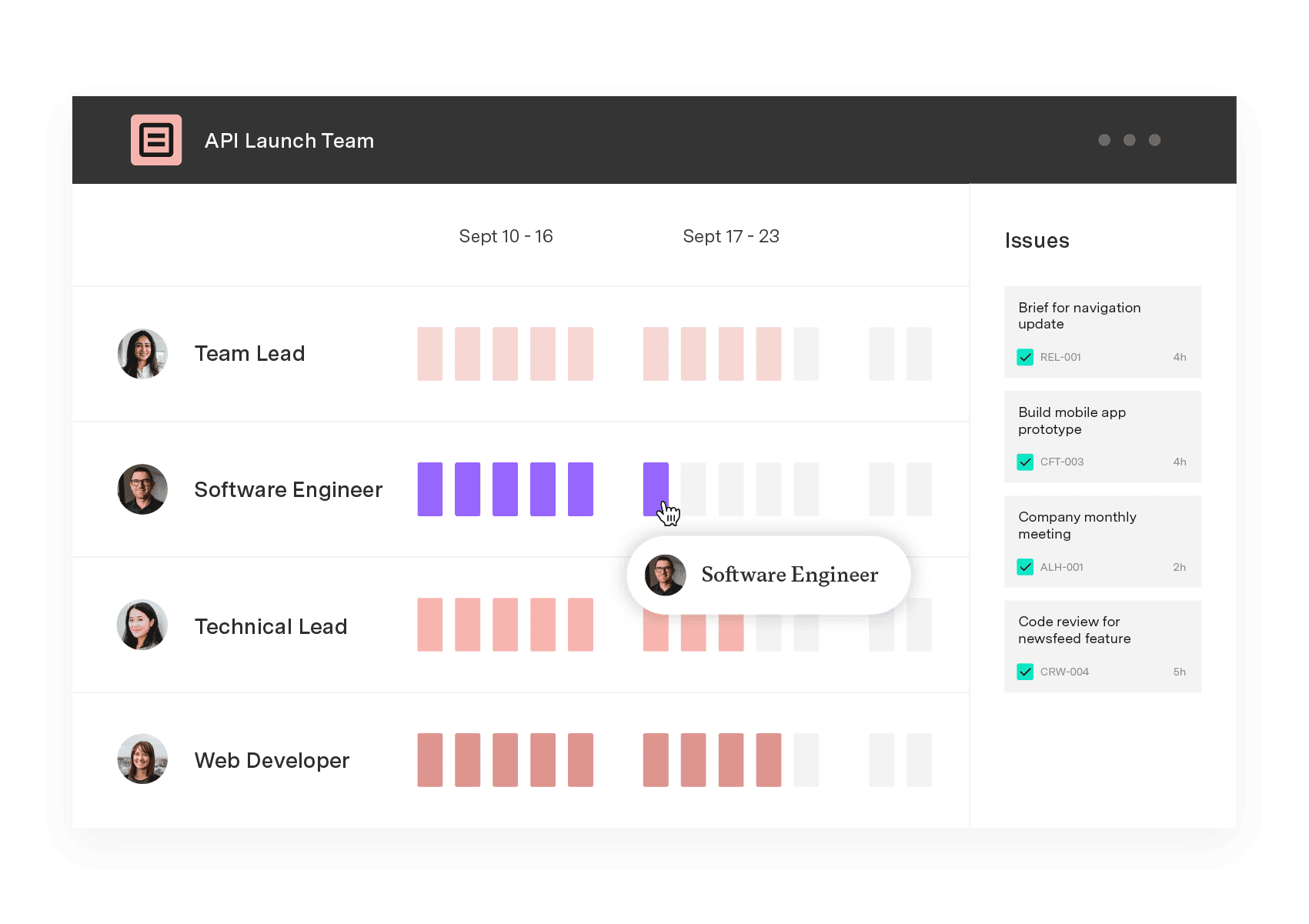
Capacity Planner is the only tool in the Atlassian Marketplace that allows planning for multiple resources on one issue. Users can customize the UI to include their existing Jira issues and projects.
Start a Free TrialCouldn't find what you need?Go to our documentation
The 5 P's are Purpose, Product, Participants, Probable issues, and Process. This framework helps facilitators plan sessions by clarifying what they're trying to achieve, what output they want, who's involved, what challenges might arise, and how they'll structure the discussion.
The four C's typically refer to Clarity, Confidence, Control, and Connection. The four C's represent qualities that effective facilitators bring to group settings – being clear in communication, confident in guiding the process, in control of the session flow, and connected to participants.
A common example is leading a brainstorming session where you guide the team through idea generation without contributing your own opinions. You might set time limits, ensure everyone participates, and help the group organize and prioritize the ideas they generate.
Leadership often involves directing and making decisions, while facilitation involves guiding others to reach their own decisions. A leader might say "Here's what we're doing," while a facilitator asks "What do you think we should do?" Both skill sets are valuable, and they often complement each other.
Yes – facilitation skills apply to virtual settings, though they require some adaptation. Video calls, digital whiteboards, and polling tools help maintain engagement. Remote facilitation often requires more explicit check-ins and structured participation since reading the room is harder through a screen.
Discover how to use the Start, Stop, Continue framework to improve team feedback, performance, and engagement. Find out how Tempo can help.

Project retrospectives fuel team growth and development. Learn how to conduct effective postmortems that improve collaboration and productivity.

Interpersonal skills at work decide whether hybrid teams ship. Here's what to practice, and why "soft skills" undersells how hard they are.

Learn what critical thinking skills are and how they help at work. Find ways to develop them for better decisions, collaboration, and innovation.
Your project kickoff meeting is like opening night for a new production. Learn how to lead a project kickoff meeting with these tips.

Learn about these essentials skills for project teams. There’s a big focus on the skills that apply to individual project managers and contributors.
Discover how a postmortem meeting can help your team review projects, learn from mistakes, and improve for future success.

Conflict is a constant presence in life. The pressure to deliver unique results on a short timeline adds to the pressure in the world.

Learn about five ways to improve teamwork and run a more efficient and profitable business by hitting your goals together.


















