Announcing 12 awards in multiple categories to reflect on the contributions our partners have made and celebrate what we have achieved together.

Alpha Serve, an Atlassian Platinum Marketplace Partner, is thrilled to announce a groundbreaking addition to the Power BI Connector for Jira – the Power BI Report gadget for Jira dashboards. This game-changing feature enables JIRA users to seamlessly integrate Power BI Reports into their Dashboards, allowing them to monitor their Power BI reports based on Jira data within the Jira platform. This eliminates the need to switch between software, offering a centralized location for viewing and monitoring critical reports. With this integration, Jira Dashboards become a dynamic, one-stop solution for efficient project management, data analysis, and enhanced reporting capabilities.

Jira dashboards are the gateway to data in the world of Jira. These dashboards serve as the first point of contact for Jira users, providing unrivaled visibility and the primary hub for accessing Jira data and connected systems. Dashboards are renowned for their flexibility, allowing for customized layouts, multiple dashboard pages, and the ability to fine-tune the appearance and behavior of each gadget.
Introducing Power BI reports as gadgets with the Power BI Connector for Jira elevates Jira dashboards to new heights. Jira gadgets display summaries of Jira projects and issue data on your dashboard. In project management and data visualization, such gadgets are interactive widgets that present critical data and insights from your Jira projects within Power BI reports and dashboards.
With this new feature, Jira users can effortlessly embed Power BI Reports into their dashboards, enabling more profound insights and interactive data presentation. This integration's groundbreaking aspect allows users to monitor Power BI reports based on Jira data within the Jira platform. It eliminates the need to switch between software tools, offering a centralized, single location for viewing and monitoring essential reports.
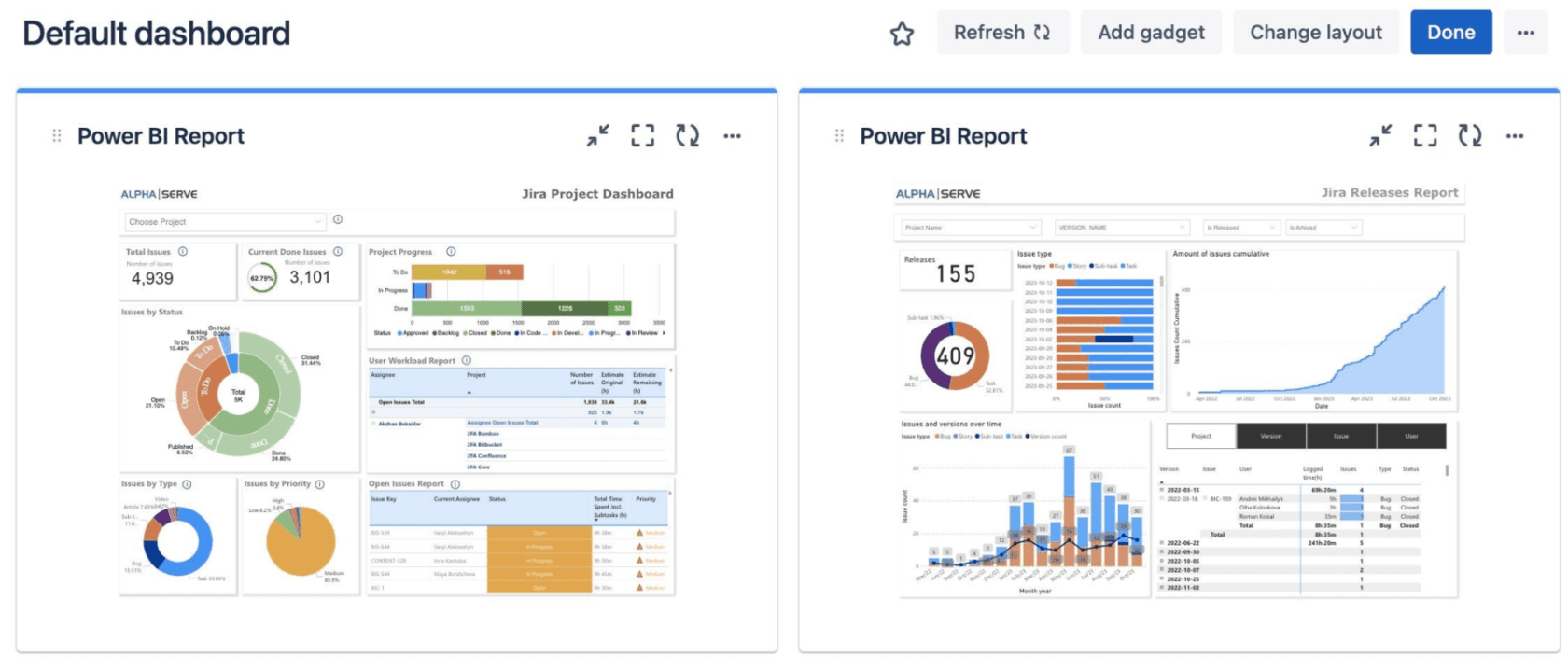
Imagine having all your critical reports and data insights in one centralized place. It not only streamlines project management but also enhances the efficiency of data analysis. With Jira dashboards, powered by the Power BI Report gadget, users can create customized reporting pages dedicated to specific projects and reporting requirements. Share these pages with particular users, groups, or your entire organization, making it the perfect tool for project-specific reporting.
By seamlessly integrating Power BI reports gadgets into Jira dashboards, teams can base their decisions on concrete insights, reducing guesswork and uncertainty, with up-to-the-minute data available within Jira. Increased agility leads to quicker responses to issues, reduces project risks and ensures that potential challenges are addressed before they negatively impact the project.
Update your Power BI Connector for Jira to access this exciting new feature. If you're new to our app, you can install it now using these instructions. Our user-friendly interface makes integrating Power BI gadgets into your Jira dashboards simple. While logged into your Jira Cloud instance, follow these steps to add a gadget:
Click on "Dashboards", then select the specific Jira dashboard where you wish to add a Power BI gadget.
Click on the "Edit" button within the chosen dashboard.
Choose "Add gadget".
In the search box, type "power bi".
From the search results, locate Power BI Report by Alpha Serve and select "Add".
A configuration window for the Power BI Report will open.
Open your Microsoft Power BI Pro and access the required report you want to add to your Jira Dashboard.
Within Power BI, select"File", then choose "</> Embed report", and click on "Website or portal".
Copy the generated link and return it to your Jira Cloud instance.
Paste the copied link in the "Power BI Report URL" field.
Specify your gadget's desired width and height in the "Width" and "Height" fields.
If needed, you can select "Show filters" to display the filters panel, "Show navigation" to show the navigation panel, and "Show action bar" to indicate the upper ribbon with potential actions on your gadget.
For more detailed instructions, please check our documentation page.
Power BI Connector for Jira
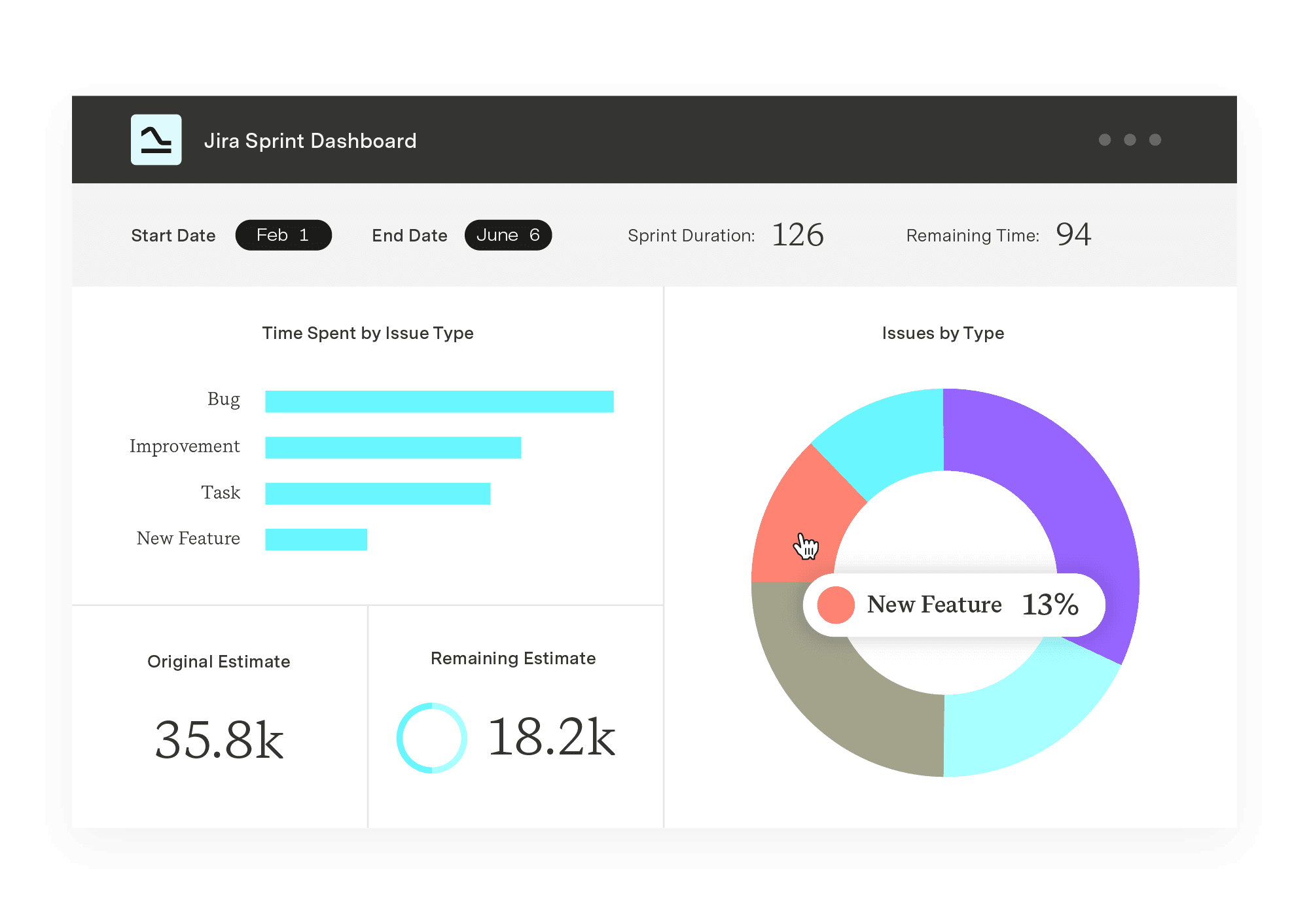
Experience a new standard in data integration and reporting. Enjoy quick setup, effortless data export from all Jira products and third-party apps, and instant access to pre-built templates.
Start a Free TrialAnnouncing 12 awards in multiple categories to reflect on the contributions our partners have made and celebrate what we have achieved together.

Explore the ladder of inference and discover how it shapes decisions. Learn to spot assumptions, improve communication, and make smarter choices.

Establishing and managing project scope is essential to the success of any initiative. Learn the basics and start your next project on the right foot.

All you need to know about SAFe reporting in Jira, the three main areas you need to be tracking, and what an agile release train (ART) is.

Project managers perform structured investigations using root cause analysis to uncover why problems happen and prevent repeat issues.

Discover secrets behind effective task management and workflows by learning Jira best practices to incorporate into your project management practice.

Learn what a subject matter expert (SME) is, what they do, how to become one, and how they help projects and teams succeed across industries.

Learn how user story mapping helps agile teams break down work, align goals, and build better products with real user value.

Effective resource utilization will optimize your team’s productivity and efficiency. What’s more it will increase morale and improve your bottom line