

Jira resource allocation helps teams assign tasks and manage workloads. Learn to use Jira’s tools and enhance your planning with Tempo.
Improve your team’s productivity and work-life balance by learning to balance workloads with the help of Tempo.

A balanced workload is the difference between a team that ships and a team that burns out. Project managers guard the one commodity every project runs on: time. When time runs short, corners get cut, quality drops, and people quietly start looking for other jobs.
Distributing work fairly protects delivery dates, keeps quality steady, and gives people the space to do their best thinking. Here's what it takes to manage workloads so employees feel challenged instead of crushed.
A balanced workload is the deliberate distribution of tasks so every team member carries a fair share matched to their skills and capacity. It considers each person's strengths, availability, and current commitments rather than defaulting to whoever answers Slack first.
Done well, a balanced workload lifts team performance and tightens collaboration. People leave work at the end of the day without dragging it home with them.
Balancing workloads pays off well beyond the individual. It reshapes how the whole organization operates.
Tempo gives project managers a high-level view of tasks across projects. Live insight into what each person is doing lets PMs prioritize with data instead of guesswork, protect bandwidth, and hit deadlines even on tight schedules.
Tempo also helps PMs visualize resource utilization within a project and across the portfolio. Each worker's scheduled tasks and availability show up on one timeline, so the PM can level uneven resources in real time and get ahead of schedule risk.
Automatic resource leveling distributes tasks by availability and capacity. It minimizes downtime, builds realistic completion estimates, and stops individuals from becoming the bottleneck the whole team pays for.
Matching tasks to the right skills drives output. When work lands with the person best equipped to do it, execution speeds up, bottlenecks shrink, and deliverables come back at higher quality.
Equitable task distribution lets people work at a sustainable pace. Fewer crunches, less stress, and a healthier work-life split translate directly into better morale, mental health, and job satisfaction.
Time management gets easier when the workload is balanced. Instead of juggling five things badly, people focus on one thing well. Fewer mistakes means less rework, which means more actual progress.
Chronic stress wears down the immune system, and sick leave lands right back on the project. Balanced workloads keep people healthy, and healthy teams ship.
Recent studies show 62% of job seekers rate work-life balance as a top consideration when changing jobs. In a tight labor market, a balanced workload is part of the value proposition, not a perk.
Distributing tasks with Tempo's automated resource leveling lets you manage workloads live, improve utilization, and resolve bottlenecks before they hit timelines. Here's how:
1. Log into the platform. 1. From the home screen, select "Open Project View." 1. From the "All Tasks" dropdown, click on "Schedule Risk." Here, you can identify tasks facing potential delays. 1. Once you've decided which tasks require attention, switch to "Workload View" on the top navigation bar. 1. Decide whether to reassign these tasks to someone with more availability, reprioritize them, or adjust the scope and time-to-completion estimates. 1. Use the "Workload" view to evaluate assignment distribution across the team. Expand each person's task list to see their assignments and availability. 1. To redistribute responsibilities from an overburdened worker to one with capacity, click a task in the overburdened team member's queue and select the new assignee from the "Assigned" dropdown. 1. To adjust task prioritization, click "ASAP" on the top navigation bar, then select your preferred priority level. 1. To adjust time estimates, click the dropdown under "Estimates," then update the "Remaining Estimate" to reflect the new timeline.
Once you've addressed the imbalances in the platform, communicate the changes to the team.
Tempo ships with features that help PMs distribute tasks evenly and track progress across projects and portfolios.
Real-time visibility, workload predictions, and task prioritization help PMs unpick complex dependencies. Tempo also integrates with tools like Slack, so information keeps moving between stakeholders instead of stalling in someone's inbox.
Tempo automatically levels the team's workload across multiple projects, letting PMs address bottlenecks and roadblocks before they clog up delivery.
Tempo shows task distribution across 30-, 60-, 90-, and 180-day windows, so delegation and resource allocation can be planned long-term. When plans change, the app redistributes resources and adjusts priorities to match.
Tempo automates and streamlines a lot of the mechanical work of balancing workloads. The judgment calls still belong to the PM. Here's how to make them:
Run standing meetings that discuss workload and progress, not just status. If someone's to-do list is lopsided or their stress is climbing, the group can problem-solve or the PM can step in and rebalance.
The team should be able to talk about workload without penalty. When people feel overloaded, they need a path to raise it with peers and the PM before it turns into a missed deadline.
Time-tracking data is invaluable for setting realistic goals and deadlines. It lets the PM make informed calls when forecasting workload and allocating tasks — and catches burnout risk before it becomes attrition.
Order tasks by importance and visibility. Handling high-value work first gives the schedule room to absorb the bottlenecks that always show up later.
Build a resource plan at project kickoff that maps workload against team capacity. It should account for individual skill sets so responsibilities land where they'll produce the most, without crushing anyone. The plan also informs hiring and reshuffles down the line.
Run periodic workload reviews and redistribute assignments to keep balance, collaboration, and morale intact.
Capacity estimates that ignore vacation, planned leave, and unexpected absence aren't estimates — they're wishes. Account for time off up front to keep resourcing honest and burnout low.
A heavy workload damages performance and drives burnout. When people show signs of overwork, cut the load and protect their off-hours. Rested people ship more than exhausted ones, every time.
A work management tool like Tempo lets PMs see the flow of work at a glance. When someone slips behind, the PM can spot the imbalance and address it before it drags the schedule.
Balancing workloads takes different shapes on different teams. A few patterns that work:
Rotate roles so people can step off demanding tasks periodically, as long as the team has the cross-training to cover. Rotation spreads pressure, keeps skills sharp, and lowers burnout risk.
Use historical data from similar work to set schedules and deadlines. Estimates built on past performance give people the time to finish jobs right instead of racing to done.
Collaboration spreads knowledge and sharpens skills, which lifts both performance and quality of work.
It also opens resource sharing. When one team is drowning and another has capacity, borrowing a person for a week is a lot cheaper than watching a deadline slip.
Watch task completion rates. If one person consistently finishes faster than peers on the same work, find out how — then share the method. A shared channel for time-saving tips compounds the effect.
Watch for a pattern of late nights. It usually means the workload has drifted out of balance.
Check in with the group to see where they stand. If someone's overloaded, coach them, redistribute the work, or both. Regular check-ins keep engagement up and quiet quitting down.
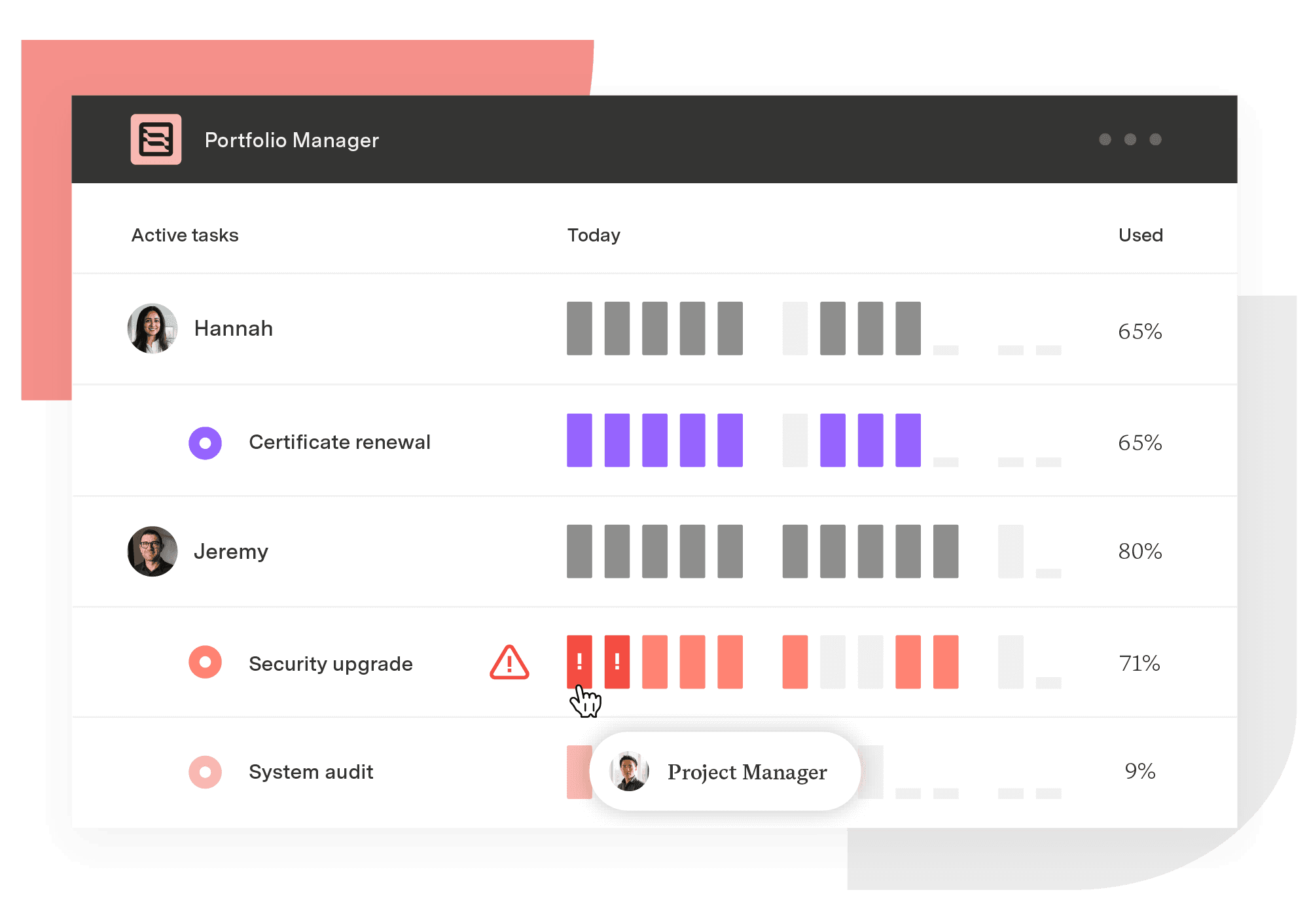
Portfolio Manager
The only project management solution that adapts to change and manages uncertainty to help teams plan, predict, and perform.
Start a Free TrialCouldn't find what you need?Go to our documentation
Project managers can safeguard their team member’s work-life balance by:
- Distributing the team’s workload evenly
- Ensuring assignments go to employees with the skills to execute them
- Applying time management strategies
- Establishing a work environment that encourages open communication
- Updating team members regularly about progress, bottlenecks, and risks
A poorly balanced workload has numerous symptoms, including:
- Missed deadlines
- Decreased productivity, efficiency, and quality of work
- Frequent overtime or extended working hours
- Reduced employee engagement and job satisfaction
- Increased absenteeism
- Team conflict
- High turnover
Any of these factors should prompt project managers to examine the distribution of assigned tasks among team members.
A balanced workload matches tasks to strengths, ensuring team members effectively utilize their skills. Because workers have the appropriate expertise, they execute assignments in less time and with fewer errors, boosting efficiency.
An evenly distributed workload that delegates work based on priority also improves team performance. Because employees can focus on and deliver impactful tasks without feeling distracted or overworked, they’re more likely to meet deadlines, increasing the team’s overall productivity.
Jira resource allocation helps teams assign tasks and manage workloads. Learn to use Jira’s tools and enhance your planning with Tempo.

Learn how predictive scheduling can boost your project team’s operational efficiency, and help members achieve better work-life balance.

Learn to allocate resources, balance workloads, and prevent burnout. Practical strategies and real examples for project managers and team leads.

Resource leveling is an underappreciated tool in project management. Learn how to incorporate this process into your business practices.

Explore Tempo’s guide to understanding resource loading, including how to calculate it to increase productivity and streamline workflows.

Discover seven essential tips for achieving a better work-life balance as a project manager. Enhance your productivity and well-being today!

Learn how workload planning helps you balance team capacity, prevent burnout, and deliver projects on time with the right tools and strategies.

Capacity management is a project management and resource allocation technique. By using capacity management skillfully, organizations dramatically...

Get your discount for Tempo Collections – a curated bundles of award-winning apps designed to help you scale step by step on your SPM journey.


















