
What is professional services time and expense tracking?
Professional services time and expense tracking is the practice of capturing every billable and non-billable hour, plus project-related costs, against the client engagements and internal initiatives a services organization delivers. Done well, it turns daily delivery activity into the source of truth for invoicing, revenue recognition, utilization reporting, and project profitability.
For Jira-based services firms, that means logging hours against the same epics, stories, and sub-tasks consultants are already working on – not in a parallel system that requires rekeying. It also means classifying that time correctly (billable vs. non-billable, fixed-fee vs. T&M, capitalizable vs. operational) and pricing it against the right client rate so finance can close the books with confidence.
Why professional services time and expense tracking matters
Utilization and realization are the two metrics that decide whether a services business grows or stalls. If you can't see, in near real time, how many hours your consultants are billing, at what rate, against which contract, you're flying blind on margin. Quarter-end reconciliation becomes a fire drill, write-offs creep up, and pricing decisions get made on gut feel.
The cost of poor tracking compounds in regulated and audit-heavy services environments. Public-sector consulting, financial services advisory, and healthcare IT delivery all require defensible audit trails for hours billed against specific statements of work. Missing or estimated time logs put both revenue and reputation at risk.
There is also a workforce dimension. Consultants resent end-of-week timesheet sprees, and managers resent chasing them. A tracking model that captures time inside the tool people already use removes the friction and lifts compliance from grudging to routine.
Benefits of professional services time and expense tracking with Tempo
Capture billable time at the source. Consultants log hours directly against Jira issues, so every minute is tied to a client, project, and work item without rekeying or reconciliation.
Classify time for finance, not just delivery. Billable, non-billable, CapEx, OpEx, internal R&D – every worklog carries the attributes finance needs for invoicing and revenue recognition.
See utilization in near real time. Managers track billable utilization, capacity, and write-off risk by person, team, or practice without waiting for month-end.
Tie hours to revenue. Cost rates, billable rates, and project budgets sit alongside the worklogs, so margin reporting is a query, not a spreadsheet exercise.
Stand up an audit trail by default. Every worklog is timestamped, attributed, and traceable to the Jira issue and approval chain – what auditors and clients ask for.
How Tempo enables professional services time and expense tracking
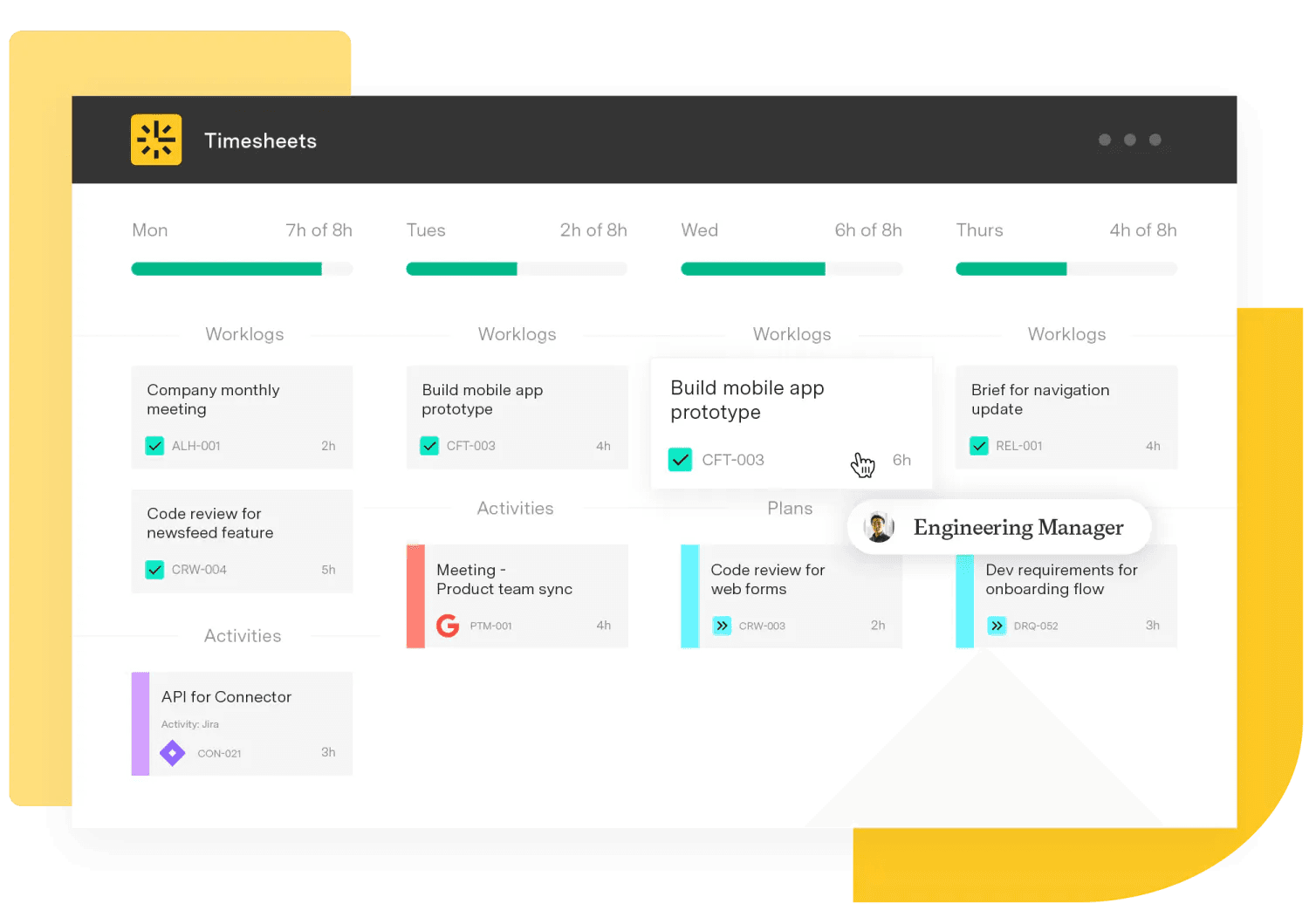
Tempo brings together the products a Jira-native services firm actually needs to run delivery, billing, and reporting on one stack.
Timesheets is the system of record for hours. Consultants log time against the Jira issues they're already working, with options for in-issue logging, calendar-based entry, or pre-populated suggestions based on activity. Approvers review, return, or accept submissions, and worklog attributes capture whether the time is billable, the account it belongs to, and the work category. For services firms, that turns Jira into a defensible source of billable activity rather than a pile of estimates.
Financial Manager sits on top of Timesheets to handle the money side. It manages billable rates and cost rates by person, role, or project, applies them to logged hours, and produces project financials in real time. Teams can run revenue recognition against the worklog stream, monitor budget burn, and see margin by client engagement without exporting to a separate finance tool.
Capacity Planner addresses the upstream question – do we have the people to take the next engagement, and at what utilization? Resource managers see committed time, available capacity, and skills coverage across practices, so staffing decisions are grounded in current load, not last quarter's spreadsheet. Combined with Timesheets data, this closes the loop between planned and actual utilization.
A note on expenses: Tempo's core capability today is hour-level capture and the cost it represents through rates in Financial Manager. For non-labor expenses such as travel and software, services firms typically integrate an expense tool of choice; the Timesheets and Financial Manager layer remains the system of record for the labor portion of project cost, which is the dominant line item in most engagements.
Sign up for a demo
Request Demo

