Most CIOs do not lack data about their IT portfolio. They lack a connected view of it. Delivery status lives in Jira, capacity lives in a spreadsheet, financials live in the ERP, and the executive dashboard is a slide rebuilt every Friday. By the time the picture is assembled, the decisions have already been made on instinct. Integrated IT portfolio analysis is the antidote – a single, real-time view of how IT investment, capacity, and delivery are tracking against strategy.
What is integrated IT portfolio analysis?
Integrated IT portfolio analysis is the practice of bringing delivery, capacity, financial, and strategic data together so IT leadership can see the portfolio as one system rather than a stack of disconnected reports. Instead of "how is this project going?" the question becomes "how is the portfolio paying off, and where should we double down or stop investing?"
The integration is the hard part. Most enterprises have the underlying data – work in Jira, time and effort in a tracking system, costs in finance, KPIs in BI tools. What they do not have is the connective tissue that lets a PMO director, a CIO, and a CFO look at the same numbers and reach the same conclusion in the same meeting.
Done well, integrated portfolio analysis turns IT from a cost center reporting upward into a strategic function steering investment in real time.
Why integrated IT portfolio analysis matters at the portfolio level
The cost of fragmentation is concrete. Gartner projects that 70% of digital investments will fail to deliver their expected outcomes by 2025 without an SPM approach, and the 2023 State of Agile Report found nearly one in three respondents are unhappy with, reevaluating, or shifting off their current planning tool. The shared symptom is the inability to see the portfolio whole.
For CIOs and CTOs, integrated analysis is how you defend the IT budget to the CFO, prove the strategic ROI of the roadmap to the board, and pivot mid-year when a market shift or regulatory change rewrites priorities. For PMO directors, it is how you stop spending half of every quarter rebuilding the same status decks. For finance partners, it is how you tie spend to outcomes with audit-grade traceability.
The organizations that get this right do not necessarily have more data. They have shorter latency between delivery reality and executive view, and they trust the numbers enough to act on them.
Benefits of integrated IT portfolio analysis with Tempo
One source of truth. Connect Jira delivery data, time, capacity, and cost in views your executives, PMO, and finance partners all share.
Real-time KPI tracking. Replace weekly status decks with dashboards that refresh as work progresses.
Custom views for every audience. Show executives strategic outcomes, PMOs program health, and finance the cost picture, all from the same underlying data.
BI tool integration. Pipe Jira and Tempo data into Power BI, Tableau, BigQuery, Looker Studio, or your existing SQL warehouse for enterprise analytics.
Audit-ready governance. Permissions, time records, and approval trails support the controls regulated industries require.
How Tempo enables integrated IT portfolio analysis
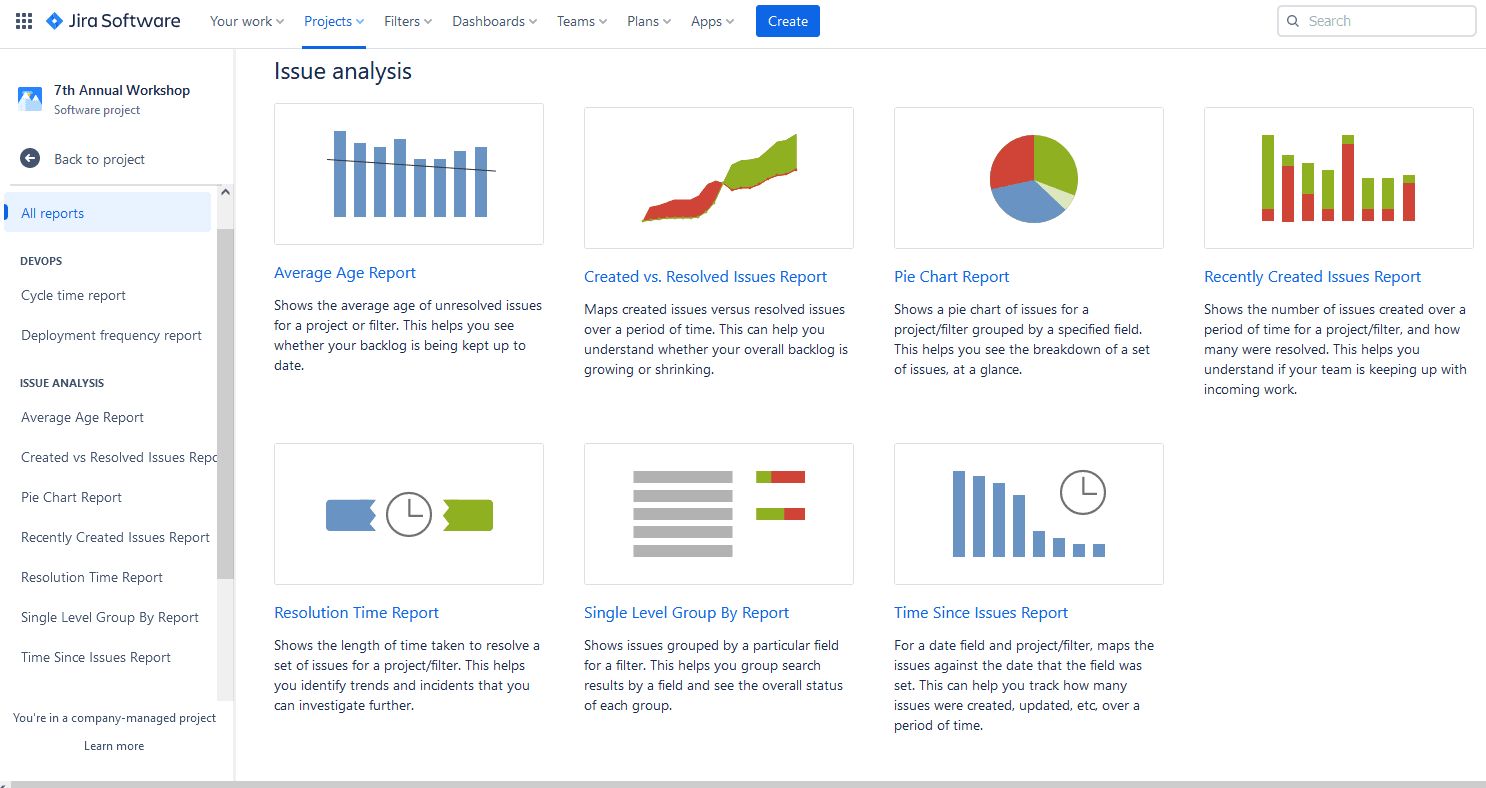
The reporting layer is Custom Charts for Jira. It turns Jira and Tempo data into customizable dashboards on Jira and Confluence pages – pie, bar, line, funnel, table, and tile visualizations – without requiring Jira admin expertise to build them. Business users build the views they need; executives stop asking analysts for screenshots. Custom Charts pulls from native Jira fields, third-party app fields (Scriptrunner, Xray, Advanced Roadmaps, Insight), and Tempo data such as logged time, accounts, and Structure hierarchies.
As of early 2026, Custom Charts now treats Structure PPM as a first-class data source. When configuring a chart, "Structure" is selectable directly from the Source dropdown alongside JQL and Filters, and you choose the specific structure (hierarchy) the chart should report against. The chart pulls exactly the issues contained in that structure, respecting the dynamic Generators (automation) configured in Structure PPM – so the dashboard view stays consistent with the portfolio view leadership already trusts.
For Cloud customers in particular, this closes a long-standing gap. Structure PPM Advanced on Cloud has not had a robust first-party dashboard gadget; the Custom Charts integration is now that gadget. It is optimized for Cloud performance, avoiding the loading timeouts that plague complex JQL-based dashboard gadgets, and it turns a multi-level Structure hierarchy into a 2D bar chart, tile chart, or pie chart on the main Jira dashboard. Custom Charts can also read many of the custom attributes and progress values calculated inside structures, so formula-driven metrics carry through into the visualization.
This is a true first-party integration across the Tempo portfolio, not a third-party connector. It came out of Tempo's acquisition of Old Street Solutions, the original creators of Custom Charts.
Underneath the reporting layer, Structure PPM organizes the underlying work into the hierarchies leadership uses to think about the portfolio – by program, by business capability, by strategic objective. Structure makes "the IT portfolio" a queryable object rather than a folder structure, and Custom Charts visualizes it.
For enterprise BI, Tempo's BI Connectors – Power BI, Tableau, BigQuery, Looker Studio, and SQL Connector for Jira – pipe Jira and Tempo data into the analytics platforms finance and central IT teams already run. Portfolio analysis no longer stops at Confluence; it extends into the same warehouse and BI environment that powers the rest of the business. (The BI Connectors come from Tempo's Alpha Serve acquisition.)
Together, Custom Charts and the BI Connectors form Tempo's Portfolio Collection, designed for enterprises that need data-driven governance and reporting across multiple portfolios. When paired with Structure PPM, Capacity Planner, and Financial Manager, the same dashboards begin to answer harder questions: not just "how is delivery tracking?" but "is the capacity of our highest-cost engineering teams aligned to our highest-priority strategic outcomes?"
Integrated IT portfolio analysis in practice
A global financial services enterprise pipes Jira and Tempo data through the Power BI Connector into the same warehouse the CFO's office uses. Quarterly investment reviews that previously consumed analyst time for a week now run on a live dashboard the CIO and CFO walk through together, compressing reporting cycles from weeks to hours.
A regulated pharmaceutical organization – the kind of customer Tempo already supports in the sector, alongside references such as Takeda – uses Custom Charts to give clinical IT, regulatory affairs, and the PMO each their own view of the same portfolio data. Permissions enforce separation; the underlying numbers stay consistent. When auditors ask for traceability between budget approvals and delivered work, the answer is one query, not a spreadsheet rebuild.
A global manufacturer uses Structure PPM and Custom Charts to map IT spend to strategic capabilities – supply chain modernization, plant digitization, AI tooling – and surfaces the result on a quarterly executive dashboard. With Custom Charts now reading directly from Structure on Cloud, the executive dashboard is built from the same hierarchy the PMO uses for governance, not a parallel JQL approximation. Reprioritization conversations that used to span weeks now happen in a single steering committee, with the data already in the room.