

With Tempo Timesheets, you can create filters that can be used in different ways for time tracking and reporting on work performed in Jira.
Work is tracked, issues are moving, but something's still missing – a clear picture of who's doing what, whether the budget's holding, and whether the plan reflects reality.

Most teams using Jira hit the same wall eventually. Work is tracked, issues are moving, but something's still missing – a clear picture of who's doing what, whether the budget's holding, and whether the plan reflects reality.
If that sounds familiar, watch this webinar recording to see the full Tempo platform in action. The session walked through how Tempo turns Jira from a task tracker into a real planning and reporting system.
Jira is superb at what it does. Issues get created, sprints get planned, work moves through boards. But zoom out to the portfolio level and cracks start to show. You can't easily see whether your teams have capacity for the next initiative. You can't tie hours worked to budget consumed. Reporting often means exporting to a spreadsheet and spending an afternoon stitching data together.
This isn't a knock on Jira. Jira was built for execution. The strategic layer needs something else, and that's the gap Tempo is designed to fill.
Jirea teams use the Tempo platform to amplify their work in four areas: Capacity planning, time tracking, financial management, and reporting. It's a useful frame because it maps directly to the questions leadership actually asks.
Capacity planning answers: Do we have the people to do this work?
Time tracking answers: What did we actually spend time on?
Financial management answers: Are we on budget, and where is money going?
Reporting ties it together, pulling data into dashboards that don't require manual assembly.
None of these are new problems. Tempo solves them inside Jira, so teams aren't toggling between systems or reconciling data from two different sources of truth.
Tempo Capacity Planner shows how teams can visualize workload across people and teams, spot where capacity is tight, and adjust before things break. This is the kind of view that prevents the classic situation where a team commits to work they don't actually have room for.
Timesheets handles the time tracking side. Teams can log hours directly against Jira issues, which means the data stays connected to the work. No separate system, no re-entry. That's big for organizations that need to track capitalized labor or meet compliance requirements.
Financial Manager brings budget visibility into the picture. You can track planned versus actual costs, see where money is being spent across projects, and catch overruns before they become a bigger problem at the end of the quarter.
Structure PPM and Strategic Roadmaps show how portfolio-level planning can sit on top of all the Jira work that's already happening. Strategic goals connect to epics, which connect to sprints, which connect to actual hours and costs. That chain – from strategy to execution to financials – is what most organizations are trying to build, and it's usually cobbled together from three or four different tools.
For teams with more advanced reporting needs, Tempo data connects to Power BI and Tableau. This is worth noting if your finance or analytics teams already live in those tools. Rather than pulling Jira exports manually, you can build live dashboards that pull directly from Tempo – which means the data is current when someone looks at it.
Two questions come up often when teams are considering Tempo: Compliance and ROI tracking.
On compliance: Connecting time entries to specific Jira issues creates an audit trail. If your organization capitalizes internally developed software, or if you need to show regulators what work was done and by whom, that traceability is the thing that makes audits manageable rather than painful.
TransUnion, for example, reduced their approval workflow from 17 steps to four after moving to Timesheets – partly because the data was finally in one place.
On ROI: Tracking time and cost at the project level lets you compare what you planned to spend against what you actually spent. Over time, that data improves your estimates. It also helps leadership understand where capacity is going – which projects are consuming the most resources, and whether those projects match the strategic priorities they've set.
Each individual Tempo products are useful on its own. But the real value comes from using them together. When capacity planning, time tracking, and financial management share the same underlying data, you stop asking which number is right. There's one number.
That sounds obvious. But most organizations have the time tracking tool and the planning tool and the financial tool all running separately, and someone's job is to reconcile them every month. That's a systems problem. A connected platform is Tempo's solution to it.
If your team is already in Jira and you're feeling the limits of what it can show you at the portfolio level, take a look at what Tempo adds.
Sign up for a demo
Request Demo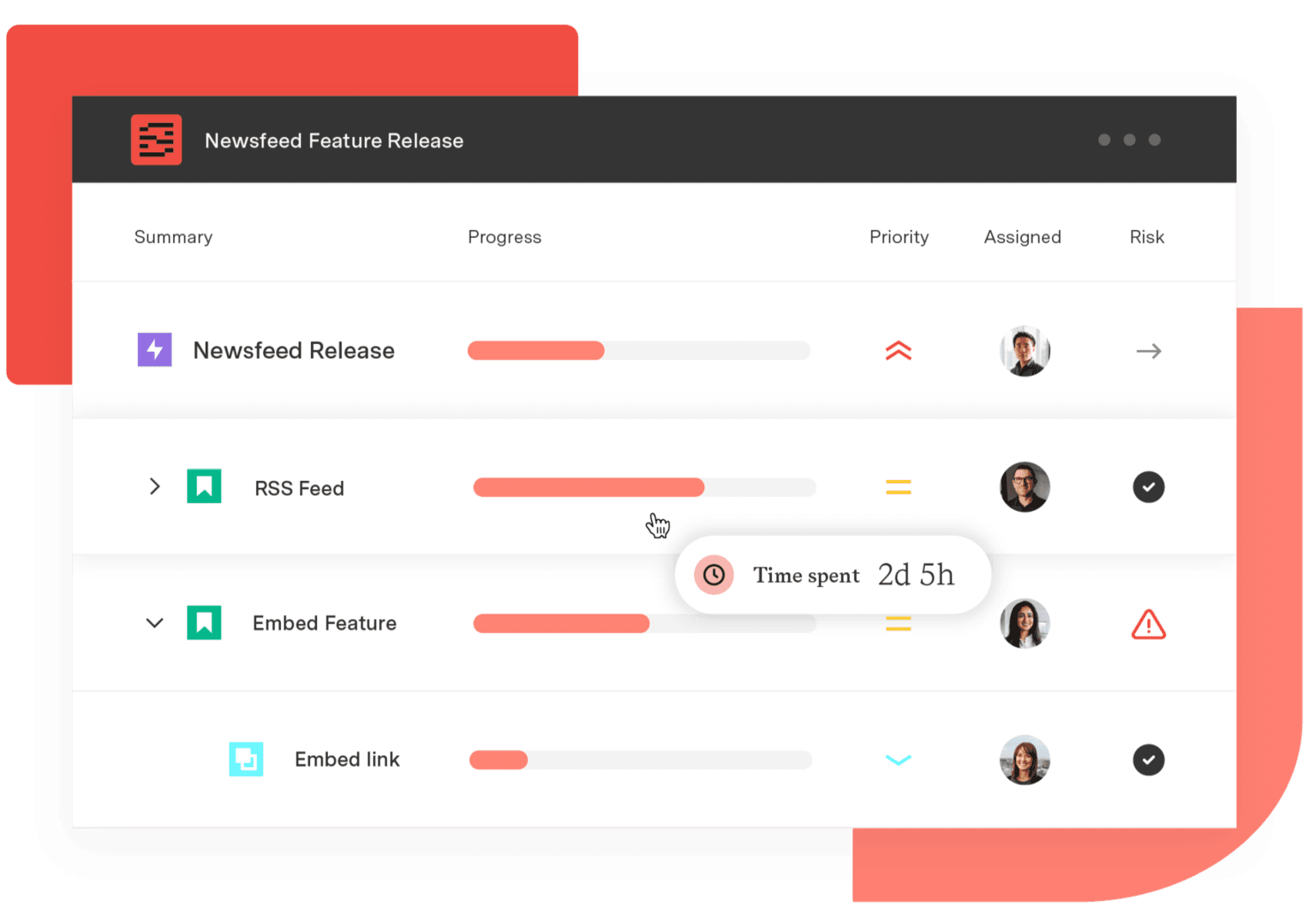
Structure PPM
Manage products, projects, and programs in a single spreadsheet-like view. By providing a clear, real-time view of project progress and resource allocation, Structure helps teams meet deadlines and adapt swiftly to changing priorities.
Start a Free TrialCouldn't find what you need?Go to our documentation
Each Tempo product works as a standalone tool. You can start with Timesheets for time tracking, add Capacity Planner when you need workload visibility, or bring in Financial Manager when budget tracking becomes a priority. Each tool can be used differently by distinct teams to adapt to their ways of working. That said, the products share data when used together, which removes the need to reconcile numbers across separate systems. Most teams start with one product and expand as their needs grow.
When teams log time directly against Jira issues using Tempo Timesheets, each time entry is tied to a specific piece of work – a user story, a task, a requirement. That connection creates a traceable record from hours worked to the actual development activity.
For organizations that capitalize internally developed software, this means auditors can follow the thread from a capitalized asset back to the specific work items and labor hours that produced it. It also speeds up the audit process considerably, since the data is already structured and searchable rather than scattered across spreadsheets.
Tempo's BI integrations let you connect Jira and Tempo data directly to Power BI or Tableau using BI Connectors for Jira. Instead of exporting data manually and building static reports, your dashboards pull live data from Tempo – so the numbers reflect what's happening right now. Finance teams can build cost dashboards, engineering leaders can track capacity trends, and portfolio managers can monitor project performance, all without leaving the tools they already use for analysis.
With Tempo Timesheets, you can create filters that can be used in different ways for time tracking and reporting on work performed in Jira.

Learn how Financial Manager delivers project revenue reporting for Jira teams — real-time reporting, dashboards, and portfolio rollups in one view.

New to Tempo Timesheets? This guide covers why time tracking matters in Jira and how to get the most out of Timesheets from day one.

Connect delivery, capacity, and financial data in real time with Tempo's Custom Charts, Structure PPM, and BI Connectors.

Learn how revenue tracking and projection help your teams monitor project income and forecast financial performance – using Tempo Financial Manager.

Tempo makes it possible to conveniently customize your time tracking experience with Timesheets or time tracking. So which should you choose?

Learn how to use Rich Filters for Jira Dashboards to be able to quickly filter your dashboards by Tempo Accounts and Tempo Teams.

Tempo Timesheets and Tempo Capacity Planner work better together to empower teams to create, improve, and deliver on time and on budget.

Project managers and executives can combine Timesheets with Epic Sum Up to better use existing time reporting to save the company money


















