

Discover the importance of productivity tools and how they can help your team work smarter, collaborate better, and achieve goals more efficiently.
Discover how ICT in project management improves collaboration, cuts costs up to 40%, and keeps projects on track.

Key Takeaways
ICT in project management is the collective term for digital tools used to plan, communicate, share files, and track work – Jira, Slack, cloud storage, dashboards, all of it.
Better tooling means less time digging for the latest version of something. McKinsey puts the collaboration productivity gain at 20–25%.
Automation can cut operational costs by up to 30–40% (McKinsey) by eliminating work that didn't need doing.
Most project failures have an information problem somewhere in the middle – a decision made in a Slack thread the wrong people weren't in, a scope change that never reached the team doing the work.
Information and communications technology (ICT) in project management is the collective name for the tools that address this: project management software, communication tools, cloud storage, video conferencing, time tracking, analytics.
McKinsey research puts the productivity gain from digital collaboration at 20–25%, mostly by cutting the time that vanishes into information hunts.
ICT is the umbrella term for digital systems used to collect, store, transmit, and act on information. In project management, that includes:
Collaboration platforms like Slack and Microsoft Teams
Project management software like Jira, Trello, and Asana
Video conferencing tools like Zoom and Google Meet
Cloud storage and file sharing via Google Drive, Dropbox, or SharePoint
Time tracking and resource tools like Tempo Timesheets and Capacity Planner
Analytics and reporting platforms like Power BI
The Project Management Institute's Pulse of the Profession (2026) found organizations waste $114 million for every $1 billion invested in projects, with communication failures listed as a primary driver. Most of what ICT does in practice is close those information gaps.
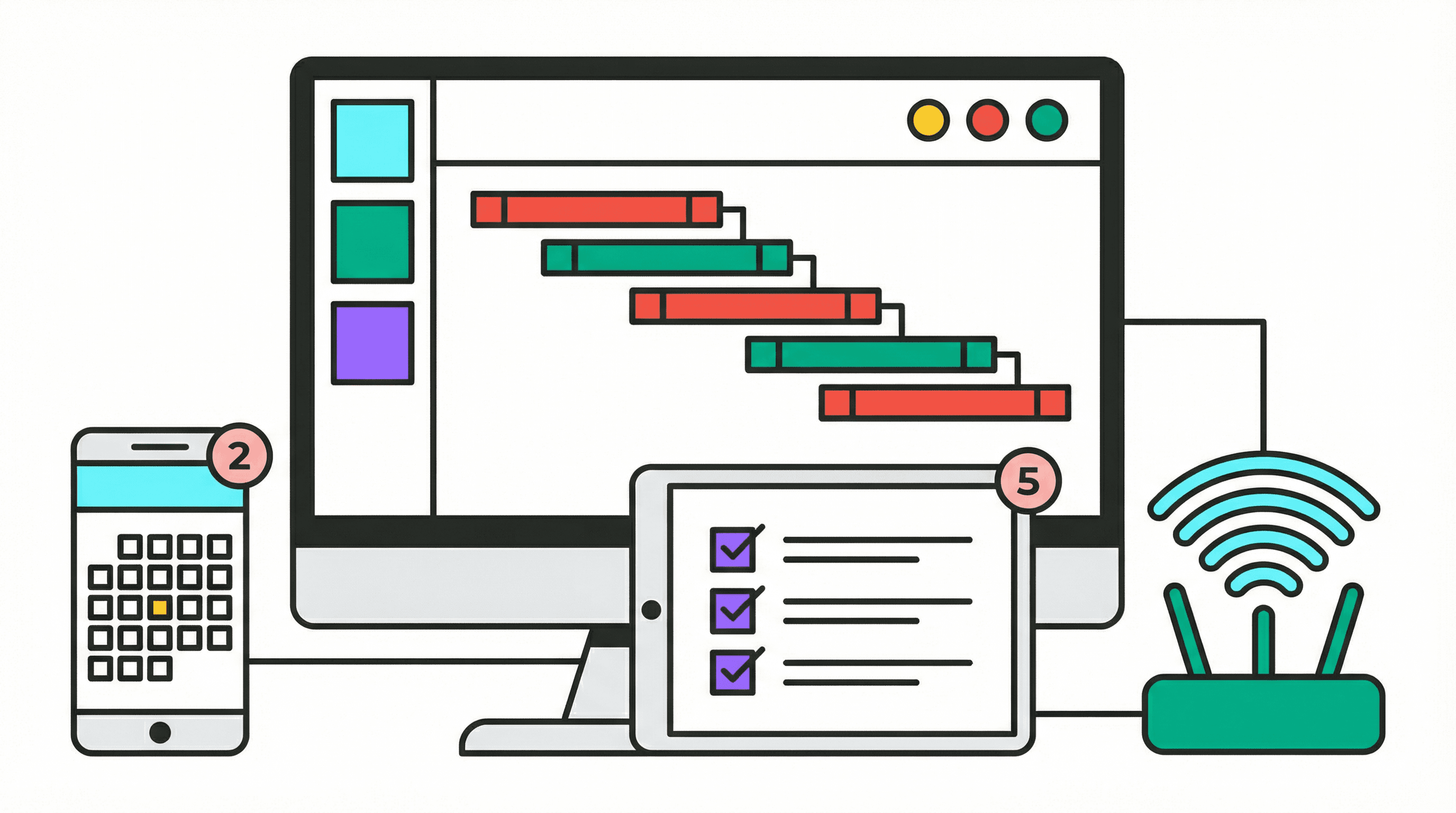
When half your team is across time zones, coordination doesn't happen on its own. Someone in New York is wrapping up as someone in Singapore logs on. Gaps form fast without shared infrastructure.
The productivity gain from digital collaboration platforms mostly comes down to one thing: less time figuring out where things are. McKinsey found a 20–25% improvement in knowledge worker productivity from social and communication tools. Most of that comes from not hunting for information – the file, the conversation where someone explained why the approach changed.
A marketing team spread across New York and Singapore can keep updates in a shared workspace and get on a call when something needs more than typing back and forth.
Anyone who's received "ProjectBrief_FINAL_v4_revised_USE_THIS.pdf" in an email thread knows exactly what goes wrong. An engineering firm managing a complex infrastructure project – architects, contractors, city officials – can't run on email attachments. Cloud-based project management tools keep one authoritative copy that everyone can reach; one update process; everyone sees the change the moment it's made.
Cloud storage solves the version confusion problem.
Remote work has predictable failure modes. A decision made on a call nobody documented. A scope change that hit Slack at 6pm while half the team was offline.
Short, regular video stand-ups catch drift before it compounds. A dev team spread across time zones that runs 15-minute daily check-ins surfaces blockers early because someone has to say out loud what they're working on. Teams that skip these tend to drift and usually don't catch it until something has already slipped.
A partner in London edits a contract at 9 AM. When the associate in San Francisco opens it a few hours later, it's current – no "is this the latest version?" email required. The same logic extends beyond files: cloud-based communication solutions give everyone access to the same conversations, decisions, and context regardless of where they're located.
Access permissions let you share broadly without losing control of who edits what. Someone leaves the team: access revoked in ten seconds, which isn't an option with an email attachment.
Some of the most expensive project work doesn't need to exist: copying data between systems, chasing an approval that's been sitting unanswered for two days. Business automation handles the routing; people handle the judgment calls.
The numbers back this up: companies using automation tools see an average 32% reduction in operational costs.
McKinsey research puts the potential cost reduction from eliminating this kind of overhead at up to 30–40%. That means a 50-person team billing at $75 an hour that recovers 30 minutes per person per day saves around $68,000 a month.
Running your own servers means hardware purchases, ongoing maintenance, security patching, and an engineer whose job is largely keeping it all running. Switching to cloud-based project management and collaboration tools replaces most of that infrastructure overhead with a subscription – and business automation handles the operational tasks that used to require manual follow-up.
Cost category | On-premises | Cloud-based |
Hardware | High upfront purchase | None |
Server maintenance | Ongoing (staff and parts) | Included in subscription |
Security updates | Manual, IT-managed | Automated by provider |
Software licenses | Per-seat, often annual | Subscription, scalable |
Scaling | Requires new hardware | On-demand, pay-as-you-go |
Gartner forecasts global public cloud spending will exceed $1 trillion in 2026, a figure that reflects how thoroughly on-premises infrastructure has become the exception rather than the default. Moving to cloud also surfaces and eliminates the duplicate systems that accumulated through acquisitions and tool decisions nobody formally made.
IBM's Cost of a Data Breach Report 2025 put the average U.S. breach at $10.22 million, and the trend has been consistently upward for a decade. Modern ICT platforms have moved most of the security baseline into defaults rather than configuration options, which matters because "someone on the team will handle security" as a policy has a poor track record.
Emailing a document is a one-way transaction – no audit trail, no way to revoke access later. Platforms like Google Drive and Dropbox let administrators set file-level permissions: view-only for external reviewers, edit access for the project team. Automatic backups mean a device failure doesn't wipe out project history.
End-to-end encryption scrambles data before it leaves the originating device and decrypts it only when it reaches the intended recipient. For anything client-related or confidential, confirm this before signing a contract with any platform.
Finding out a project is off track at the weekly status meeting means it's been off track for days already.
Dashboards that update as work happens change when you find out about problems. A task that goes overdue on Tuesday shows up on Tuesday. You can adjust the timeline or flag the blocker before it delays the tasks waiting on it.
For remote teams this eliminates a category of check-in meetings that exist solely because nobody has visibility otherwise. If the dashboard shows current state, the meeting becomes optional.
Cross-project data shows patterns single-project tracking can't. Which project types consistently run late? Where does the same person keep appearing as a bottleneck across initiatives they're supposedly only 20% on? That pattern only shows up when you have data across multiple projects over time.
Client reporting compresses too. A real-time snapshot of progress and spending takes a few minutes to pull rather than an hour to assemble from notes.
The right combination of digital collaboration platforms and cloud-based project management and collaboration tools depends on team size, distribution, and how much data needs to flow between systems automatically.
Tool category | Best for | Popular options | Key benefit |
Project management | Task tracking, timelines, sprints | Jira, Asana, Trello | Central source of truth for all project work |
Collaboration | Team communication, file sharing | Slack, Microsoft Teams | Replaces email for day-to-day coordination |
Video conferencing | Remote check-ins, client calls | Zoom, Google Meet | Maintains team alignment across time zones |
Cloud storage | Document management, version control | Google Drive, Dropbox, SharePoint | Eliminates version confusion and lost files |
Time tracking | Resource planning, billing, capacity | Tempo Timesheets | Reveals exactly where time (and budget) is going |
Portfolio management | Cross-project visibility, strategy alignment | Tempo Adaptive SPM | Connects team-level work to business objectives |
Analytics | Performance reporting, forecasting | Power BI, Tempo dashboards | Turns raw data into actionable decisions |
In most project management setups, no one actually knows where time is going at the level of detail that would let you catch a budget problem early. Timesheets exist, but filled-in-from-memory-on-Friday timesheets aren't much use.
And the connection between what teams are building day-to-day and what the organization said it wanted is usually murky – which means teams can be busy and off-target simultaneously. Tempo addresses both problems.
Tempo Timesheets tracks time as it happens. That data keeps projects on budget in a way estimated timesheets don't – catching a resourcing problem when it's building rather than after a deadline slips.
Tempo SPM gives the cross-project view: overloaded teams, work that doesn't trace back to any stated priority. A lot of teams have no visibility into whether their daily work connects to what the business actually prioritized.
Get started with Tempo today.
Sign up for a demo
Request demo
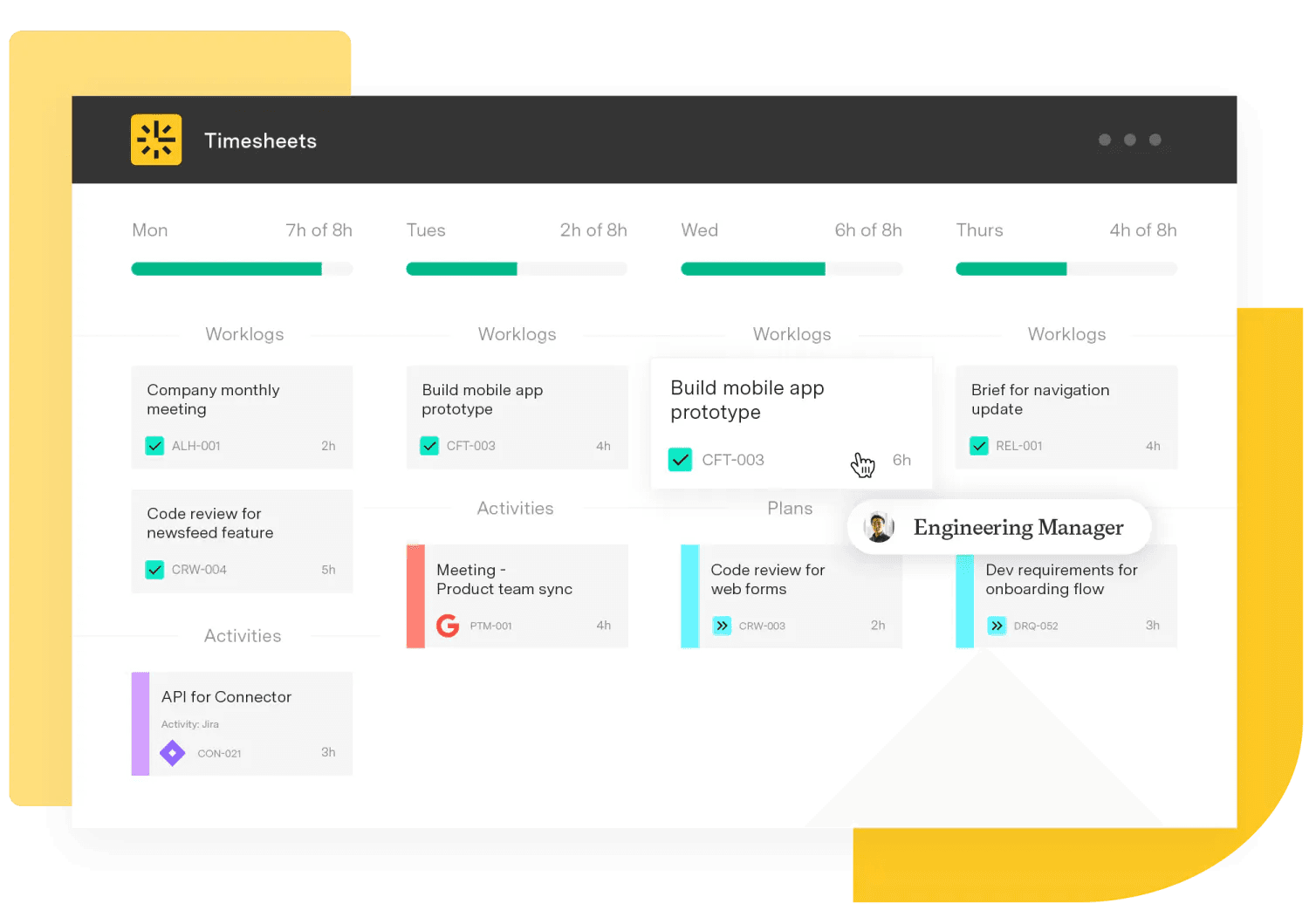
Timesheets
The #1 time-tracking app for Jira. Timesheets seamlessly integrates with Jira and your existing workflows to help you track time for accounting, CapEx tracking, client billing, compliance, and more.
Start a Free TrialCouldn't find what you need?Go to our documentation
Information and communications technology. In project management, that covers the digital tools teams use to run projects: task tracking, communication, file storage, video calls, time tracking, reporting. Anything that moves or organizes information as part of managing a project falls under it.
Most organizations are already using some ICT – the problem is usually that the tools aren't well integrated, or the wrong ones are being used, or half the team hasn't bought in. The Project Management Institute found organizations waste $114 million per $1 billion invested, with communication failures as a primary driver.
Better tooling closes the specific gaps – stale information, unclear ownership – where a lot of failures start.
Jira, Asana, or Trello for task tracking and timelines. Slack or Microsoft Teams for communication, though important decisions have a way of getting buried in chat history where nobody can find them three weeks later – a known limitation worth planning around.
Google Drive or Dropbox for files. Zoom or Google Meet for video. Tempo Timesheets and Capacity Planner for time and resource tracking. Power BI or custom dashboards for reporting. Most teams run several of these at once; the ones that work best share data between each other automatically.
Shared tooling means everyone's working from the same information regardless of timezone. The London team member edits the document at 9 AM, the San Francisco team member opens it at noon and sees the current version. No version confusion. Video calls handle the conversations that don't work well in writing – the ambiguous ones, the ones where you need to know whether someone is actually aligned or just not pushing back.
Automation removes work that shouldn't require a human: routing approvals, copying data between systems, generating status reports. McKinsey puts the potential operational cost reduction at up to 30–40%. Cloud infrastructure costs less than on-premises for most organizations because there's no hardware to buy, no maintenance staff, no manual patching. The catch is that cloud costs drift upward if nobody's monitoring utilization.
Unauthorized file access, data intercepted in transit, data lost when hardware fails. Standard controls – access permissions, end-to-end encryption, automatic cloud backups – address all three. These are standard features in most credible platforms at this point. IBM's 2025 data puts the average U.S. breach at $10.22 million.
Discover the importance of productivity tools and how they can help your team work smarter, collaborate better, and achieve goals more efficiently.

Explore key knowledge management strategies for project teams to enhance collaboration, streamline workflows, and boost productivity

Discover product management tools to enhance your launches. Tools offer heatmaps, immersive user research, roadmapping, product analytics, and more.

Excel works for small projects. See where it falters, the costs you don't see, and when to move to a real project management tool.

Optimize IT capacity management with forecasting, workload prioritization, and real-time monitoring. Improve resource utilization with Tempo.

Learn about five ways to improve teamwork and run a more efficient and profitable business by hitting your goals together.
Take control of your project management tasks by implementing project planning tools to foster collaboration and increase team productivity.

Is AI the future? Discover the benefits of AI, plus its disadvantages, impacts, and implications for the future of the project management profession.

Learn what project milestones are, why they matter, and how to create them to improve planning, visibility, and delivery.




















