

Develop integrations that sync your data seamlessly between Strategic Roadmaps and your product stack.
Connect your high-level strategy with day-to-day planning by syncing your data seamlessly between Strategic Roadmaps and Jira.

A Jira roadmap connects high-level strategy to day-to-day execution by syncing the work in your backlog with a visual timeline your team and stakeholders can read at a glance. The integration keeps epics, dates, and dependencies in one place, so planning and delivery stop drifting apart.
Map release milestones against Jira epics and versions to see what ships, when, and what depends on what.
Group work by epic to forecast time and effort, then pivot into swimlanes by team, product, or initiative.
Pull issues from multiple Jira projects into a single roadmap so cross-team programs stay coordinated.
Changes made in Jira reflect in your roadmap, and roadmap edits push back to Jira. One source of truth, less duplicate entry.
Teams that want tighter control can push data from Jira to the roadmap only, leaving Jira as the write-authoritative system.
Use Jira Query Language to pull in the right level of detail — filter by team, label, sprint, or any field your workflow relies on.
Jira issues with start and finish dates appear in the Timeline view the moment they sync.
Existing Jira fields map automatically, so you can pivot progress views by issue type, status, or assignee without extra setup.
The integration works whether your Jira instance runs in the cloud or on your own infrastructure.
Admin credentials aren't required to use the roadmap once initial setup is done.
Configure the Jira connection once, and every collaborator on the account can use it inside their roadmaps.
Open your roadmap, click the integrate button in the top nav, sign in to Jira, and pick the project you want to pull from.
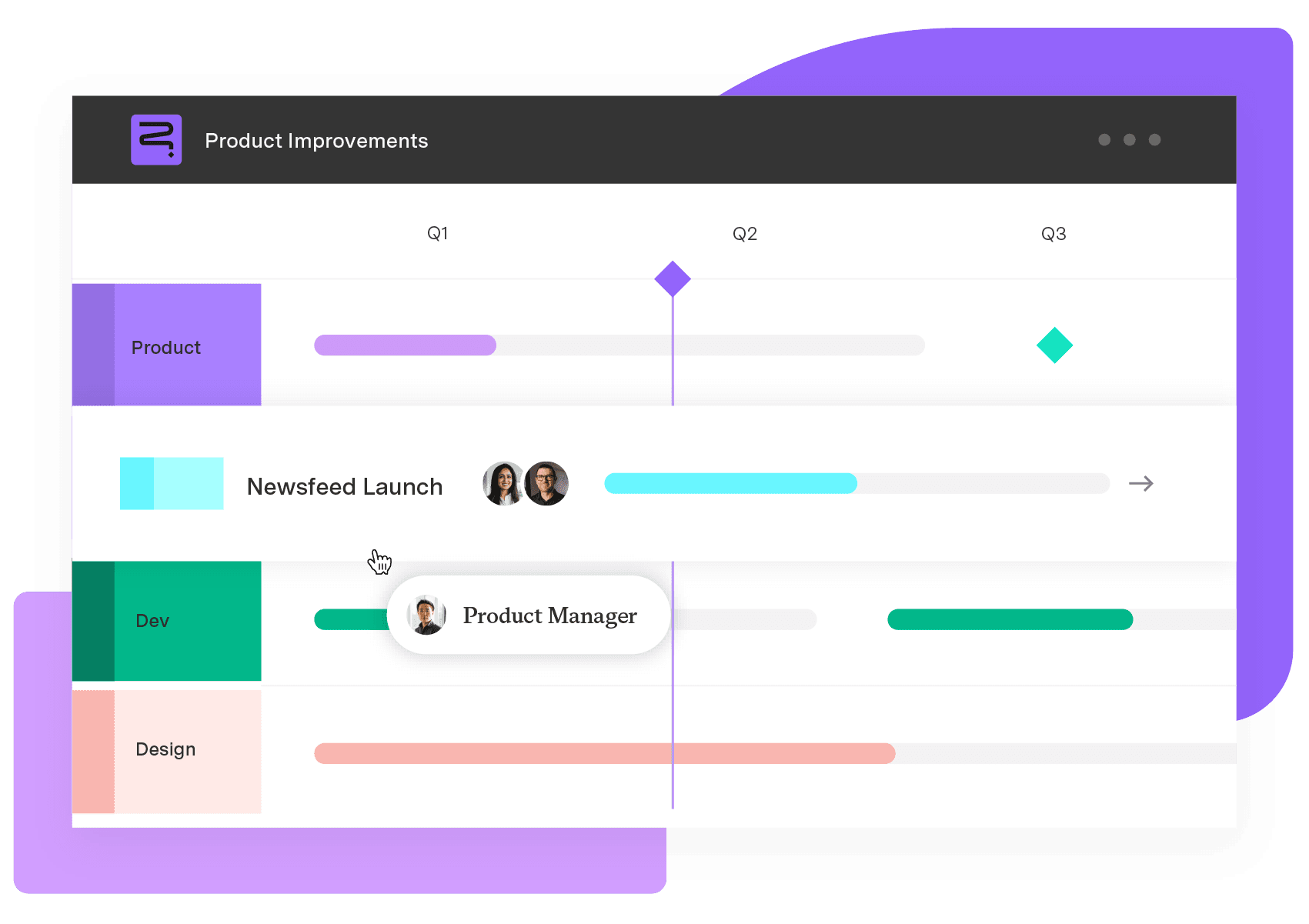
Strategic Roadmaps
Build your portfolio vision with Strategic Roadmaps. With powerful visualization capabilities, you can communicate strategy to the entire organization and gain alignment around strategic objectives, product goals, and milestones.
Start a Free TrialDevelop integrations that sync your data seamlessly between Strategic Roadmaps and your product stack.

Easily synchronize important work items and field data from Azure DevOps into a beautiful and strategic roadmap.

Introducing Strategic Roadmaps (formerly Roadmunk), an award-winning strategic roadmapping platform that lets users build, strategize, and connect.

Create a powerful, unified roadmap that connects to everything. Minimize risk and maximize ROI on your product investments, with Strategic Roadmaps

Roadmaps are essential to bridge the gap between planning and action. Learn how to transform your roadmap into a dynamic, decision-ready tool.

Exalate Modules add extensibility. Easily minimize the details of advanced system interactions and simplify the integration into synchronization.

Combined with Tempo’s Strategic Roadmaps, Jira is a powerful way to visually represent and communicate strategic, product, and project plans.

Build swimlane roadmaps in Jira with Structure PPM. Group epics into lanes by team, theme, or sequence – without exporting data.

Discover how aligning strategy and execution with integrated roadmaps can enhance portfolio management and boost ROI, based on our latest study.




















