Learn how to get a chaotic project back on track. Don't let the tsunami of project planning take you down, practice these simple project tips.


We are going to discuss the Business Intelligence (BI) tools in this article. You will learn what BI tools are, how they can help your small/medium IT company, review the best business tools available on the market, and learn how to link them to your project management software.
For the understanding of workflows, this form of business software was built to retrieve, interpret, create and transmit information. Normally, the applications interpret data collected from different defined sources before.
In plain English, business tools compile and process large numbers of generic documents. The information is taken from both domestic and foreign outlets such as journals,software tools, logs, files, images, mail, directories, video clips, etc.
BI tools do not possess the flexibility of analytical tools, but they do provide appropriate means of storing information. BI tools provide you with the data needed to be processed for reporting, generating dashboards and visuals. Having integral data, employees can decide quicker, improve performance, discover new sources of funding, monitor market trends, aptly compute KPIs, and never lose new chances for commercial growth.
Development teams use BI tools to allow more upright requests and biz reports.
In the era of Big Data, BI technology is particularly useful. Normally, IT businesses are running large info modules. They generate it, track, and store. Of course, businesses are doing all this for a reason. Information is helpful only in case we are able to dissect it and improve company throughput.
How should one make smart decisions? Ground them on the proved data. IT firms together with their customers produce bags of files. These docs contain logs of industry trends and buying algorithms. By collecting, systematizing and analyzing the info, administrators can learn more about their customers, more precisely predict revenue growth, and reduce technical errors.
It's usual for us to generate weekly, quarterly, monthly, and annual reports, which are common examples of BI. Current BI apps operate continuously, pretty quickly. With these observations, the company will be able to tweak its strategies in seconds.
BI technology transforms numerous customer and business actions and processes queries depending on the patterns found out. BI is available in many forms and uses various technologies.
BI tools enable managers to compile data from various sources of the company's business activity including different types of software, online stores data, tables, reports, logs, and so on. For instance, those may be sales data, the number of items in stock, projects, people, workloads, etc.
The main purpose of BI tools is to transform huge arrays of data into simple visual reports facilitating a clear understanding of the current situation and making informed decisions.Please note that you need to have integrations with all data sources for effective work with a BI tool. This way, your data will be updated in a real-time mode without any manual efforts from your side.
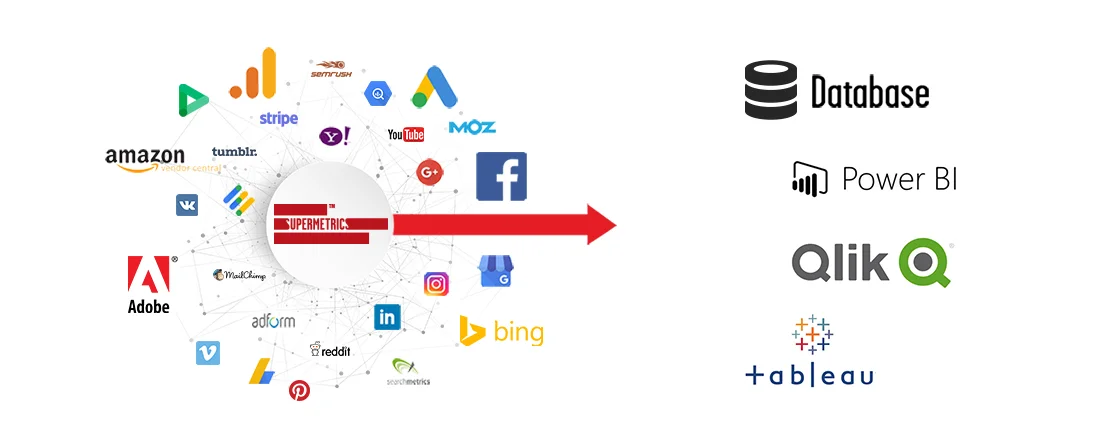
Herein under we feature some of the best BI tools recommended for small and medium-sized IT businesses.
This section contains a brief showcase of the most popular business intelligence tools recommended to use for small and medium IT businesses.
Tableau's BI tools are focused on advanced info mapping that examines and assesses files from a wide range of sources. It hunts for specific log files-relational, cloud, OLAP cubes (online analytical processing) as well as spreadsheets to deliver a number of forms of simulation.
Utilizing the terminology of VizQL request, Tableau refers to users ' drag-and-drop activities into data requests that are then graphically conveyed. It can also obtain, pile and recover data from the in-engine memory. Tableau users can generate and disperse dashboards that show stats, patterns and info volume in order to successfully distribute information. Tableau connects various sources of unprocessed, poorly organized, relational sources of data in real-time for the latest knowledge and insight.
QlikView is Qlik's leading insight and intelligence space data discovery and customer insight platform. It is designed to provide self-service information that can help drive decisions and generate significant ROI for consumers of any level of technical expertise. It provides many features, including its "pre-canned" dashboards, which are set up to analyze and interpret data.
It was designed to be accessible, flexible and adaptable from the ground up. It can collect data from various sources, such as large data flows, data based on documents, on-site or cloud data. QlikView is renowned for its data groups and relationship operability, automatically keeping data in the framework. Results are delivered promptly via its patented data processing feature in memory, allowing up to 10 percent of the original size of the data to be processed.
Microsoft Power BI is a potent tool originally released in 2011 that allows users capture and analyze confidential data to make better strategic decisions. It provides a user-friendly interface for users to generate their own dashboards and files.
The system comes in two varieties: on-premise based version of Power BI Services, a SaaS deployment, and Power BI Desktop. This vigorous software can be used to link datasets, view variations and find information and insight.

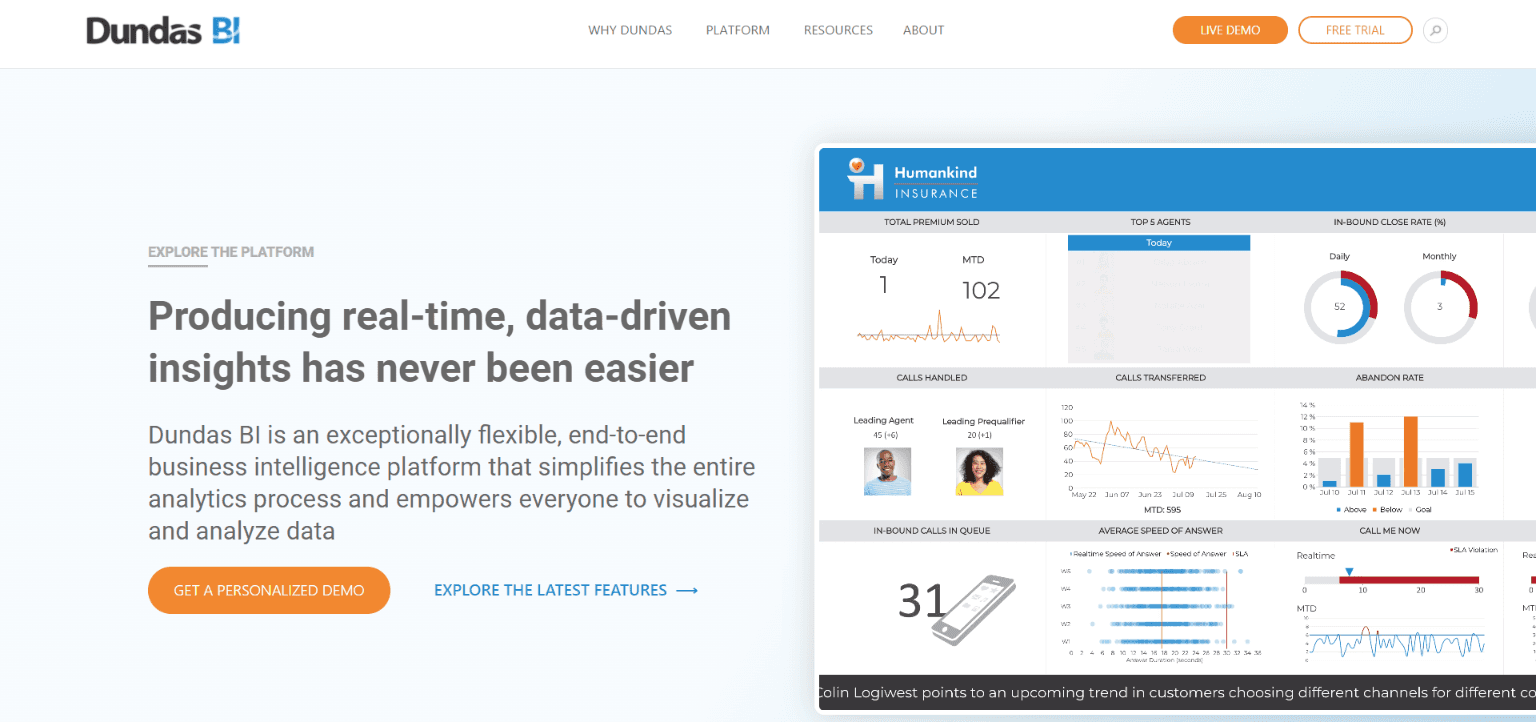
Dundas BI Dundas BI is Dundas Data Visualization's dominant client-based business intelligence solution. It provides users with the ability to produce collaborative dashboards, personalize their visual representations, generate reports and delve deeper.
The responsive design allows users to merge data in real-time dynamically from any outlet. Launched in 2014, it encompasses the capacities of BI and business intelligence into a scalable solution that can be accessed from any appliance. You can use Dundas BI as a stand-alone device or integrate it into other application types.
Sisense This system is a computer application for market discovery, analysis, and intelligence that provides a back-end driven by an in-chip tech. This enables non-technical consumers to join up and examine huge sets of data from a variety of sources.
It also offers a front-end that generates visuals, documents, and dashboards that can be accessed on various types of devices. It is an agile and scalable platform designed to provide a variety of technologically trained users with advanced analytics capabilities.
Many small and medium IT companies use Jira to efficiently manage their projects. If you are one of them you probably try to guess how to combine these smart solutions. It's simple, use Tableau Connector for Jira from Alpha Serve. No matter what your team size is, it's free to try this app for 30 days.
The Cloud version of Tableau Connector for Jira is permanently free for small teams up to 10 users. The plugin is available on the Alpha Serve Marketplace page.
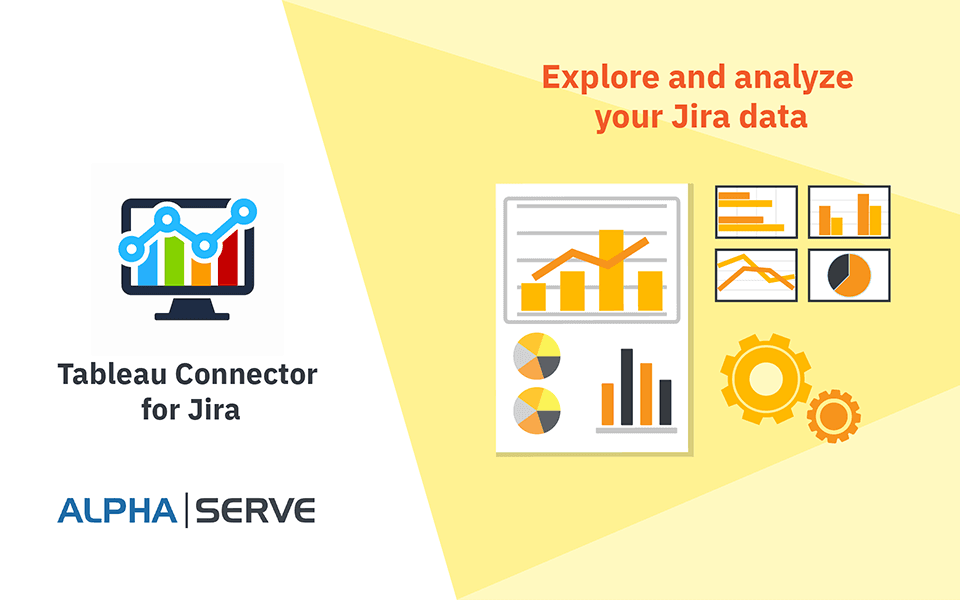
The tool makes it possible to research and evaluate your Jira data with Tableau. Make up dashboards and other visuals to simplify comprehension.
Form different sources of information and give life to your Jira files. Store all your info in one place to pull out applicable data.
Search the data and evaluate it. To discover data with graphical reports, design beautiful, dynamic documents, information dashboards, and diagrams in a matter of minutes.
Transform the ideas into practical guides. To prepare for future business plans, turn data into knowledge. Boost your company's productivity and increase efficiency as a consequence.
Jira's Tableau Connector allows you to transfer all your documents from Jira to Tableau. Include Jira to your key data outlets and get the newest and most comprehensive information to make coherent strategic decisions.
BI tools help businesses turn information into knowledge that can be implemented. This app extends your data terrain by introducing Jira to your present Tableau tool as a data provider.
Jira's Tableau Connector is simple to use, with opportunities to customize it to suit your level of expertise and requirements.
Jira's Tableau Connector embraces a vast array of Jira database setup to transfer any category you want: Jira tables and fields, including Custom fields, History, Jira Service Desk, Tempo Timesheets, Tempo Planner, Agile, and more.
Data Center & Cloud Hosting features will be available in the future
To accelerate prompt decision-making and maintain emphasis, you can have all your activities on a single interface. Staff can track behavior and analyze performance using Tableau to assess general business performance and results.
[VIDEO]
Business intelligence need not be frightening — a wide range of resources are available to teach and motivate customers. There are many specific types of BI tools for exploring and experimenting with. The more trained the subscriber base is, the stronger and more detailed the choices will become. BI is a powerful and effective tool that can be applied to just about any business.
Learn how to get a chaotic project back on track. Don't let the tsunami of project planning take you down, practice these simple project tips.
Do you struggle with the process of planning a trip? Follow these simple steps to achieve the best plan, and the best vacation possible!

Your project kickoff meeting is like opening night for a new production. Learn how to lead a project kickoff meeting with these tips.

Jira started purely as an issue tracking software targeting software developers, and quickly evolved into one of today’s biggest productivity tools.

Support your team by using the best project planning tools out there, and discover how Tempo’s products can enhance your workflow.
Kick off your process mapping project by drafting a SIPOC diagram to visualize the mechanism and build understanding and alignment among stakeholders.
You'll be glad to hear startups and small businesses with 10 or less users get a free Jira license for everyone!

Limit access to sensitive tasks and information within your project management tool using Jira permission schemes at the global and project levels.
We're taking a look into the trends in project management that will continue to shape the profession moving forward.