

Scenario planning software spans three categories. Compare the best tools for portfolio and delivery planning against real team capacity.
Take control of your project management tasks by implementing project planning tools to foster collaboration and increase team productivity.

A carpenter would never consider sawing a piece of lumber with sandpaper. They need equipment that’s suited to the task at hand.
Project management is much the same. PMs need tools that suit their unique workflow and goals. An experienced leader knows when each solution is appropriate and what it excels at.
Here’s everything you need to know to select and implement the proper project planning tools and applications for your practice.
A project planning tool is any software, application, or implement that allows a project manager to fulfill their responsibilities. Some tools, like time trackers and to-do checklists, are straightforward. Others, such as Gantt charts and Kanban boards, fulfill more specialized needs.
These apps aren’t exclusively used by the project manager. Team members use project management tools to complete their work, collaborate with others, and remain accountable for their assigned tasks.
Whether you work in construction or software development, the best project management tools streamline workflows and lay out a smooth path to delivery.
Project planning tools provide numerous benefits for everyone involved, from leadership to team members to stakeholders, whether you’re working on a simple project or managing a portfolio of multi-stage initiatives.
Project managers are responsible for implementing project planning tools, and they see the most benefit from them. Here’s how they help project leadership:
Visualize the project: Rather than pouring over pages of data, project planning applications deliver intuitive graphics to your dashboard, like flowcharts, graphs, and roadmaps. These visualizations help the group see the big picture, understand the project’s current state, and identify the path forward.
Increase efficiency: Project management software improves efficiency and productivity by streamlining complex methodologies and automating repetitive tasks, freeing you to focus on high-impact work.
Improve organization: Project managers must document progress, assign tasks, and oversee change management. A project management tool ensures all this information is methodically ordered and easy to find.
Direct resource management: Many tools include task management features, helping you visualize and balance workloads, track capacity, and optimize resources in real time to ensure your team isn’t overwhelmed.
Facilitate risk mitigation: Interactive dashboards simplify real-time team and project performance tracking, even for the most complex projects. Deep insights make it easy to identify and mitigate potential risks before they negatively impact project timelines and deliverables.
Generate data-driven insights: Many project management tools can be customized to track specific metrics or benchmarks and deliver the data to your dashboard. The information enables fast and informed decision-making during unexpected challenges.
Promote adaptability: Most project management tools facilitate scaling as business needs change, easily integrating new features and capacities into the existing application.
The advantages of project planning tools extend to the rest of the team, improving overall outcomes. Here’s how:
Act as a source of truth: The planning app consolidates project documentation and data in a single place. Instead of waiting for someone to respond to a query, users can research the answer, saving time.
Simplify prioritization: Task management is integrated into most project planning apps, helping team members identify and track project dependencies and prioritize work.
Organize collaboration: Remote work arrangements have made collaboration more challenging. Project management apps remove roadblocks to effective communication and cooperation by allowing file sharing, chat messaging, and teleconferencing functions.
Build accountability: A project management tool defines responsibility for every task to promote a sense of ownership and accountability.
Identify improvements: Project planning tools document inefficiencies and issues that negatively impact productivity, allowing team members to improve performance.
Interested parties outside the project team need regular updates about the project’s progress. There are several ways project management software can leverage project planning tools to keep them up to date without interrupting your workflow:
Centralize documentation: Many project management tools include analysis functionality that quickly reviews stored data from the document hub and provides essential information to stakeholders regarding items of interest, such as project timelines and work breakdowns.
Ensure transparency: Provide team members and stakeholders with access to accurate information about scope, timeline, and budget changes to increase alignment.
There is no “best” project planning tool, just the one that best suits the situation and your team’s needs. Before implementation, gather the team to brainstorm what project management problems they want to tackle. That way, you can select a tool that streamlines processes and workflows rather than obstructing them.
Here are five battle-tested project planning tools to consider:
A key contributor to effective project planning is the work breakdown structure, which divides deliverables into smaller, actionable tasks. Like the critical path, the WBS lists crucial work in order of completion. The document helps project managers monitor progress by tracking task status and ownership.
A project roadmap is similar to a flowchart, providing a strategic view of project evolution from initiation to completion. The roadmap also accounts for tasks and dependencies that fall outside the linear trajectory but are still integral to successful delivery.
Project managers have several options to create a roadmap within a project management tool, including flowcharts, deadlines, or calendars. These are all effective, provided you include:
Why and how tasks align with the project’s goal.
Required resources
A timeline including start and end dates
Cross-functional dependencies
Gantt charts use a bar graph to illustrate project timelines and assignments, helping teams identify task dependencies. The bars represent each task and are stretched across the timeline to express duration. Each bar is color-coded, helping team members quickly identify progress and simultaneous tasks.
Some virtual Gantt charts are interactive. Clicking a bar reveals additional information, such as required resources, potential risks, and ownership.
Establishing a communication plan at the outset of project planning ensures team members and stakeholders receive information according to their preferences. The plan establishes update protocols and identifies who teammates should approach for information relating to specific topics, saving everyone time.
A baseline represents management’s initial projections for the project’s three main constraints: cost, time, and scope. Each baseline variable is established at project launch based on informed estimates and used to track progress throughout execution. Deviations from the baseline identify scope creep and show where costs and timelines may need to be adjusted.
In addition to the previously mentioned project planning tools, comprehensive project management software should offer the following features:
Workflow visualizations
Timelines
Time tracking
Task details
Real-time updates
Project completion estimates
Assignees
Budget estimates
Resource allocation details
Document collaboration and sharing
Risk analyses
Automation
Tempo, Jira, Asana, Trello, and even Excel spreadsheets are excellent tools for managing projects, and there are dozens more. So, how do you choose between Basecamp, Paymo, or any other platform?
When choosing project management software, this five-step process will clarify options and make the decision easier:
Consider your project management framework, project type, and team size. For example, if you’re using agile instead of traditional project management methodologies, consider applications that support Kanban boards, real-time collaboration, and sprint planning. Project structure, workflow preferences, collaboration styles, and other factors will also influence your decision.
At the bare minimum, review:
User numbers: An ideal platform accommodates your current users with the option of scaling up as the business grows.
Paid plan: Project tools typically offer variable pricing schemes based on the available features and number of users – sometimes even a free plan for small teams.
Required features: What problems does your team face, and what do they need to solve them?
Ease of use: Is the software intuitive, or do new users experience a steep learning curve? Research whether the solution provides introductory training for new clients.
List your desired features and divide them into four categories:
Must-haves
Advanced features
Future requirements
Other considerations
Research features, capabilities, pricing, and reviews. Compare each project planning platform to your priorities from Step 2.
Put the project management software through its paces by participating in free trials and demos.
Review each project management tool’s performance and select the best fit for your team.
The following best practices ensure you get the most from your project management tools:
Planning tools ensure team autonomy, giving members a single source of truth to answer project questions. If documents aren’t updated, team members may work from obsolete information, leading to errors and delays.
Encourage team members to discuss issues using the tool’s communication systems. This encourages transparent problem-solving processes and documents the solution for all to see.
Take advantage of task management automation. By taking over workflows and other day-to-day tasks, these features free you to focus on high-value work, improving efficiency and productivity.
Customizable templates are among the most powerful tools provided by project management software. They ensure collaboration, communication, and consistency. The key is to keep them simple and flexible, tweaking them after each use for continuous improvement according to user feedback and changing project dynamics.
Tempo offers a host of Jira-enabled project planning software solutions, allowing you to create a customized and scalable tech stack that meets your team’s needs.
Start with Strategic Roadmaps for project roadmapping and strategic communication, then add Timesheets and Capacity Planner to cover time and resource tracking. Use Structure PPM and its Gantt Charts add-on to plan multiple, complex projects at once. You can also extend the functionality of these project management tools via third-party integrations with Slack, GitHub, and many more.
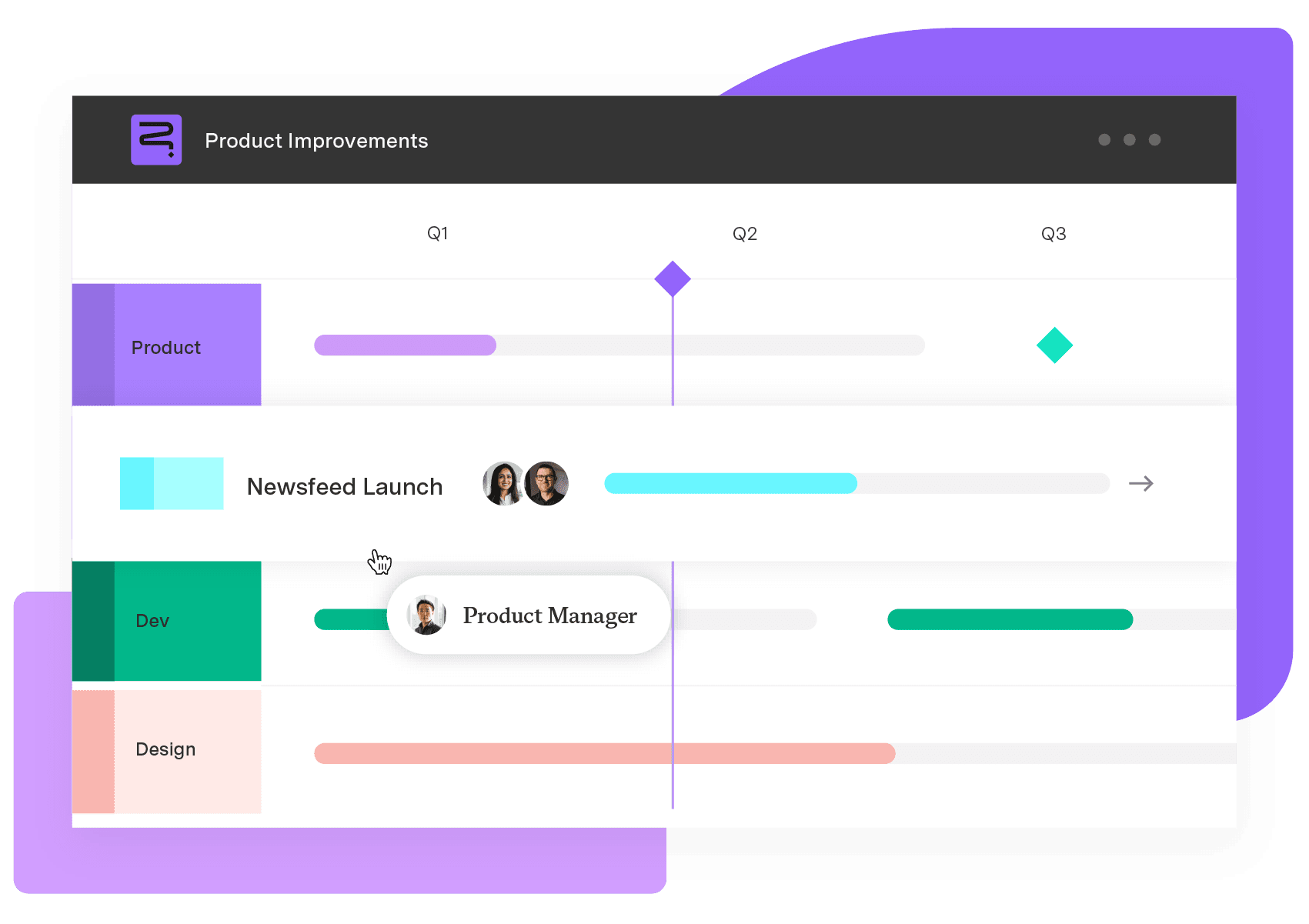
Strategic Roadmaps
Build your portfolio vision with Strategic Roadmaps. With powerful visualization capabilities, you can communicate strategy to the entire organization and gain alignment around strategic objectives, product goals, and milestones.
Start a Free TrialScenario planning software spans three categories. Compare the best tools for portfolio and delivery planning against real team capacity.

Support your team by using the best project planning tools out there, and discover how Tempo’s products can enhance your workflow.

Discover product management tools to enhance your launches. Tools offer heatmaps, immersive user research, roadmapping, product analytics, and more.

Take control of your schedule with time management AI. Use smart tools to schedule meetings, set deadline alerts, and establish time blocks for work.

Streamline your project management workload and get ahead on the planning process by adding these 5 top resource planning templates to your toolbox.

Take control of your workday. Learn how to integrate the Jira Calendar with Google to maintain focus on high-priority tasks and improve productivity.

Take control of your time by implementing a routine work log practice. You’ll get more done in less time, reducing stress and frustration.

Take control of the unexpected in project management by creating an issue log to address and monitor problems before they impact your work.

Explore top tools and strategies to master website project management. Track progress, boost team collaboration and deliver high-quality sites on time


















