New in Structure: Conditional colors

What’s new
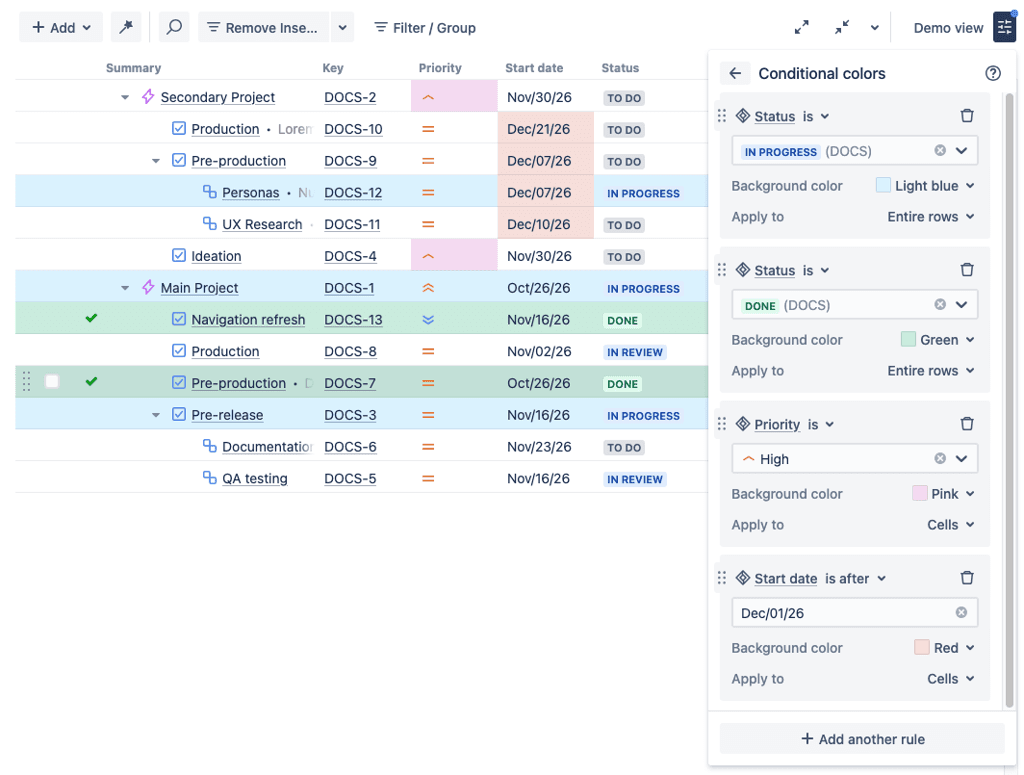
We’re introducing conditional colours – a new view option that lets you highlight work items and spot risk more effectively.
Now, you can pick a field, set a condition, choose a color, and matching rows light up in the view. No formulas and no Expr knowledge needed. It works like conditional formatting in Excel, but it lives in Structure.
Why it matters
No more manual color coding – conditional colors highlight work items automatically based on rules you define (any Jira field, formula, or even fields from another Jira instance through the Cross-Jira view EAP), so the items that need attention stand out in the structure without manual formatting or exports.
Until now, spotting risk meant writing formulas in the Expr language. Many leads don’t know it, so they scan rows or wait for status updates, and risk gets caught late.
Faster decisions: Overdue and blocked work shows up when it happens, not weeks later.
Less manual effort: Teams stop scanning rows and rebuilding highlights.
Consistent reporting: Rules save with the View, so everyone reads risk the same way.
To get started, go to the “View” options for your structure, select Conditional colors, then add a new rule and customize it to fit your needs. You can also share saved views with their conditional colors.
Structure PPM
Align your entire organization
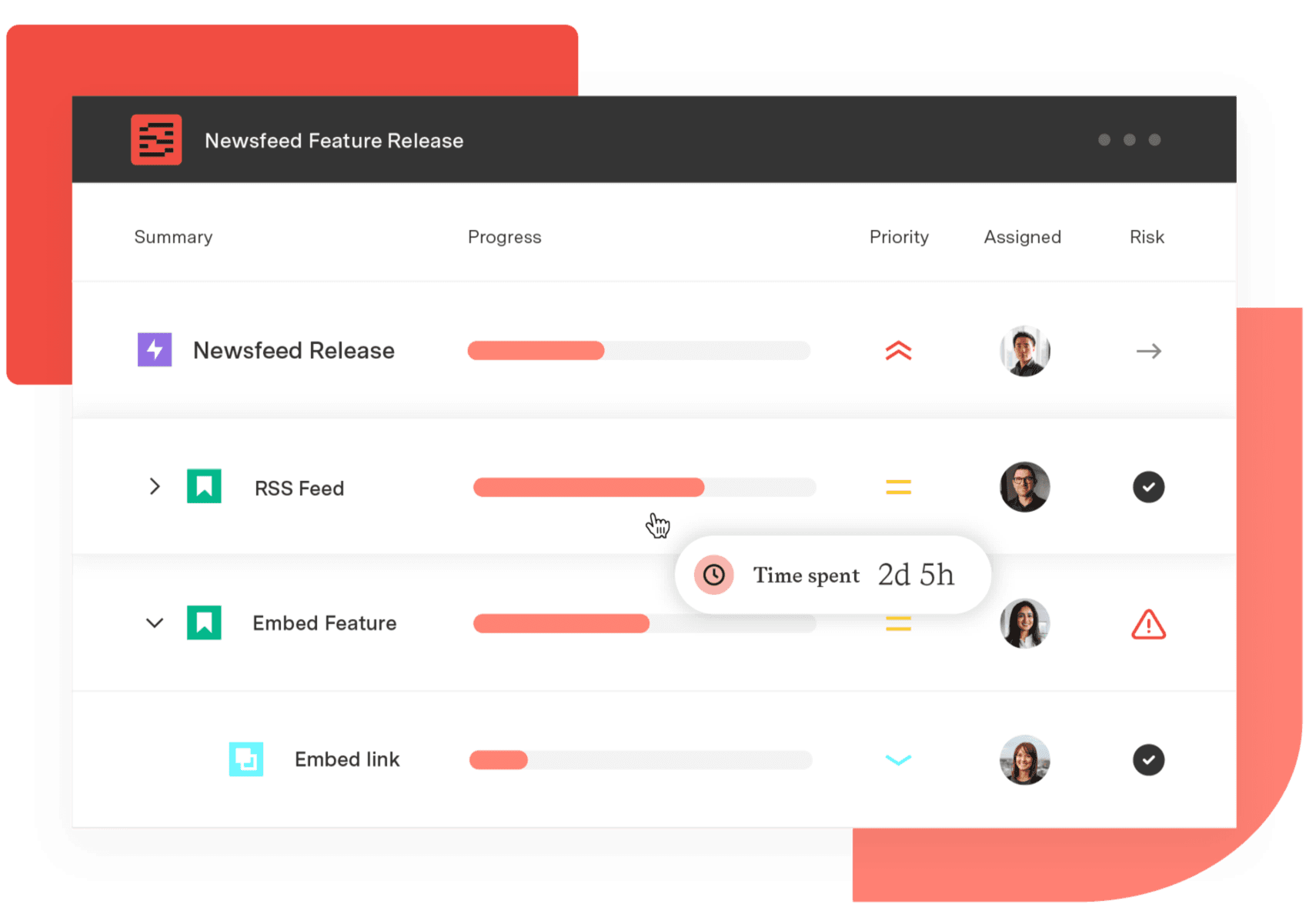
Manage products, projects, and programs in a single spreadsheet-like view. By providing a clear, real-time view of project progress and resource allocation, Structure helps teams meet deadlines and adapt swiftly to changing priorities.
Start a Free Trial