

A backlog is a prioritized list of tasks, features, or items that must be completed in a project or process.

A sprint backlog is a list of tasks, user stories, or product backlog items that a Scrum team commits to completing during a sprint. The sprint backlog definition highlights it as a dynamic, short-term plan that guides development teams toward achieving the sprint goal.
When asked what a sprint backlog is, it refers to a core artifact in the Scrum framework that represents the work selected for a sprint and the strategy for how the team will accomplish it. Unlike a product backlog, which contains all future project needs, a sprint backlog focuses only on what can be delivered within the sprint timeframe.
In practice, the sprint backlog provides transparency, accountability, and alignment. It evolves during the sprint as tasks are clarified, refined, or updated, making it a living document that reflects real-time progress.
The sprint backlog is essential to agile project management because it ensures the team has a clear and shared understanding of what needs to be done in the short term. It is typically created during sprint planning, where the team collaborates with the product owner to pull prioritized items from the product backlog.
Key elements of a sprint backlog include:
Selected product backlog items: User stories or features chosen for the sprint.
Task breakdowns: Smaller tasks that help deliver backlog items.
Sprint goal: The overarching objective of the sprint.
Progress tracking: Visual boards or digital tools that show the status of each task.
The sprint backlog fosters collaboration, helps identify blockers early, and keeps the sprint goal in focus by providing visibility into work in progress.
To better understand sprint backlog examples, consider the following scenarios:
Example 1: Software development team A Scrum team selects user stories for a two-week sprint, such as “add login functionality” and “create password reset feature.” These are broken into tasks like designing UI components, coding backend APIs, and writing test cases. The sprint backlog serves as the guide for daily stand-up meetings.
Example 2: Marketing sprint A marketing team running agile campaigns creates a sprint backlog that includes tasks like drafting blog posts, designing social media graphics, and analyzing engagement metrics. Each task is linked to the sprint goal of increasing brand awareness for a new product.
Example 3: Product design sprint A design team working on a mobile app builds a sprint backlog with tasks such as creating wireframes, conducting usability tests, and refining the prototype. The sprint goal is to validate design assumptions before development begins.
These sprint backlog examples show how the backlog adapts across industries, providing structure and focus for different types of agile teams.
Using a sprint backlog offers several advantages:
Clarity: Provides a detailed plan for what will be delivered in the sprint.
Transparency: Keeps all team members and stakeholders aligned.
Focus: Ensures work is directly tied to achieving the sprint goal.
Adaptability: Allows updates and changes as new insights emerge.
Accountability: Encourages ownership and commitment within the team.
Despite their usefulness, sprint backlogs can face challenges:
Overcommitment: Teams may include too many tasks, leading to unfinished work.
Lack of clarity: Poorly defined backlog items can confuse.
Inflexibility: Treating the backlog as fixed instead of adaptable can reduce agility.
To overcome these, teams should ensure backlog items are well-defined, realistic, and reviewed regularly during stand-ups.
In summary, sprint backlog describes a prioritized set of tasks or stories that guide a Scrum team during a sprint. Understanding what a sprint backlog shows is essential in creating focus, alignment, and transparency for agile teams.
As your living plan, a sprint backlog is essential for keeping teams organized, collaborative, and committed to delivering value within each sprint.
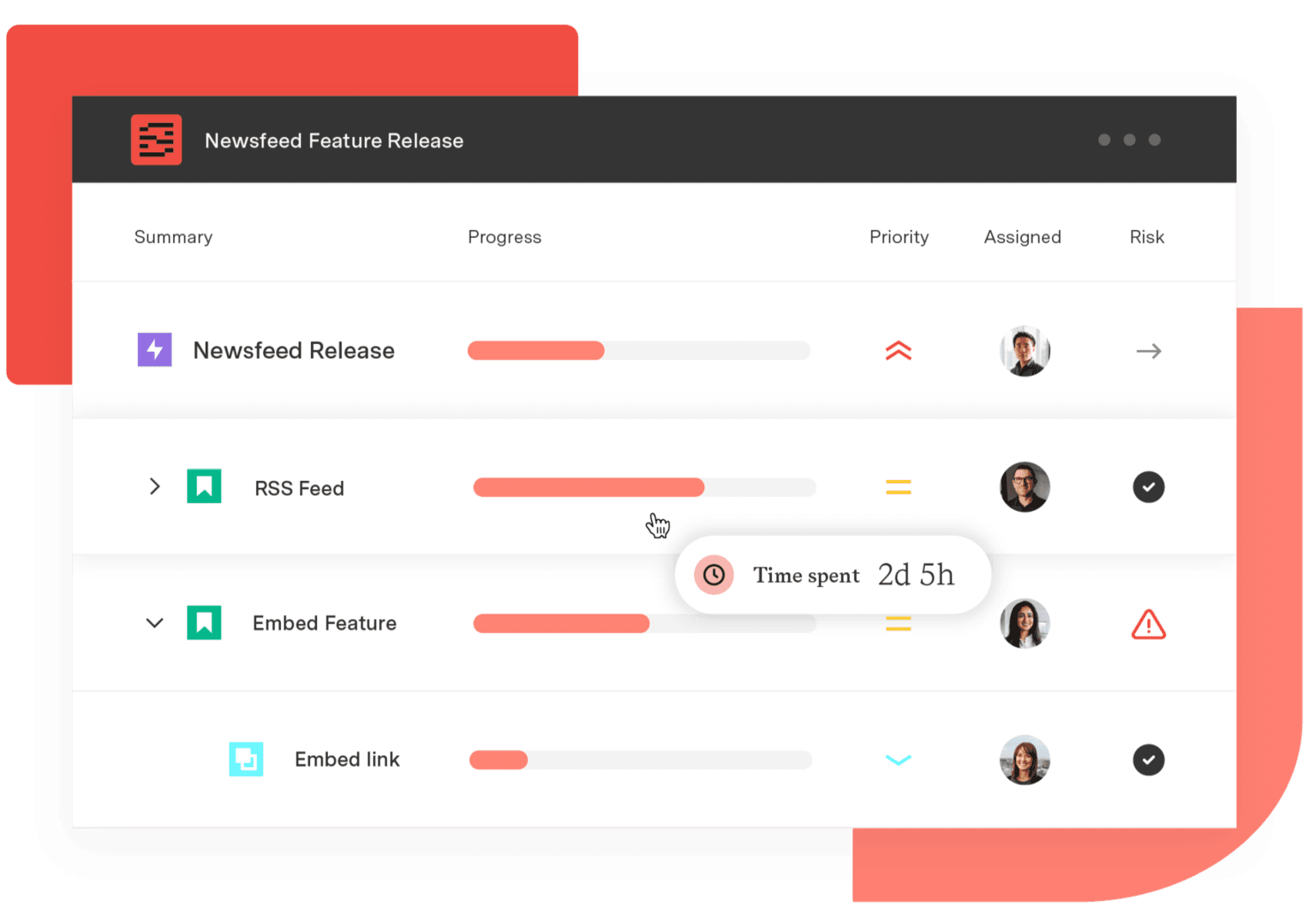
Structure PPM
Manage products, projects, and programs in a single spreadsheet-like view. By providing a clear, real-time view of project progress and resource allocation, Structure helps teams meet deadlines and adapt swiftly to changing priorities.
Start a Free TrialA backlog is a prioritized list of tasks, features, or items that must be completed in a project or process.

Explore the Product Backlog in Agile—its role in development, how it differs from user stories, and tips for effective backlog management.

Understand the essence of Backlog Grooming, its significance in agile development, the key players involved, and how it contrasts with sprint planning

A product owner acts as the bridge between stakeholders and the development team. They ensure that the team’s work aligns with the overall strategy.

Learn about Sprint Review in Scrum, a collaborative meeting where the Scrum Team showcases their work and gathers feedback from stakeholders

Scrumban is a hybrid project management methodology that combines elements of Scrum and Kanban to create a flexible framework for managing work.
Explore Scrum meetings in Agile and how they boost team collaboration, transparency, and accountability throughout the project lifecycle.

Retrospective means reflecting on past events, projects, or experiences to evaluate what went well and what could be improved.
Project management principles are foundational guidelines that provide structure and consistency in planning, executing, and completing projects.