How Edenred scaled Tempo from 500 to 3,000 users

At Team ‘26 Europe – we spoke with dozens of customers about how they are using Tempo and how we can all make our workflows smoother.
One of those individuals was Razvan Nechifor, IT Systems Manager at Edenred. He has been managing Atlassian implementations for over 13 years and for most of the group’s business units. That makes for 3,000 people using Tempo regularly at Edenred today.
What began as a way to measure time has developed into an interconnected system for workflow management and visibility using Tempo Timesheets and Power BI Connector for Jira.
Starting with a gap in Jira
Nechifor told us that back when he first started implementing Tempo – his team just needed a better solution to track time.
He said: “Back then, as far as I remember, Timesheets was the only plugin that offered layers above the standard Atlassian functionality, so that’s why we chose it.”
However, it wasn’t all smooth sailing. Edenred were not initially sure it was the right solution as they had a complex legacy tool behind it used for tracking time that they were worried teams would not want to move from, but Timesheets features and value won teams over.
Nechifor found Timesheet’s approvals feature as a standout benefit. Along with the reports his team could generate from their time – helping users quickly submit timesheets auto-generated from Jira and giving reviewers tools to approve or reject.
Nechifor added: “There’s also the holiday period, which we can allocate to all employees, and the different timetables they can work to. So that was the reason we use Tempo.
“We managed to create the proper structure with 500 users in different teams at that point. From there we kept growing, and now we have 3,250 users. I think 2,000 of them are regular Tempo users, logging in at least once a month to create timesheets, and probably more often than that.”
Sharing administration across teams
One feature that Nechifor highlights within Timesheets is how he can manage permissions between teams so people can manage their own reporting more effectively.
Edenred gives team managers Tempo team administrator permissions so they can manage their own teams. The central team still handles requests, but it helps them track, as users might split their work between teams. He added: “We add and remove users, and we create their time off. People can work for a team for a specific period and then move to another, and that is reflected in their timesheets. Someone might have timesheets for one team half the month and another team the other half.
“For us, it’s pretty easy to manage.”
Tracking effort, not hours
“Basically, I recommend Tempo to anyone who wants visibility into the effort spent on something.”
Razvan Nechifor, IT Systems Manager at Edenred.
Some organizations record a fixed eight-hour day, whatever the work. Edenred wants to see the real effort behind each task, and it does not matter whether someone works eight hours or 10.
Timesheets lets teams set limits, such as a daily cap, so no project overspends without anyone noticing.
Moving reporting to the Power BI Connector
Edenred runs a lot of Power BI reporting on Tempo data and swapped to using Tempo’s Power BI Connector for Jira to get that done for them.
Nechifor said: “We do a lot of Power BI reporting from Tempo, and we wanted a connector that’s better integrated with Tempo. All of them have connections, of course, but I find this one easier for regular users, because they don’t have to create the connectors themselves.
The move is not simple. Edenred has a large body of historical data, and changing structure takes planning. Razvan’s team values the functionality that comes with the plugin, so they weigh every change carefully.
Finally, Nechifor told us just how smoothly Tempo has been integrated with his team’s workflows, adding: “A funny thing is that people don’t see Timesheets as a plugin over Jira – it seems like a product within the company. People ask for Tempo licenses, not just given to them. It’s becoming very popular, and since it is so widely used, we’re happy to keep using it continuously.”
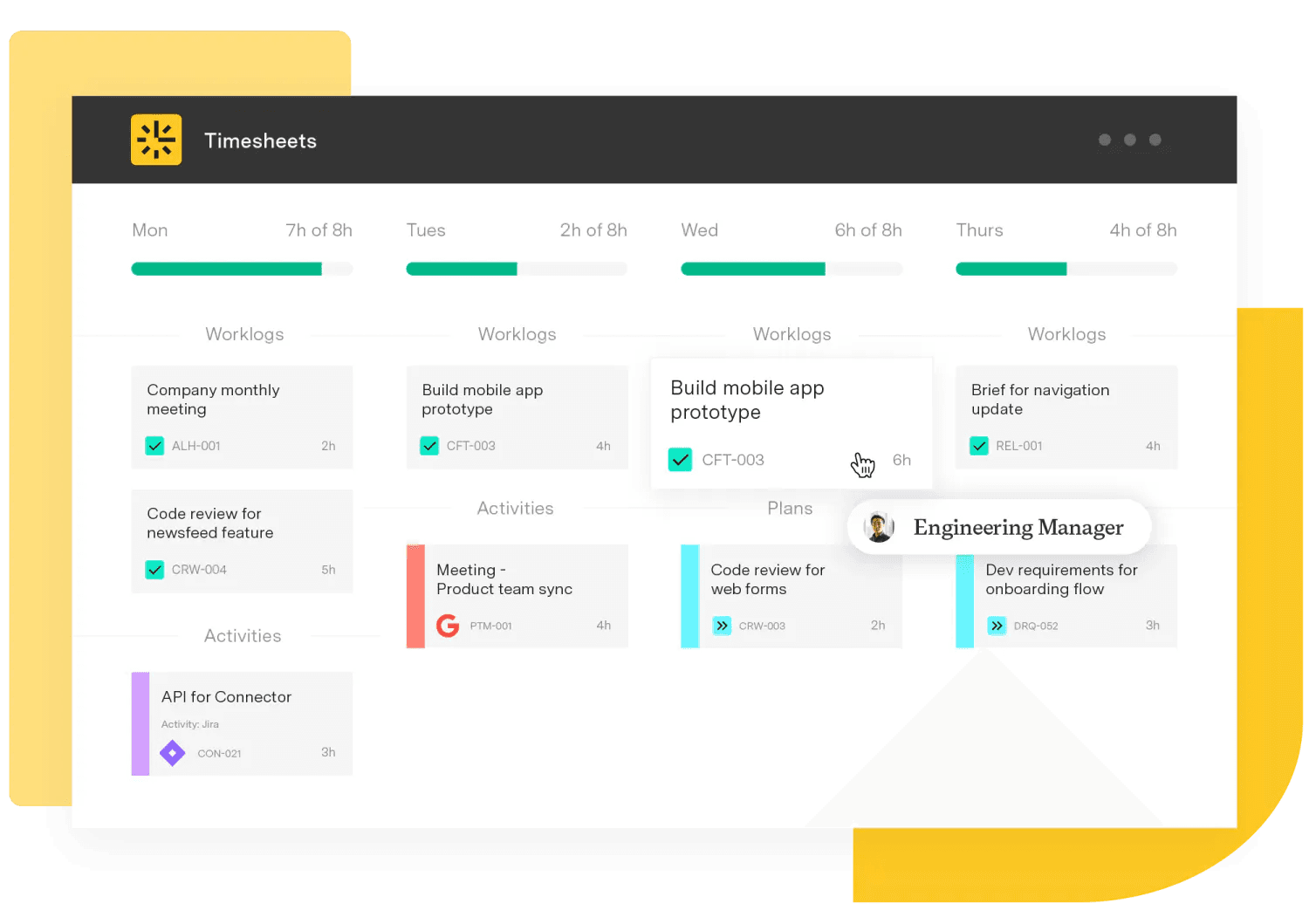
Timesheets
Optimize your projects, teams, and resources
The #1 time-tracking app for Jira. Timesheets seamlessly integrates with Jira and your existing workflows to help you track time for accounting, CapEx tracking, client billing, compliance, and more.
Start a Free Trial