Consistent filters across Capacity Planner
Plan and report on the same work with less manual setup


When you move from planning resources to reviewing a report, you need to know you’re looking at the same work. Different filters across views have made that harder, requiring repeated setup and extra checks before you can compare the results.
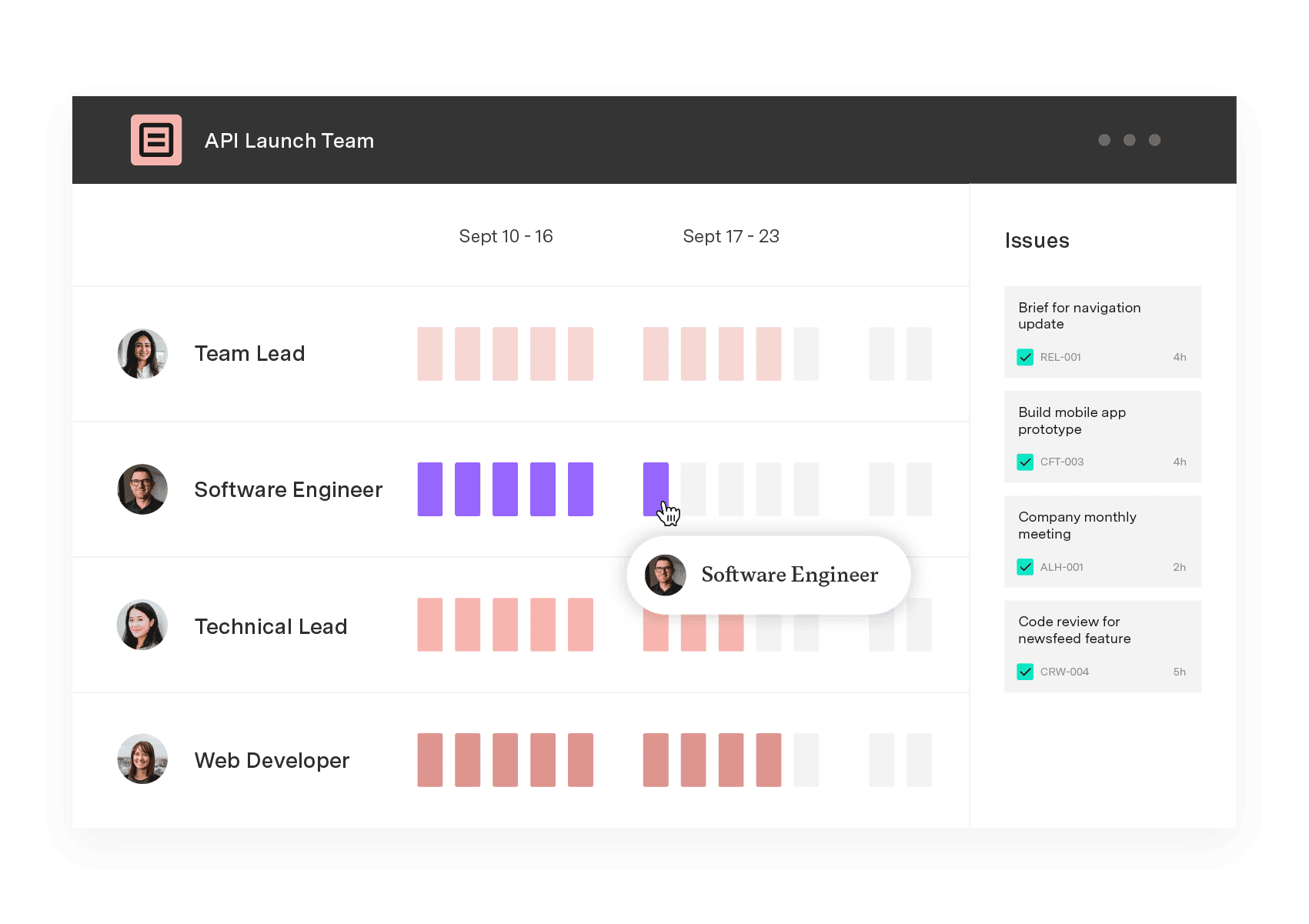
This latest update for Capacity Planner brings consistent filtering across resource planning, team planning, and reports – expanding the ways you can search for your data.
What’s new
Resource planning, team planning, and reports now share the same filter set, including:
Project / Space: Scope any view down to a specific project or space
Jira core and custom fields: Filter by the same fields you already use to organize work in Jira
Issue status: Filter plans by the status of the underlying work item
Why it matters
Compare with confidence
Review plans and reports for the same team, project, or selection of work. Spend less time checking whether a difference comes from the data or from mismatched filters.
Focus on the work behind the decision
Use Jira fields to narrow your view to the work that matters to your staffing question. Business-specific custom fields help you examine capacity in the way your organization organizes its work.
Reduce manual reconciliation
Keep more of your planning review within Capacity Planner. Consistent filters reduce the need to export data to Excel or Power BI solely to reconcile planning views with reports.
Getting started
Explore the updated filters in resource planning, team planning, and reports. Use the documentation to see the available filter options.
Capacity Planner
Integrate seamlessly with Jira
Capacity Planner is the only tool in the Atlassian Marketplace that allows planning for multiple resources on one issue. Users can customize the UI to include their existing Jira issues and projects.
Start a Free Trial